
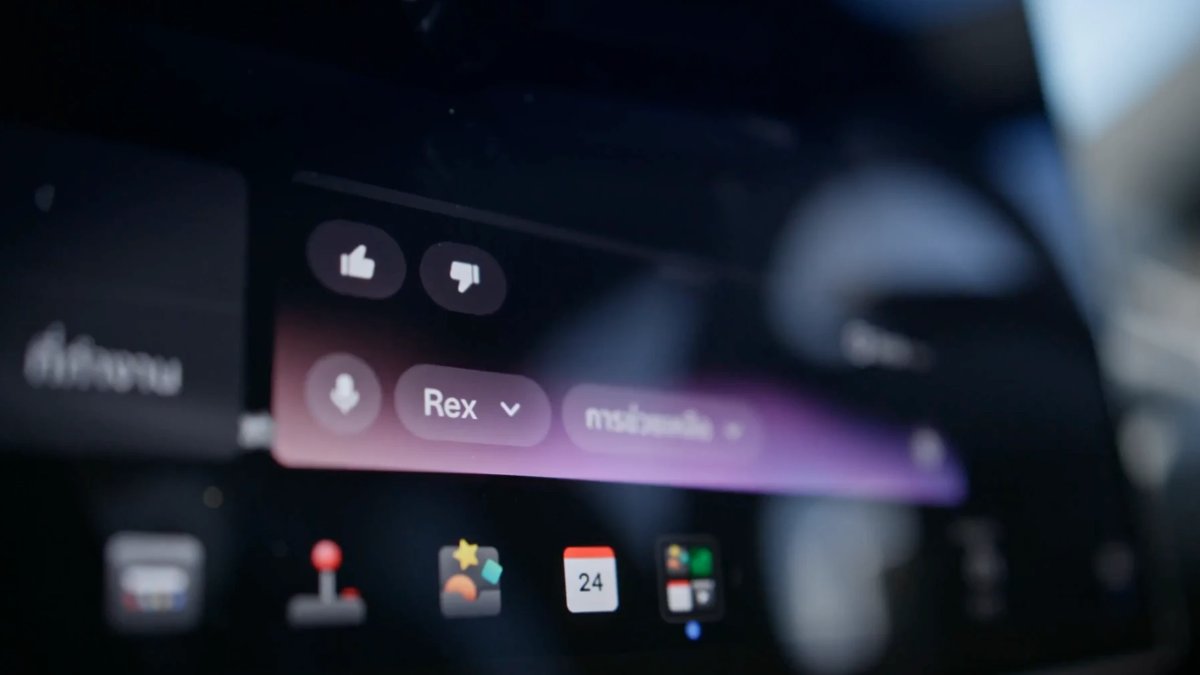
Fai aprire siti web a Grok e ascolta gli articoli letti ad alta voce nella tua Tesla

L’assistente Grok integrato nell’abitacolo delle Tesla continua ad arricchirsi di funzionalità pratiche che rendono gli spostamenti più produttivi. Oltre a gestire la navigazione o rispondere alle domande, Grok può aprire pagine web sul display centrale e leggere ad alta voce articoli integrali, così puoi tenere gli occhi sulla strada.
Se vuoi aggiornarti sulle notizie sui veicoli elettrici o ascoltare guide approfondite durante un viaggio, bastano un paio di comandi vocali per trasformare le pagine scritte in una lettura audio.
Come chiedere a Grok di leggere ad alta voce gli articoli sul web
Per chiedere a Grok di leggere gli articoli nel browser integrato, segui questi tre passaggi conversazionali (imposta prima Grok sul profilo Assistente):
Apri il sito: Attiva l’assistente premendo il pulsante del microfono sul volante o dicendo «Ehi Grok», poi chiedigli di aprire un sito web. Grok avvia il browser e carica la pagina iniziale.
Scegli l’articolo: Di’ «Leggi i titoli principali» oppure «Apri il primo articolo». Grok potrebbe parafrasare i titoli anziché citarli parola per parola, ma individua in modo affidabile l’argomento principale e apre la pagina sullo schermo.
Avvia la lettura: Una volta caricato l’articolo, basta dire «Leggimi l’articolo». Grok analizza il testo, esclude gli annunci pubblicitari e legge l’articolo ad alta voce dagli altoparlanti dell’auto, con la sua naturale voce sintetizzata.
Puoi mettere in pausa la lettura, fare domande a Grok o dirgli di tornare alla pagina iniziale quando hai finito.
Funzionalità sempre più ampie nell’abitacolo e sviluppi futuri
La lettura delle pagine web si aggiunge a una serie di strumenti di Grok nell’abitacolo in rapida espansione. In modalità Assistente, al momento puoi usare Grok per controllare il climatizzatore, impostare e modificare la navigazione, gestire le chiamate a mani libere, riprodurre contenuti multimediali, rispondere a domande tecniche sulla base delle informazioni contenute nel manuale d’uso Tesla e impostare promemoria basati sulla posizione.
Di recente Tesla ha inoltre aggiunto il supporto a Grok Bot, dando ai conducenti accesso ad agenti di IA a cui delegare attività come controllare la posta elettronica, gestire gli appuntamenti in calendario e fare acquisti online.
Inoltre, Tesla sta preparando integrazioni di Grok ancora più profonde. Le roadmap ufficiali confermano che è in arrivo la messaggistica nativa a mani libere, che consentirà ai conducenti di scrivere messaggi e rispondere agli SMS tramite comandi in linguaggio naturale. Più avanti, Tesla vuole collegare Grok alla guida autonoma completa (Full Self-Driving), consentendo ai passeggeri di chiedere a voce all’auto di cambiare corsia, seguire percorsi specifici o raggiungere determinati posti auto.
Grok è attualmente disponibile nella maggior parte dei principali mercati Tesla, tra cui Nord America, Europa, Australia e alcune aree dell’Asia e del Medio Oriente, sui veicoli dotati di processori AMD Ryzen. È necessario un abbonamento alla Connettività Premium o una connessione Wi-Fi attiva, ma non serve avere un account Grok.
Man mano che Tesla approfondisce le integrazioni software tra SpaceXAI e i suoi veicoli, Grok si evolve in un copilota capace di leggere, navigare e persino guidare al posto tuo.
















Condividi:
Un brevetto Tesla descrive ventole nel sottoscocca per aumentare la deportanza e ridurre la resistenza aerodinamica
La Germania fissa a dicembre 2026 il voto dell’UE sul sistema FSD (Supervised) di Tesla