Debi Y.
“J’adore ces petites touches en plus ! Ma Tesla reflète mon style. J’adore !!”
Client vérifié“J’adore ces petites touches en plus ! Ma Tesla reflète mon style. J’adore !!”
Client vérifié“Une super expérience du début à la fin.”
Client vérifié“Excellent produit et très bonne qualité. Bien fabriqué, s’adapte parfaitement à la Model Y.”
Client vérifié“Le produit est arrivé conforme à la commande. Il fonctionne vraiment comme prévu.”
Client vérifié“Super service et livraison dans les délais”
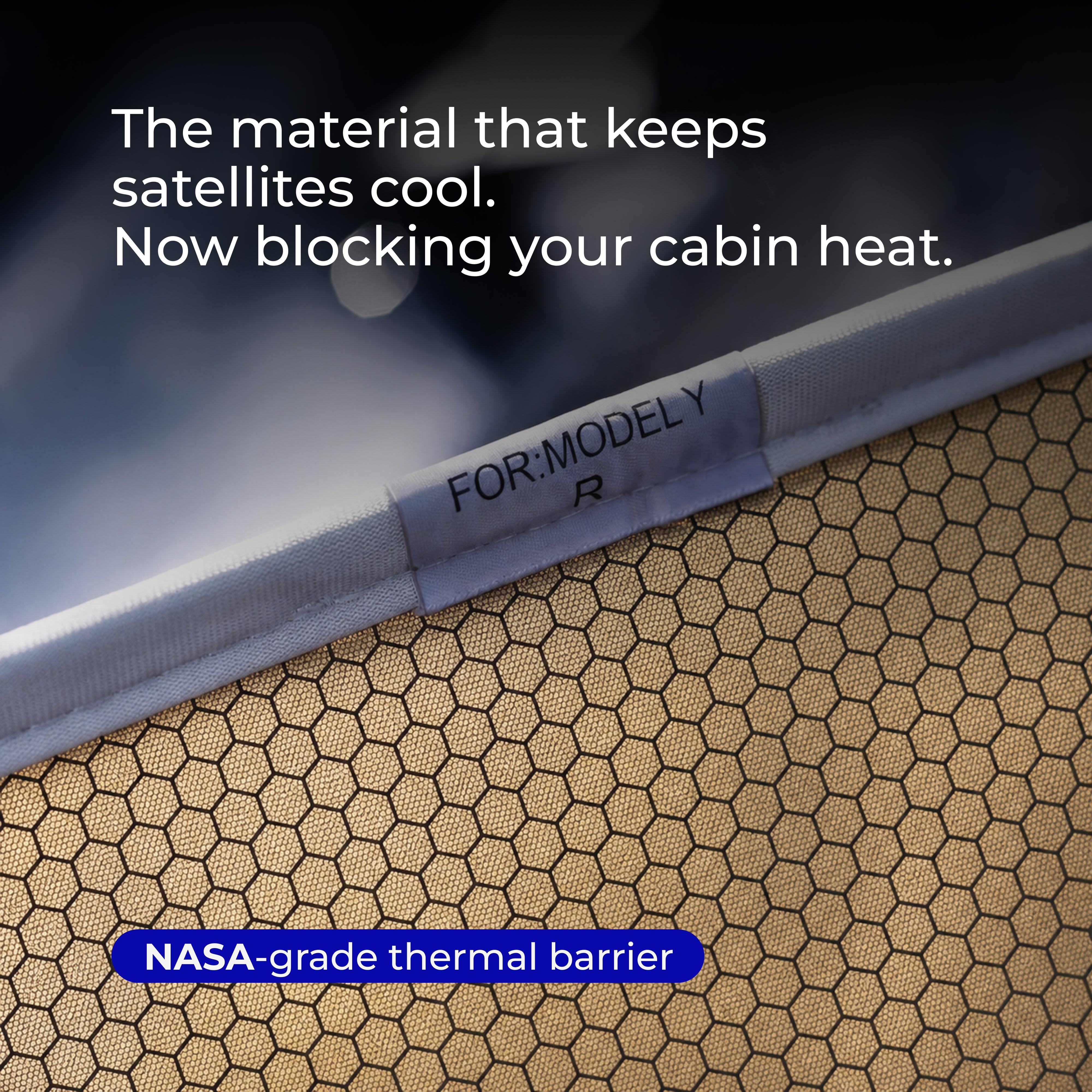
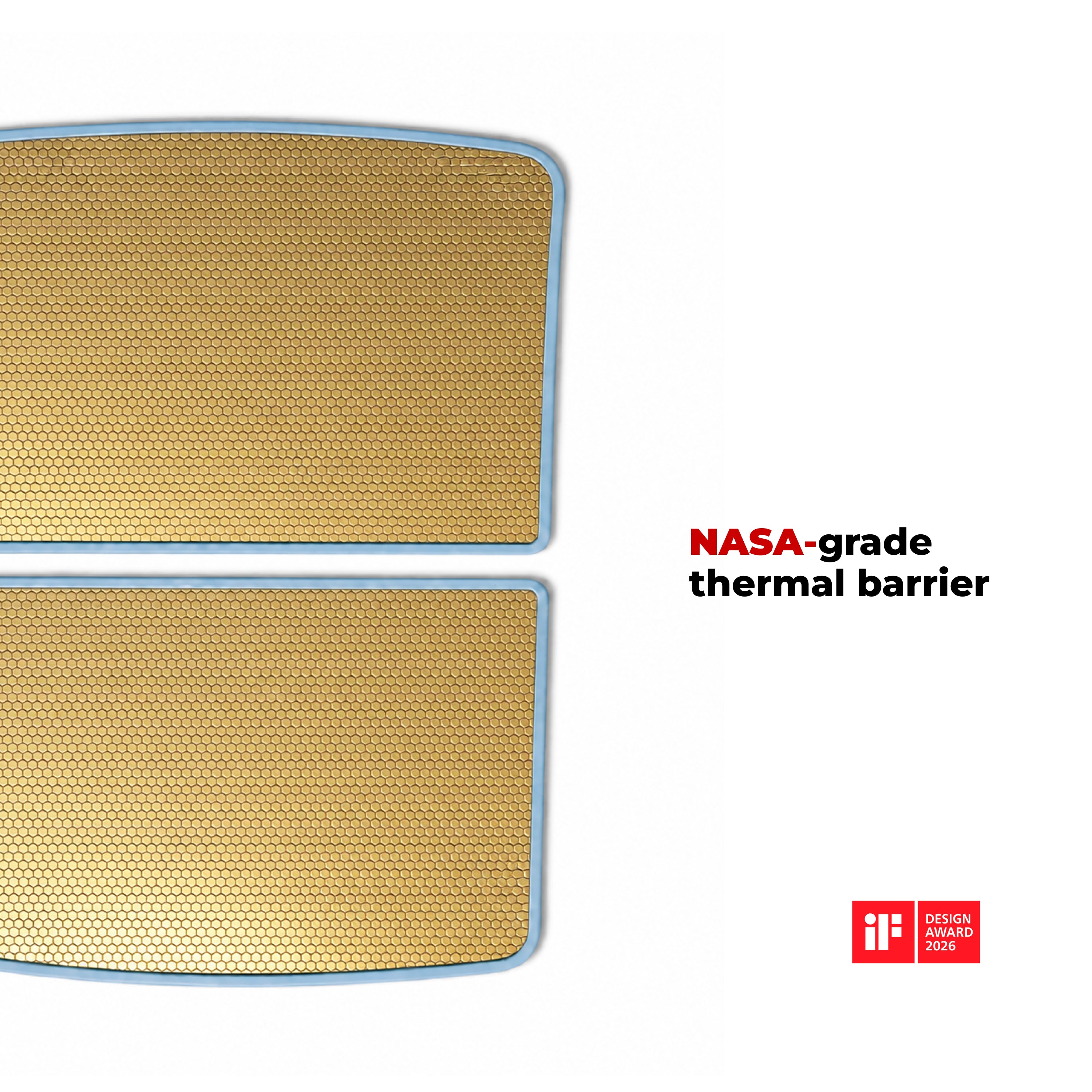
Client vérifié“Le produit (doublure de toit isolante) pour ma Model Y fonctionne comme annoncé. Il change tout sous le soleil brûlant de l’été en Floride.”
Client vérifié“Ma commande a été traitée efficacement et rapidement, et j’ai reçu les articles bien avant la date de livraison prévue.”
Client vérifié“expérience sans accroc. facile à commander”
Client vérifié“j’ai regardé la vidéo et posé les Solar Shields, ça a pris environ 15 minutes, très bien ajustés, l’avant parfaitement”
Client vérifié“Les déflecteurs de vent sont superbes et empêchent très efficacement le vent d’entrer dans la voiture”
Client vérifié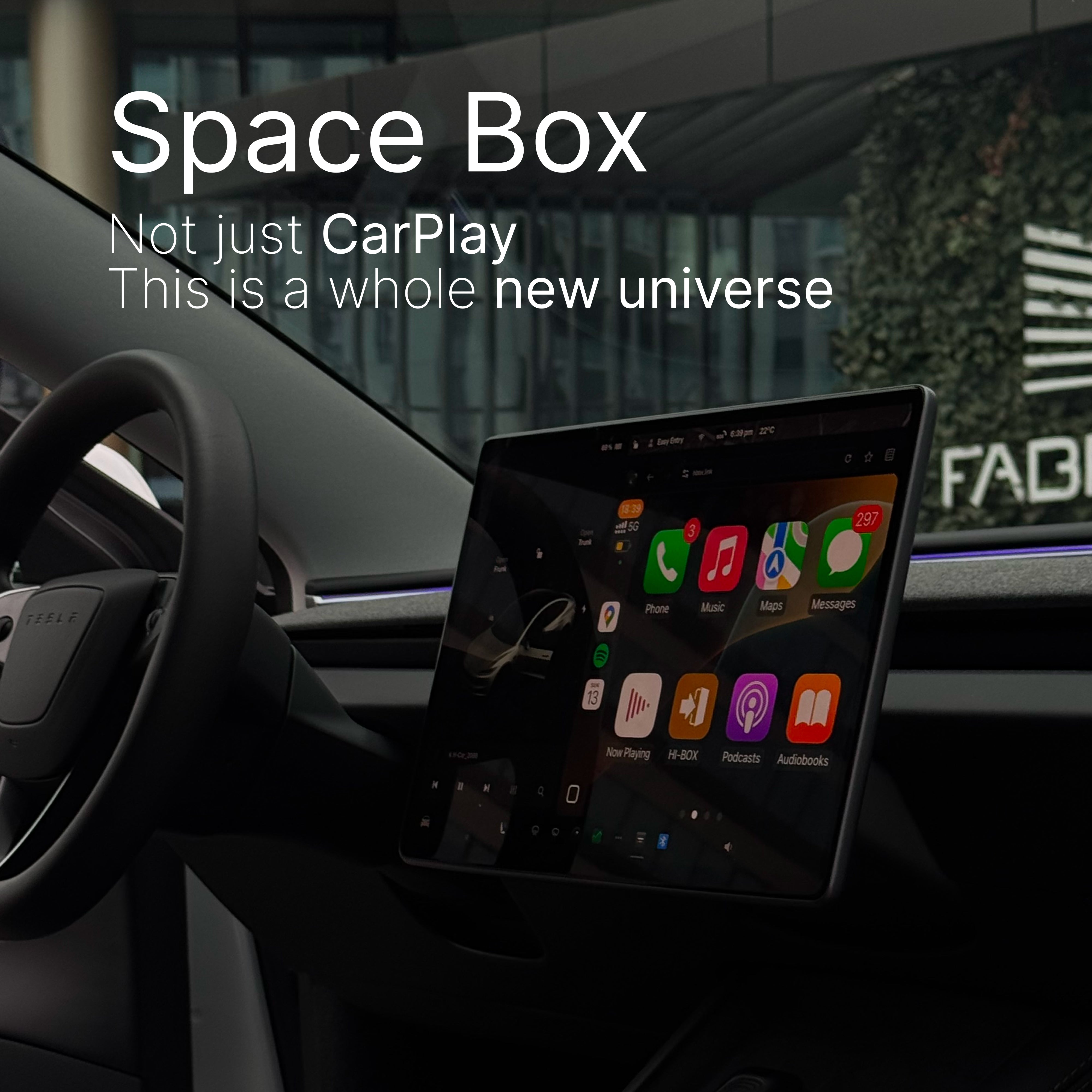







20% de remise en plus · réservé aux 200 premières commandes

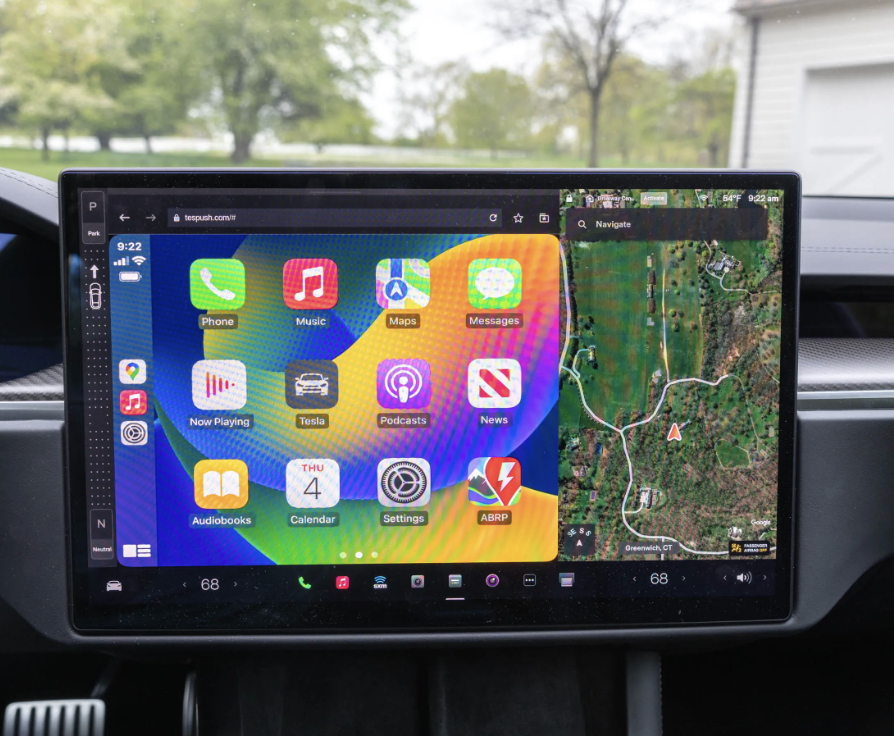
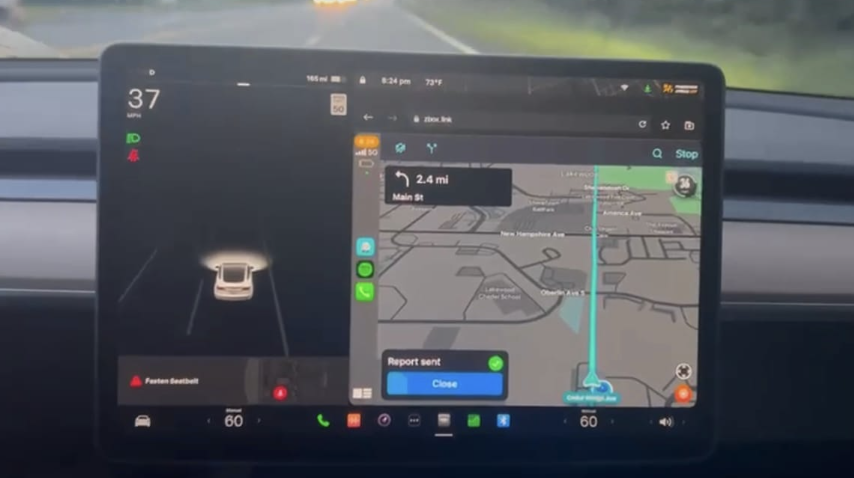
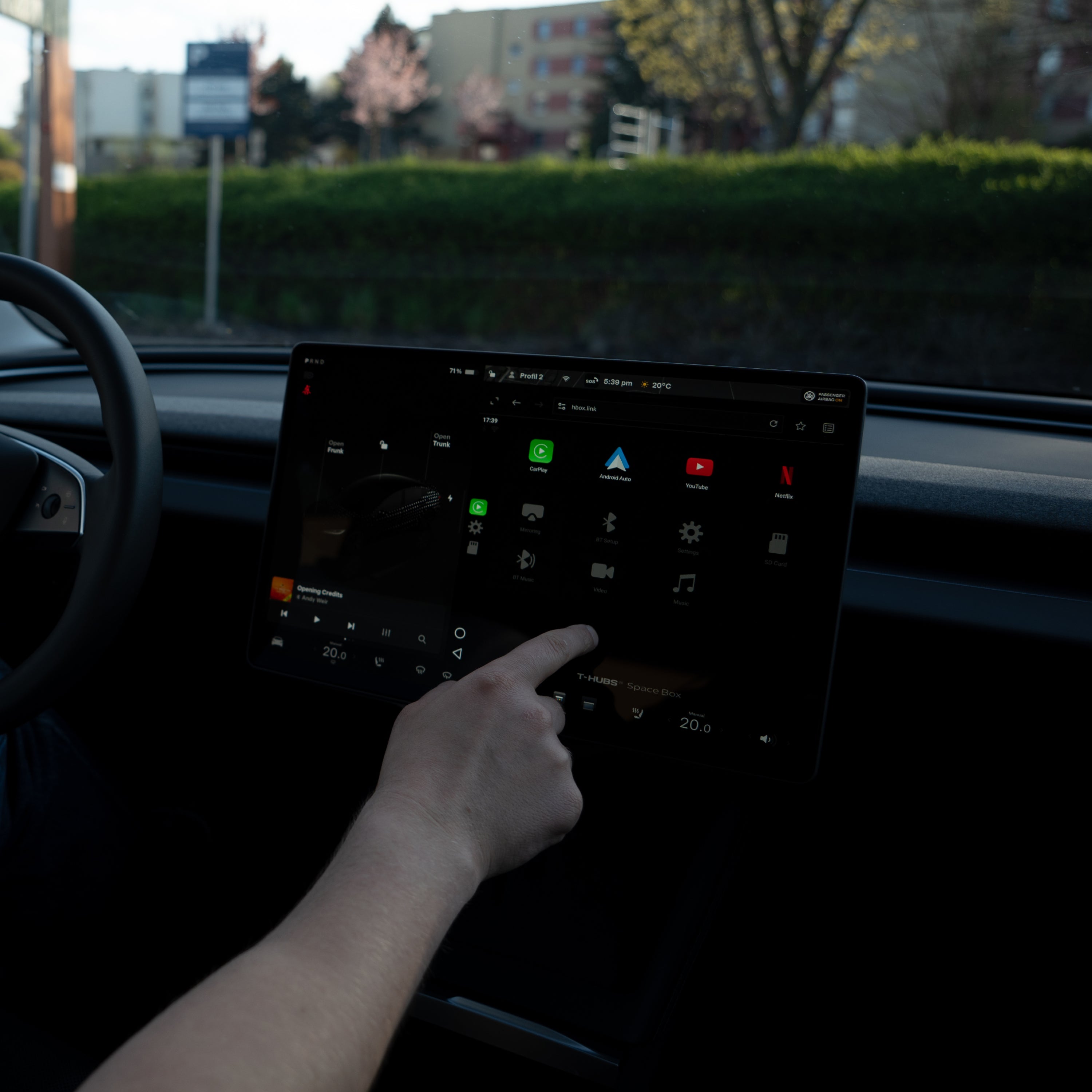
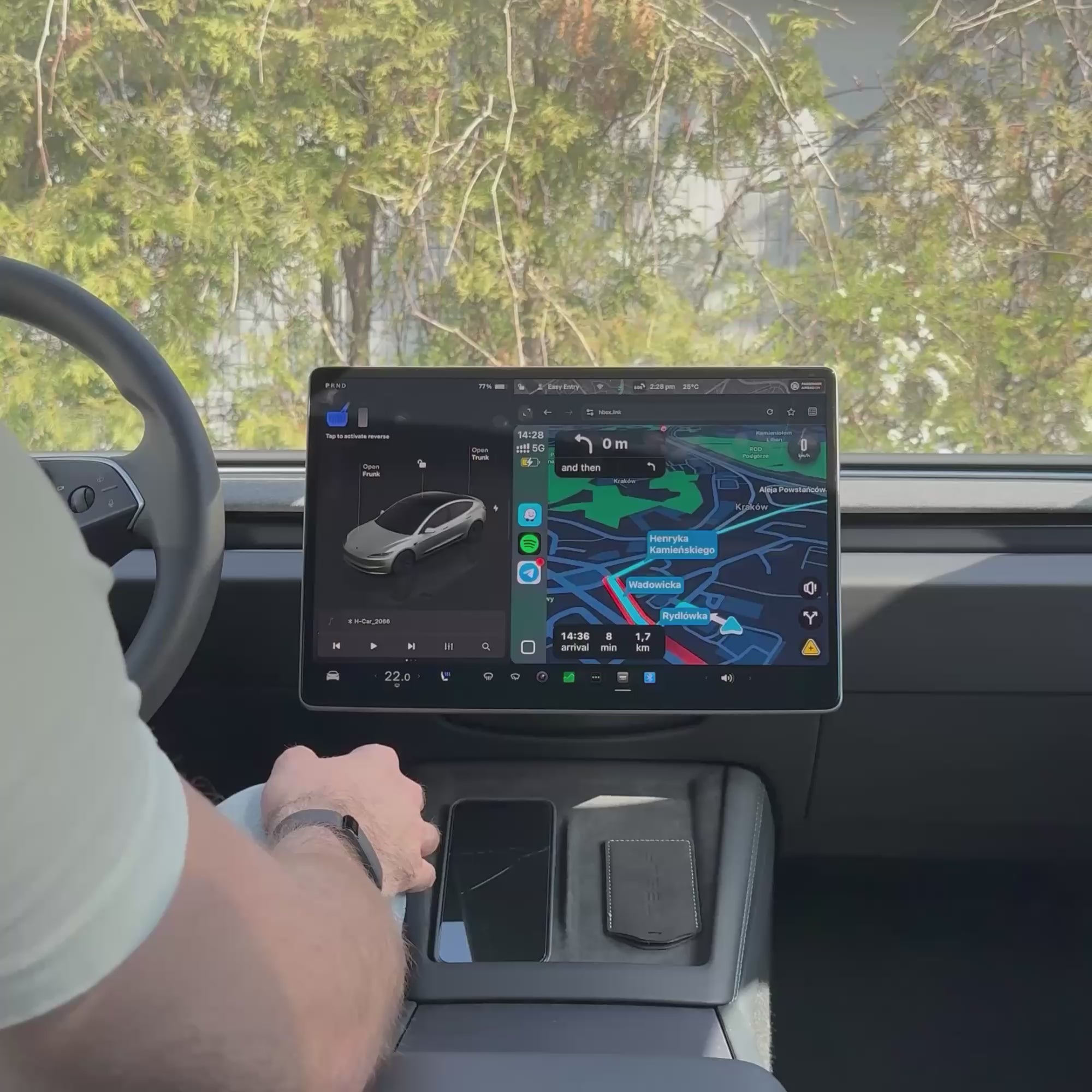
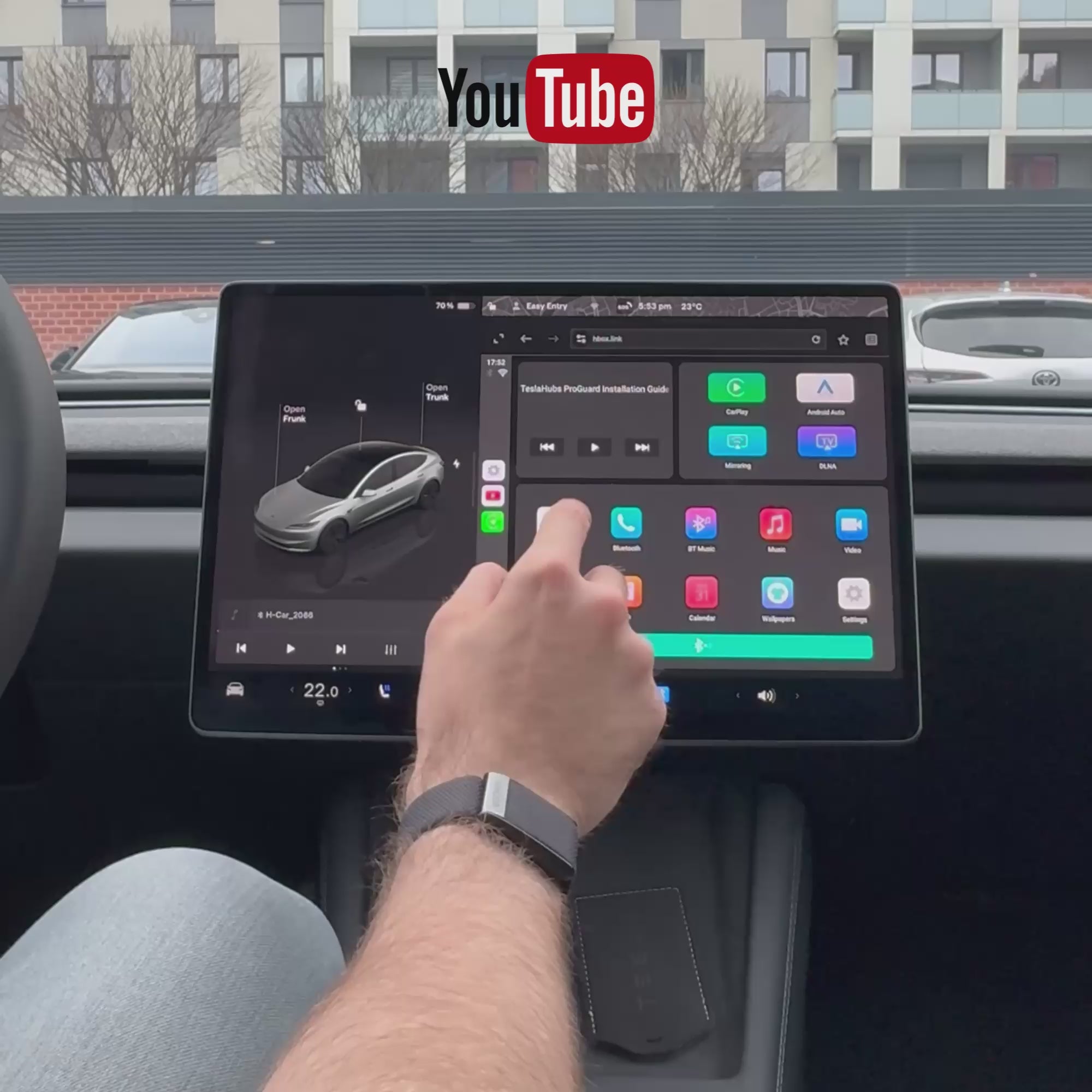
Comment connecter SpaceBox
Branchez-le
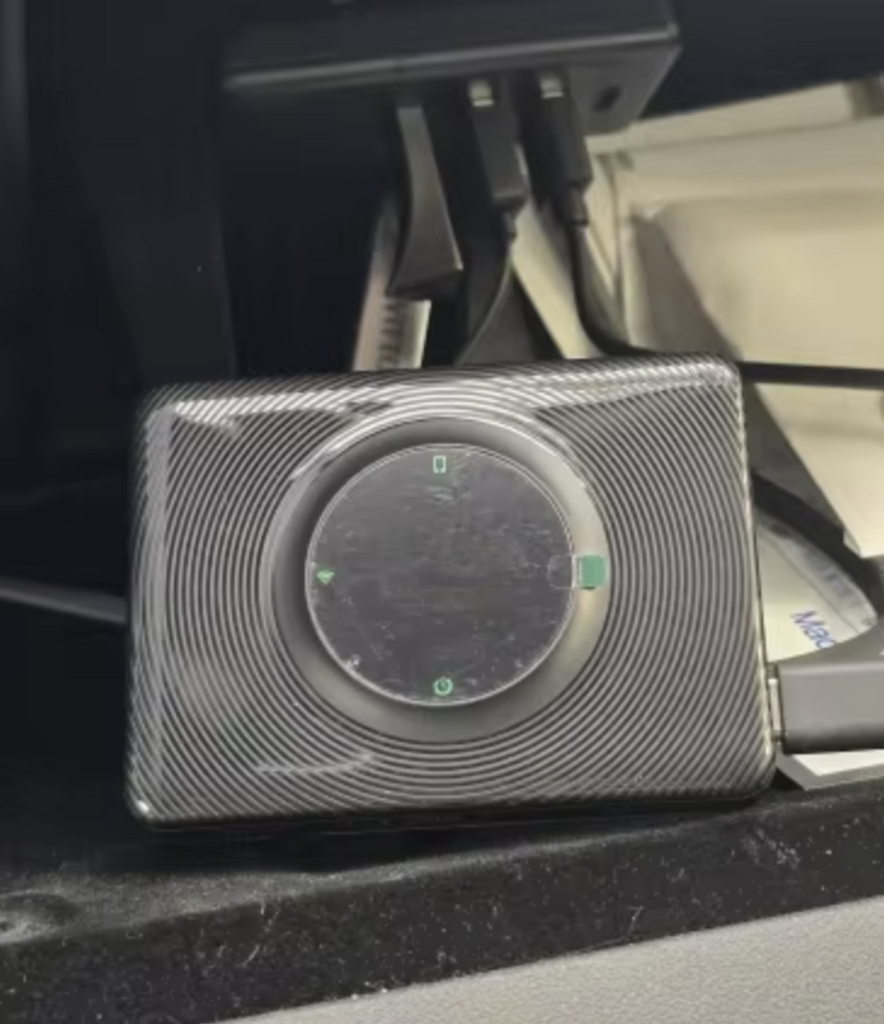
Connectez SpaceBox au port USB de votre Tesla avec le câble fourni.
Connectez votre Tesla
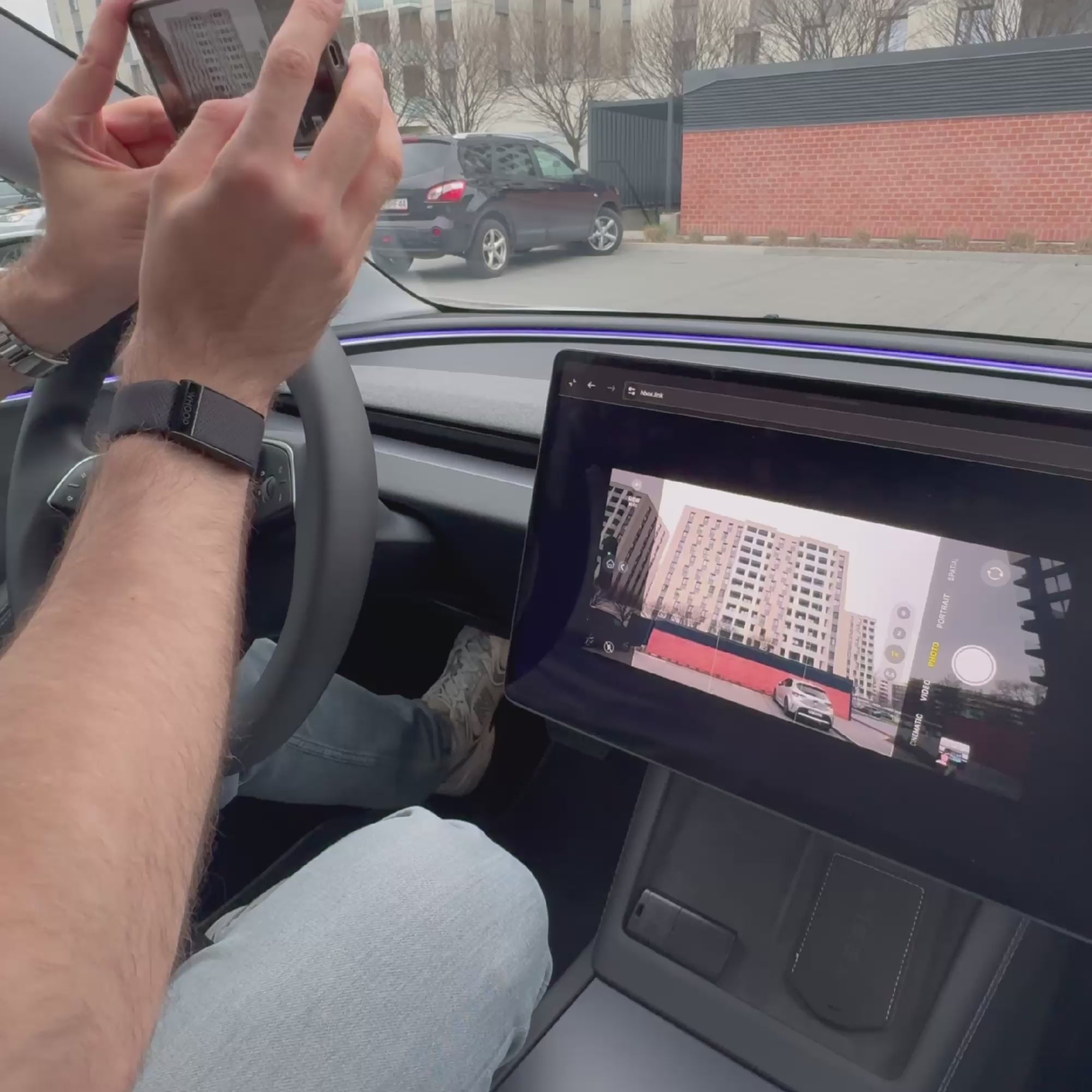
Rejoignez le réseau Wi-Fi H-BOX et ouvrez hbox.link dans le navigateur de la Tesla.
Associez votre téléphone
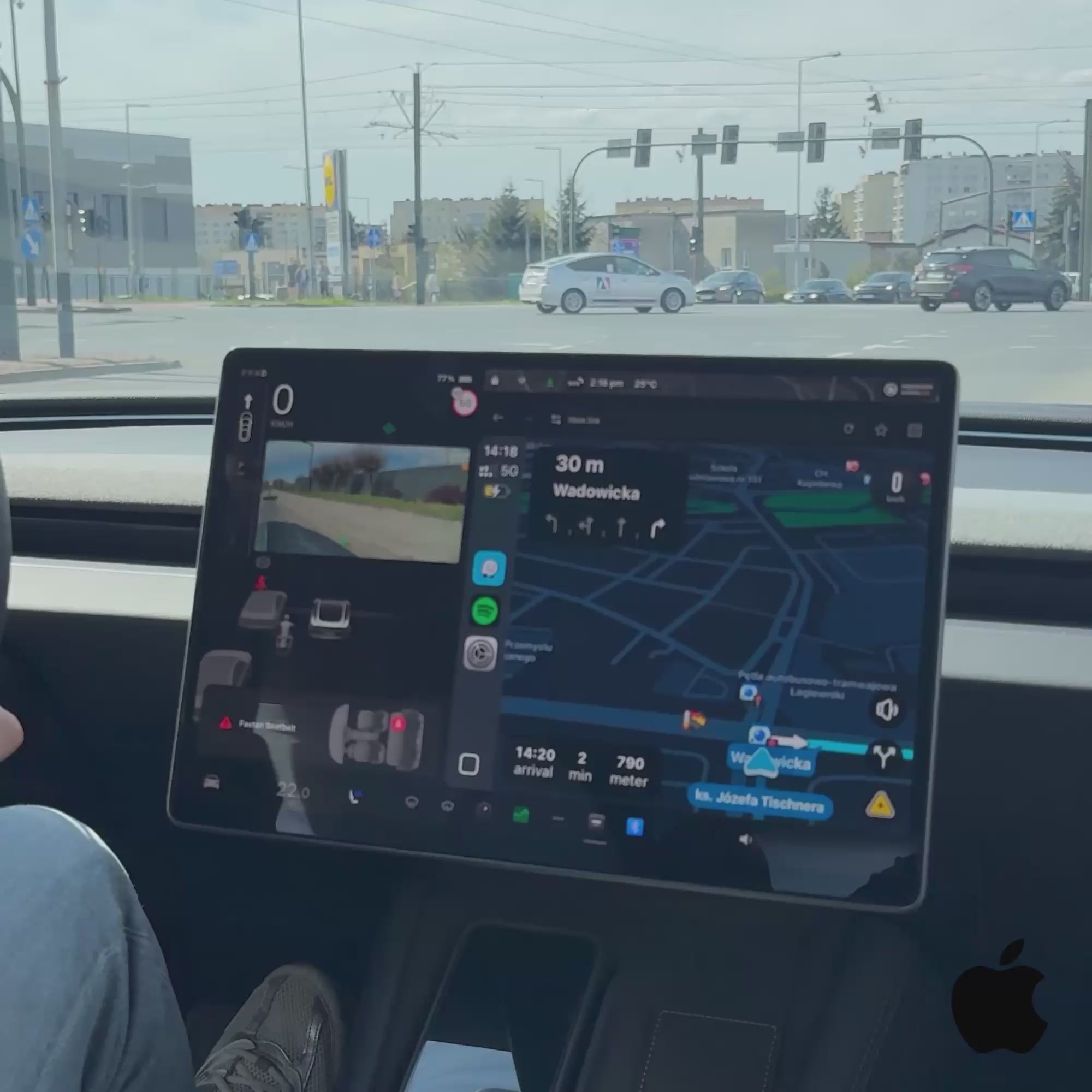
Connectez-vous via Bluetooth et lancez Apple CarPlay ou Android Auto.
Ce qu’il vous faut
Lorsque SpaceBox est utilisé, le Wi-Fi et le Bluetooth de votre Tesla restent connectés à celui-ci. Les autres fonctions du véhicule continuent de fonctionner.


Se marie bien avec
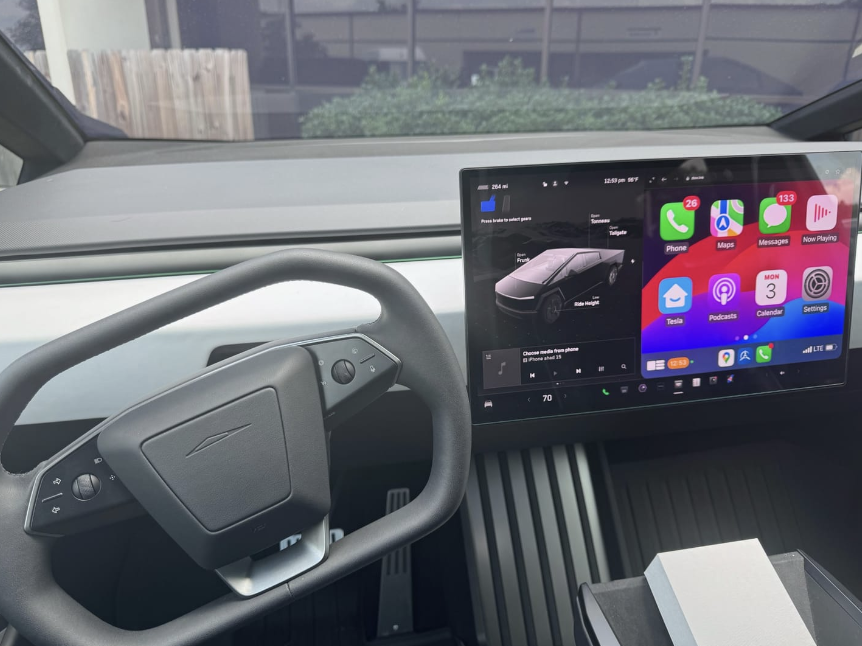
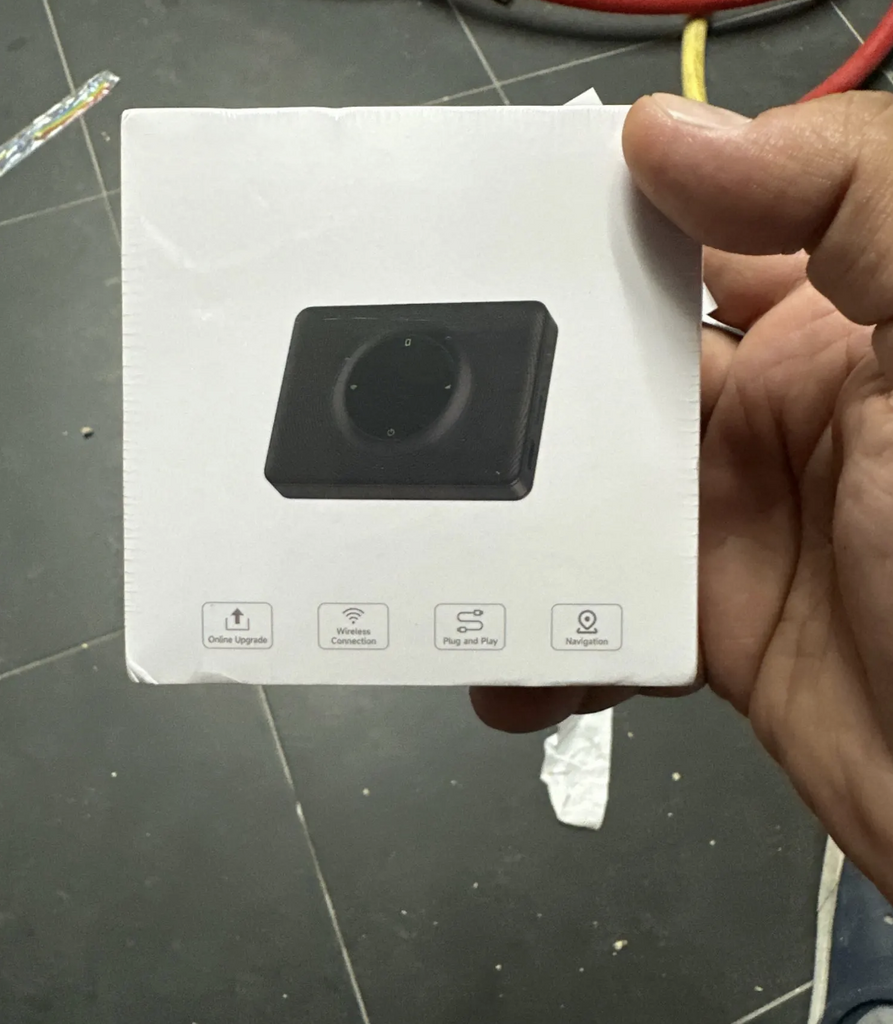
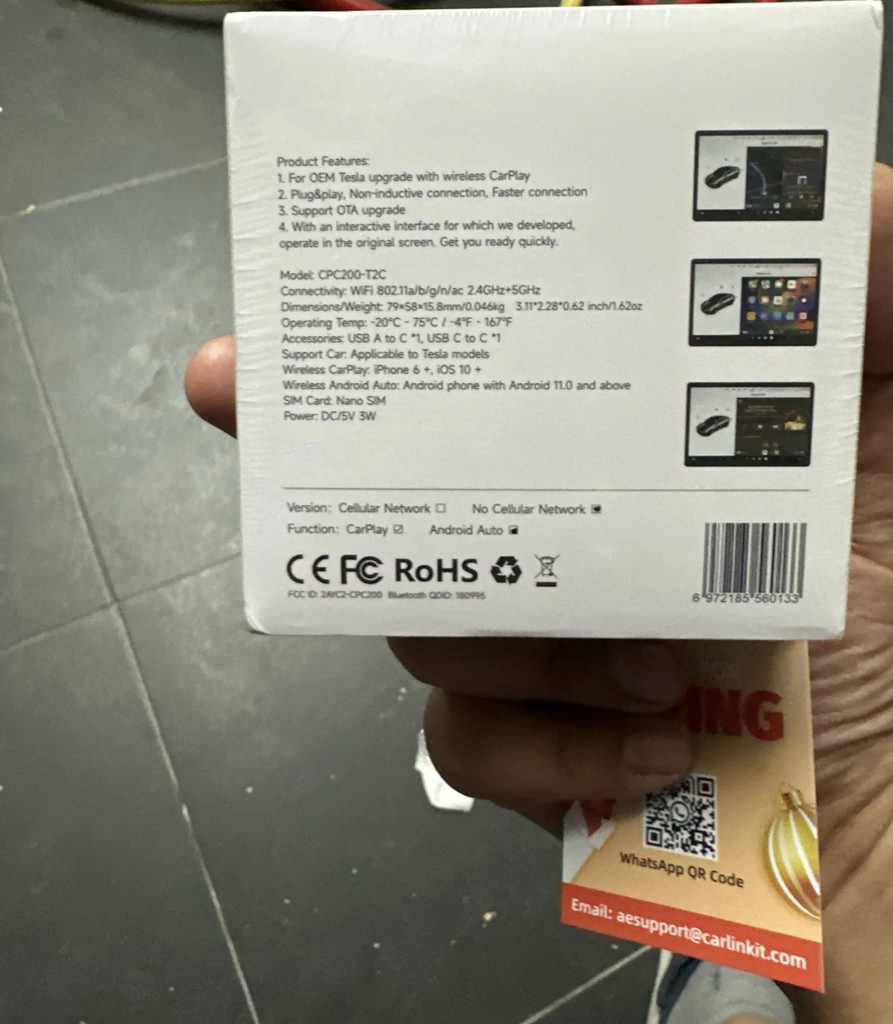
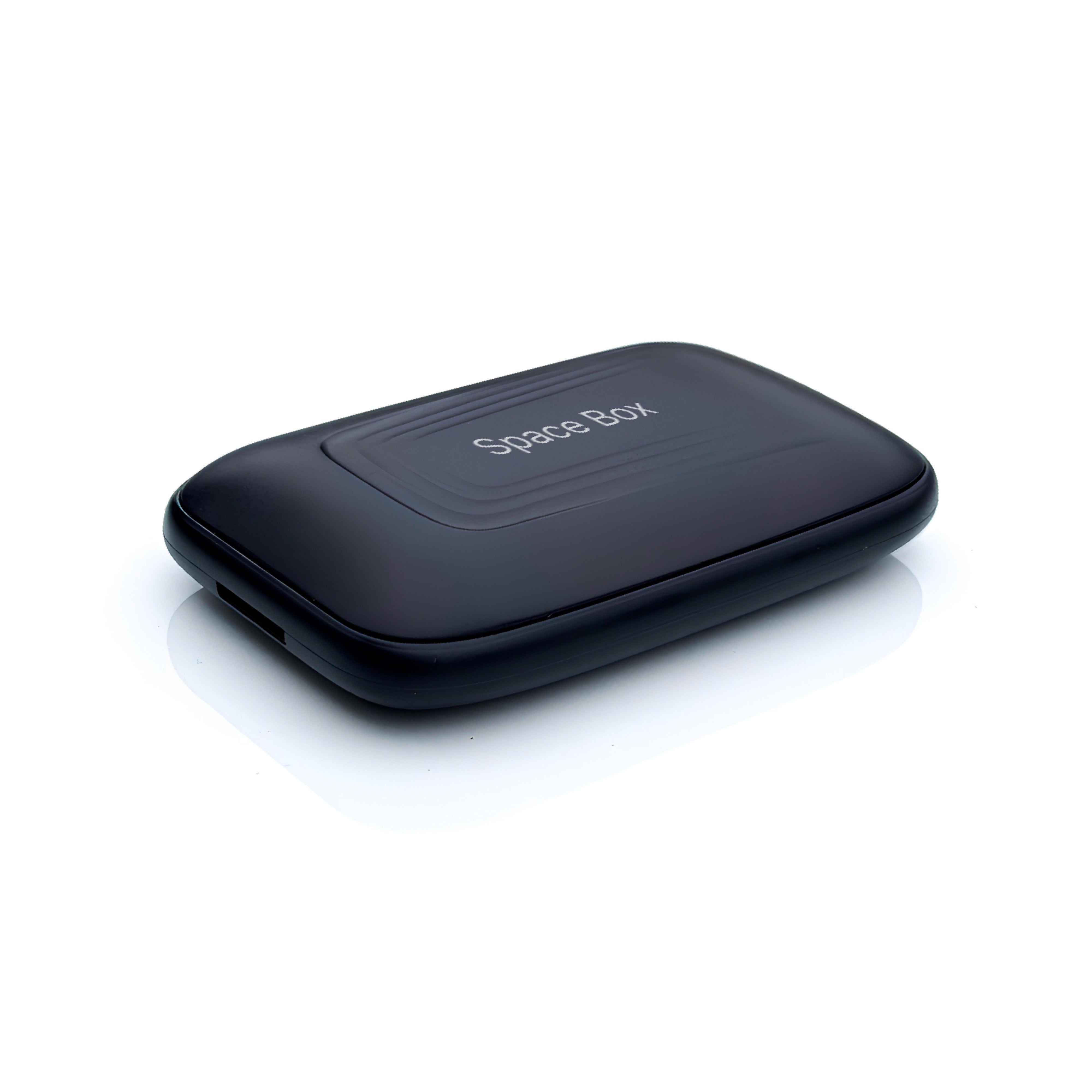
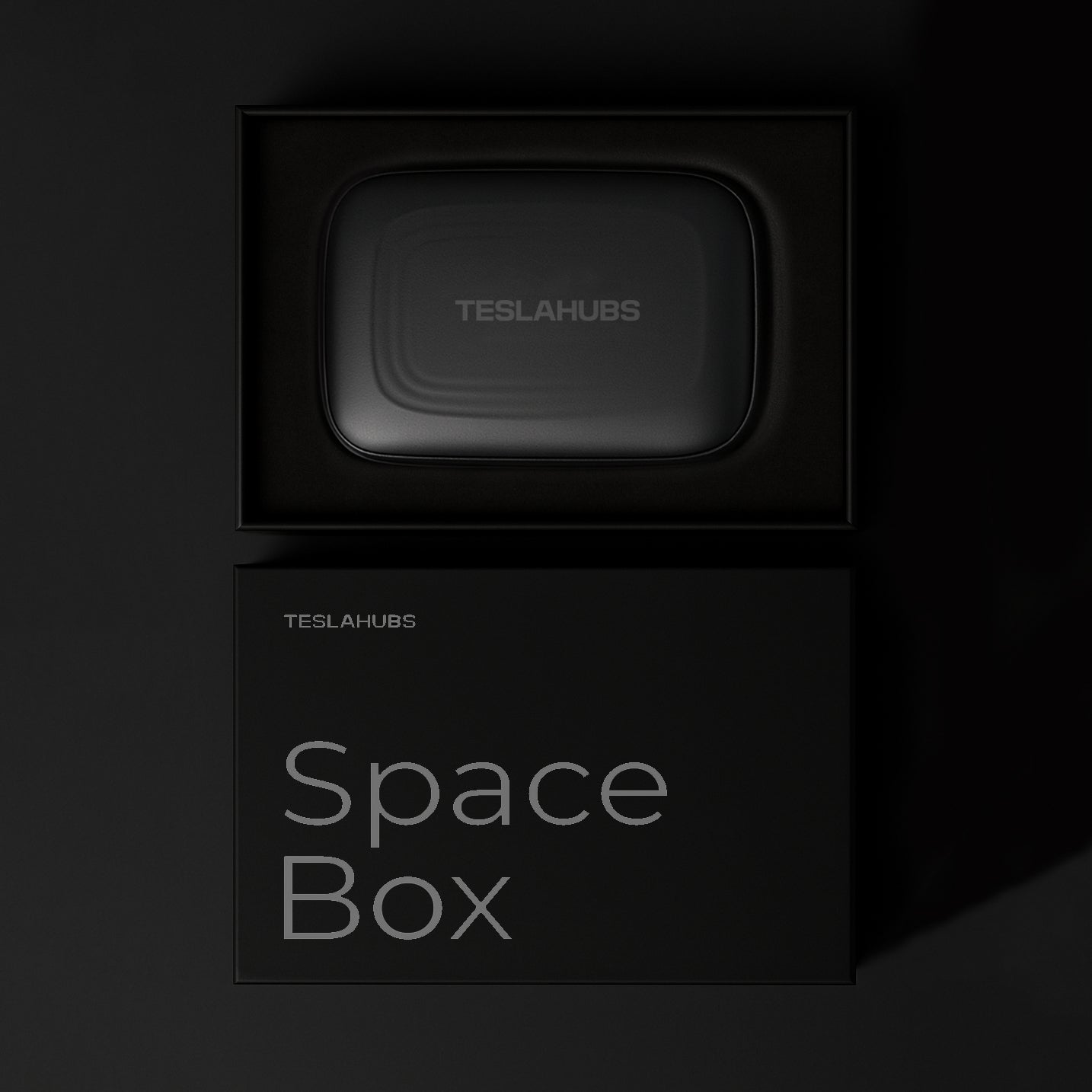
Teslahubs™ Space Box - CarPlay pour Y, 3, S, X, Cybertruck, Juniper
🔊Activez le son pour une expérience complète !
🔊 Activez le son pour une expérience complète !
Modèles Tesla compatibles
Informations importantes sur la compatibilité
Compatible uniquement avec les véhicules équipés d’un processeur AMD Ryzen, y compris les modèles 2020.
Ce produit n’est pas pris en charge en Australie.

OFFERT aujourd’hui avec chaque commande : Tesla Battery Secrets — les astuces qui peuvent vous faire économiser des milliers de dollars.
Thanks
😍
This is the best solution I have ever seen.
Awesome 🤩
😍
This is my second set, this time for my wife.
Thank you, teslahub for this wonderful set of carplay and the gift of a protective glass!!!
Delivered in 4 days without problems, connected in 1 minute ❤️
Now my car looks complete!
Works with Android auto Thanks!
Thanks, everything works great!!!
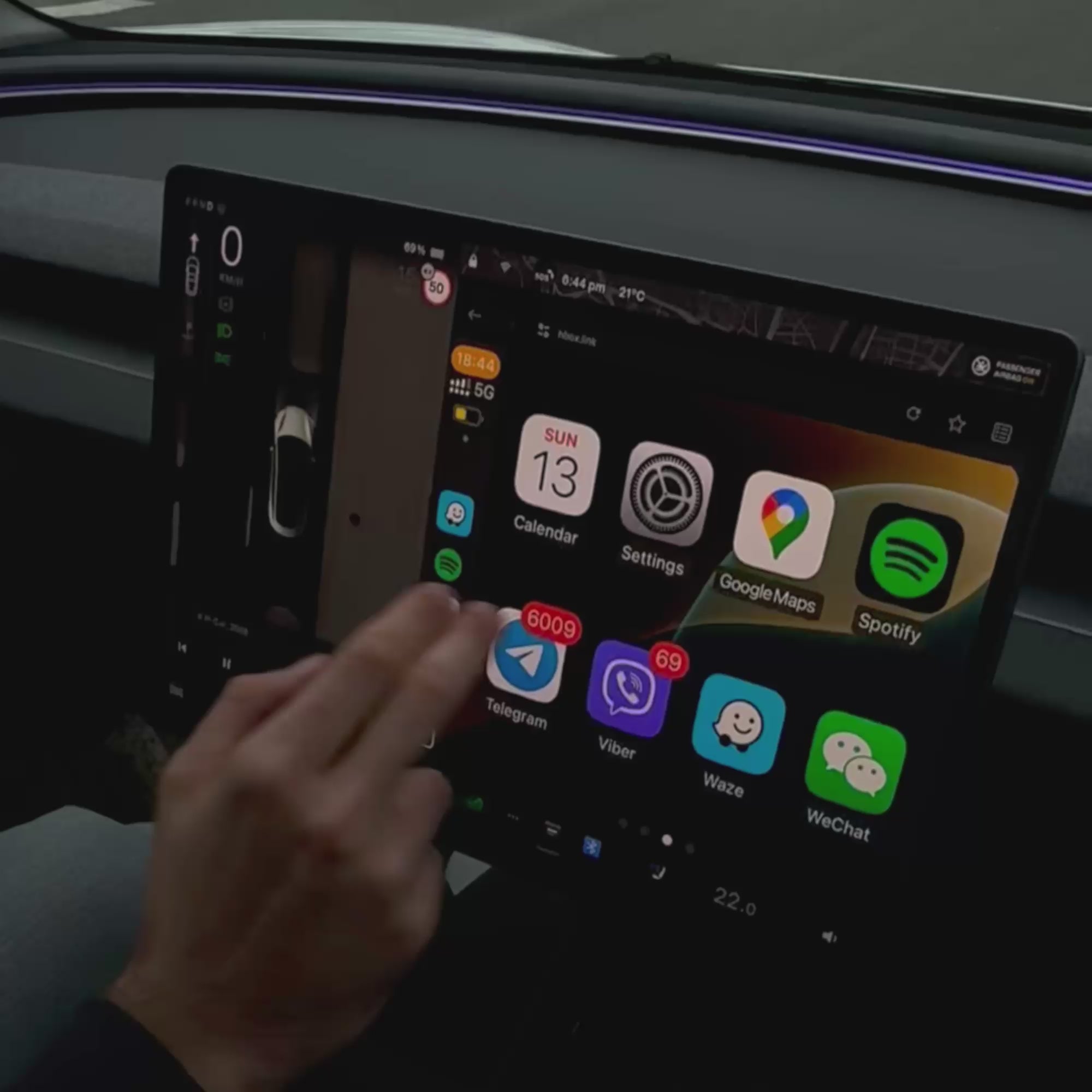
It works like described there. Streams flawlessly Netflix & You tube! Love it it will be awesome for those cross country trips to Florida from the Midwest! I would recommend this to everyone! Simple to set up and use!
It came pretty quickly and works perfectly on my M3. I've been using it for almost 6 months now, and it functions just like regular CarPlay—surprisingly well!
Overall, this product is solid and worth it!
Works with the Cybertruck, now that's a serious flex! 🚀💪
Thanks Teslahubs
Super quality I recommend
It looks good we are going to prove it and I comment
Fast delivery and helpful support
Compliant product and fast delivery, thank you...
The unit doesn’t work. You can’t load the link as the car browser blocks it.
Trying to return the unit is awful. Feels like a complete scam.
Do not buy.
Vendor refuses return.
Doesn’t work I want a refund and they are trying to make me pay for shipping the item back
Doesn’t work for my Tesla 3 .. they take forever to answer and when I try to return it they send me the address like I have to pay to send an item back that DOESNT WORK?
Not working with my Tesla Model X. I had another one, not spacebox, but it was working.! Product looks legit but may be i got a bad batch. Sorry
Terrible service. I wasted $149.00. It no longer works with my model y and they will not give me any support. I have had it for two months. Don’t get one if you don’t wasn’t to waste your money!
★☆☆☆☆ — SpaceBox Does Not Work in My 2026 Tesla Model Y Juniper
I purchased the TeslaHubs SpaceBox to add Apple CarPlay to my 2026 Tesla Model Y Juniper. My experience has been extremely frustrating.
Despite repeatedly following the installation instructions and troubleshooting the connection, I have been unable to get Apple CarPlay to work.
I connected to the H-BOX network, worked through the browser setup, and encountered multiple connection and update errors, including a message telling me to check for a NetBox update. After spending considerable time trying to make it work, I still had no functioning CarPlay screen.
I purchased this product because it was advertised as a convenient way to add CarPlay to my Tesla. Instead, I’ve spent my time troubleshooting something that has not performed its basic advertised function.
Based on my experience, I cannot recommend the TeslaHubs SpaceBox, particularly to owners of the refreshed Model Y Juniper.
A very disappointing purchase.
Never received it
Instructions are all different, but if you use the QR code that comes in the box these instructions are best,
connect dongle to car wifi, then connect phne to dongle blue tooth, job done, works well, have to reconnect mine each time i get in car, so will continue to play with it and see if it gets better
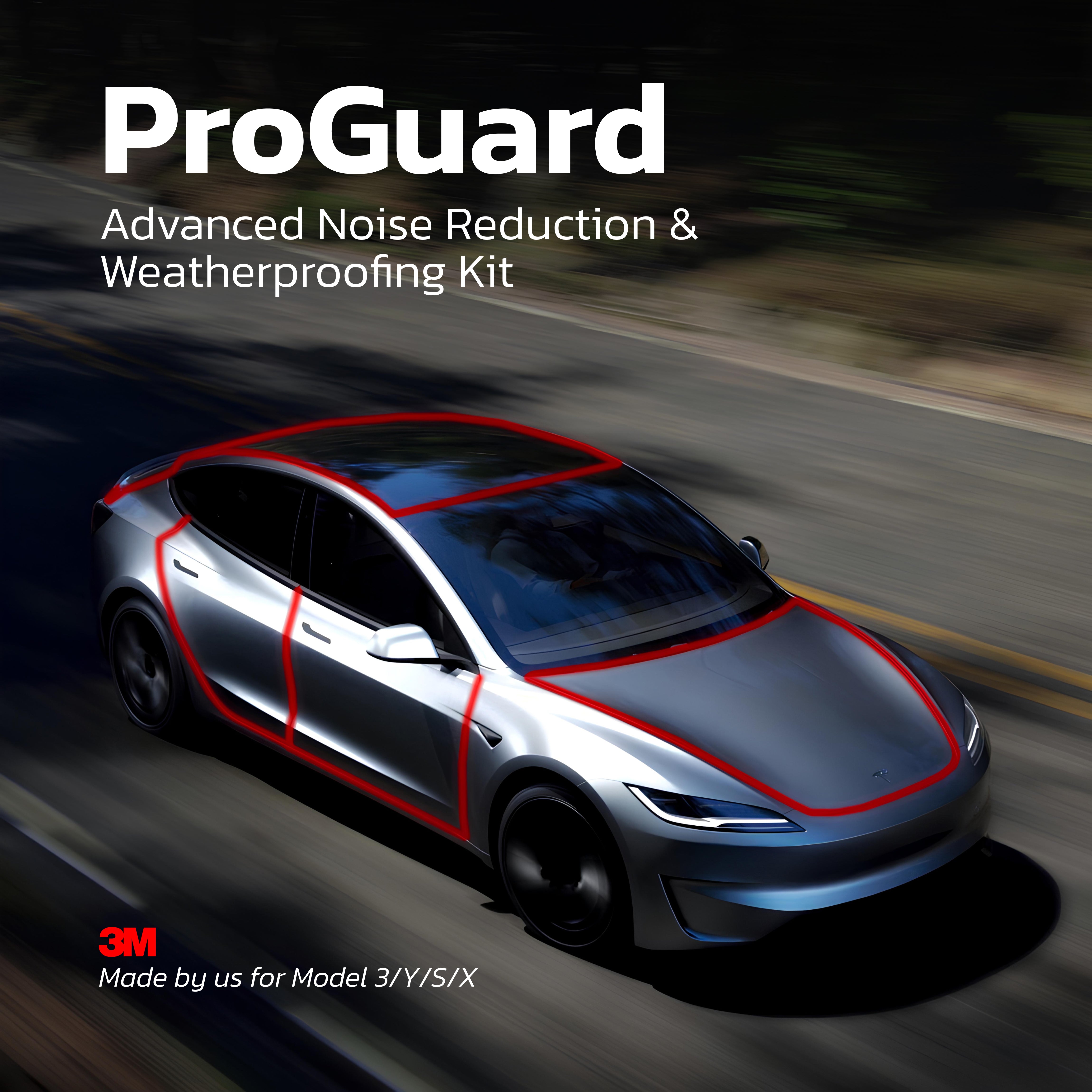
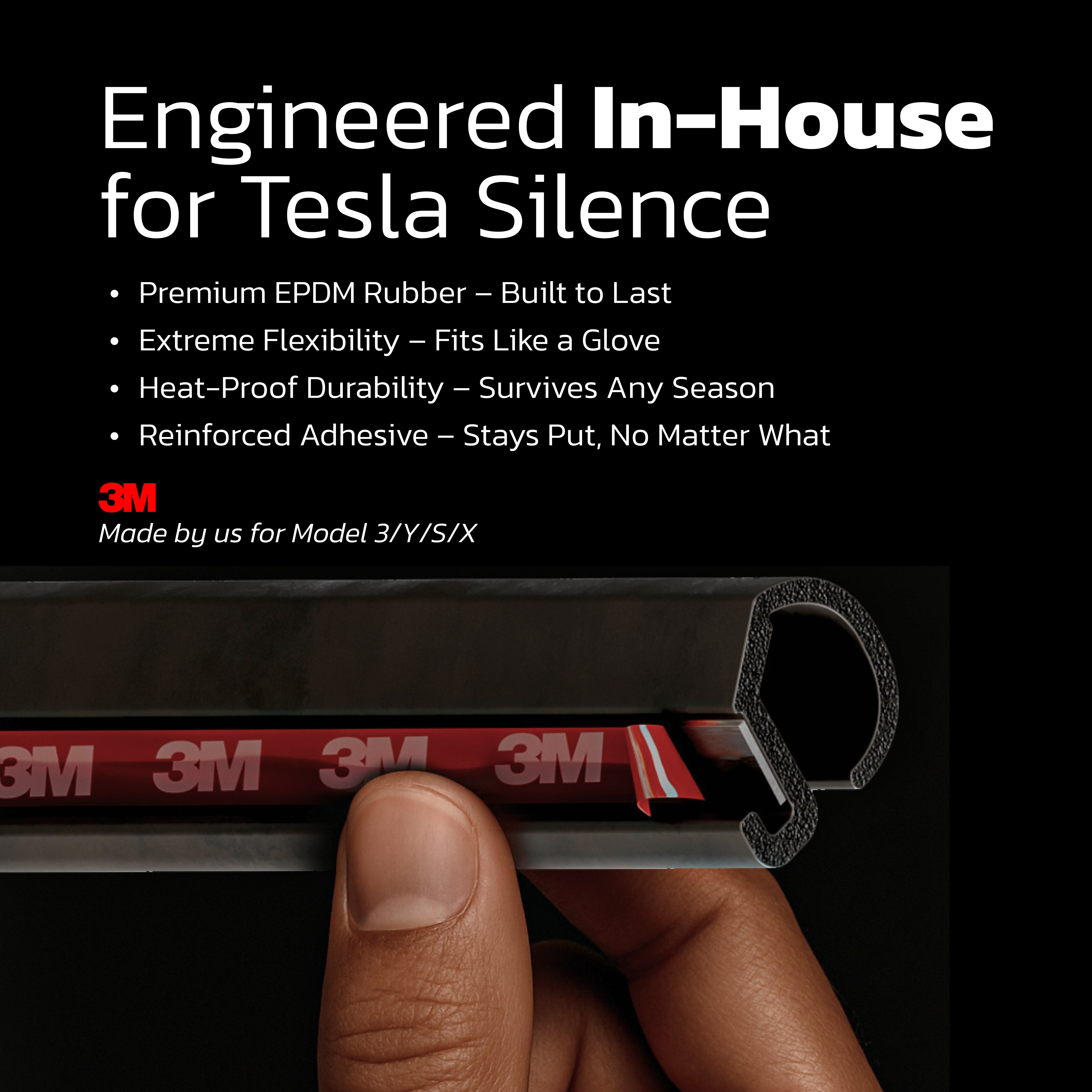
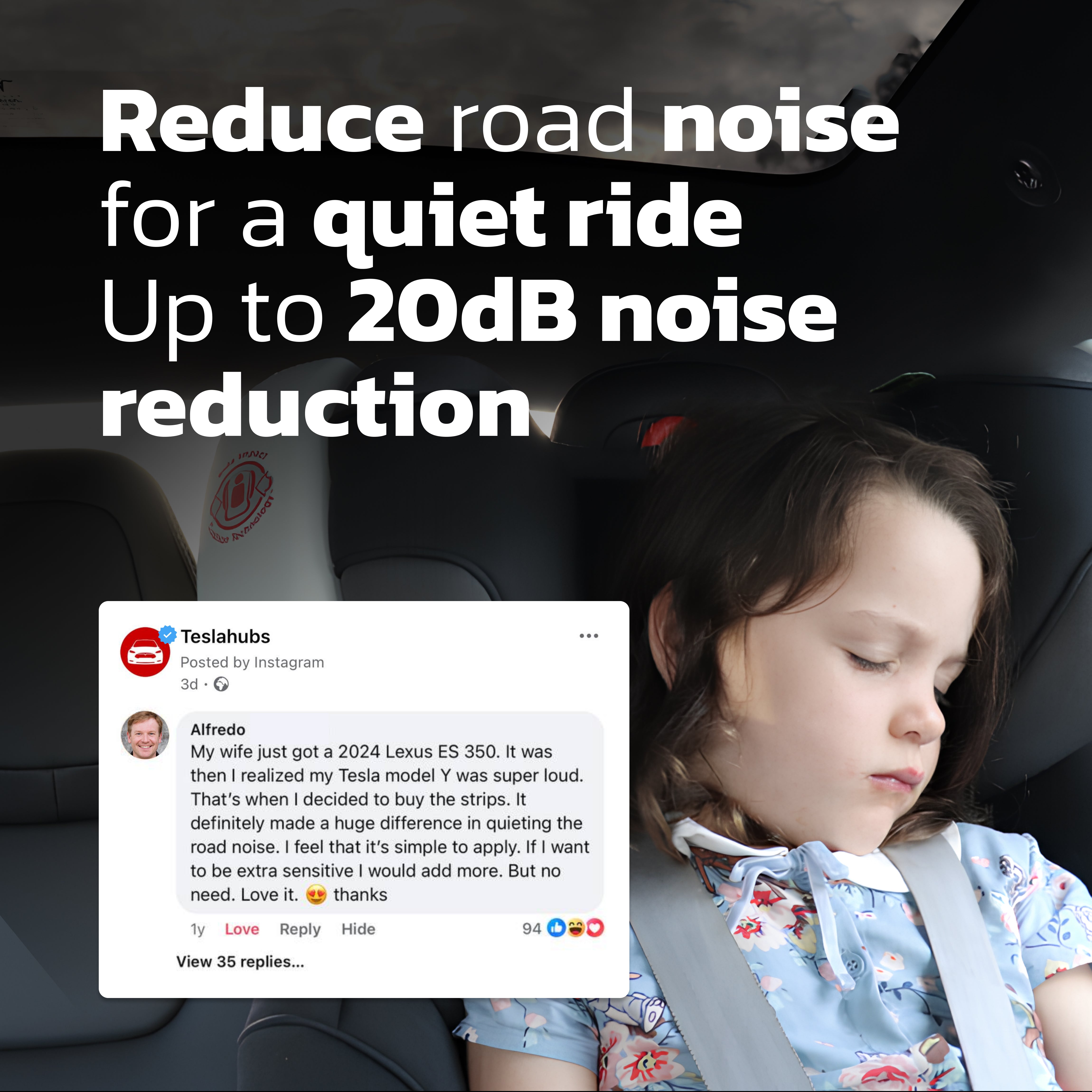
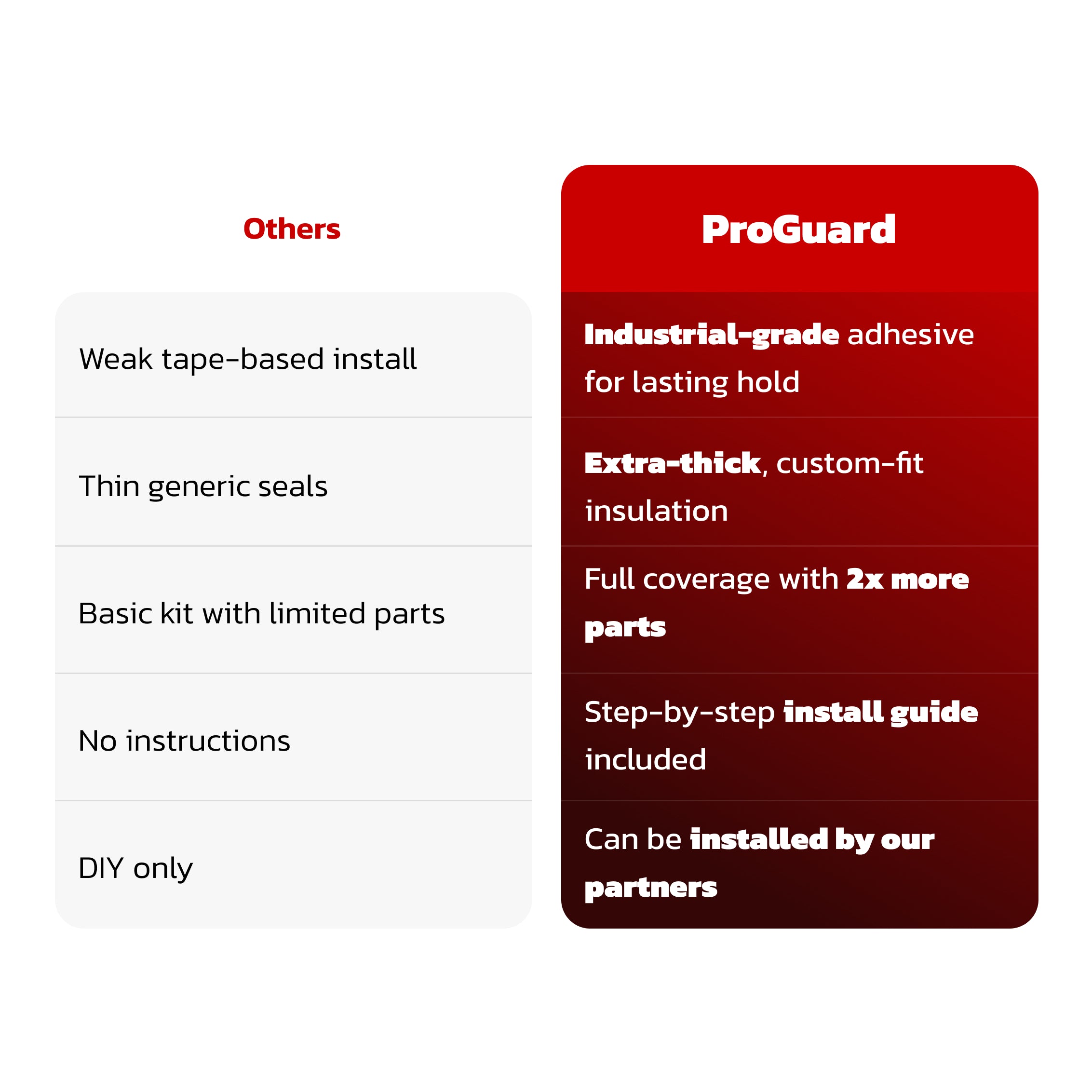
Teslahubs™ ProGuard : Kit avancé de réduction du bruit et d'étanchéité
Teslahubs™ Space Box - CarPlay pour Y, 3, S, X, Cybertruck, Juniper
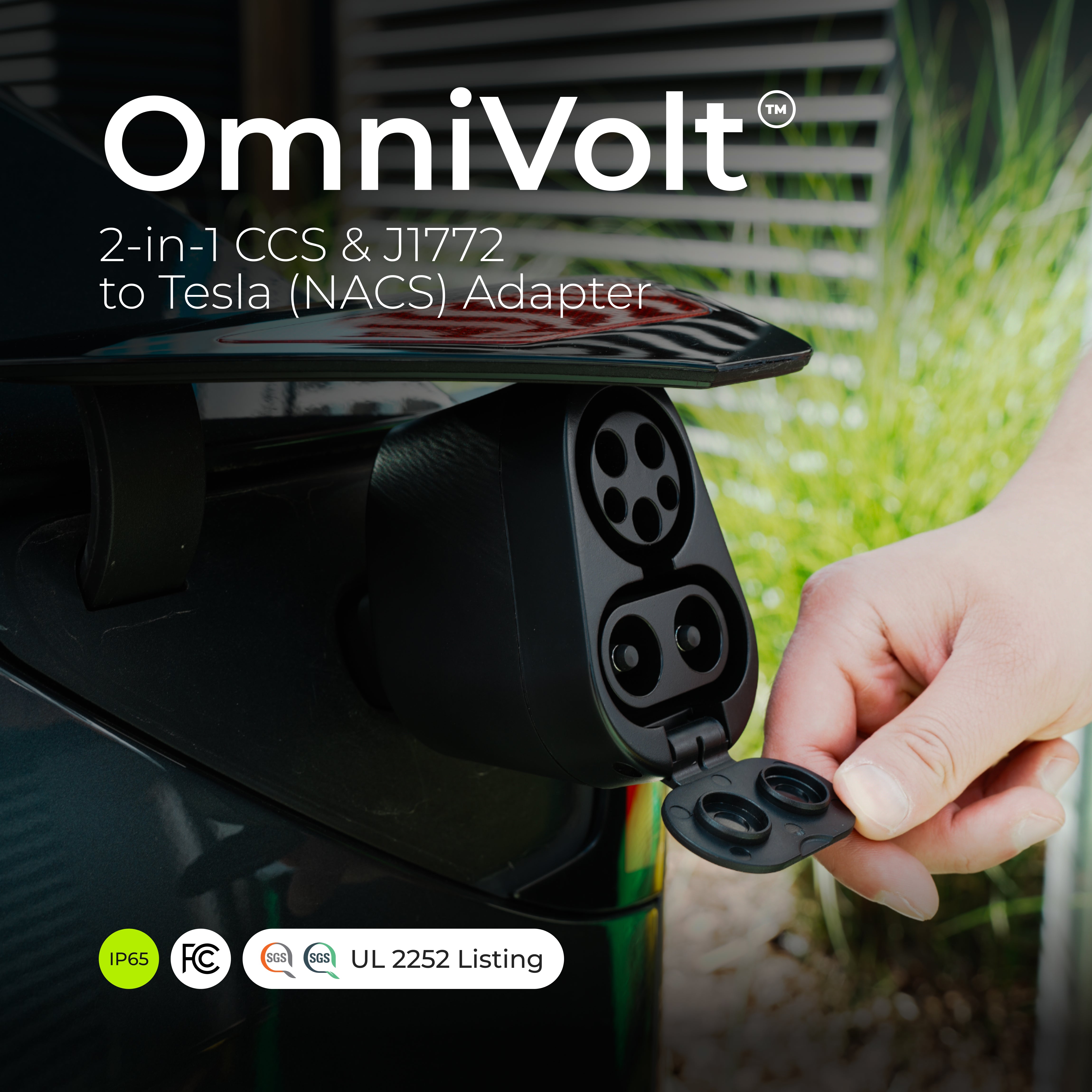
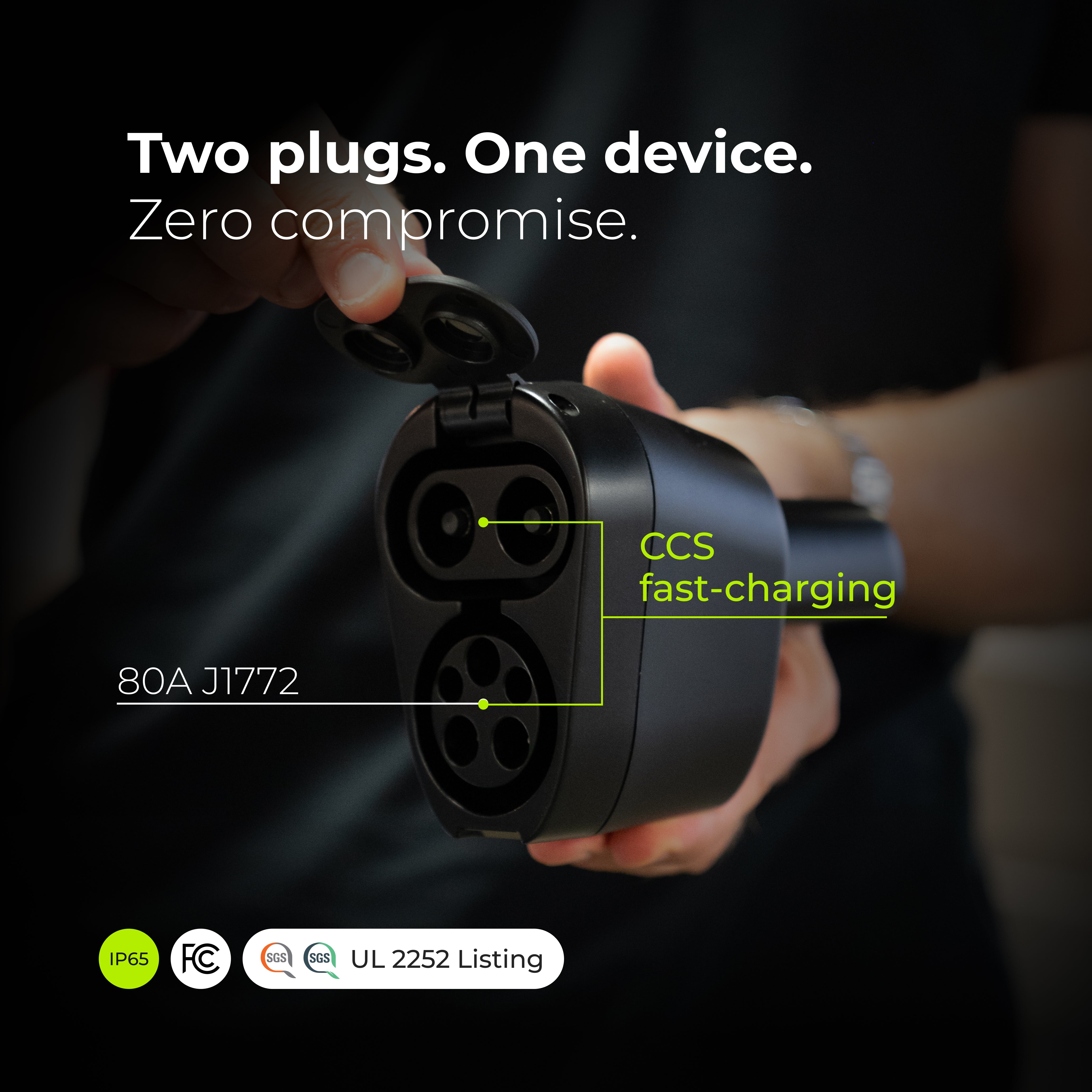

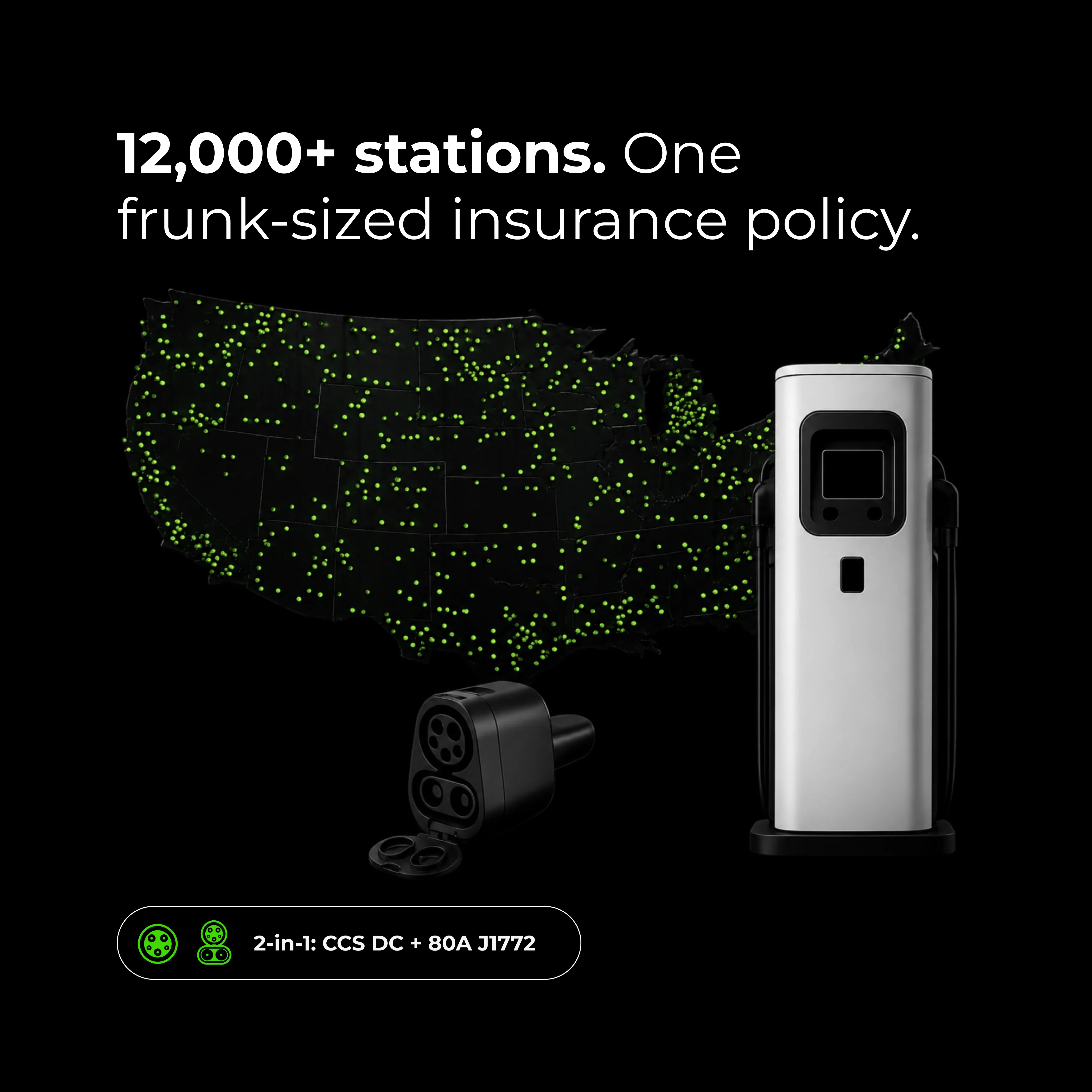
OmniVolt™ Adaptateur 2-en-1 CCS & J1772 vers Tesla (NACS)
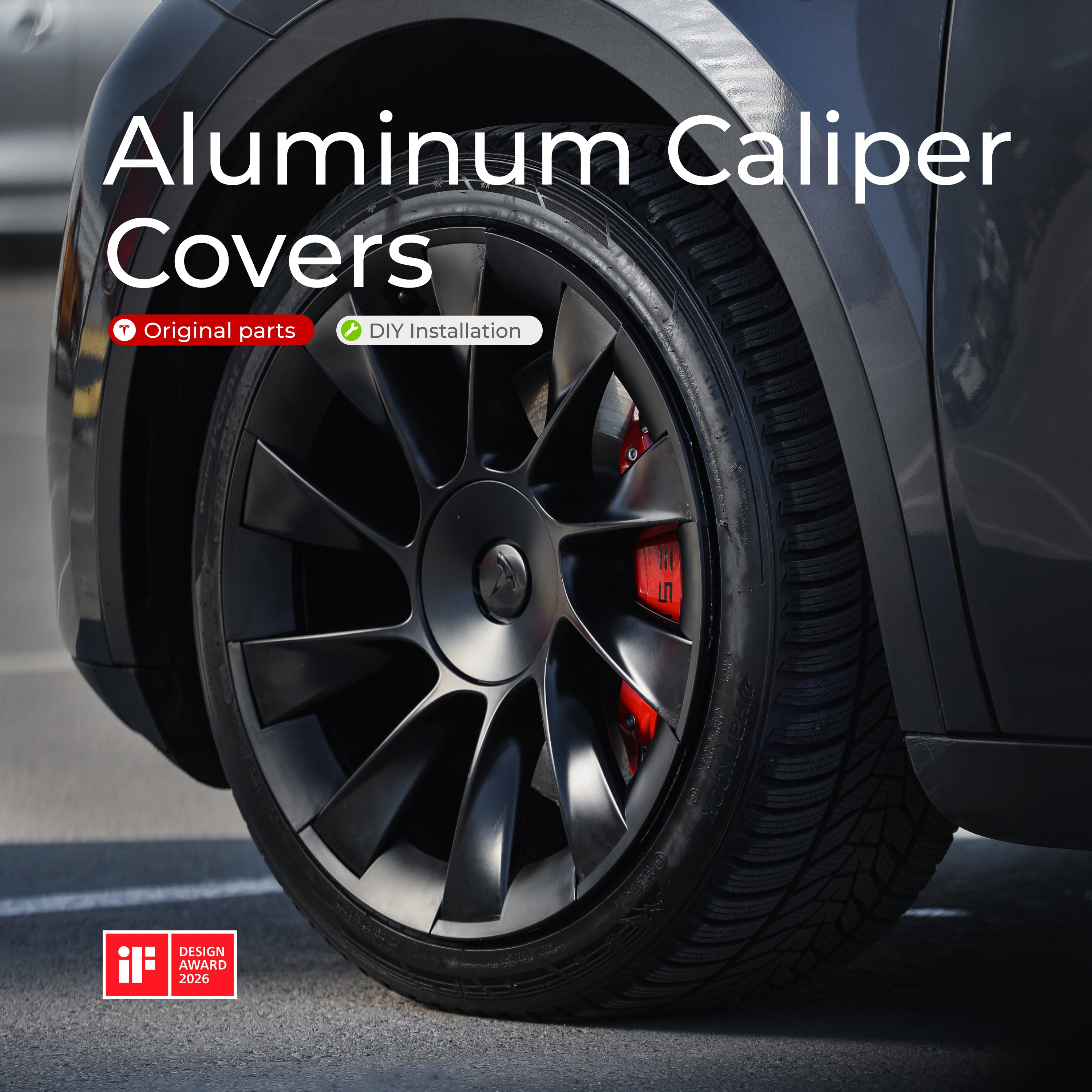
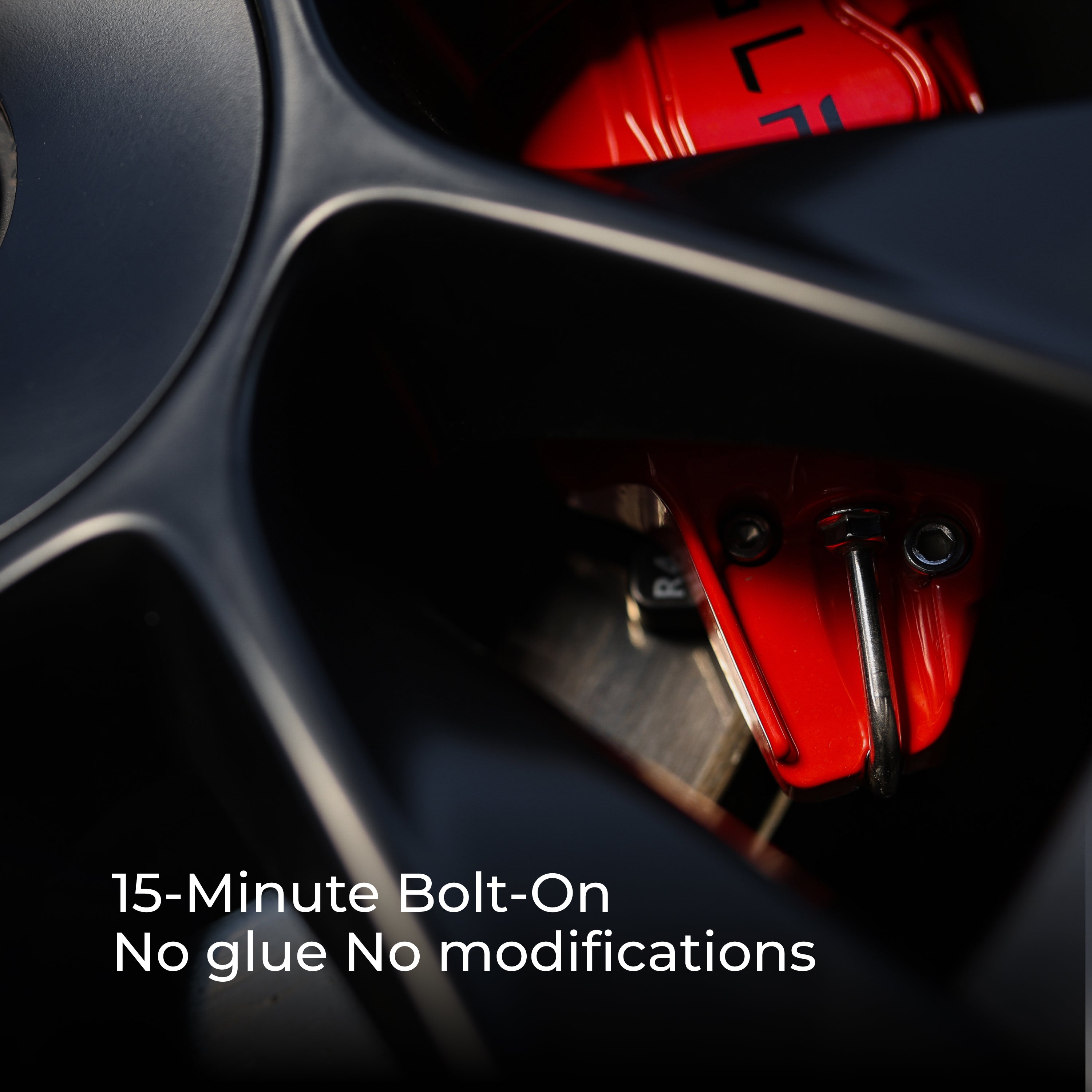
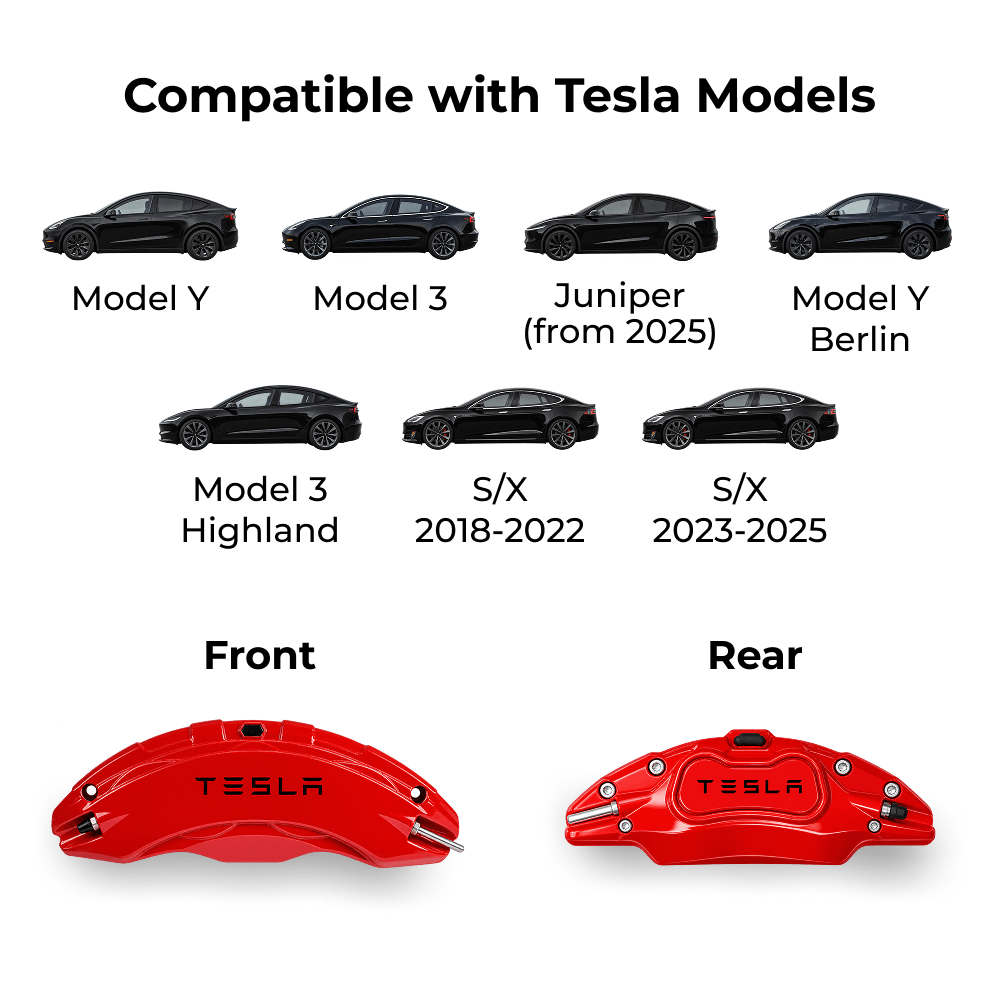
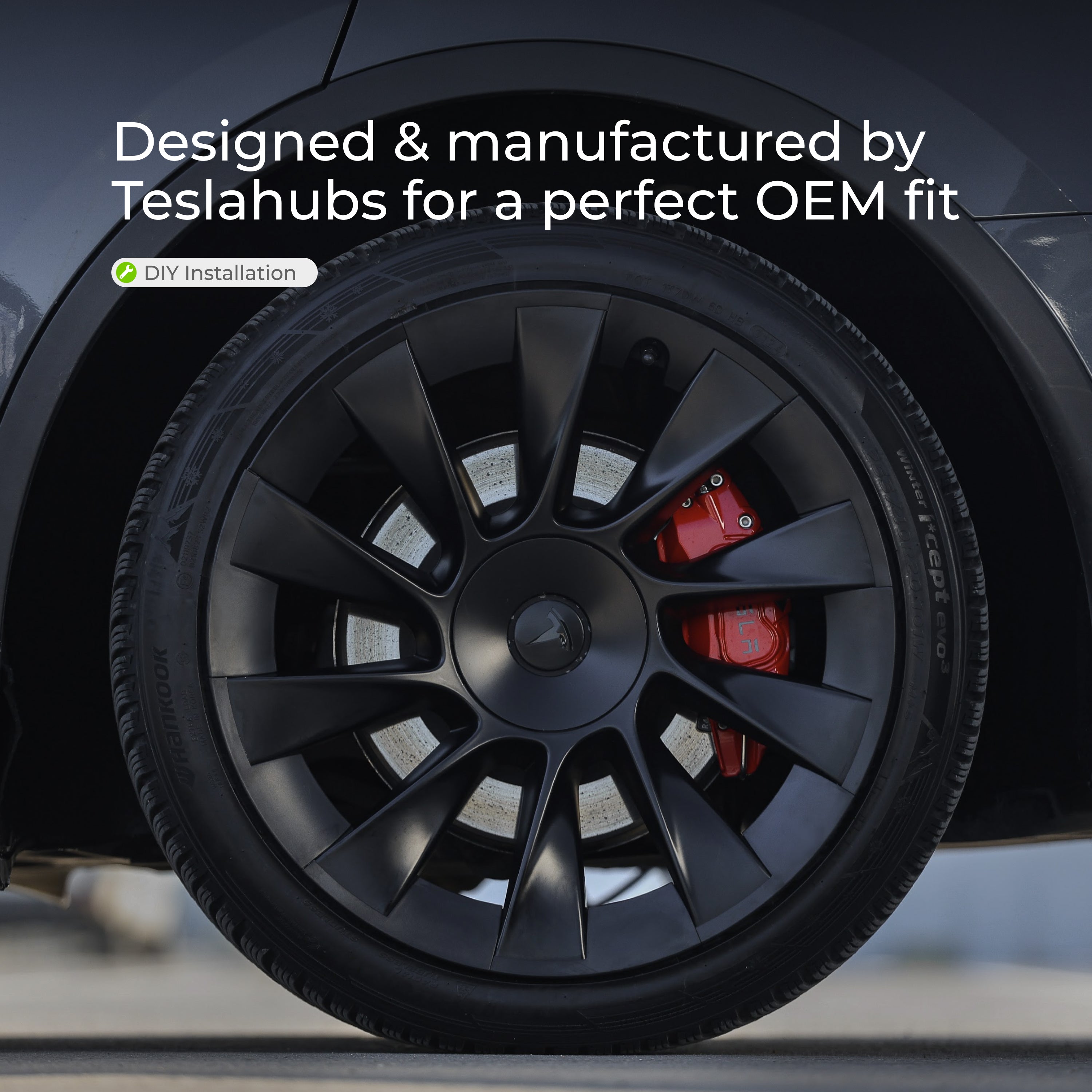
Teslahubs™ Caches d'Étriers en Aluminium
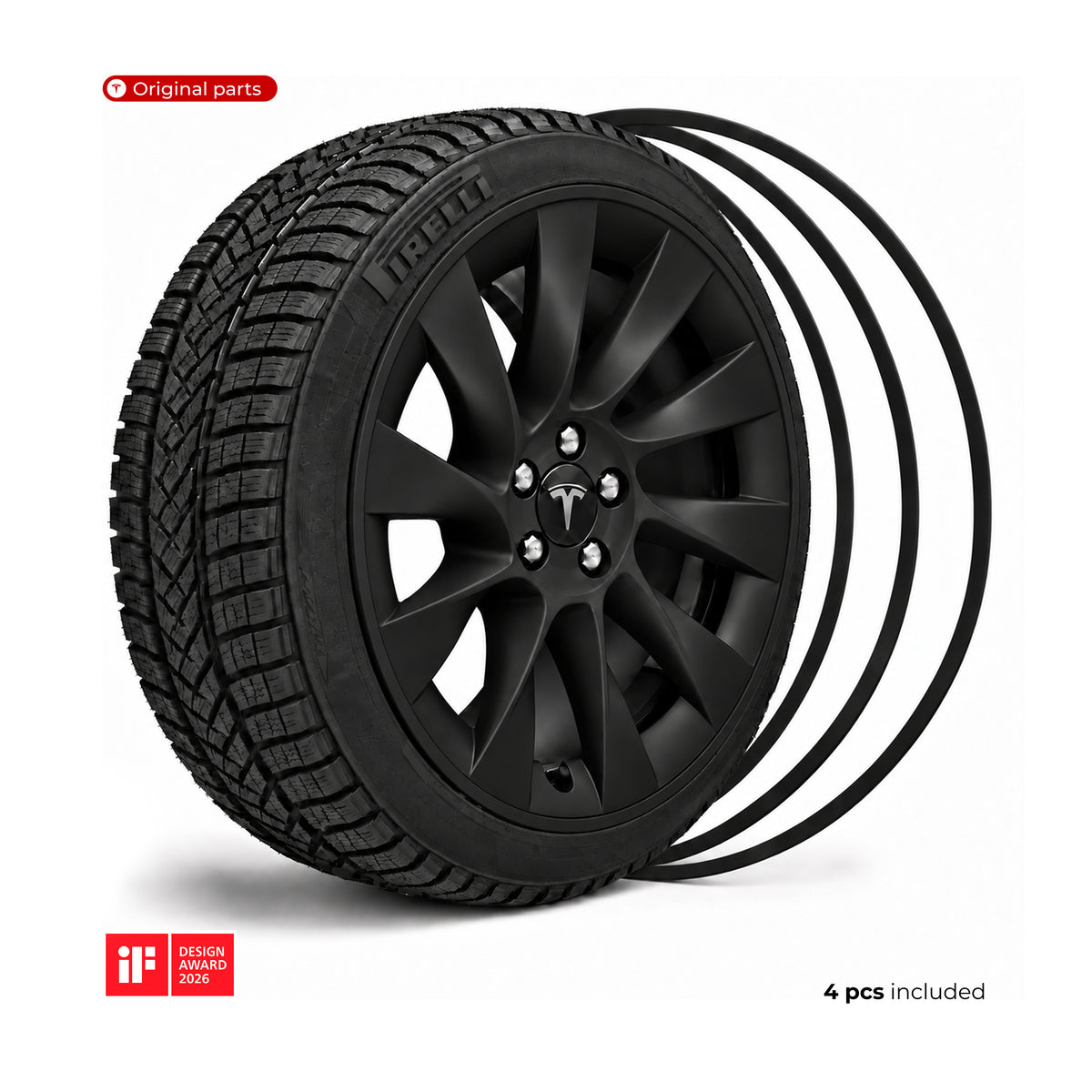
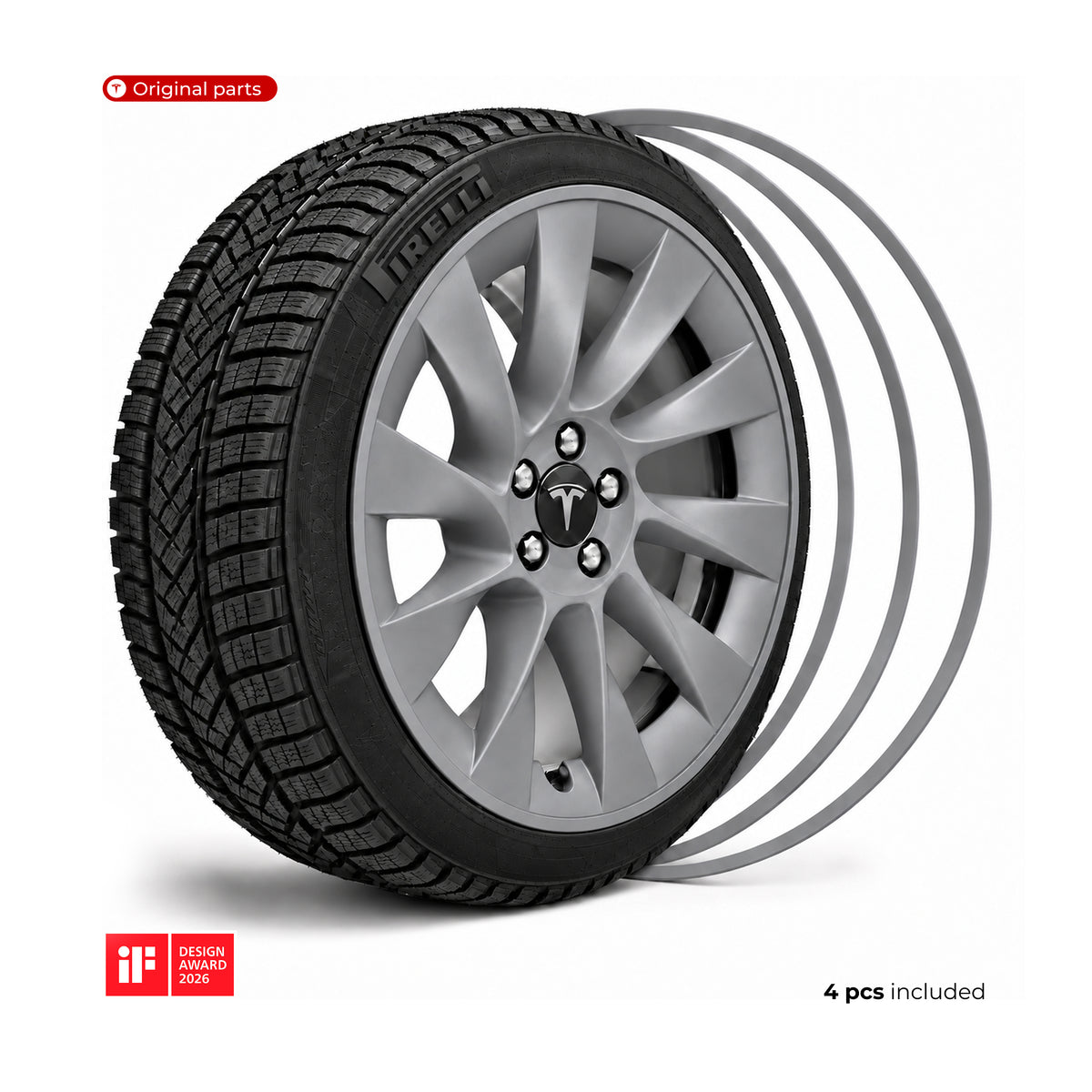
Teslahubs™ Protections de jantes en aluminium
Ensemble de rangement pour console centrale Teslahubs™, modèle 3/Y
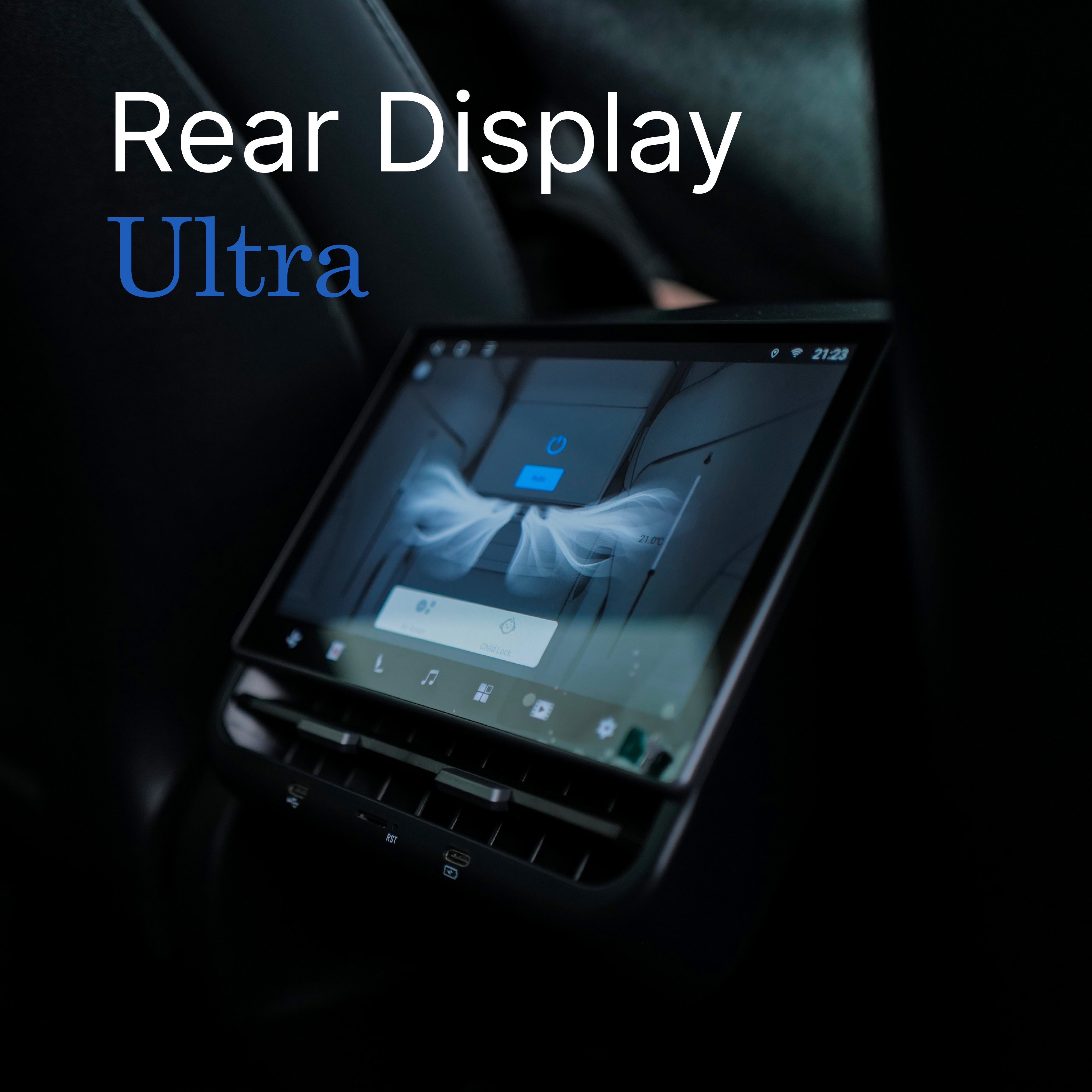
Écran d'affichage arrière Teslahubs™ ULTRA
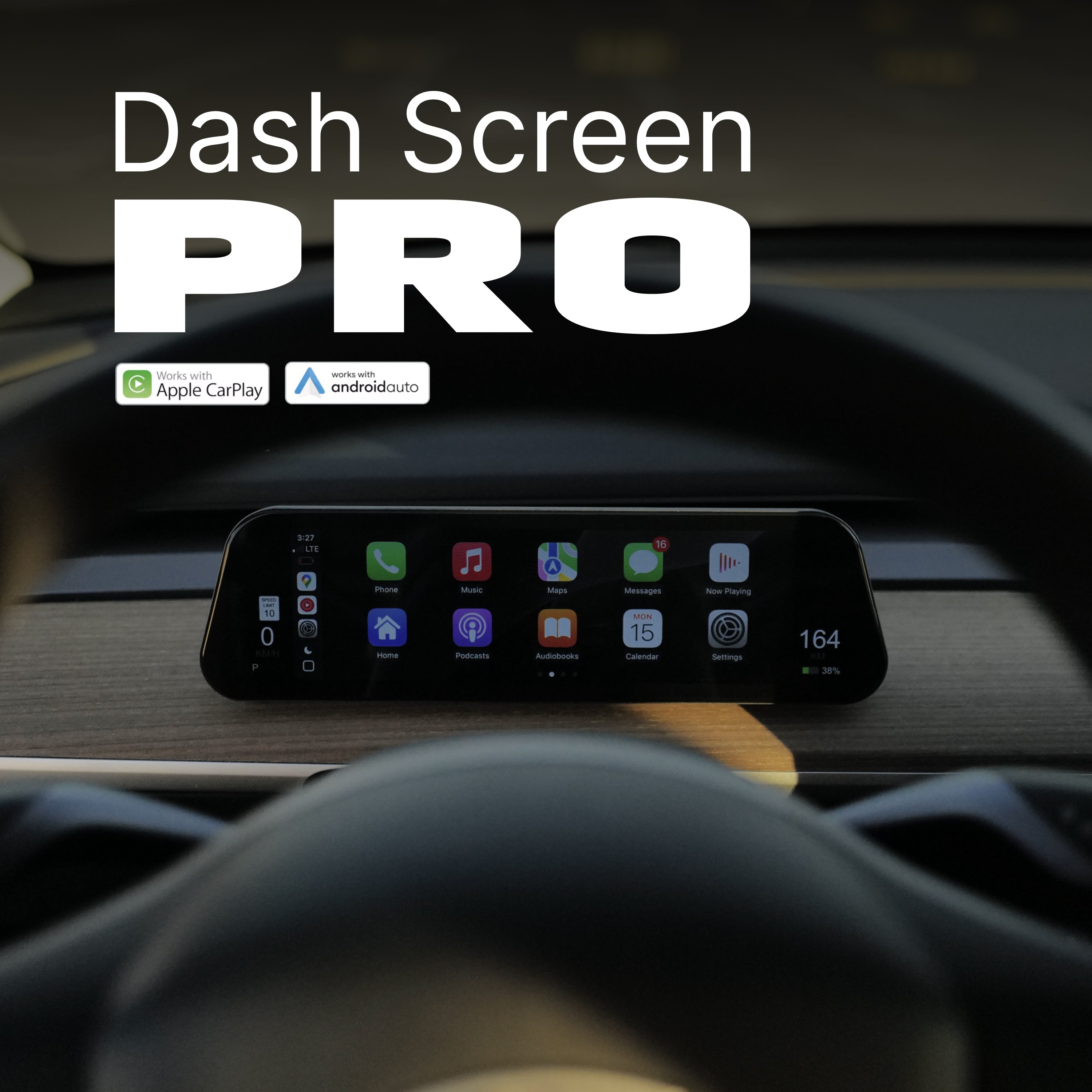
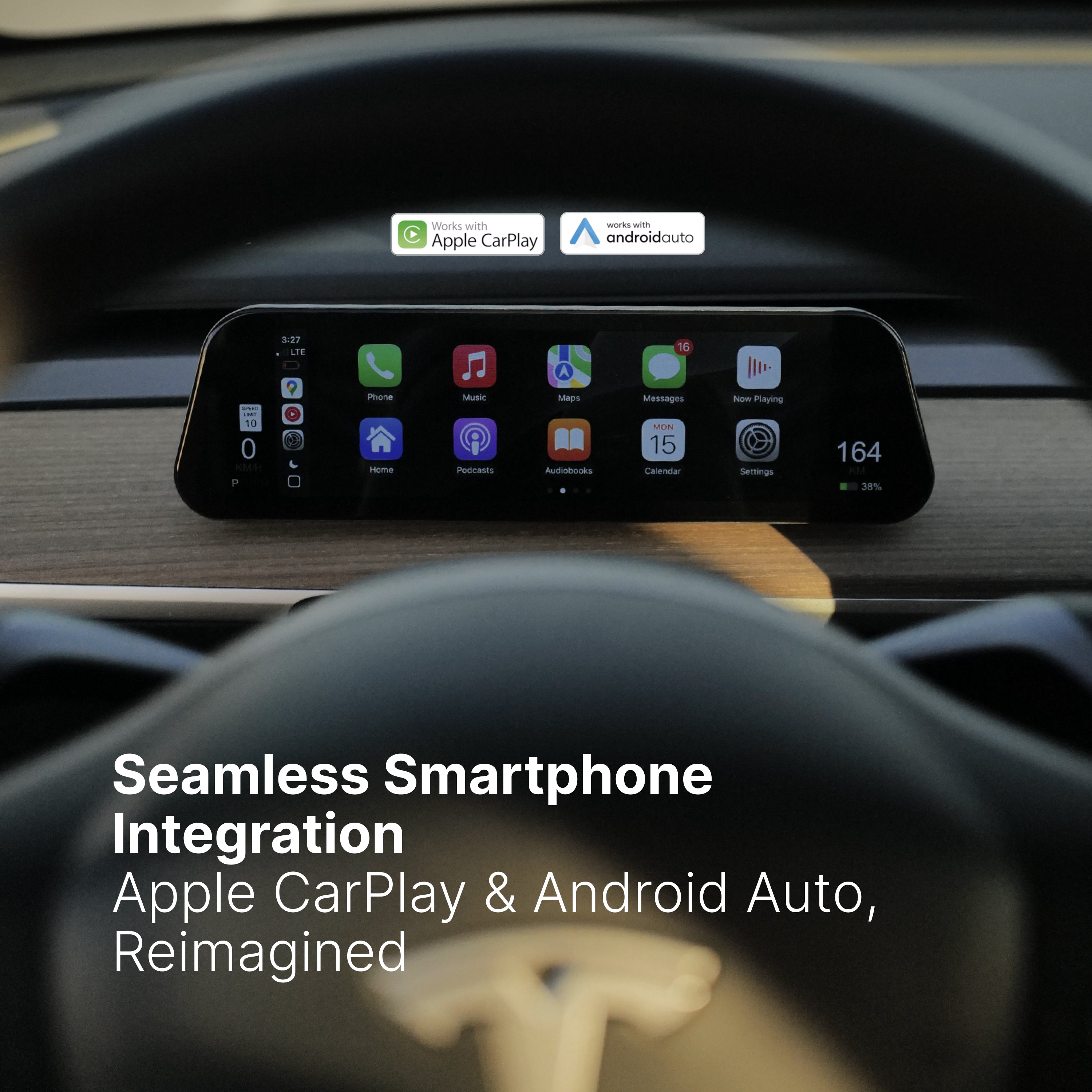
Dash Screen PRO, écran CarPlay Ultra
Solar Shield® Kit Pro pare-soleil de toit