
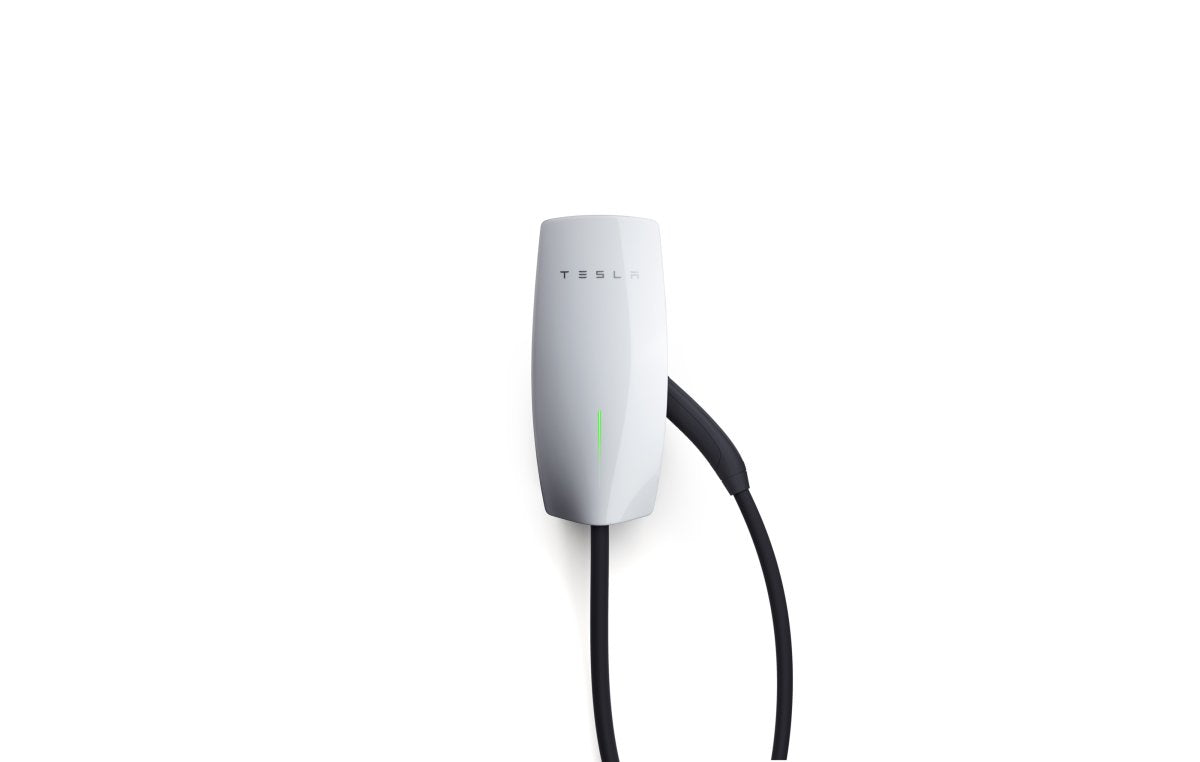
Tesla Fixes Wall Connector Wi‑Fi Issue With Update 26.2

Tesla is rolling out a software update that addresses a long-standing problem for Gen 3 Wall Connector owners: unreliable Wi‑Fi connectivity with modern security protocols.
As documented on the Tesla Motors Club forum, the Wall Connector struggled to remain connected to networks using WPA3 or WPA2/WPA3 mixed‑mode security. Although the Generation 3 Wall Connector launched over six years ago in January 2020, reports of these specific Wi‑Fi drops began appearing in early 2021.
A History of Connectivity Drops
Owners of mesh systems such as Eero, Ubiquiti, and Google Nest Wi‑Fi Pro reported that chargers would either fail to join the network or disconnect after an hour. The issue coincided with Tesla integrating the Wall Connector into its mobile app; because the app relies on a stable Wi‑Fi connection for real‑time data and firmware updates, many users with newer routers could not use these features. Some created a separate, less secure Wi‑Fi network solely for the charger. One owner stated, "It’s making me insane that this is STILL an issue."
A brief reprieve arrived in late 2024 with firmware version 24.44.3, but the problem resurfaced with the 25.x software branch. This led some users to adopt workarounds, including using router settings to block Tesla’s update servers (such as firmware.tesla.com) to remain on the older version that worked.
Fix Confirmed in Update 26.2
The latest firmware, version 26.2.0, appears to resolve the issue. Rolling out more widely since mid‑February, user reports indicate that auto‑negotiation with WPA3 is now stable. One owner shared, "Tesla sent me a new firmware for the wall connector 26.2 and it fixed the auto negotiation on my Eero network with WPA3 enabled. Hopefully this is public soon!"
Unlike a Tesla vehicle, you cannot manually force a Wall Connector to update. Updates typically occur silently overnight. To check your current version in the Tesla app, go to Home > Settings > My Home Info and look under "My Products."
Workarounds While You Wait
If your charger has not updated yet and still struggles to stay online, the most reliable interim approach is to create a dedicated 2.4 GHz Guest SSID on your router that uses WPA2‑Personal only. This bypasses the complex "handshake" behavior in WPA3. While some owners have manually rolled back firmware, waiting for the 26.2 update to reach your unit is generally simpler.
The timing aligns with other activity in Tesla’s charging lineup, which also recently introduced a six-foot pedestal for the Gen 3 hardware. With support for modern router standards, owners can use the full feature set without the charger dropping from the network.
















Teilen:
Dodge, Jeep, Fiat and Others Gain Access to Tesla’s Supercharger Network
Tesla Opens More 500 kW V4 Superchargers in U.S.