
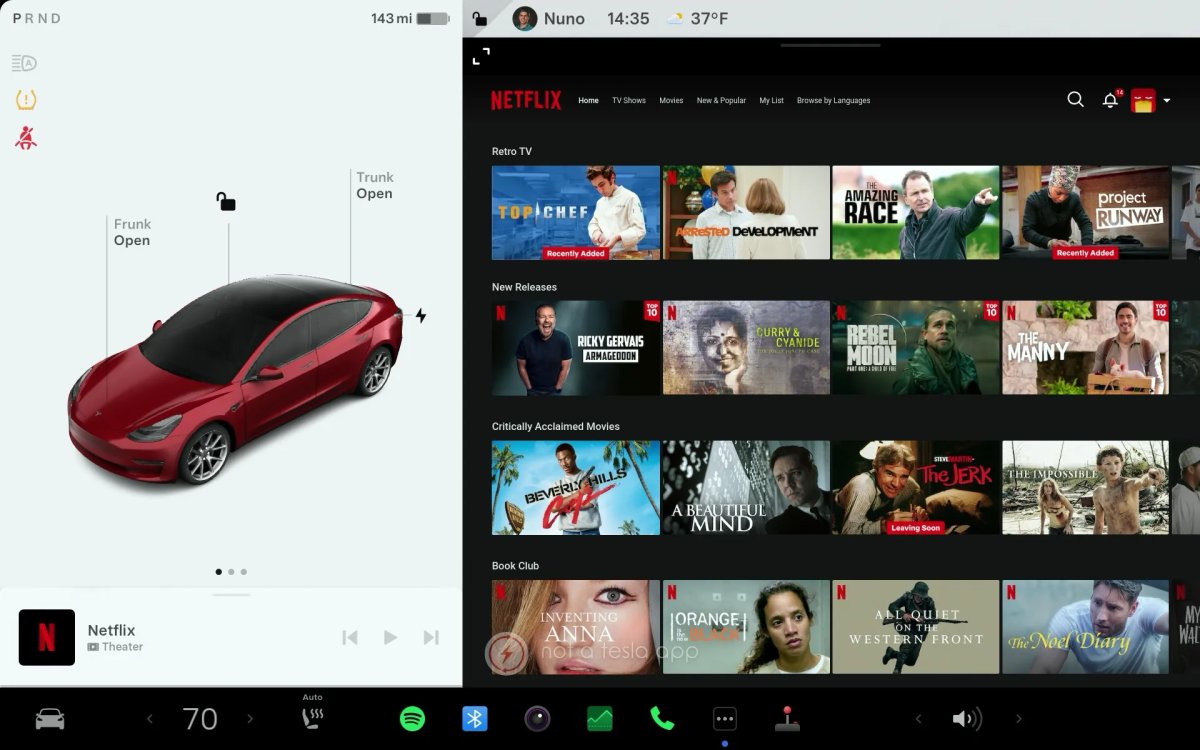

When it first arrived, Tesla’s Theater Mode reshaped in-car entertainment by turning Supercharger downtime into a mini cinema. As other parts of the interface have gained smoother animations and fluid controls, the Theater experience now feels dated. The vehicles’ hardware can deliver a home-theater experience, but the software needs to catch up.
Immersive Lighting
The refreshed lineup includes customizable ambient RGB lighting strips in the cabin. Tesla has already started to use them with Light Sync, which pulses the cabin lights to the beat of your music. Extending this immersion to video is the logical next step.
Many home theaters match ambient lighting to what appears on screen. Tesla could similarly sync the cabin’s ambient lighting to on-screen colors, adding immersion and helping the space feel more like a true theater.
Surround Sound
Tesla’s audio systems are among the best available — the Model S and Model X feature 22 speakers, the Model Y has 17, and the Cybertruck uses a unique sound-shaping frame. Yet Theater Mode often underutilizes this hardware.
Because most streaming apps in the car run inside a web browser container, audio is frequently downmixed to basic stereo. Enabling true 5.1/7.1 surround sound or Dolby Atmos decoding in the Theater apps would finally let the system deliver cinema-grade audio.
More Streaming Services
Owners who want to stream personal libraries through Plex often rely on cumbersome browser workarounds that can be slow and buggy. Opening things up would improve the experience.
Adding a native Plex app, or simply expanding the available streaming services, would make it easier to access favorites like HBO Max, Prime Video, ESPN, and more. While users can already access other streaming services with a workaround, a native solution would be simpler. Since Tesla Theater loads a service in a chromeless window, letting users pin favorite streaming services would provide quick access on the front and rear screens.
AirPlay / Cast Support
Even with more native apps, sometimes it’s easiest to cast or AirPlay directly from your phone, especially for videos already on the device.
Adding AirPlay or Casting support would let you quickly send a video to the vehicle’s display or browse on your phone to find what you want to watch. This would be particularly helpful on the rear screen, which rear passengers can’t always reach easily.
Integration With Grok
Finding what you want can involve digging through menus, and that’s assuming you know which service has the title.
Adding support for Grok would streamline this. Instead of opening Netflix and searching, you could simply say, "Play Stranger Things.”
Better Integration With Navigation
There is some navigation integration on the rear screen, but it isn’t visible while Tesla Theater is active. Improving this so passengers can easily see progress to the destination would help. Similar to a show’s progress bar, a persistent bar at the top could indicate how close you are to arrival.
This would be useful today for rear passengers and could also serve the Robotaxi on the front display.
Native Apps
Adopting native apps for Tesla Theater would improve performance and ensure a consistent interface across streaming services. While many vehicle-specific features may change once FSD is solved, video streaming will only become more popular.
Accessibility
A unified overlay for subtitles and audio tracks would improve accessibility. Today, each web player uses different controls to toggle captions, adjust audio, or change playback speed. A system-level menu to manage these settings in one place would offer a better experience.
There are many potential upgrades for Tesla Theater, but the most impactful would be surround sound, ambient lighting sync, and AirPlay/Casting support. Any of these would be widely welcomed and would significantly enhance the theater experience.
















Partager:
How FSD Works Part 4: How Tesla Vision Works
How to Use a Single Key Card to Open Multiple Teslas