00 Days : 00 Hrs : 00 Mins : 00 Secs

Model 3 · Model Y · Juniper

Teslahubs™ Mittelkonsolen-Aufbewahrungsset, Modell 3 / Y

4.4 · 16 reviews
$49.99 $59.99 Save $10.00
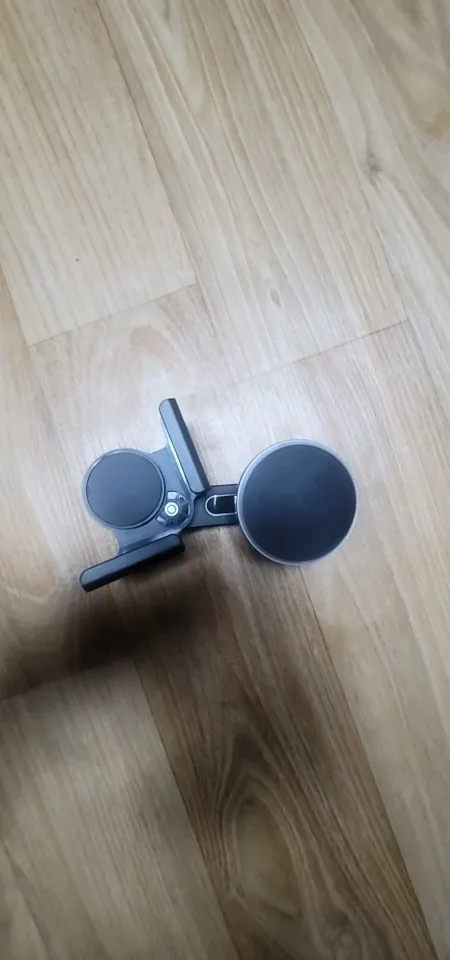
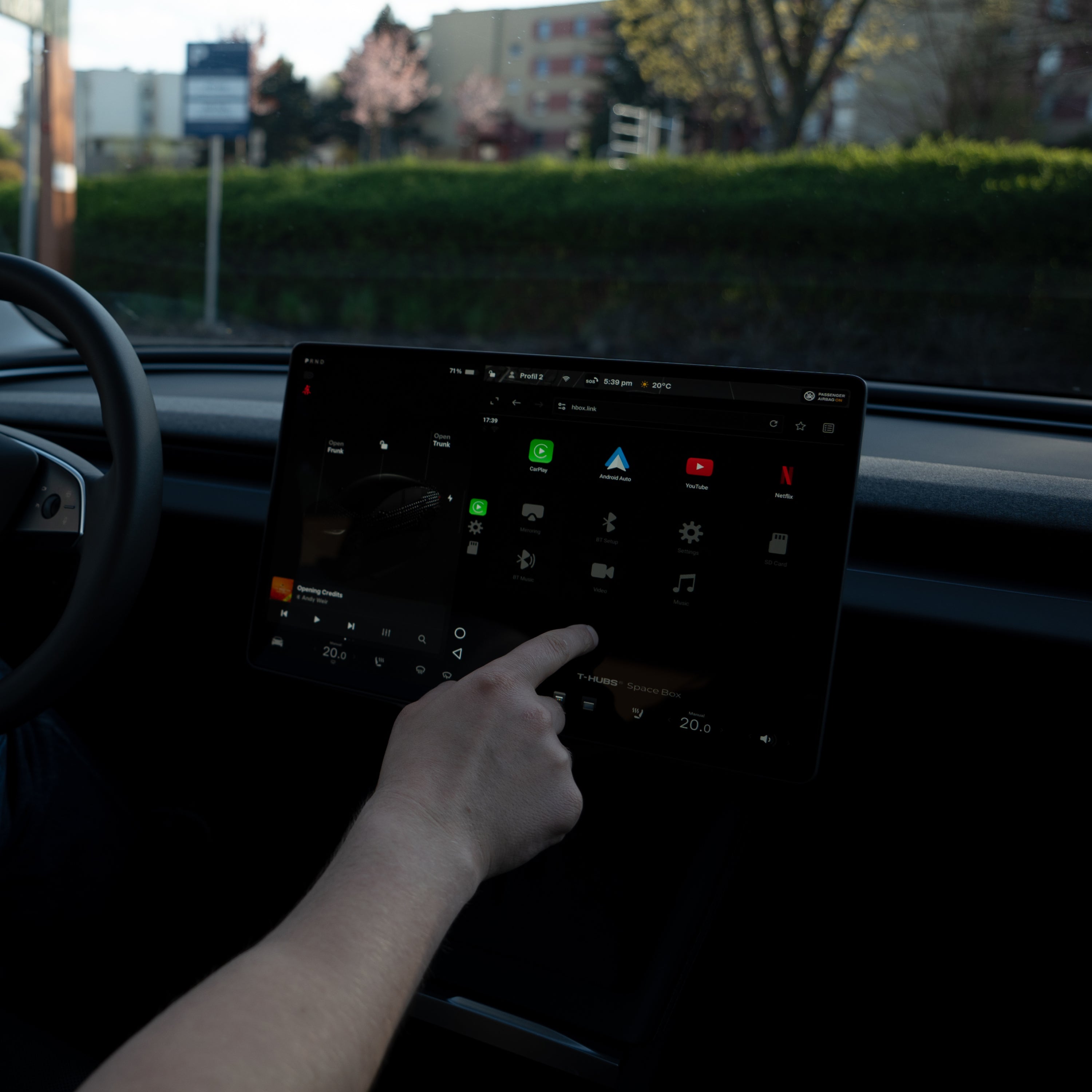
  • Mounts to the screen base in about 30 seconds, no tools
  • Built for Model 3, Model Y and Juniper — pick yours below
  • Rotates a full 360°: portrait, landscape, driver or passenger
  • Magnetic hold — no clamps, no arms, no vent clips
  • Metal and reinforced plastic build
  • Metal ring included so Android phones attach too
  • Wireless option charges the moment you place the phone
Model
How it charges

30 days to return it, for any reason

  • ShippingFree · 1–7 workdays
  • Returns30 days, no questions
  • Support24/7 · manual in the box

Installation

30seconds, no tools, no adhesive on the dash

  1. 01Slide the screen base onto the edge of your Tesla display
  2. 02Clip the magnetic charger onto the base
  3. 03Put the phone on. It holds.
Installation

The hold

It stays put on the move.

Magnetic attachment means nothing grips the phone and nothing blocks the screen. No arm across the display, no clip in a vent, no suction cup peeling off in the sun.

It is easy to install and can be used without shaking even while driving, which is very satisfactory.

Osbaldo Bruen · verified review · Model Y
It stays put on the move.

Two setups

The only decision you have to make

Both include the same magnetic charger, the same screen base and the same metal ring for Android. The difference is what happens to your battery once the phone is on.

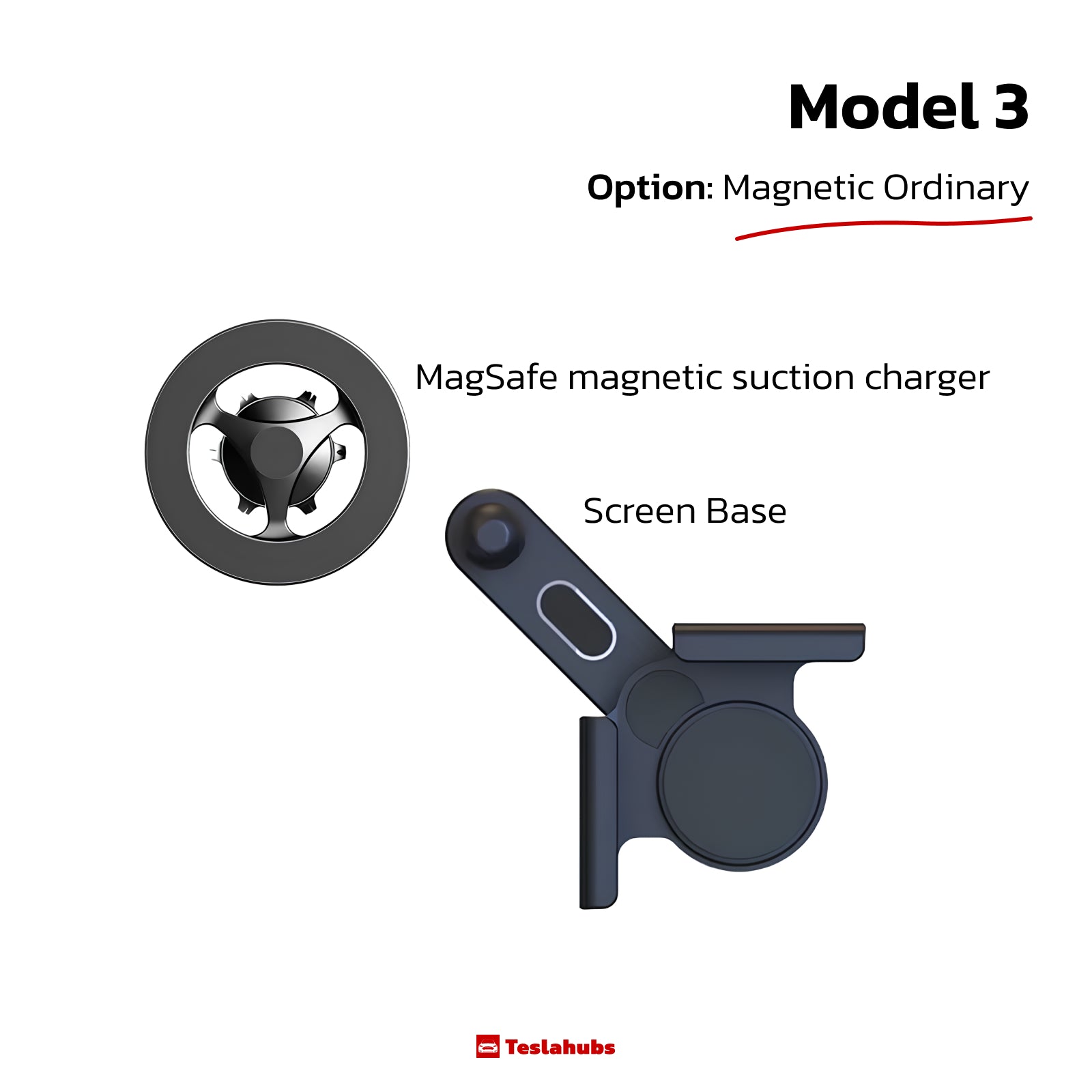
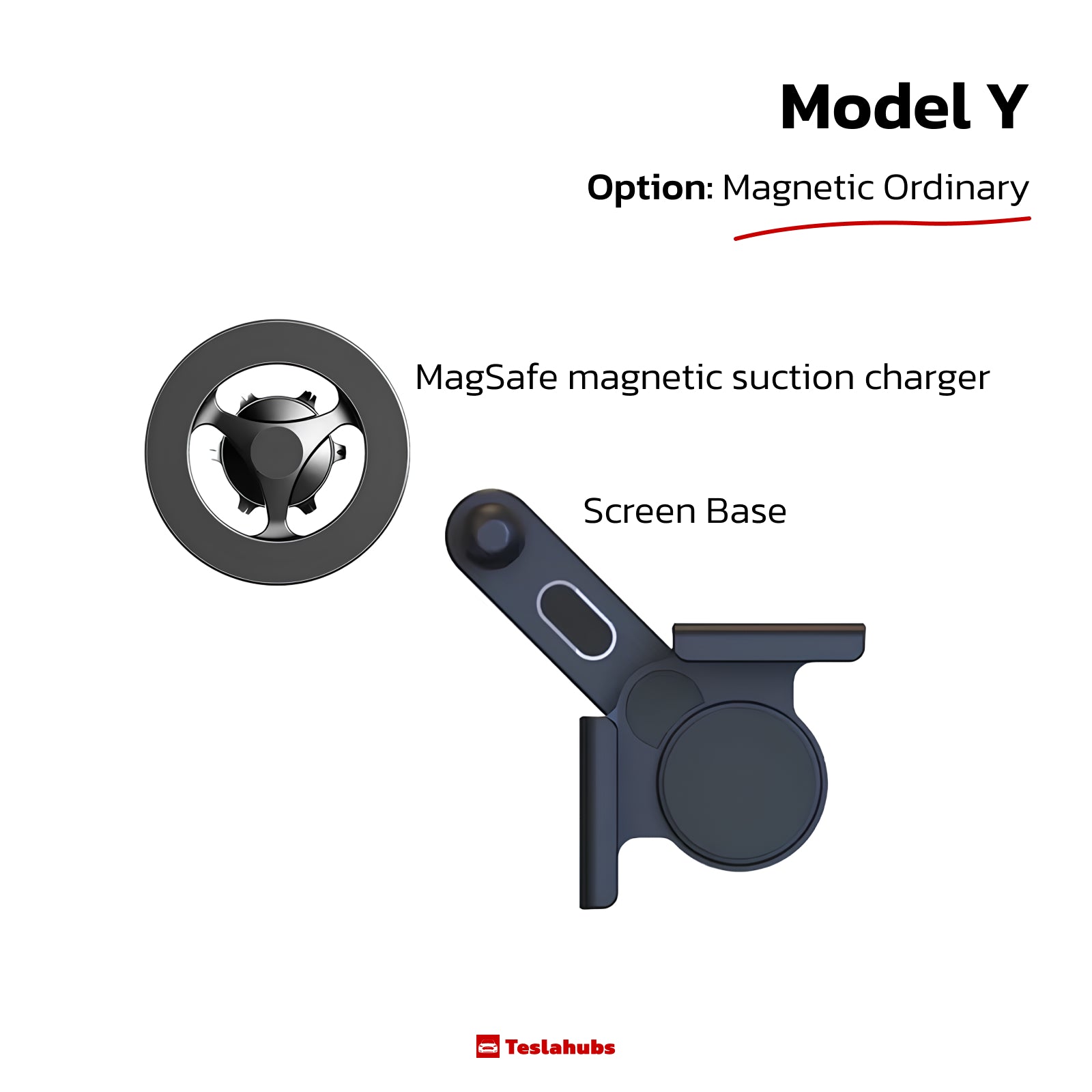
Magnetic Ordinary

Magnetic Ordinary

$0.00

  • IncludesMagnetic charger, screen base, metal ring
  • ChargingYou plug in your own cable when you need it
  • Best forShort drives, or you already have a cable in the car

Selected above

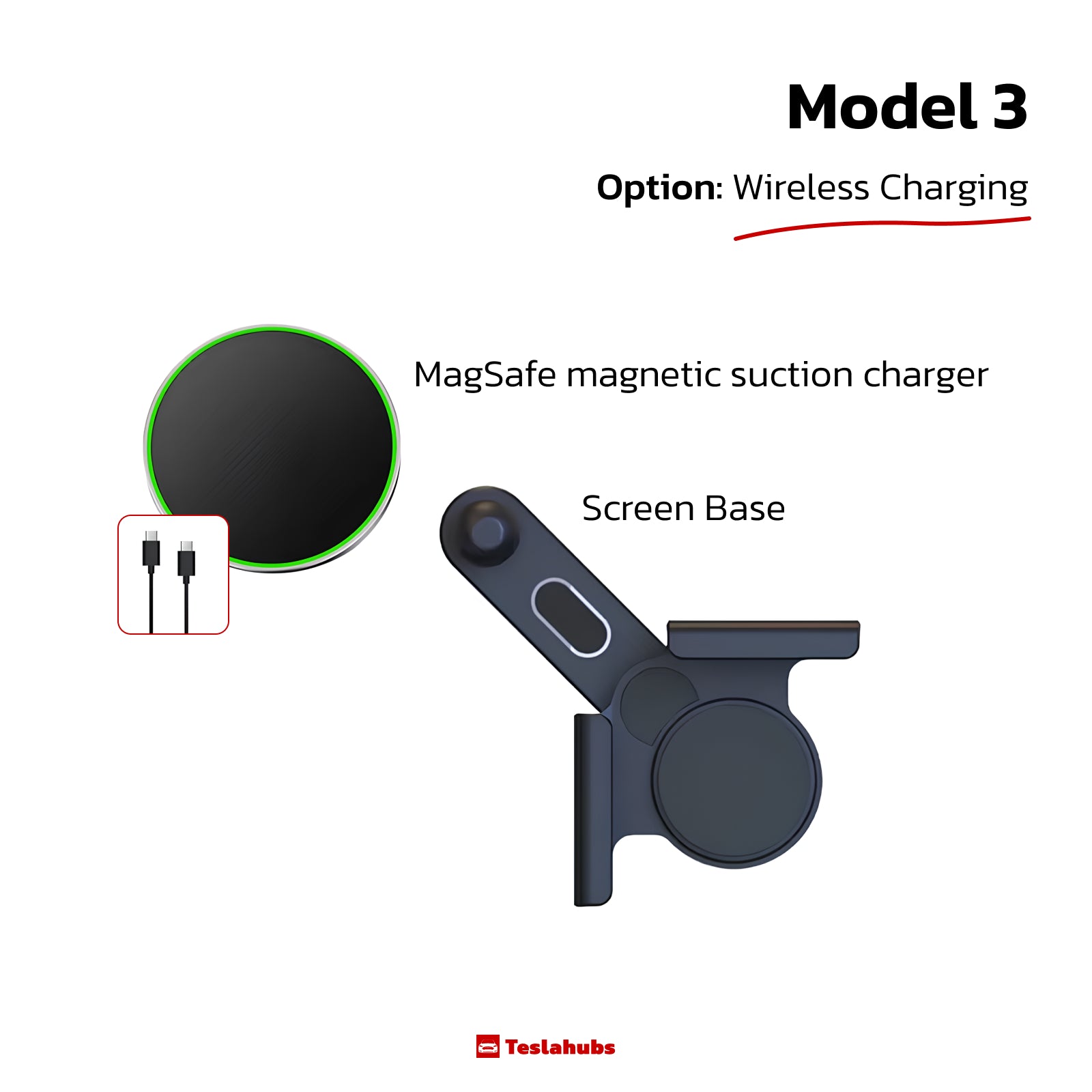
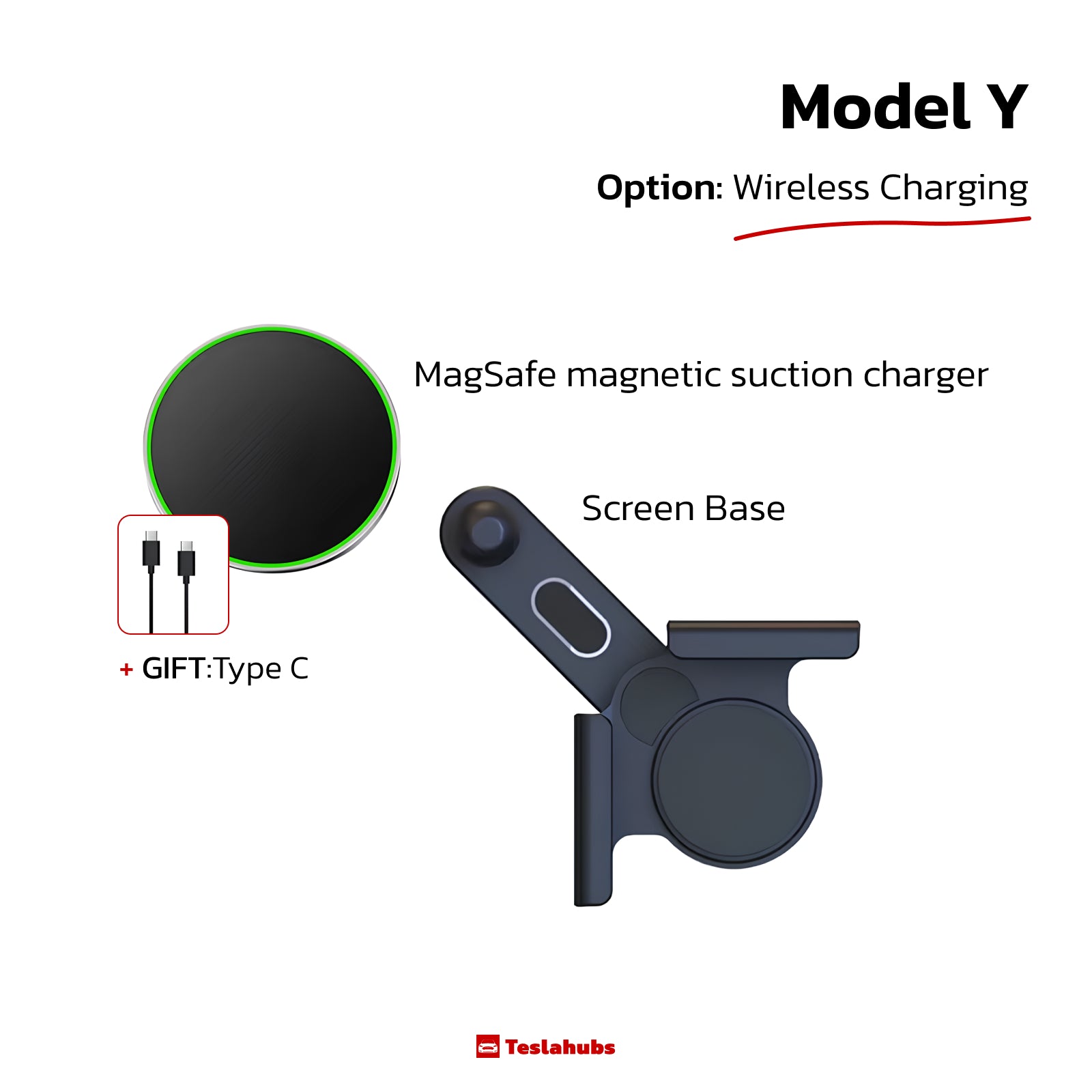
Wireless Charging

Wireless Charging

$0.00

  • IncludesEverything above, plus a Type-C cable
  • ChargingStarts the second the phone touches the magnet
  • Best forNavigation-heavy driving and long commutes

Selected above

iPhone and Android, both in the box

Your phone

iPhone and Android, both in the box

  • iPhone with MagSafeAttaches straight to the magnet. Nothing to add.
  • Android, or an iPhone in a non-magnetic caseStick the included metal ring to the back of the phone or case. Same hold.

One metal ring comes in each kit. If two people share the car, order a second ring or a second kit.

Alternatives

Against the other ways to hold a phone in a Tesla

Comparison of common phone-holding approaches in a Tesla interior.
Criterion This holder Vent & dash mounts Tesla's charging pad
Where the phone sits Beside the display, in your sightline Dash or vent, varies by mount Flat in the console, out of sight
Attachment Magnetic, to the screen base Clamp, clip or adhesive pad None — the phone lies loose
Adhesive on the interior None Often required None
Charging Wireless option, or your own cable Depends on the model Wireless
Phone visible while driving Yes Yes No
Fitted to your Tesla Model 3, Model Y and Juniper versions Universal Built in
Everything that ships

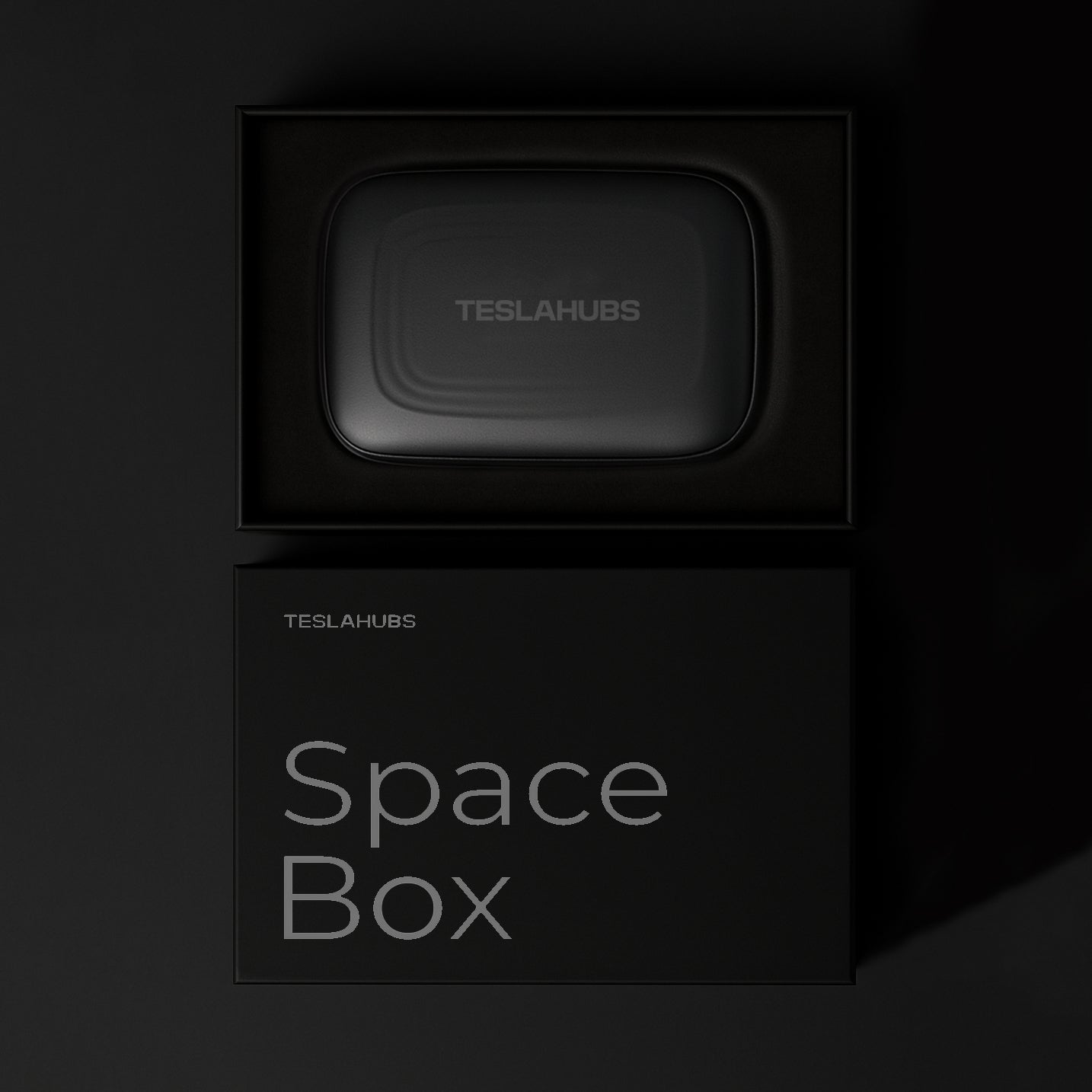
In the box

Everything that ships

  1. 01

    Magnetic charger

    Wireless Charging or Magnetic Ordinary, whichever you chose.

  2. 02

    Screen base

    The mount that holds everything to your display.

  3. 03

    Metal ring

    For Android phones and non-magnetic cases. One per kit.

  4. 04

    Type-C cable

    Included with the Wireless Charging option.

Reviews

4.4

Average of 16 reviews

5 ★12
4 ★2
3 ★0
2 ★1
1 ★1

Osbaldo Bruen

The MaxSafe smartphone stand installed on the Tesla Model Y makes the smartphone stable with powerful magnets it gives me a clean. It is easy to install and can be used without shaking even while driving, which is very satisfactory. The design is also neat and goes well with the interior of the vehicle.

Bethany Jenkins

Definitely recommend. The magnet is chic. The quality of the materials is excellent.

Talia Feeney

Wow!!! An excellent product both charger and holder-comes only with one magnet that is slightly disappointing that does not fit into several car users

Percival Kohler

It wasn't difficult to install, but I'm doing well because I'm a little bit overdone.

Details

Specifications and questions

Specifications
Fits
Model 3, Model Y, Juniper — model-specific versions
Mounting
Screen base, no adhesive on the dashboard
Installation
About 30 seconds, no tools
Adjustment
360° rotation, portrait and landscape
Materials
Metal and reinforced plastic
Phones
iPhone with MagSafe; Android and non-magnetic cases via the included metal ring
Charging
Manual with your own cable, or automatic wireless on the Wireless Charging option
In the box
Magnetic charger, screen base, metal ring, Type-C cable (Wireless Charging option)
Will it fit my Tesla?

Model 3, Model Y and Juniper each get their own version. Choose your model at the top of the page and the matching kit ships to you.

Does it work with Android?

Yes. Every kit includes a metal ring you stick to the back of the phone or case. The same applies to an iPhone in a case without built-in magnets. One ring comes per kit.

Which option should I pick?

Magnetic Ordinary holds the phone and you plug in your own cable. Wireless Charging starts charging the moment the phone touches the magnet and includes a Type-C cable. Both include the same base, magnet and metal ring.

Does it block the touchscreen?

The base sits on the edge of the display and the phone is held beside it, not across it. Nothing clamps over the screen.

How long does delivery take, and can I return it?

Shipping is free and takes 1–7 workdays. You have 30 days to return it for any reason.

What if I get stuck installing it?

A manual is in the box and support answers 24/7 at hello@teslahubs.com.

Thirty seconds from now, your phone has a place.

$49.99 · Model 3 / Magnetisch gewöhnlich

  • Free · 1–7 workdays
  • 30 days, no questions
  • 24/7 · manual in the box

$49.99

Model 3 / Magnetisch gewöhnlich

Stop Killing Your Tesla Battery

FREE today with every order: Tesla Battery Secrets — the shortcuts that can save you thousands.