







Extra 20% Rabatt · nur für die ersten 200 Bestellungen
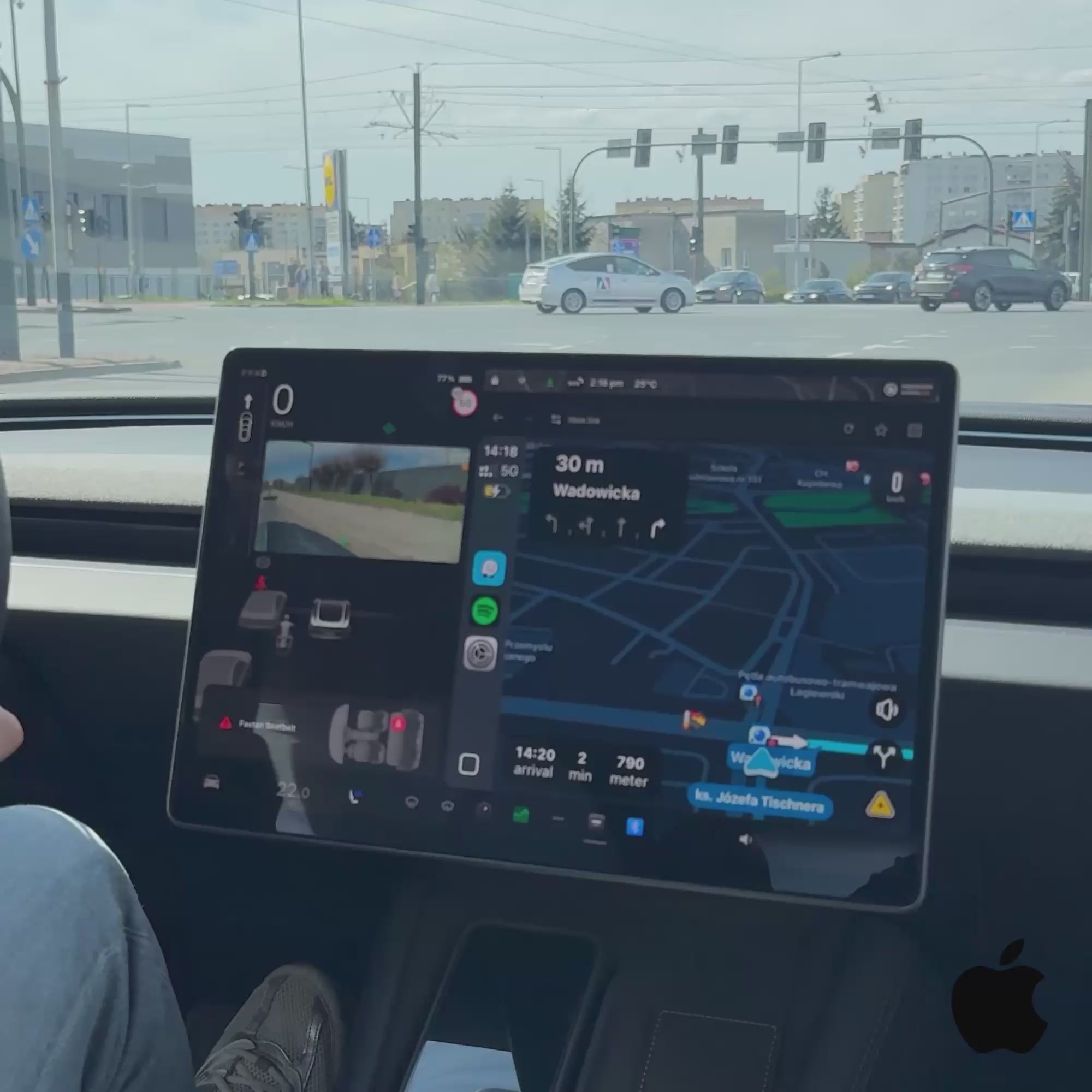
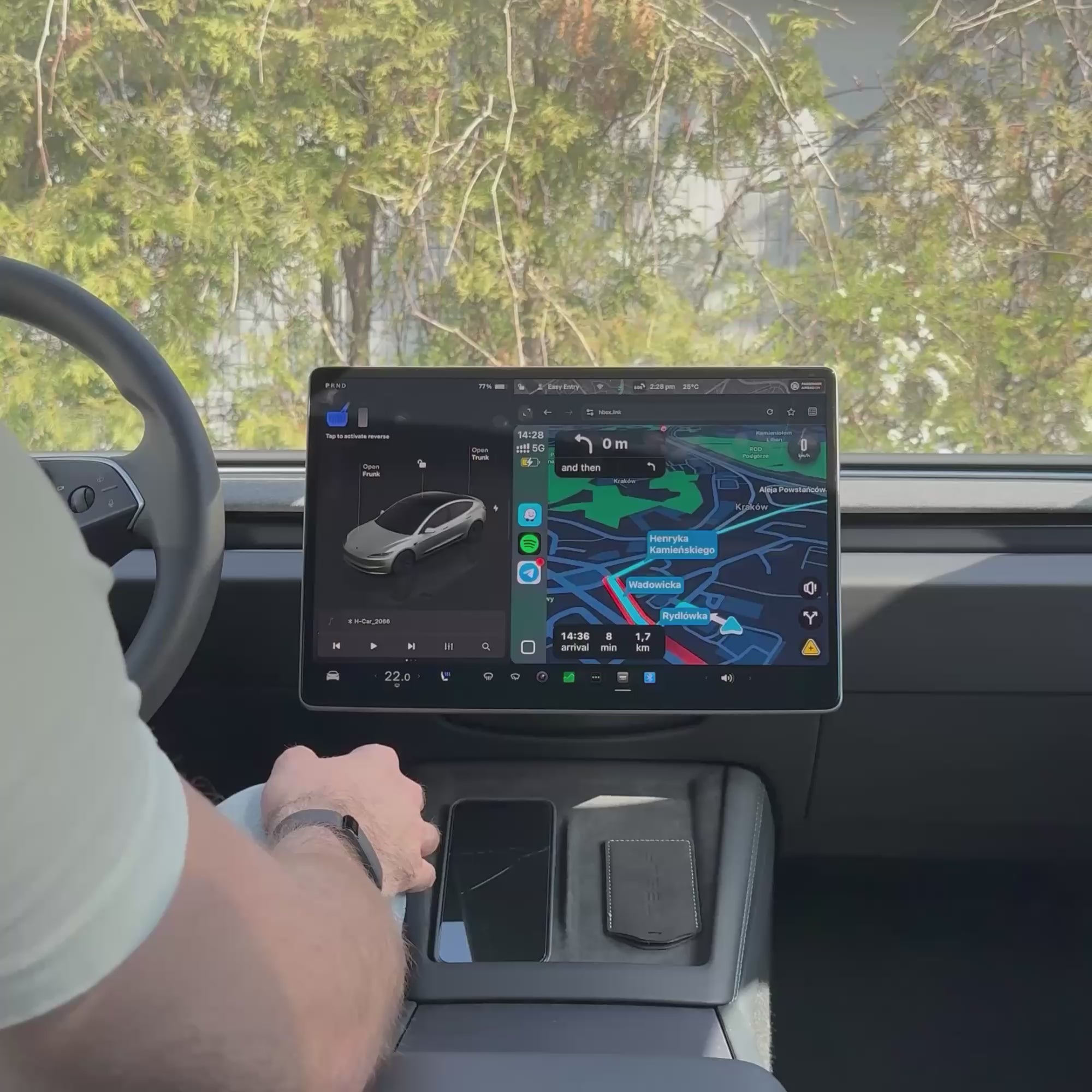
Teslahubs™ Space Box - CarPlay für Y, 3, S, X, Cybertruck, Juniper

So verbindet sich SpaceBox
-
Einstecken
Verbinden Sie SpaceBox mit dem mitgelieferten Kabel mit dem USB-Anschluss Ihres Tesla.
-
Tesla verbinden
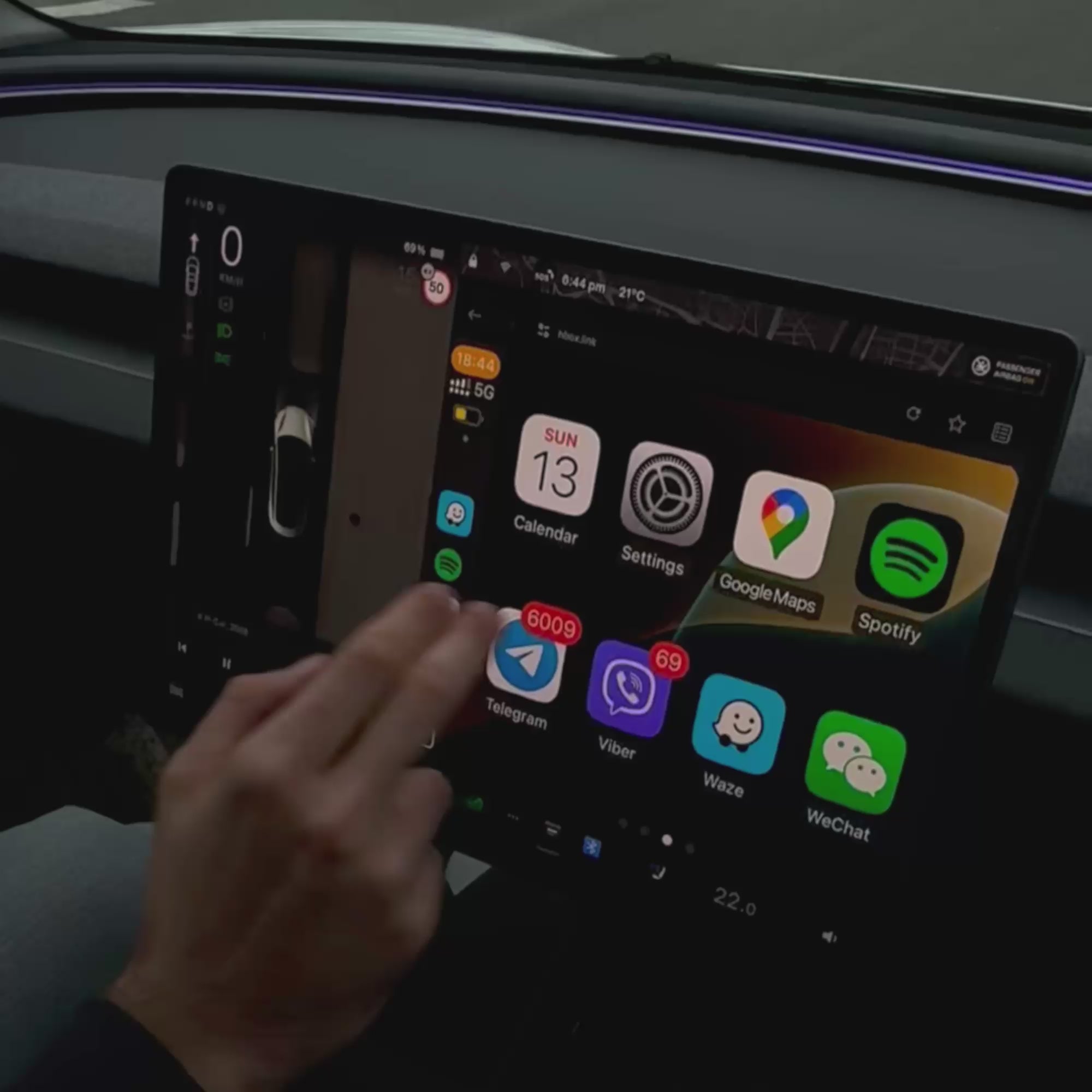
Verbinden Sie sich mit dem H-BOX Wi-Fi-Netzwerk und öffnen Sie hbox.link im Tesla-Browser.
-
Smartphone koppeln
Verbinden Sie es per Bluetooth und starten Sie Apple CarPlay oder Android Auto.
Was Sie brauchen
- Ein Smartphone mit mobilen Daten
- Wi-Fi und Bluetooth aktiviert
- Tesla Premium Connectivity ist nicht erforderlich
Während SpaceBox in Gebrauch ist, bleiben Wi-Fi und Bluetooth Ihres Tesla damit verbunden. Andere Fahrzeugfunktionen arbeiten normal weiter.


Gut kombinierbar mit
Teslahubs™ Space Box - CarPlay für Y, 3, S, X, Cybertruck, Juniper
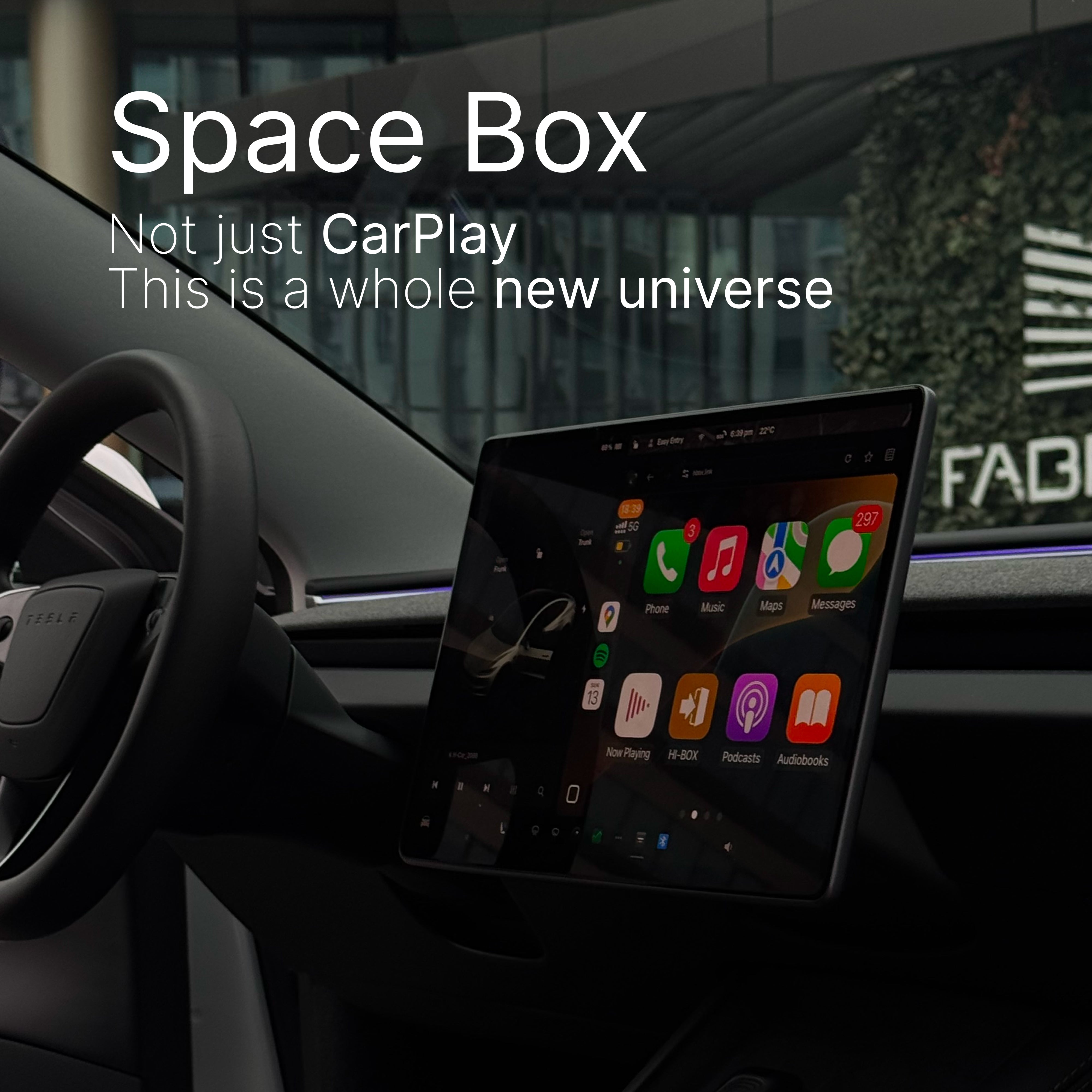
Nicht nur CarPlay - es istals eine ganz neue Welt
Die einzig wirklich intelligente CarPlay/Android Auto auf dem Markt — Space Box geht über das hinaus, was jedes andere Gerät kann. Es ist nicht nur intelligenter, es ist revolutionär.
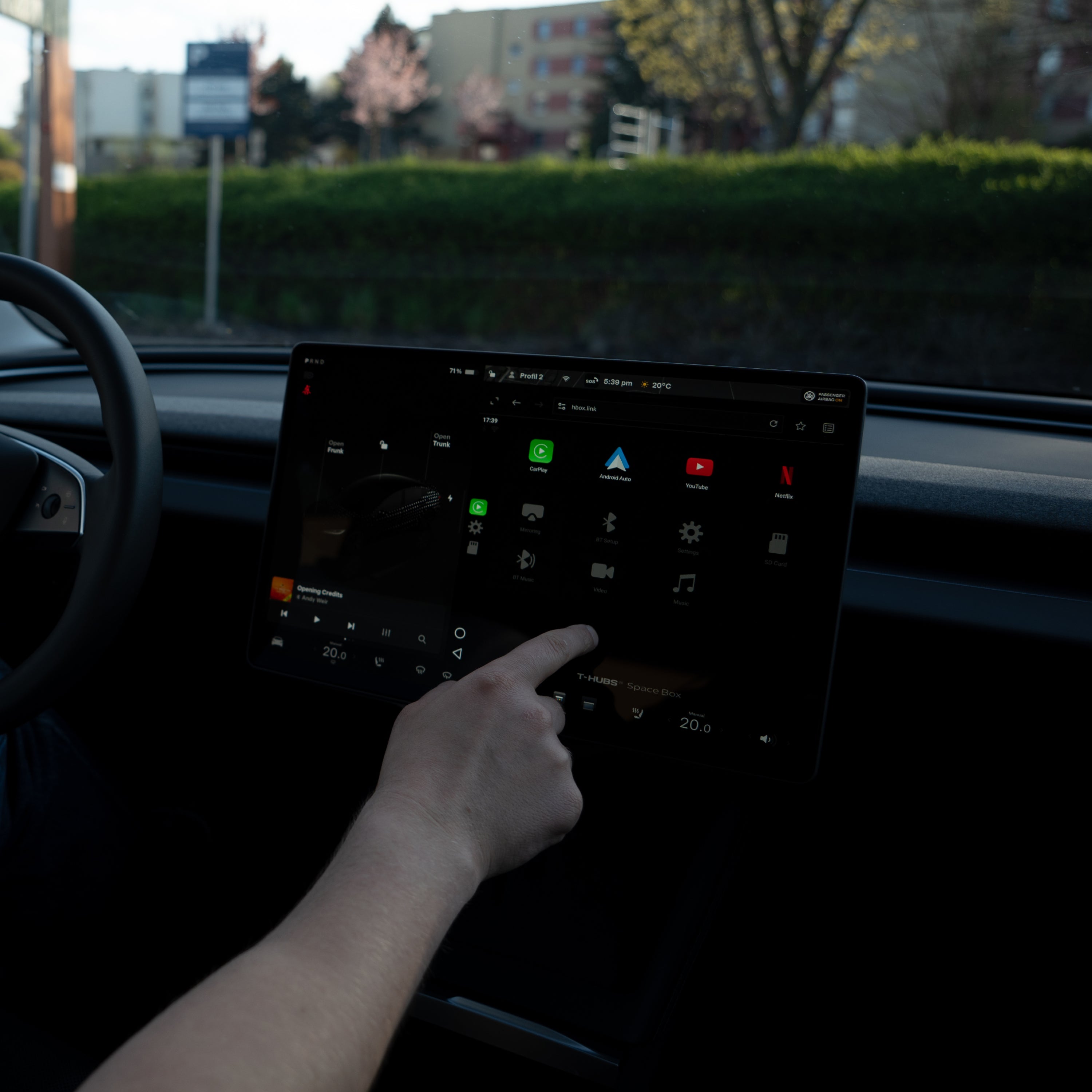
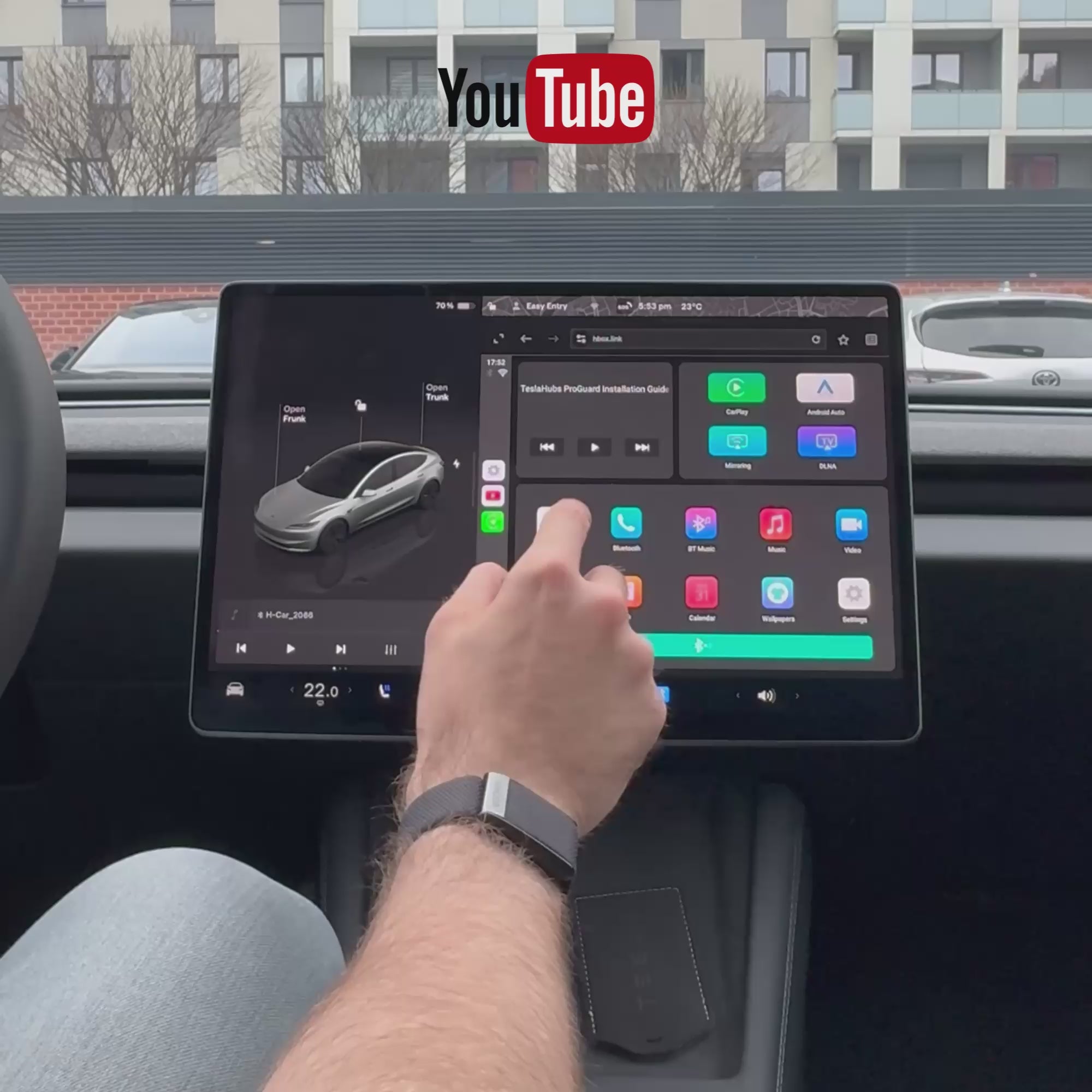
Eingebautes YouTube und Netflix. Keine Hacks, keine Umgehungen. Sofortiges Streaming direkt vom Bildschirm Ihres Autos.
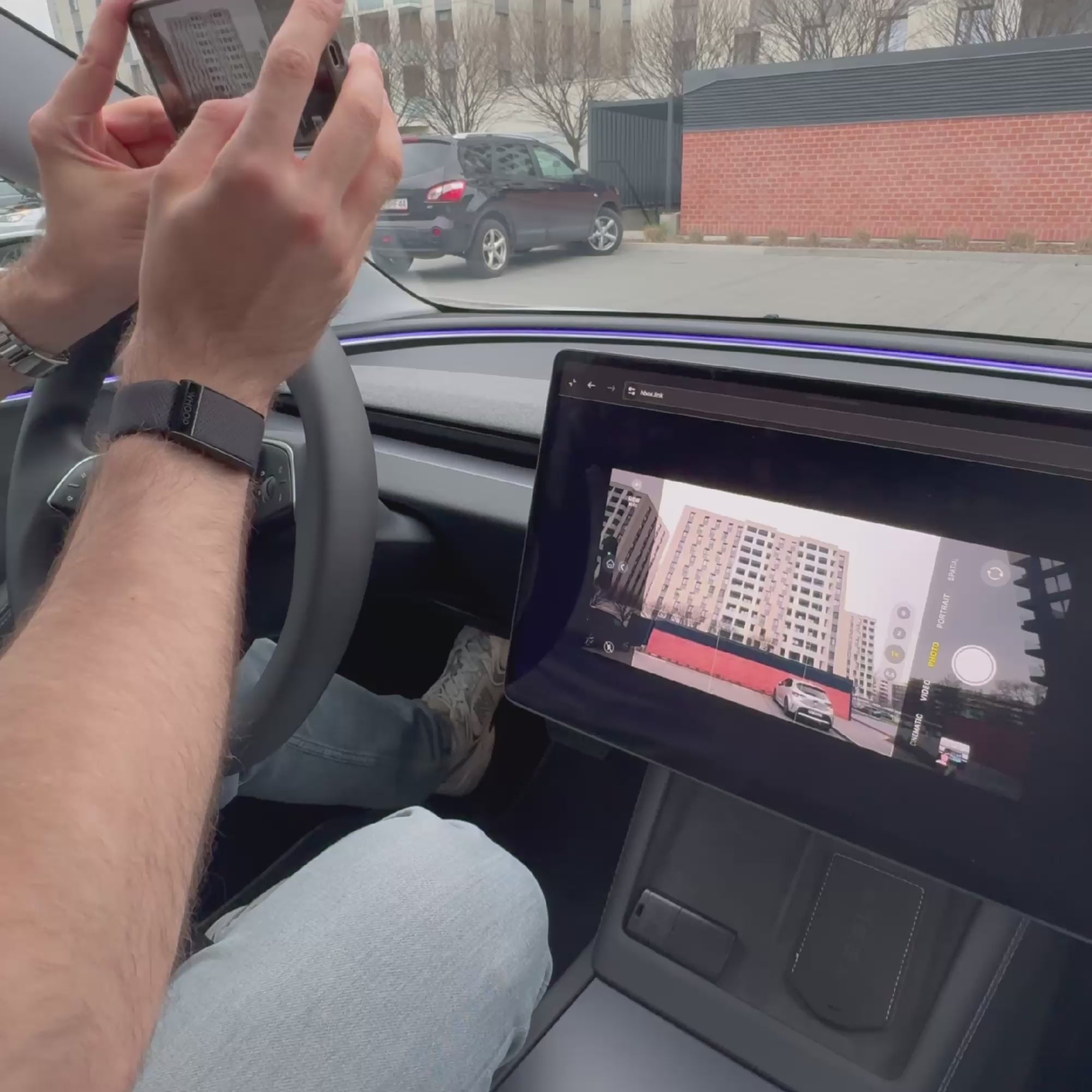
Nahtloses Fullscreen-Mirroring. Streamen Sie Ihr Telefon, Tablet oder Laptop kabellos. Von TikToks bis zu Zoom-Anrufen – alles wird auf Ihrem Display angezeigt.
Einstecken. Loslegen. Fertig. Keine Einrichtung, kein Programmieren. Einfach anschließen und genießen.
Sprachsteuerung mit Siri oder Google Assistant. Abspielen, pausieren, navigieren – alles freihändig. Bleiben Sie konzentriert, behalten Sie die Kontrolle.
🔊Ton an für das volle Erlebnis!
Das ist kein Upgrade. Es ist ein ganz neuer Standard für den täglichen Gebrauch!
Ihr Tesla hat gerade ein Upgrade erhalten. ChatGPT läuft jetzt in Ihrem Auto. Einfach sprechen – es antwortet. Keine Hacks. Keine Apps. Einfach anschließen und loslegen.
🔊 Ton an für das volle Erlebnis!
Was ist in der Box?
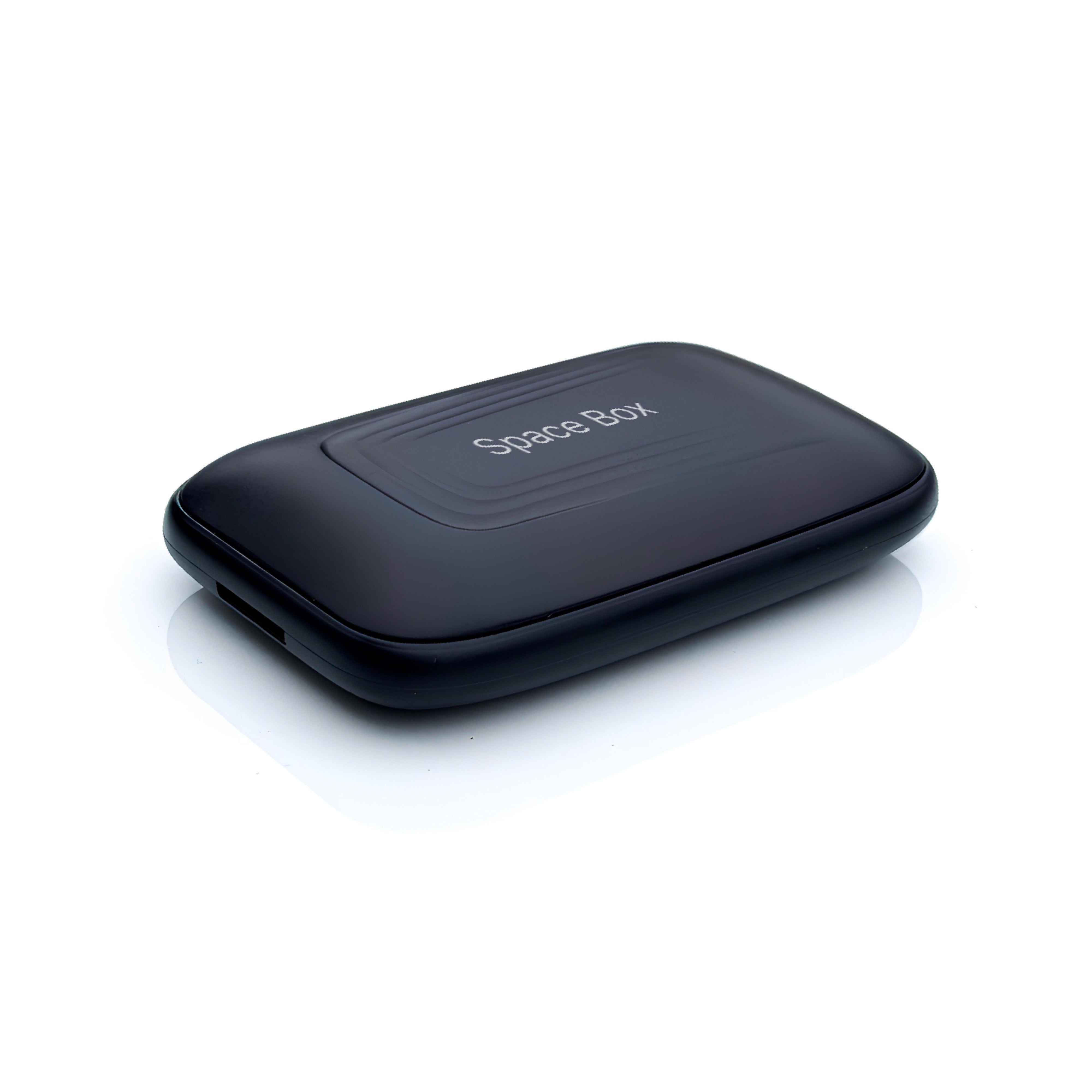
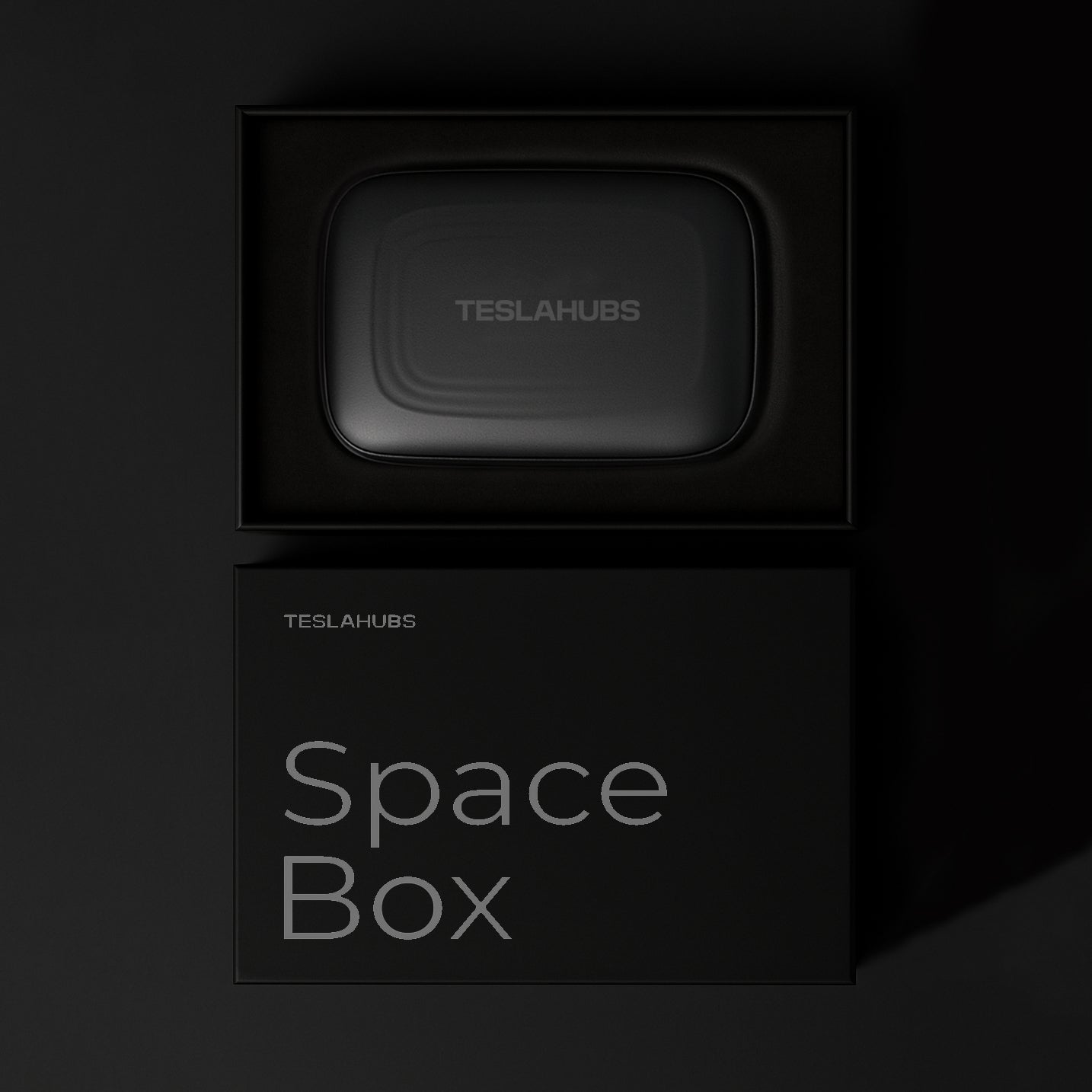
- Space Box - CarPlay Kit
- USB-Kabel (USB, Typ-C)
- 📄 Teslahubs Installationsanleitung (PDF + Video)
- ⚙️ Kostenlose regelmäßige Systemupdates
Kompatible Tesla-Modelle
- 2021 – 2024
- Juniper 2025 – 2026
- 2021 – 2023
- September 2023 – 2026
- 2021 – 2026
- 2021 – 2026
- November 2023 – 2026
Wichtige Hinweise zur Kompatibilität
Nur kompatibel mit Fahrzeugen mit AMD Ryzen-Prozessor, einschließlich Modellen von 2020.
Dieses Produkt wird in Australien nicht unterstützt.
Haben Sie Fragen? Wir haben die Antworten!
Was ist das Teslahubs™ Space Box CarPlay Kit?
Ist der Installationsprozess schwierig?
Unterstützt es kabelloses Apple CarPlay und Android Auto?
Wie aktualisiere ich mein SpaceBox CarPlay-Gerät?
Wird die Space Box die Garantie meines Tesla ungültig machen?
Kann ich Sprachassistenten wie Siri oder Google Assistant verwenden?
Wie installiert man das?

Schonen Sie Ihre Tesla-Batterie
Heute GRATIS zu jeder Bestellung: Tesla Battery Secrets — die Tricks, die Ihnen Tausende sparen können.
Thanks

😍

This is the best solution I have ever seen.

Awesome 🤩

😍

This is my second set, this time for my wife.
Thank you, teslahub for this wonderful set of carplay and the gift of a protective glass!!!

Delivered in 4 days without problems, connected in 1 minute ❤️

Now my car looks complete!

Works with Android auto Thanks!

Thanks, everything works great!!!

It works like described there. Streams flawlessly Netflix & You tube! Love it it will be awesome for those cross country trips to Florida from the Midwest! I would recommend this to everyone! Simple to set up and use!
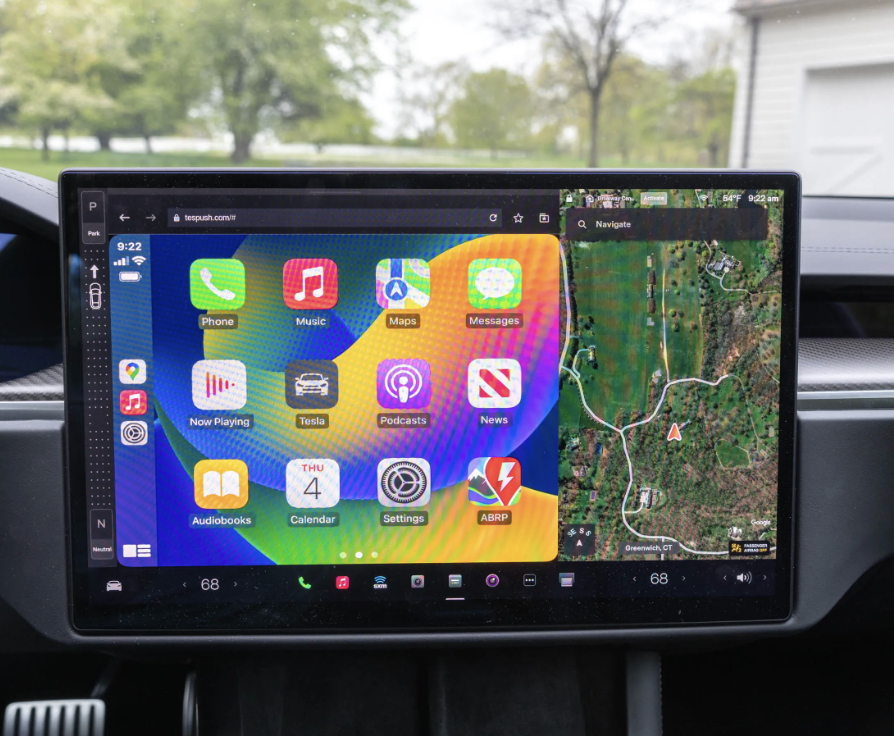
It came pretty quickly and works perfectly on my M3. I've been using it for almost 6 months now, and it functions just like regular CarPlay—surprisingly well!
Overall, this product is solid and worth it!
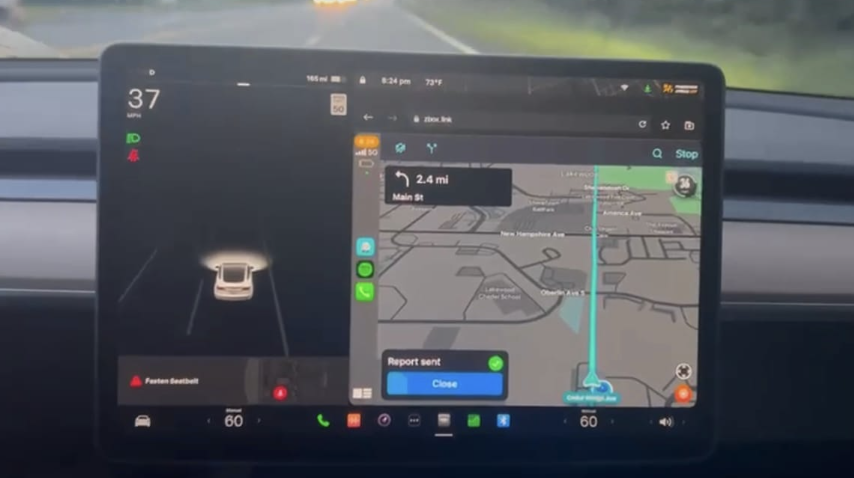
Works with the Cybertruck, now that's a serious flex! 🚀💪
Thanks Teslahubs
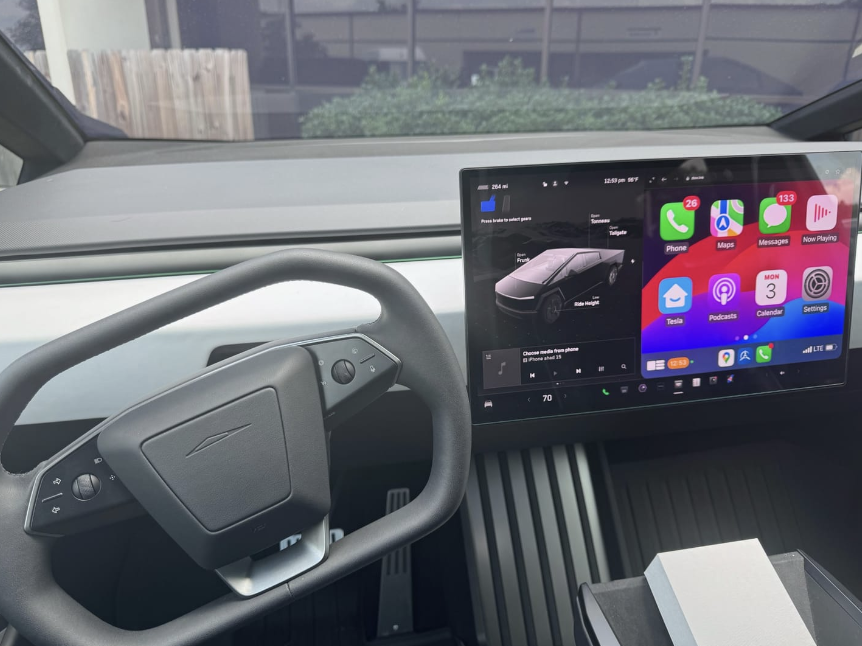
Super quality I recommend


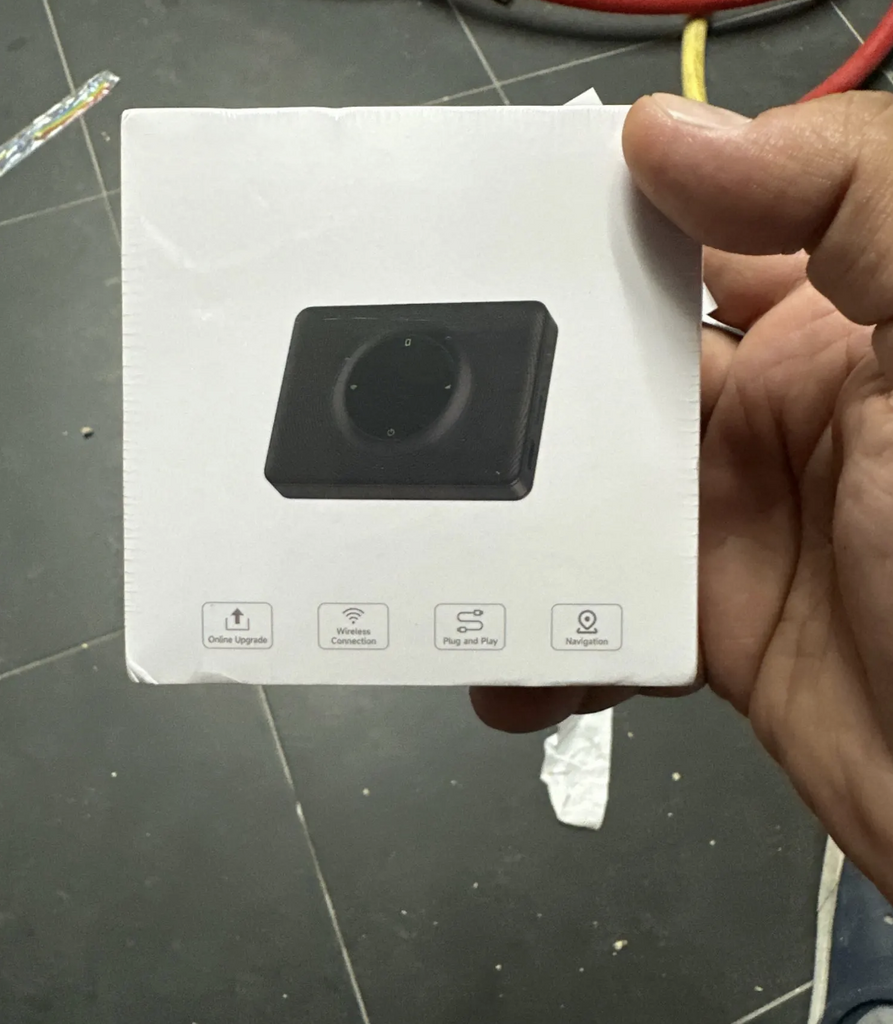
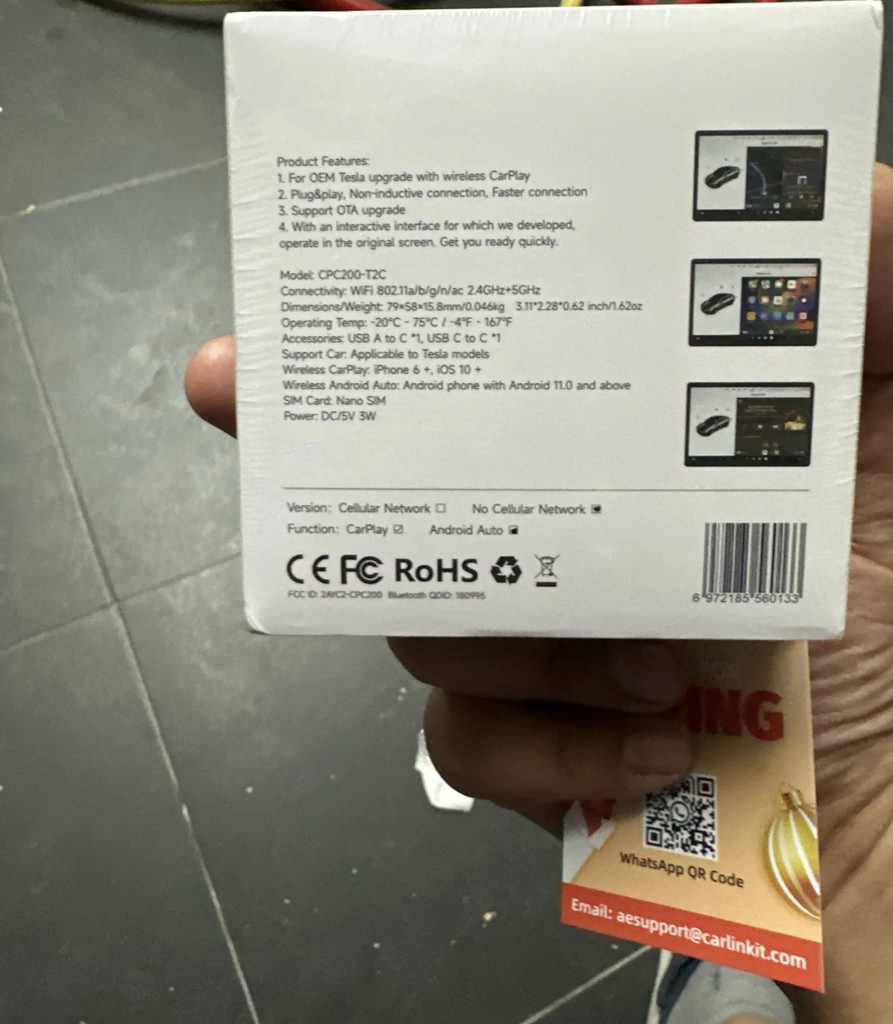
It looks good we are going to prove it and I comment

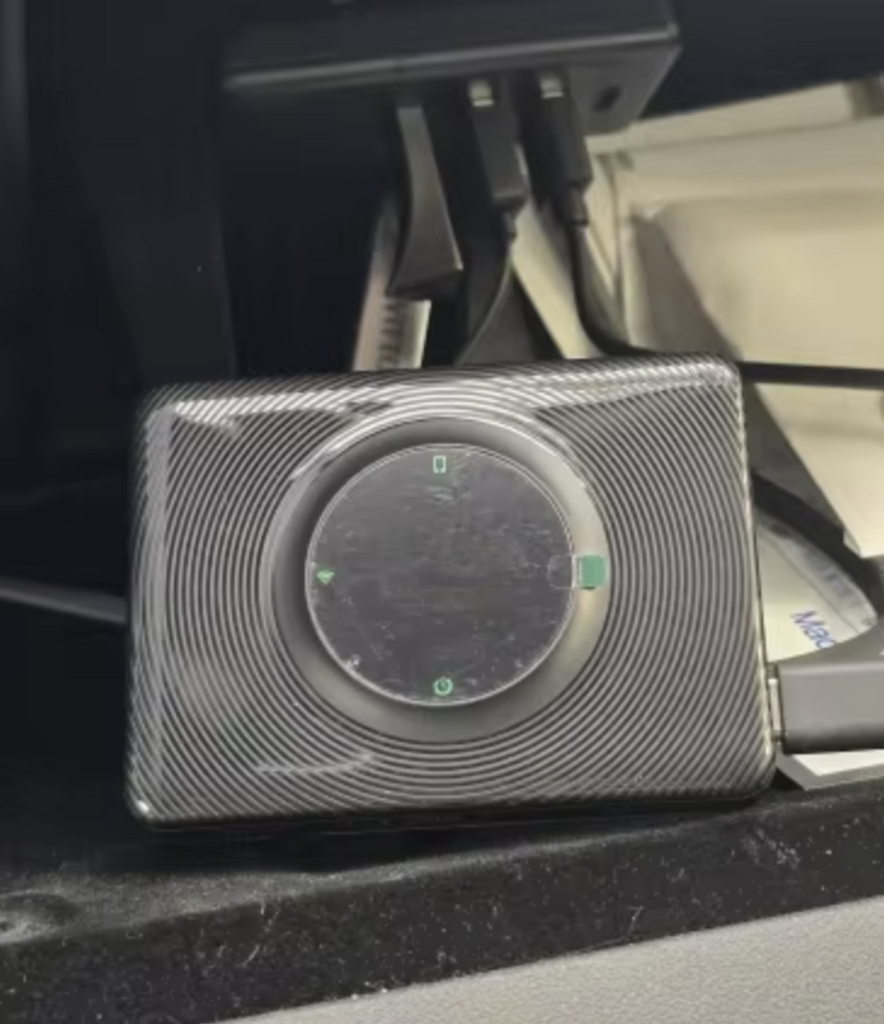
Fast delivery and helpful support

Compliant product and fast delivery, thank you...

Not working with my Tesla Model X. I had another one, not spacebox, but it was working.! Product looks legit but may be i got a bad batch. Sorry
Terrible service. I wasted $149.00. It no longer works with my model y and they will not give me any support. I have had it for two months. Don’t get one if you don’t wasn’t to waste your money!
★☆☆☆☆ — SpaceBox Does Not Work in My 2026 Tesla Model Y Juniper
I purchased the TeslaHubs SpaceBox to add Apple CarPlay to my 2026 Tesla Model Y Juniper. My experience has been extremely frustrating.
Despite repeatedly following the installation instructions and troubleshooting the connection, I have been unable to get Apple CarPlay to work.
I connected to the H-BOX network, worked through the browser setup, and encountered multiple connection and update errors, including a message telling me to check for a NetBox update. After spending considerable time trying to make it work, I still had no functioning CarPlay screen.
I purchased this product because it was advertised as a convenient way to add CarPlay to my Tesla. Instead, I’ve spent my time troubleshooting something that has not performed its basic advertised function.
Based on my experience, I cannot recommend the TeslaHubs SpaceBox, particularly to owners of the refreshed Model Y Juniper.
A very disappointing purchase.
Never received it
Instructions are all different, but if you use the QR code that comes in the box these instructions are best,
connect dongle to car wifi, then connect phne to dongle blue tooth, job done, works well, have to reconnect mine each time i get in car, so will continue to play with it and see if it gets better
does not work .I get a security error that I cannot get passed
waste of money
Very disappointing experience. The product does not connect or work as advertised, and the troubleshooting process is unnecessarily complicated, time-consuming, and frustrating.
Customer support is extremely poor and unhelpful. The company advertises a 30-day money-back guarantee, but when I requested a return, they wanted to deduct $14 from my refund.
Even worse, it has now been over a week, and I still haven’t received a return shipping label or my refund. I’m still waiting, with no meaningful updates or resolution from their support team.
A company should stand behind its products and honor its promises. Unfortunately, TeslaHubs has failed to do either in my experience.
I would not recommend this product or company. Save your money, time, and frustration. Look for a more reliable alternative.
I cannot get the space box to connect to my Tesla. I keep getting an error message that says the time and date are wrong and I cannot fix it. I thought the concept of this device was simple plug and play and connected via Bluetooth but that’s not the case.
Unsere Bestseller!
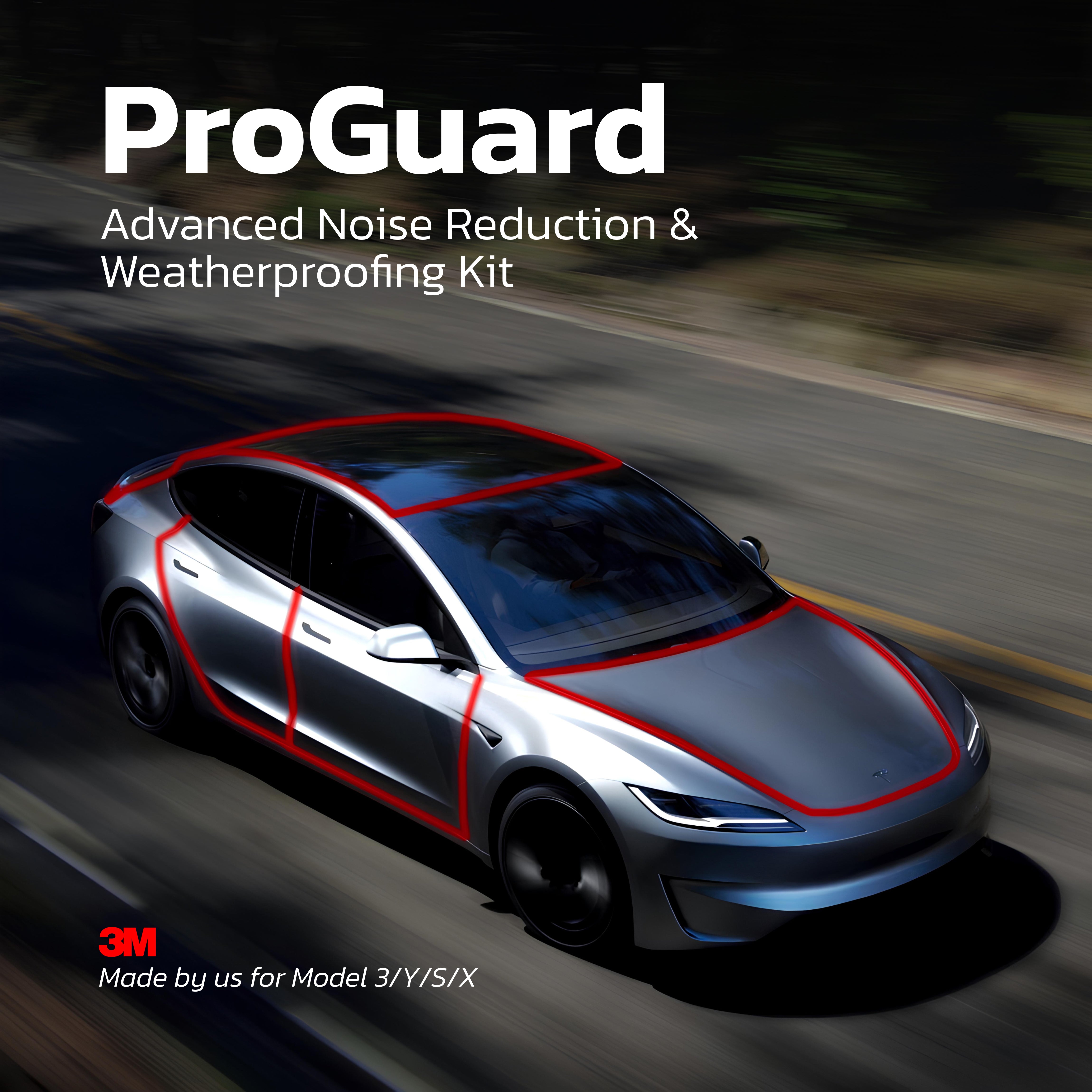
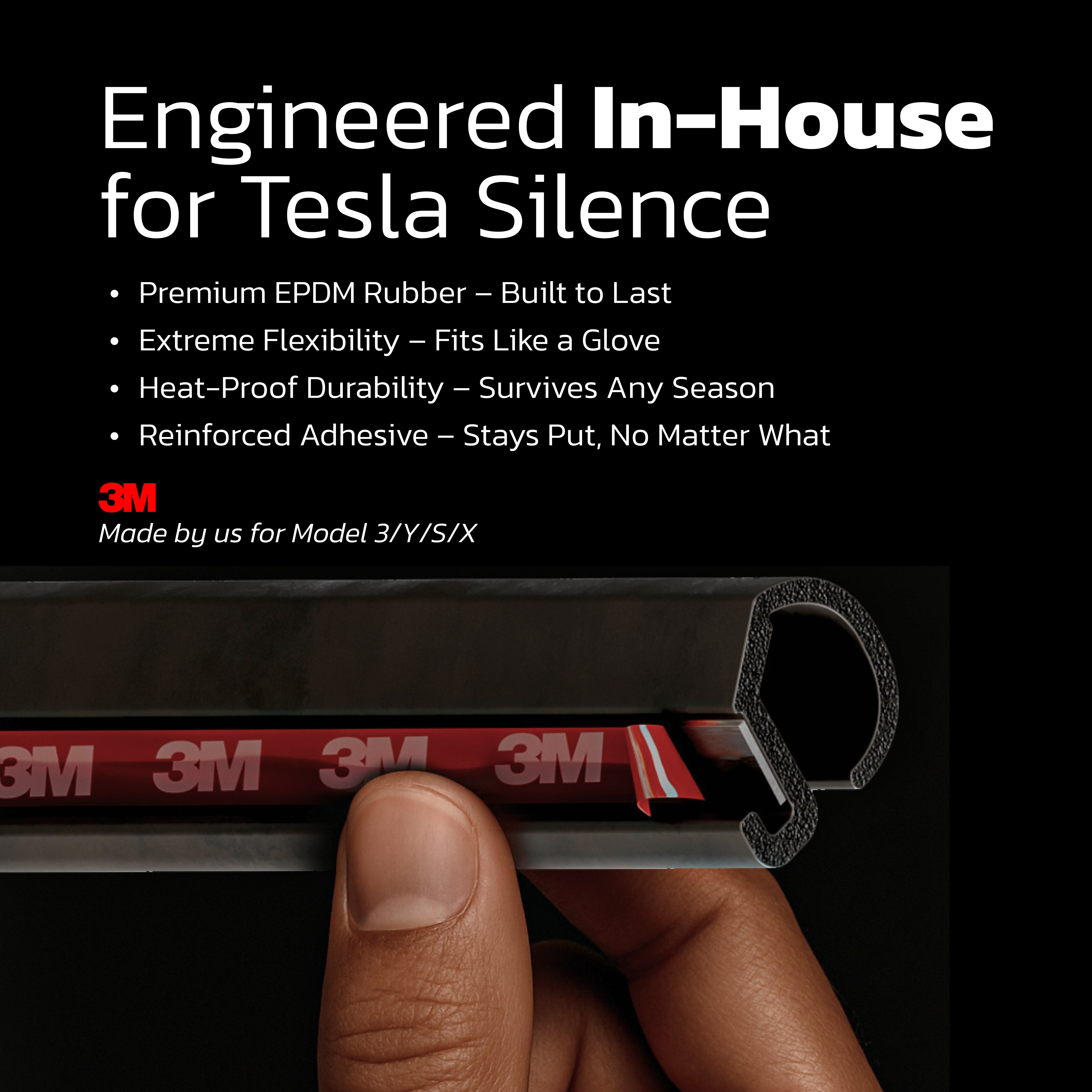
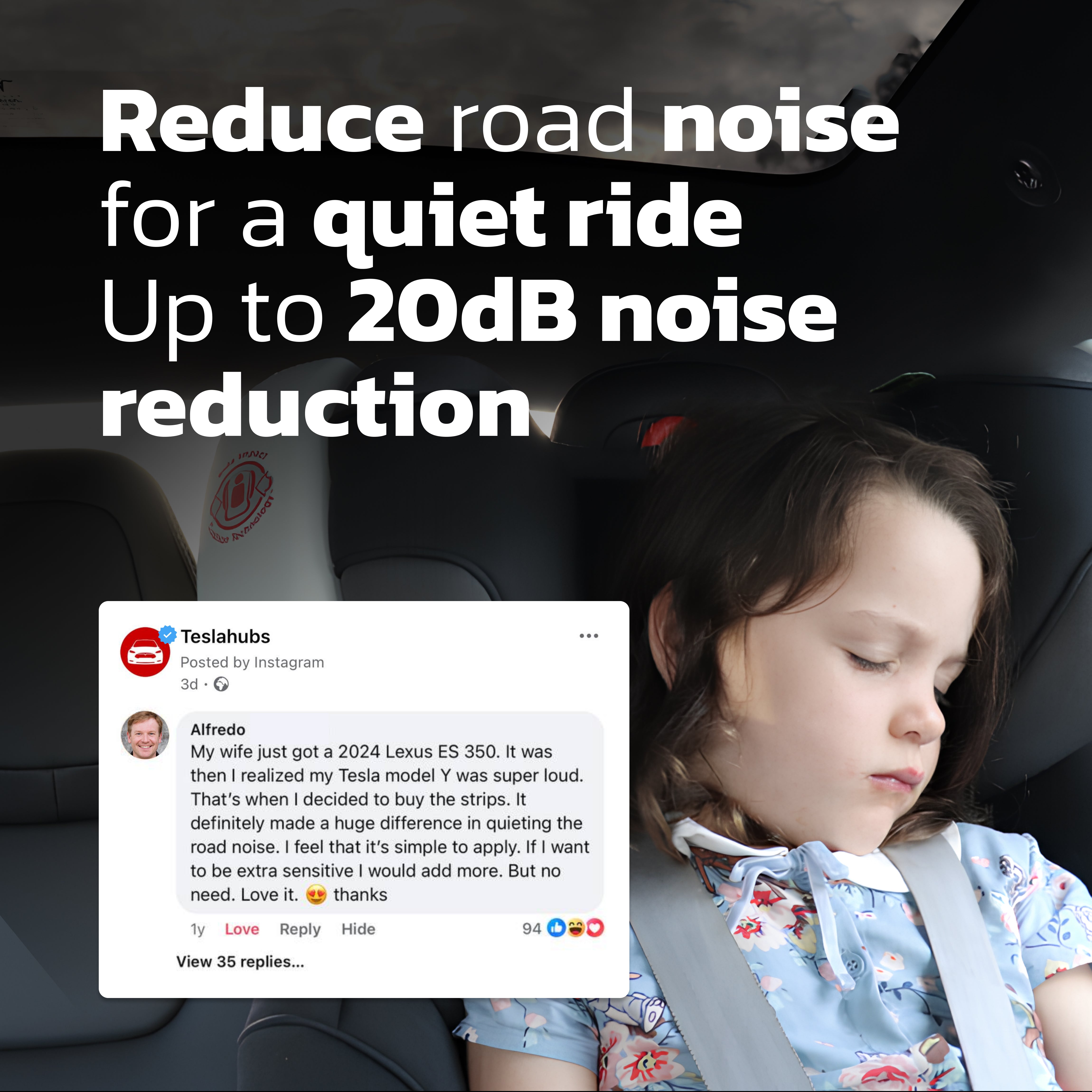
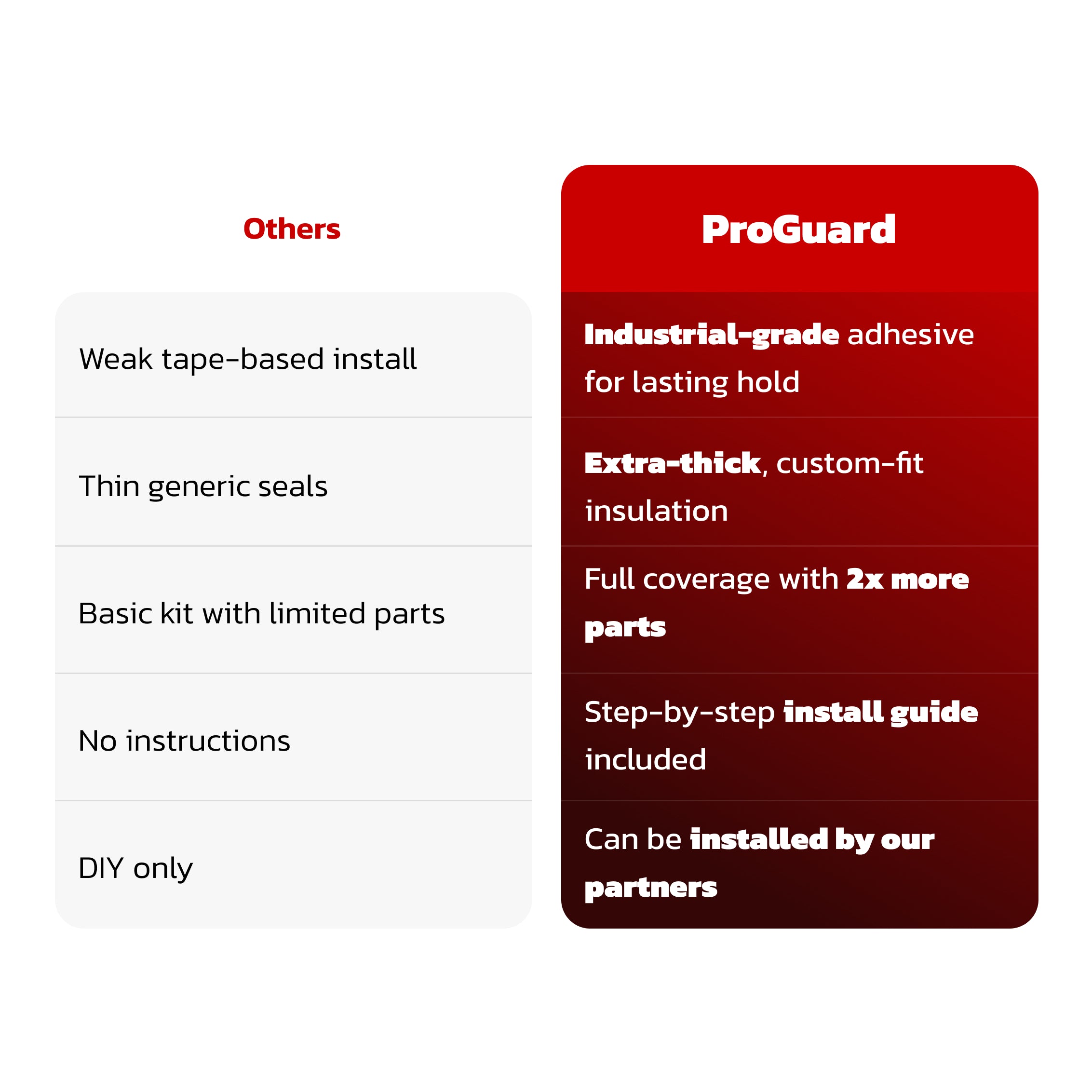
Teslahubs™ ProGuard: Premium-Set für Geräuschdämmung & Wetterschutz
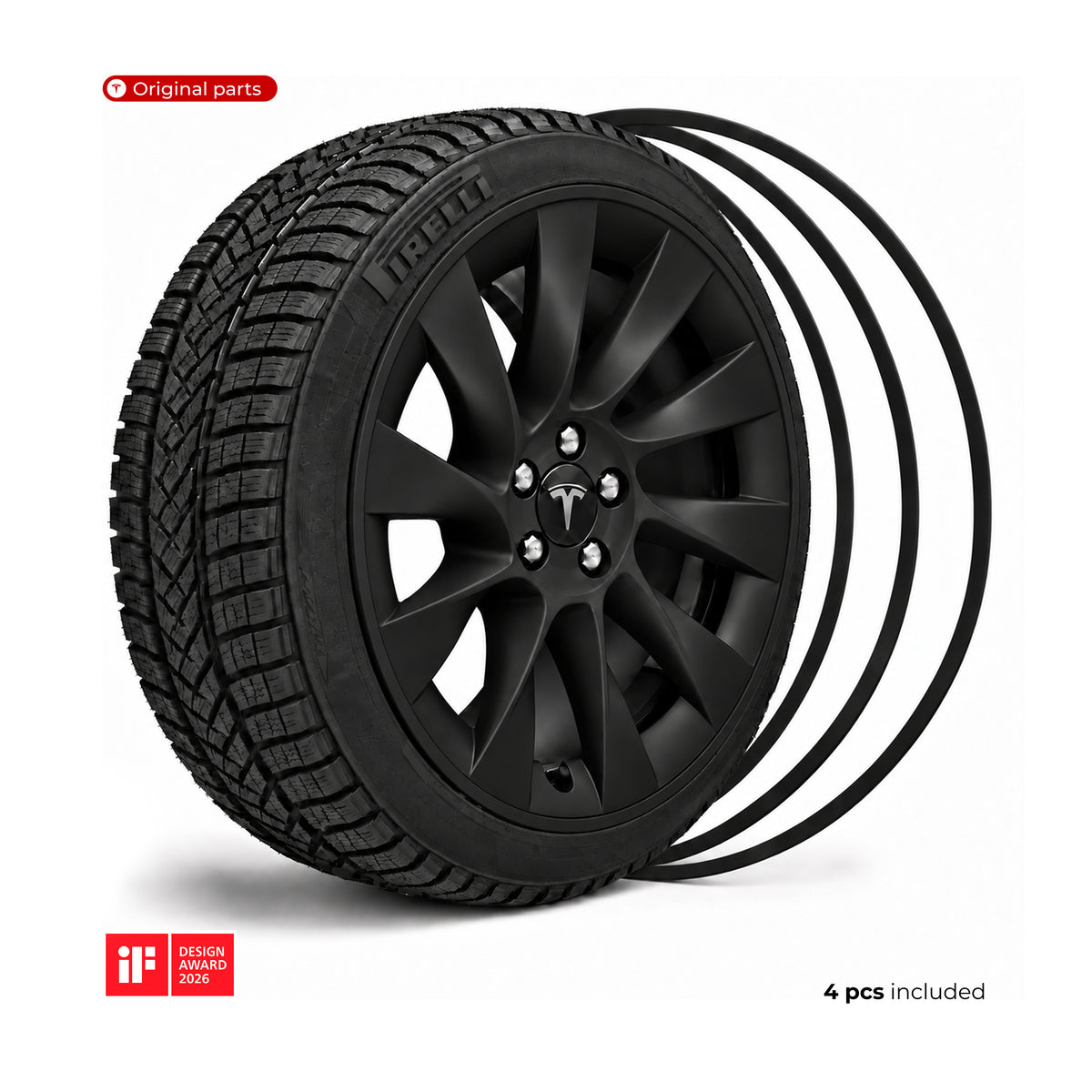
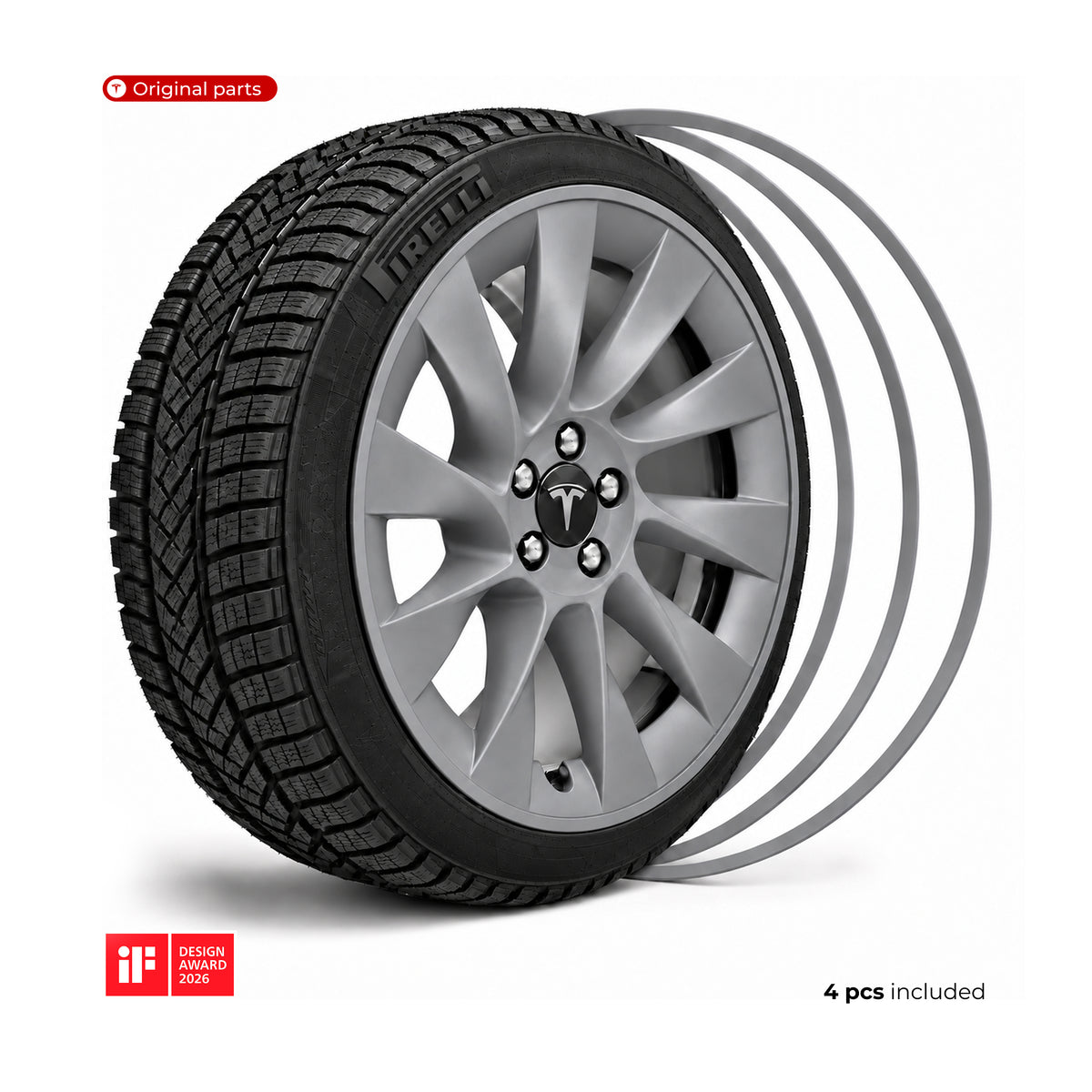
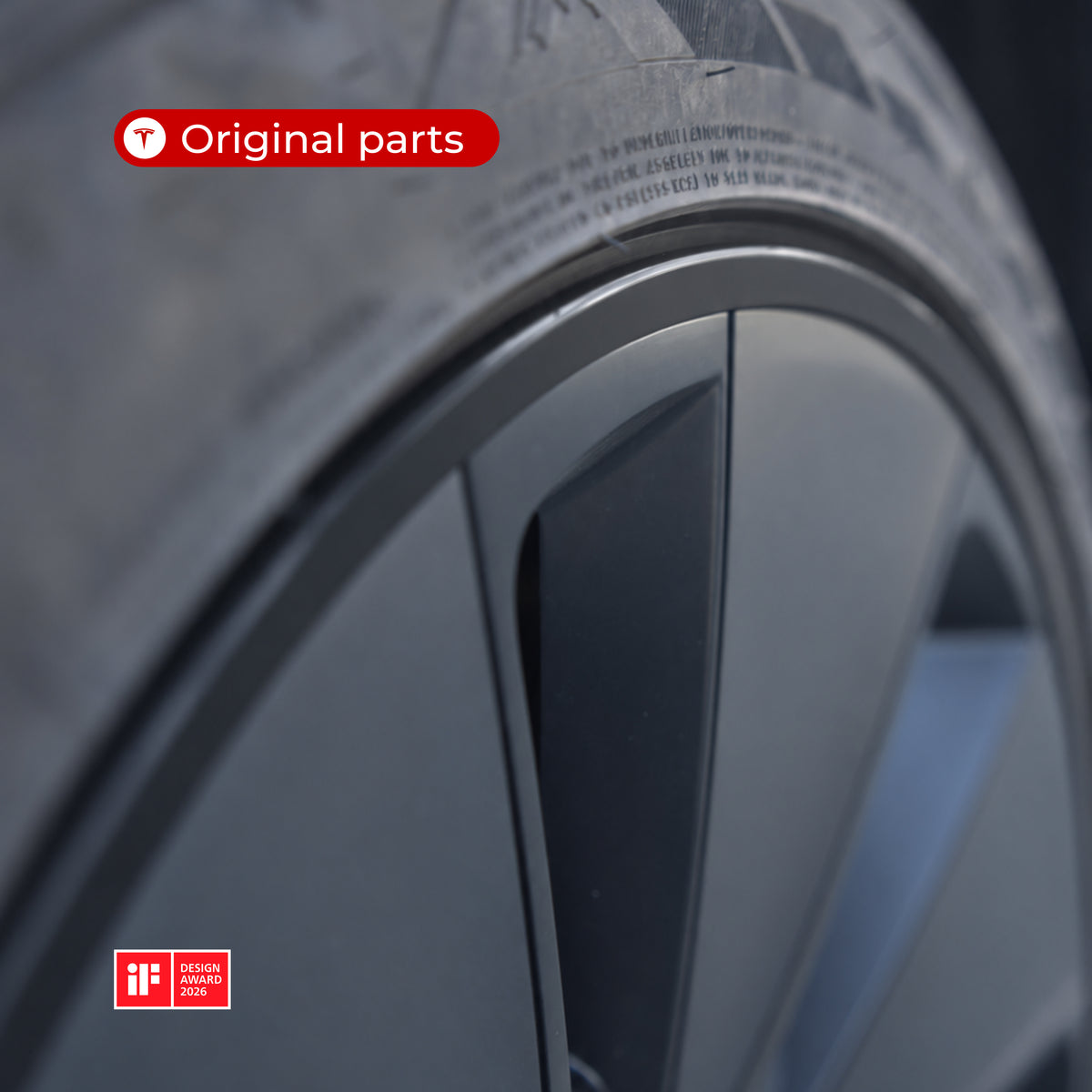
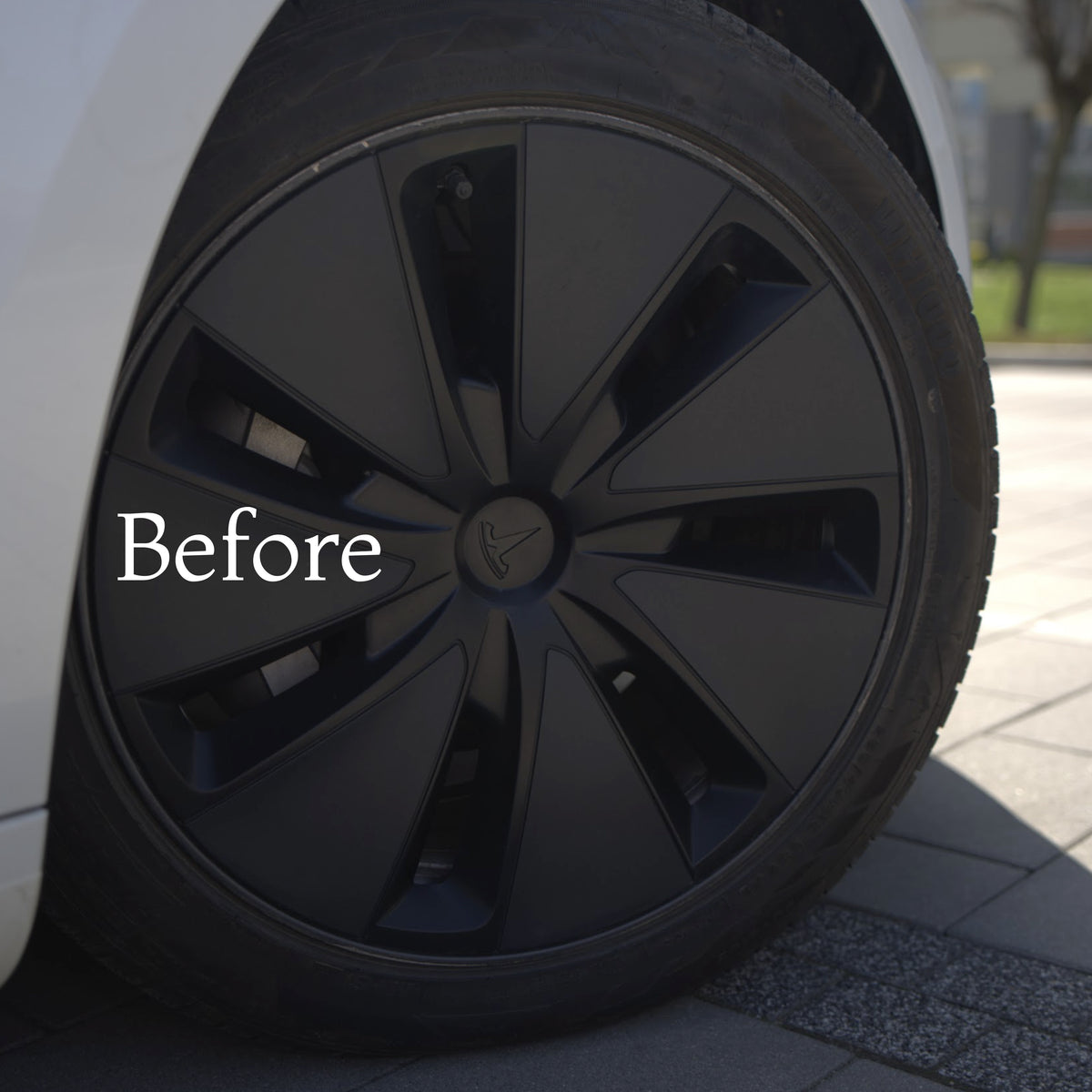
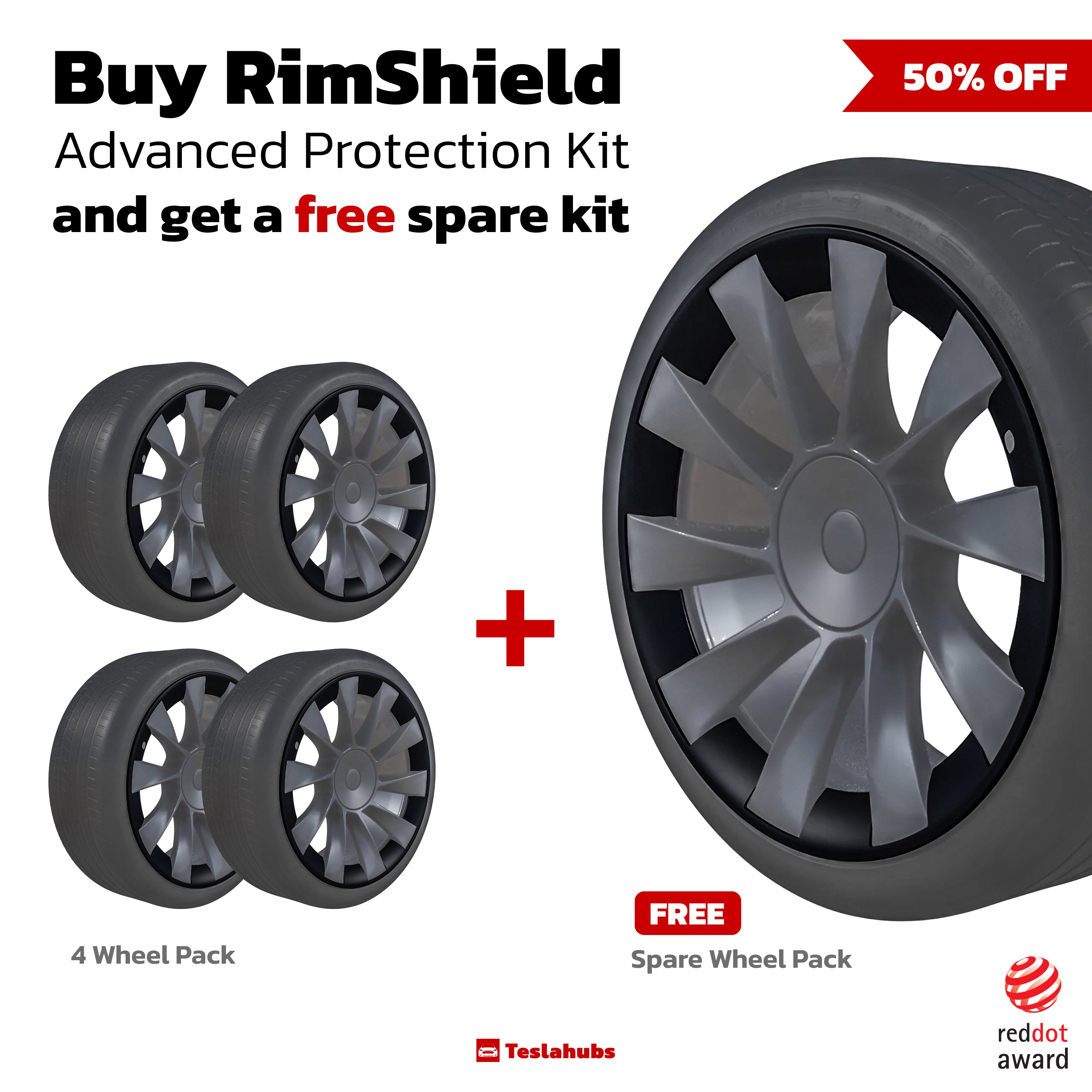
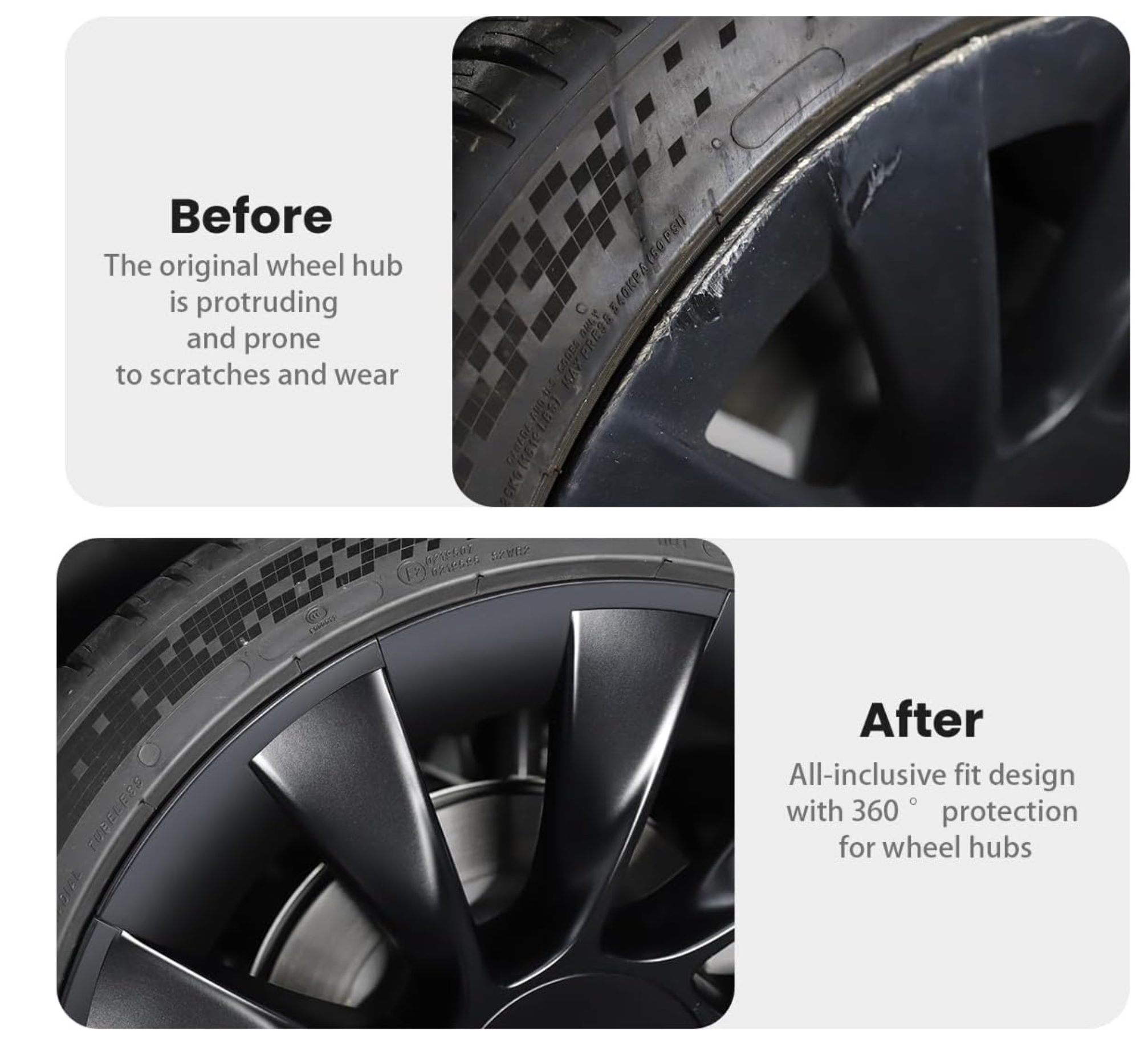
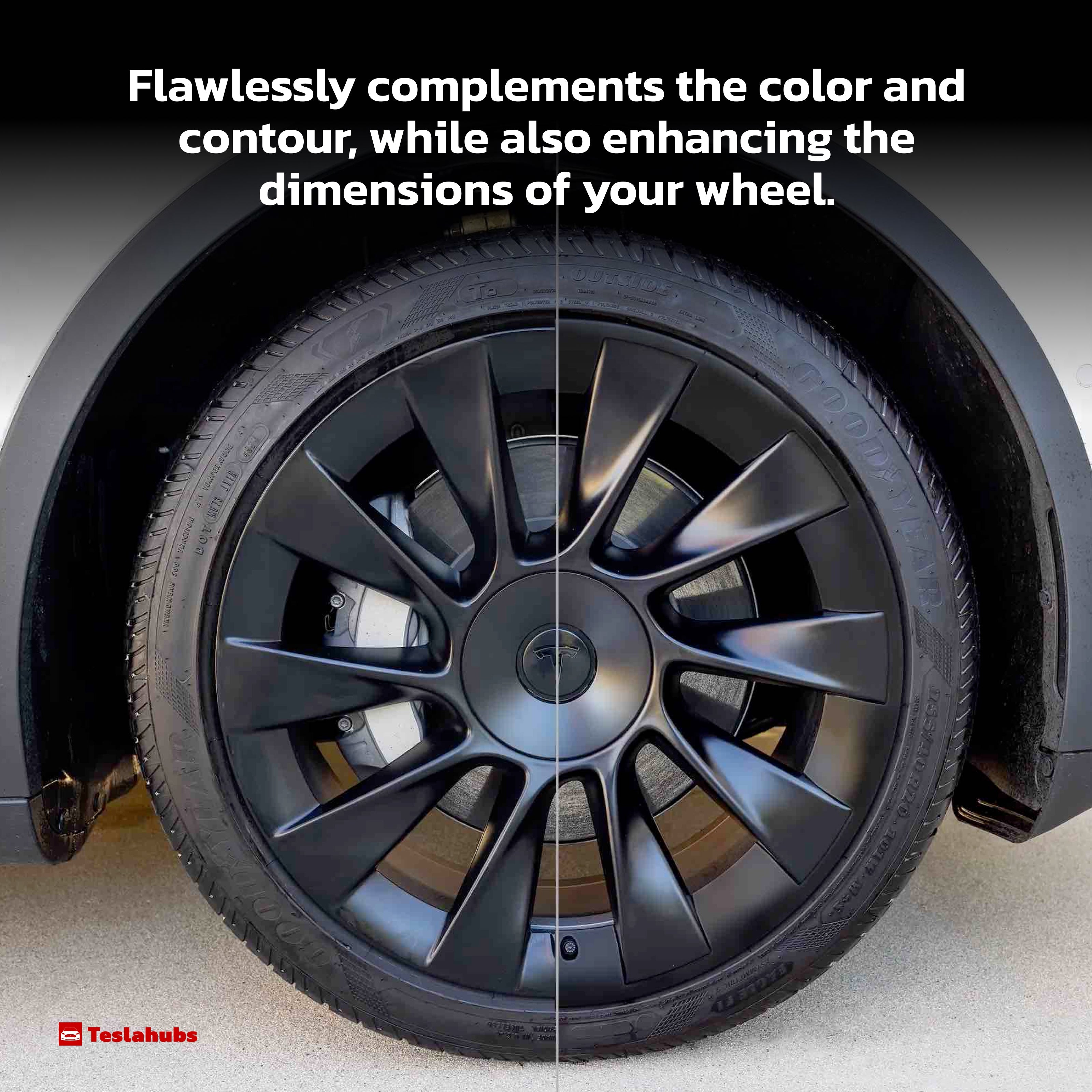
Teslahubs™ Aluminium-Felgenschutz
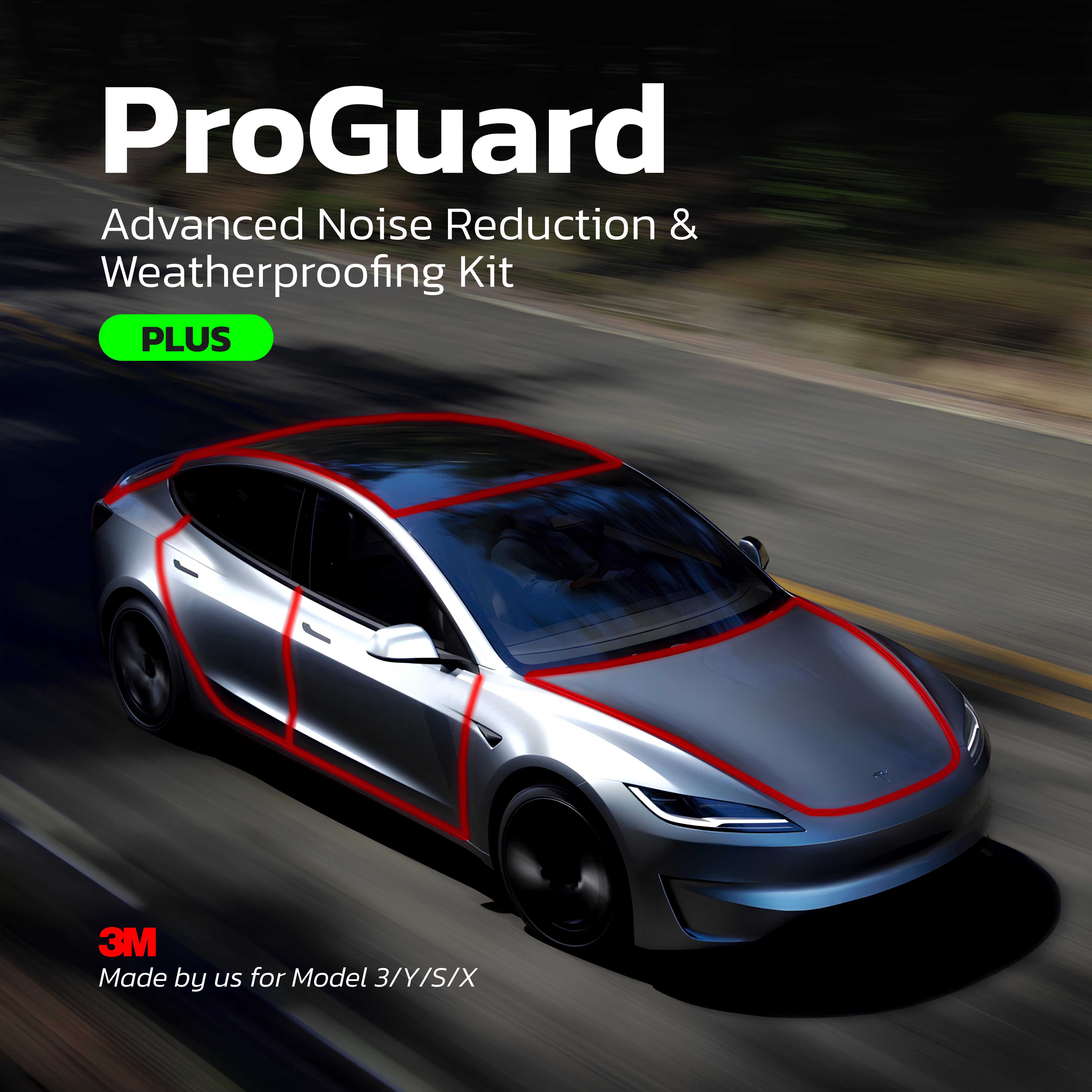
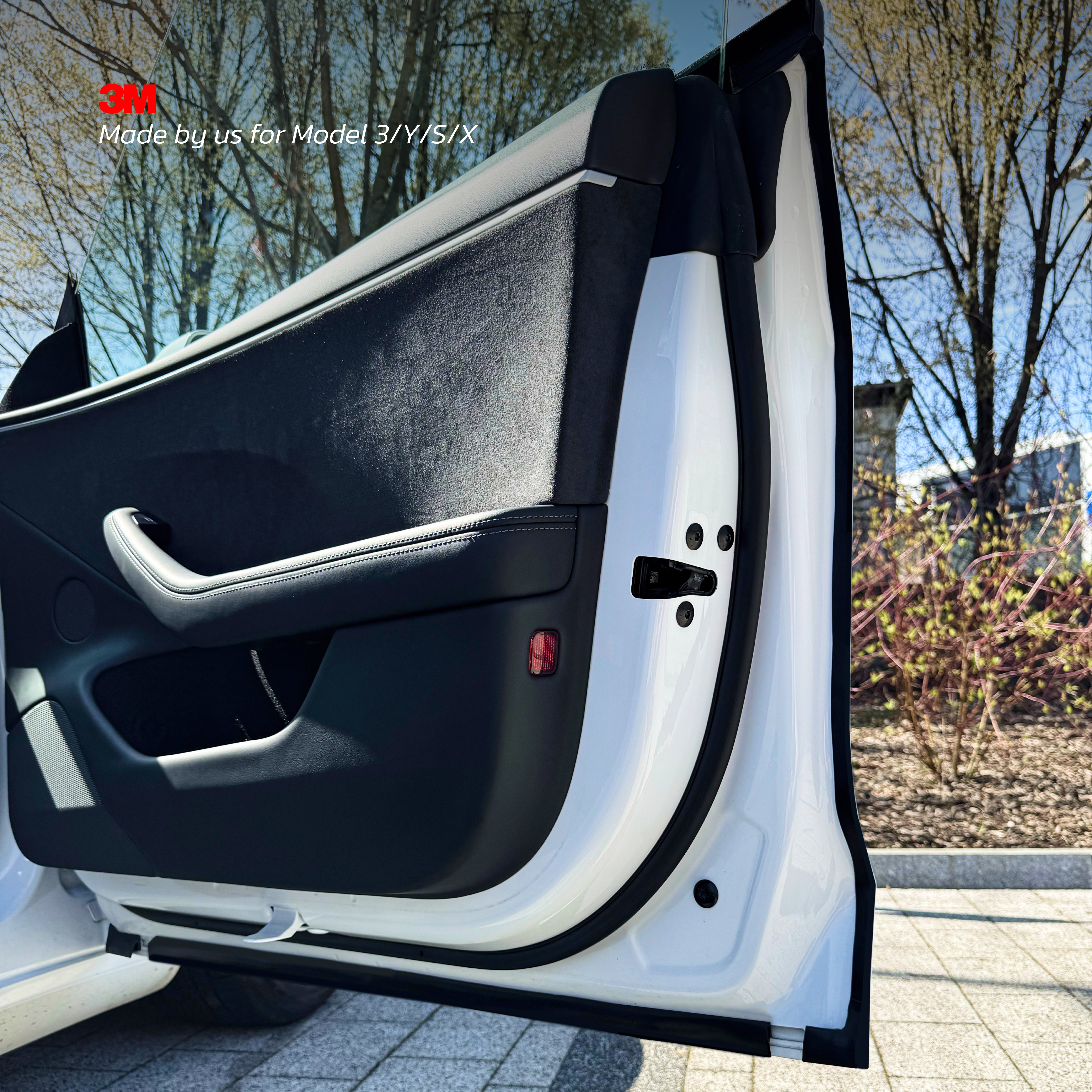
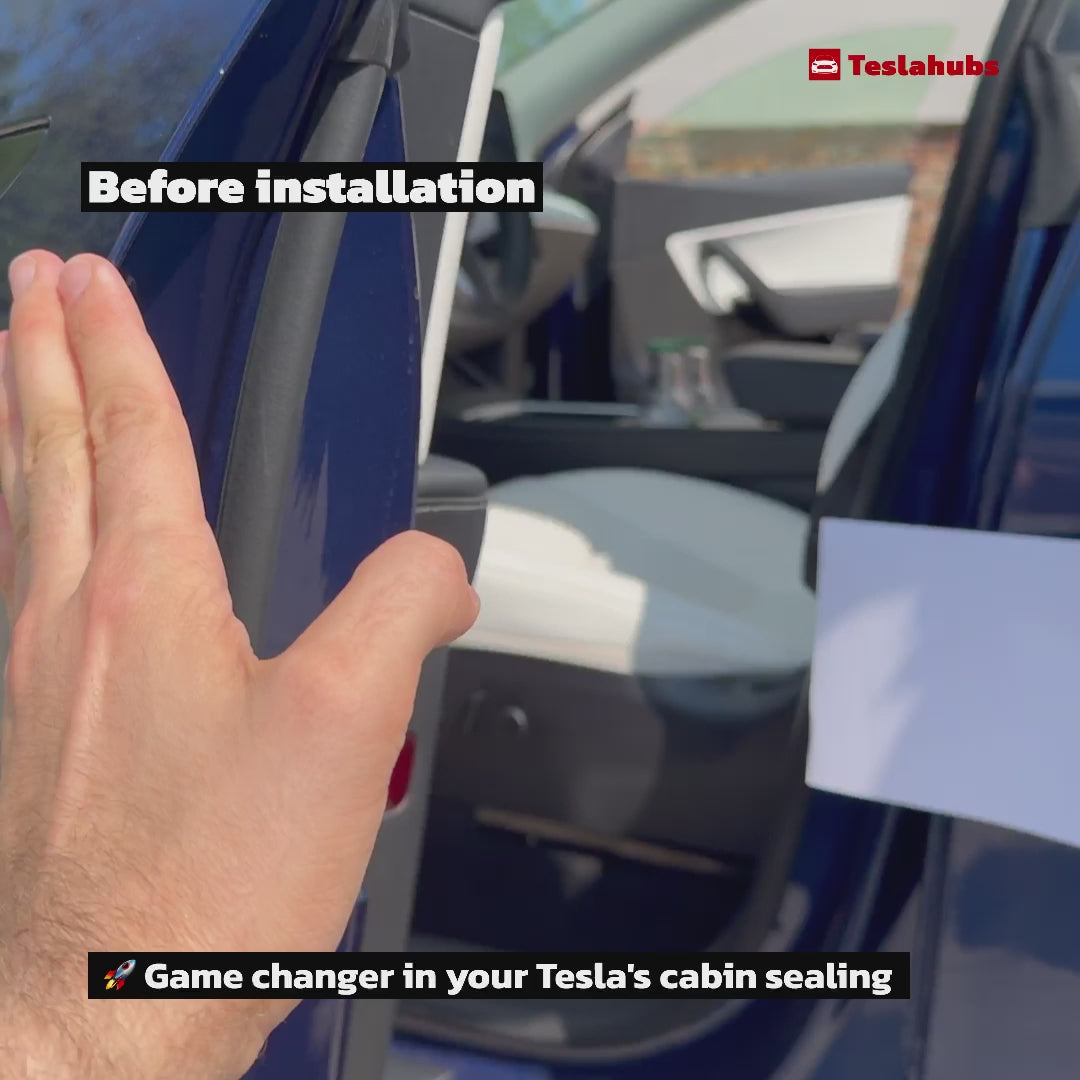
Teslahubs™ ProGuard: Fortgeschrittenes Geräuschreduzierungs- & Wetterfestigkeits-Kit PLUS Version
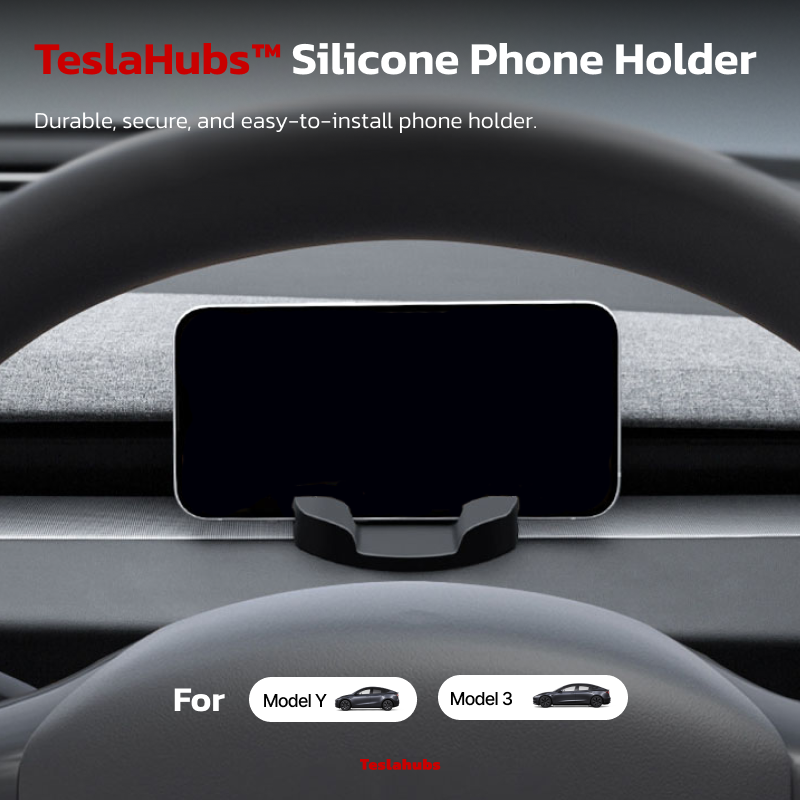
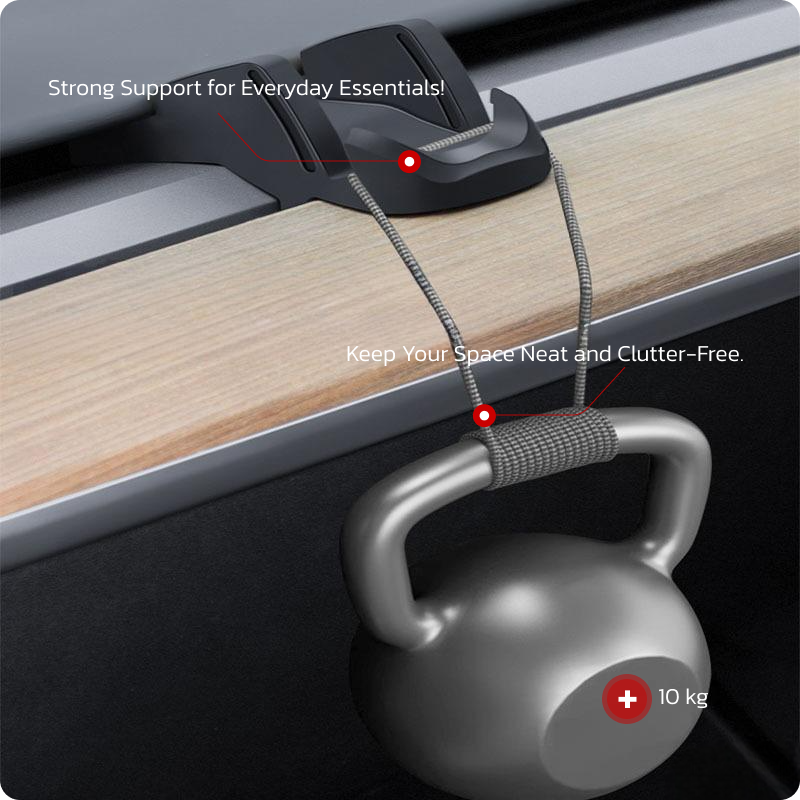
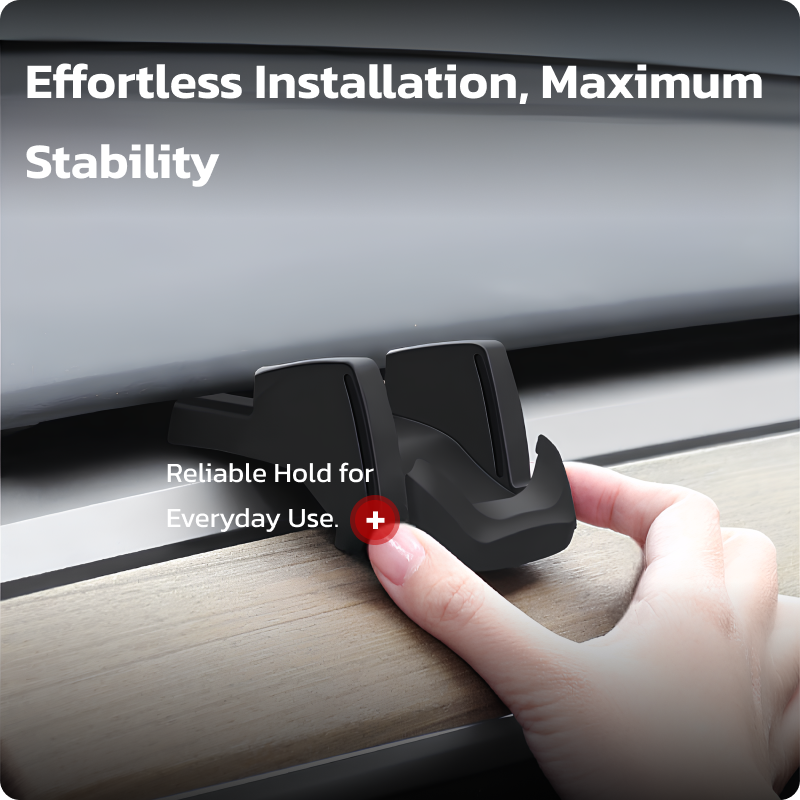
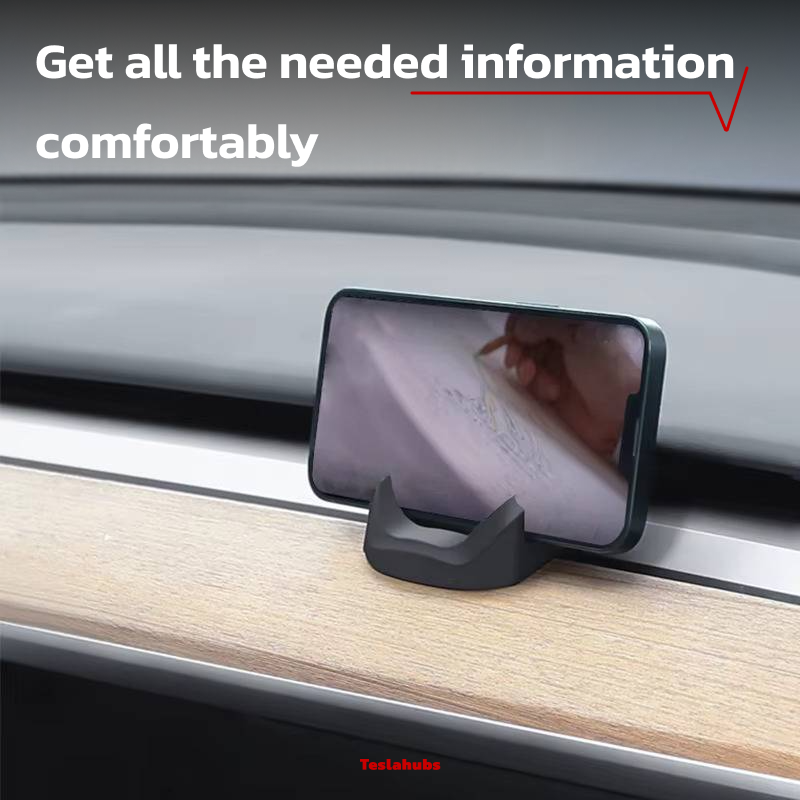
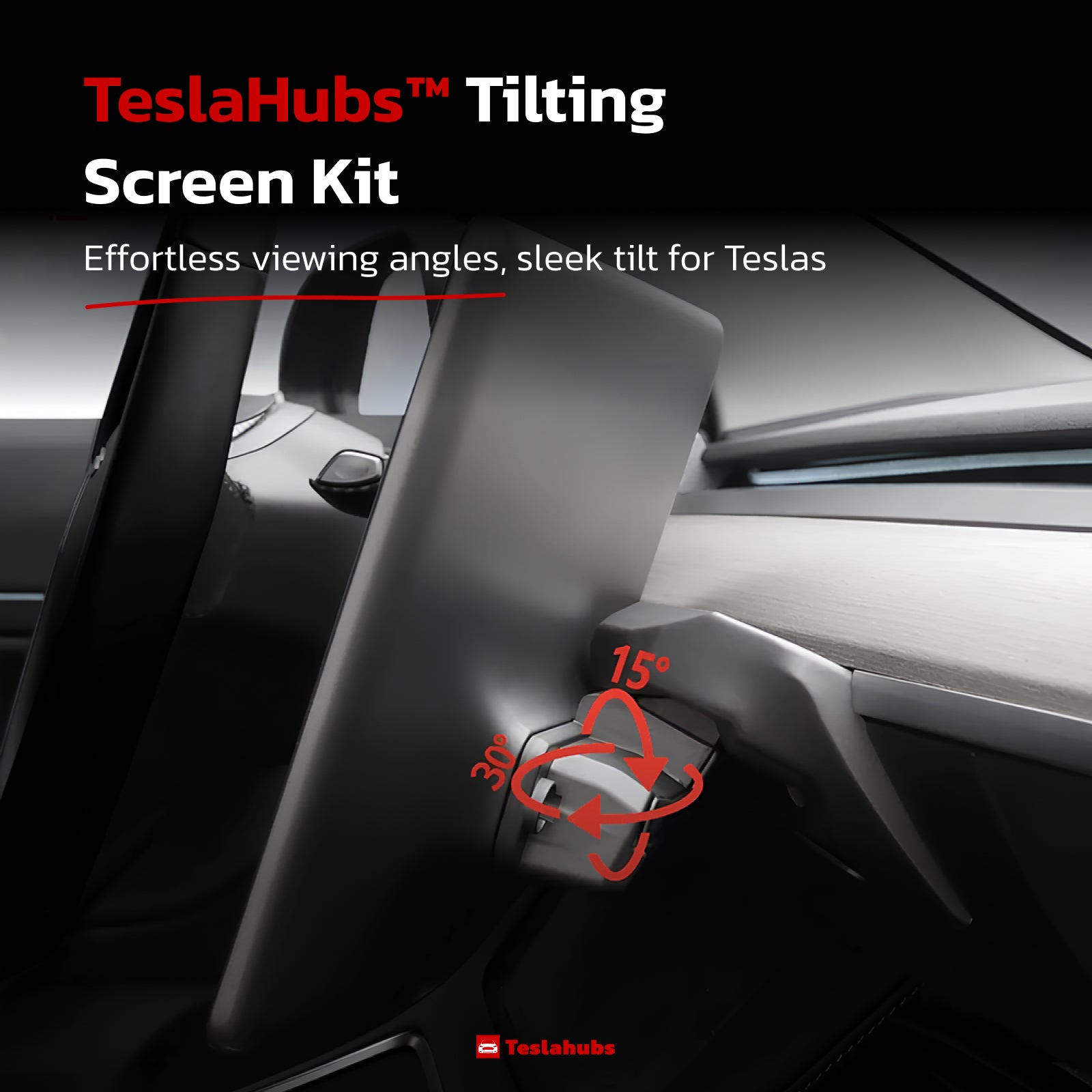
Teslahubs™ Mittelkonsolen-Aufbewahrungsset, Modell 3 / Y

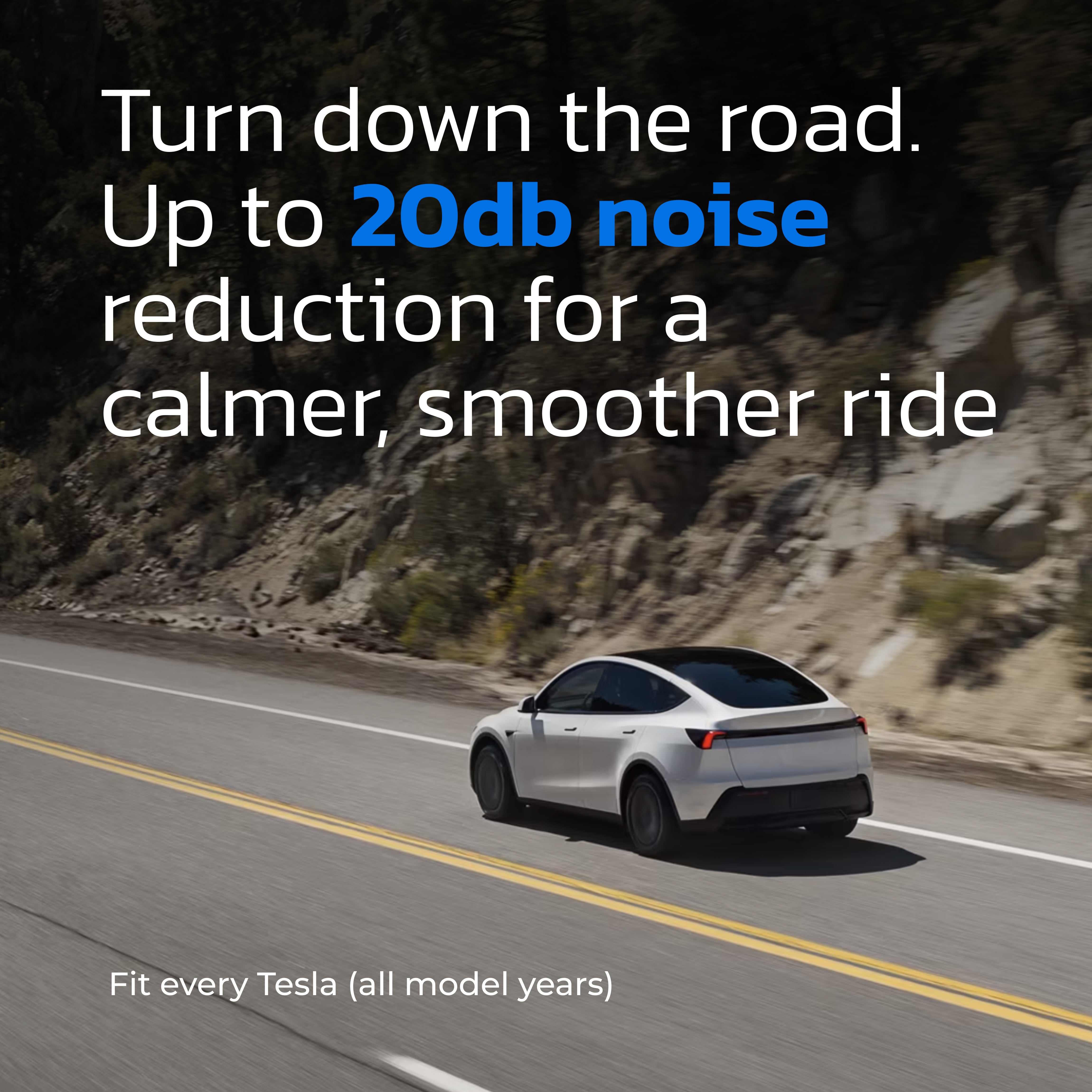
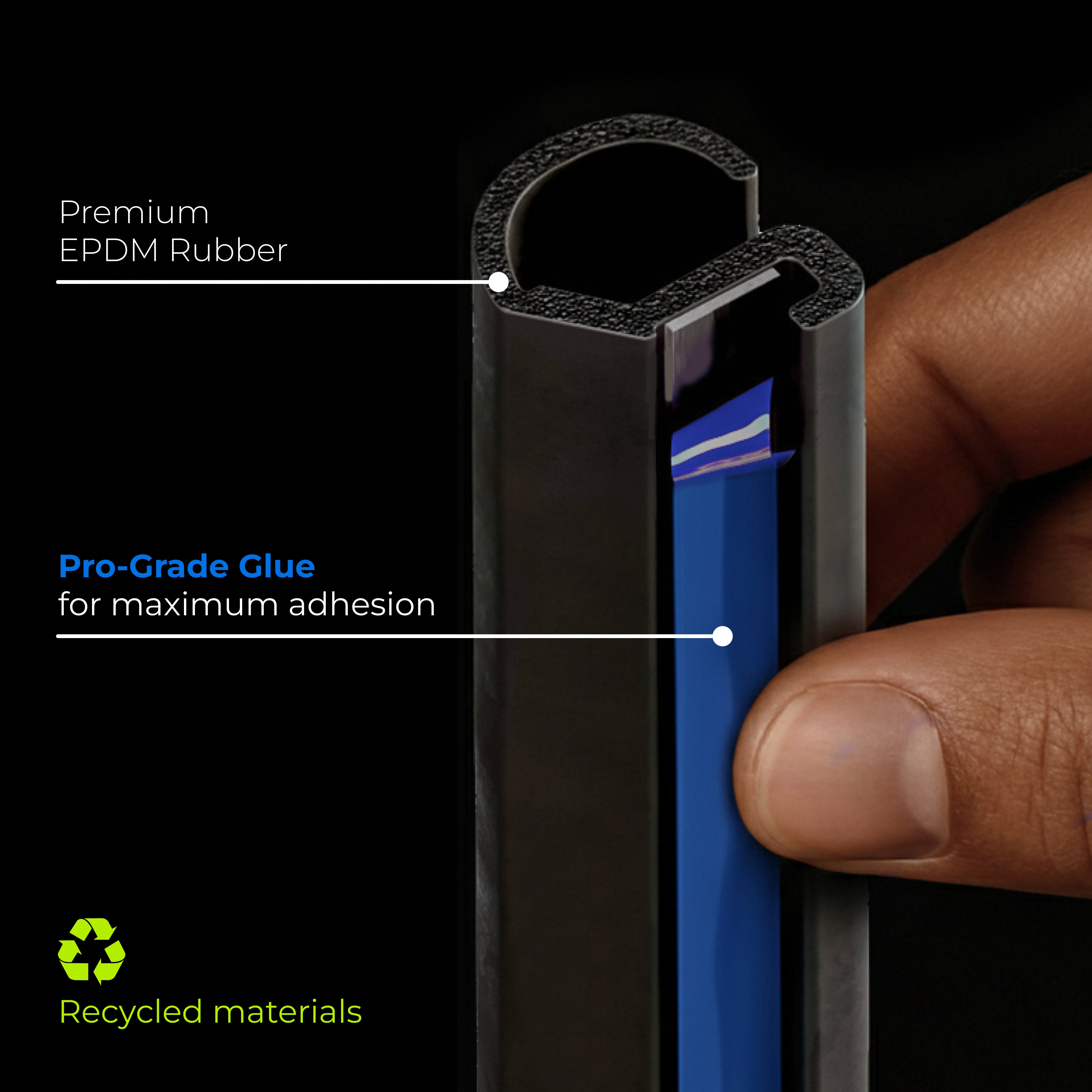

Teslahubs™ ProGuard: Premium-Set für Geräuschdämmung & Wetterschutz Blue Edition
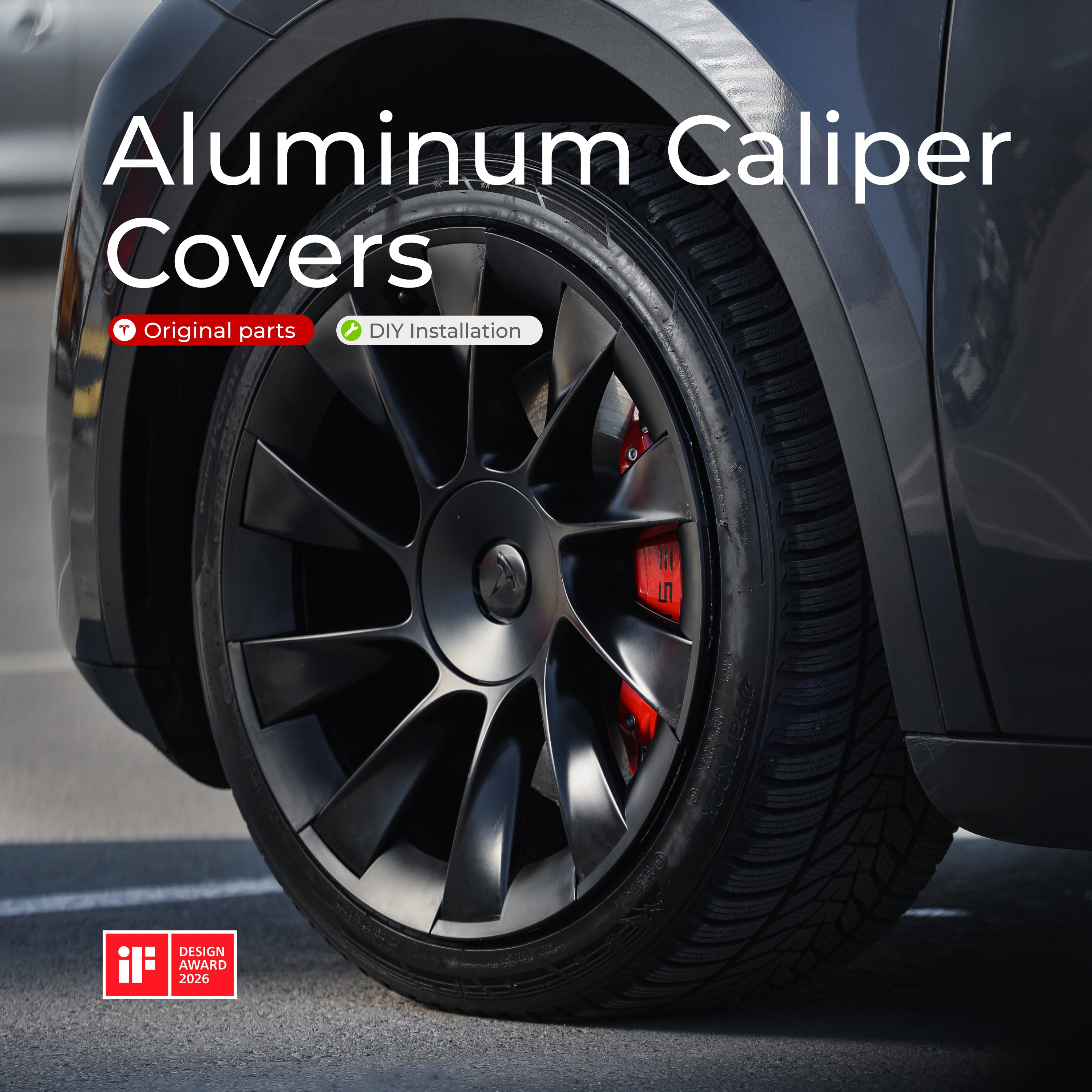
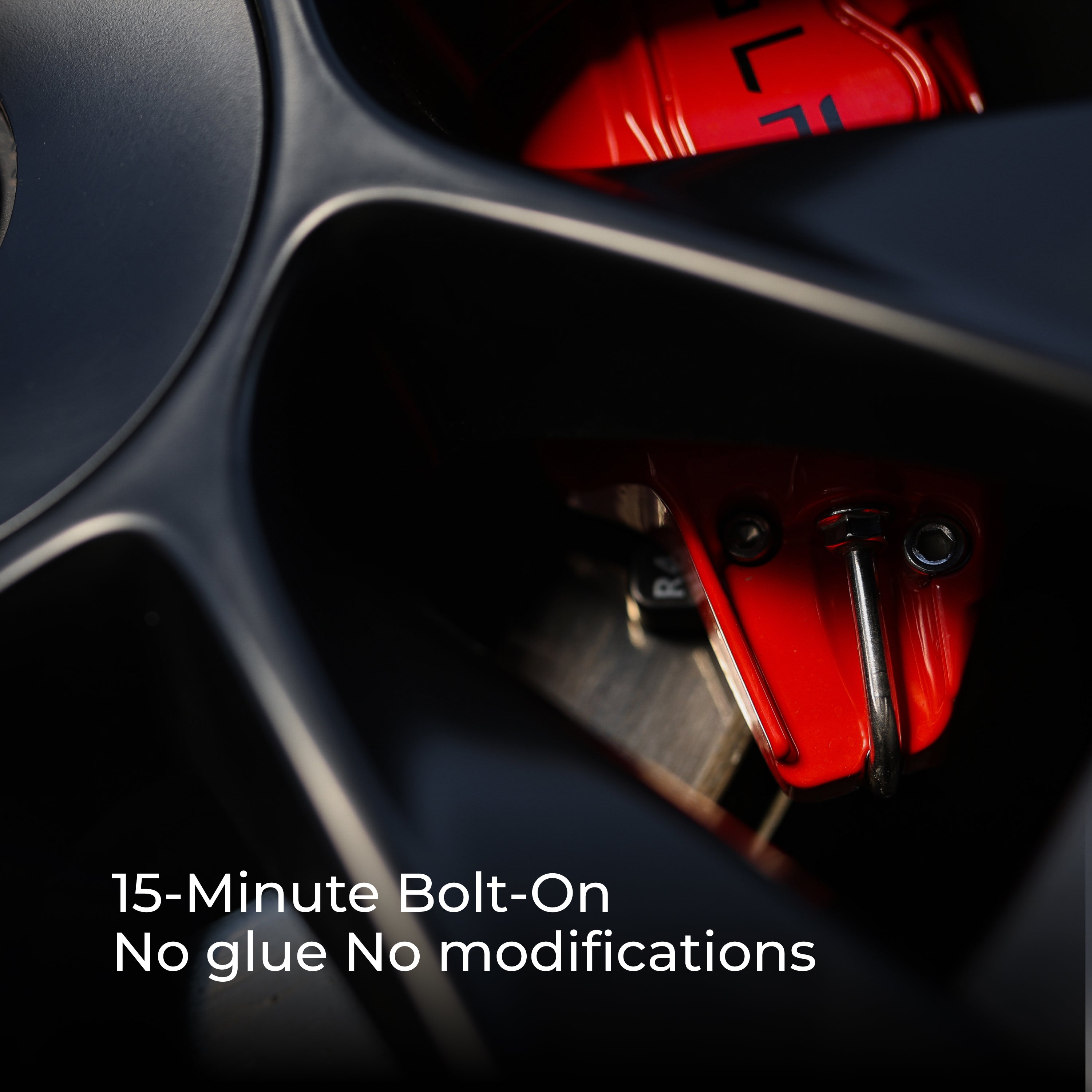
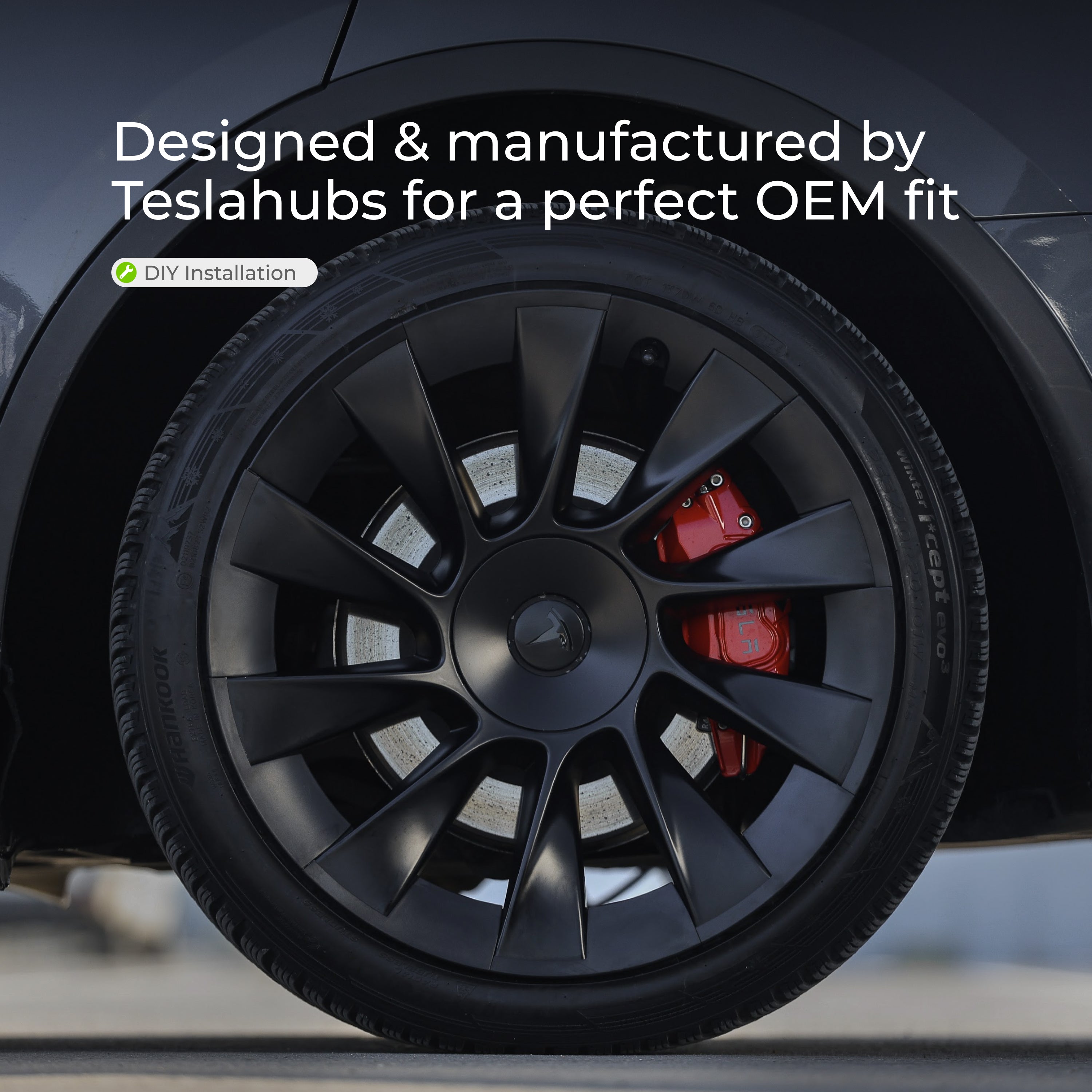
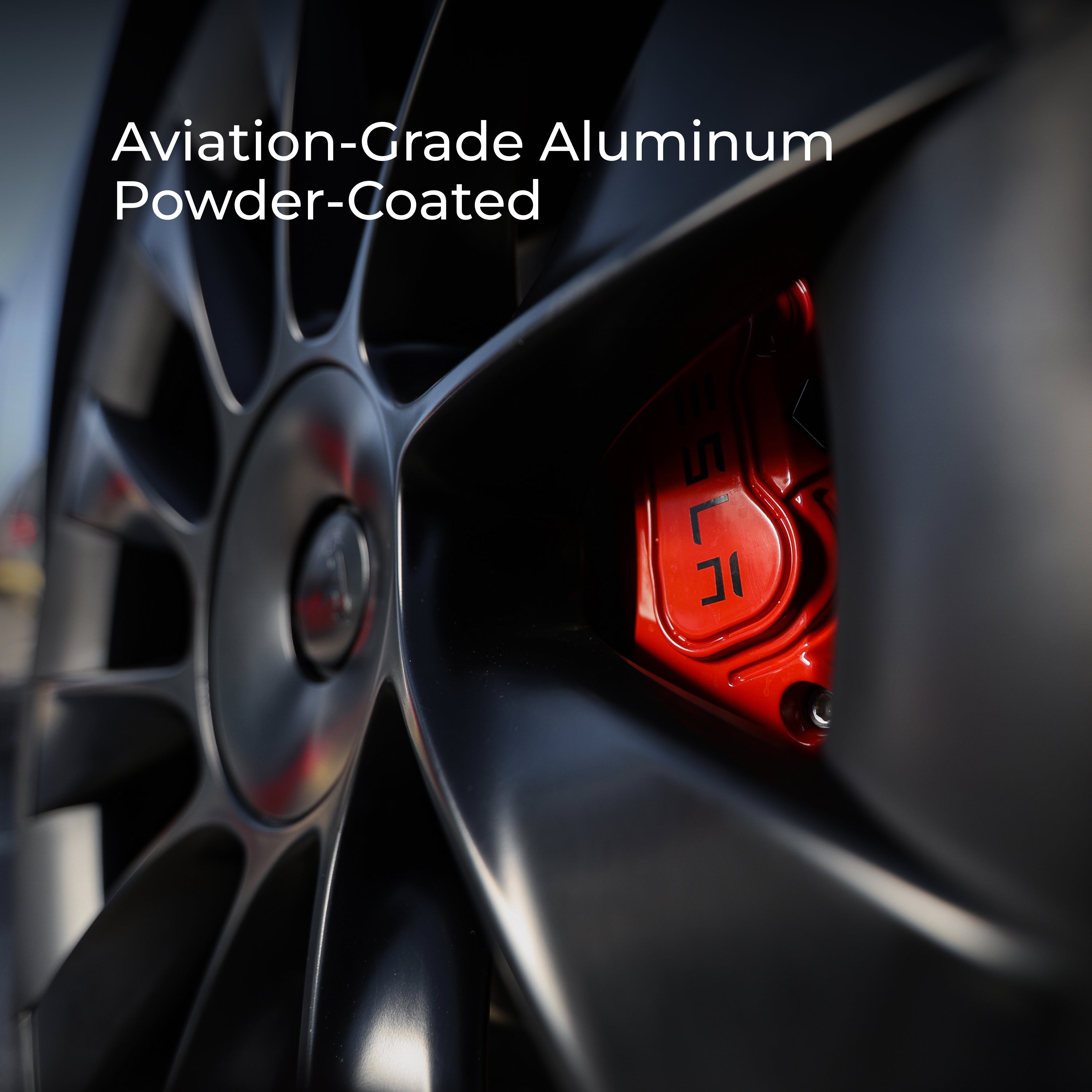
Teslahubs™ Aluminium-Bremssattel-Abdeckungen
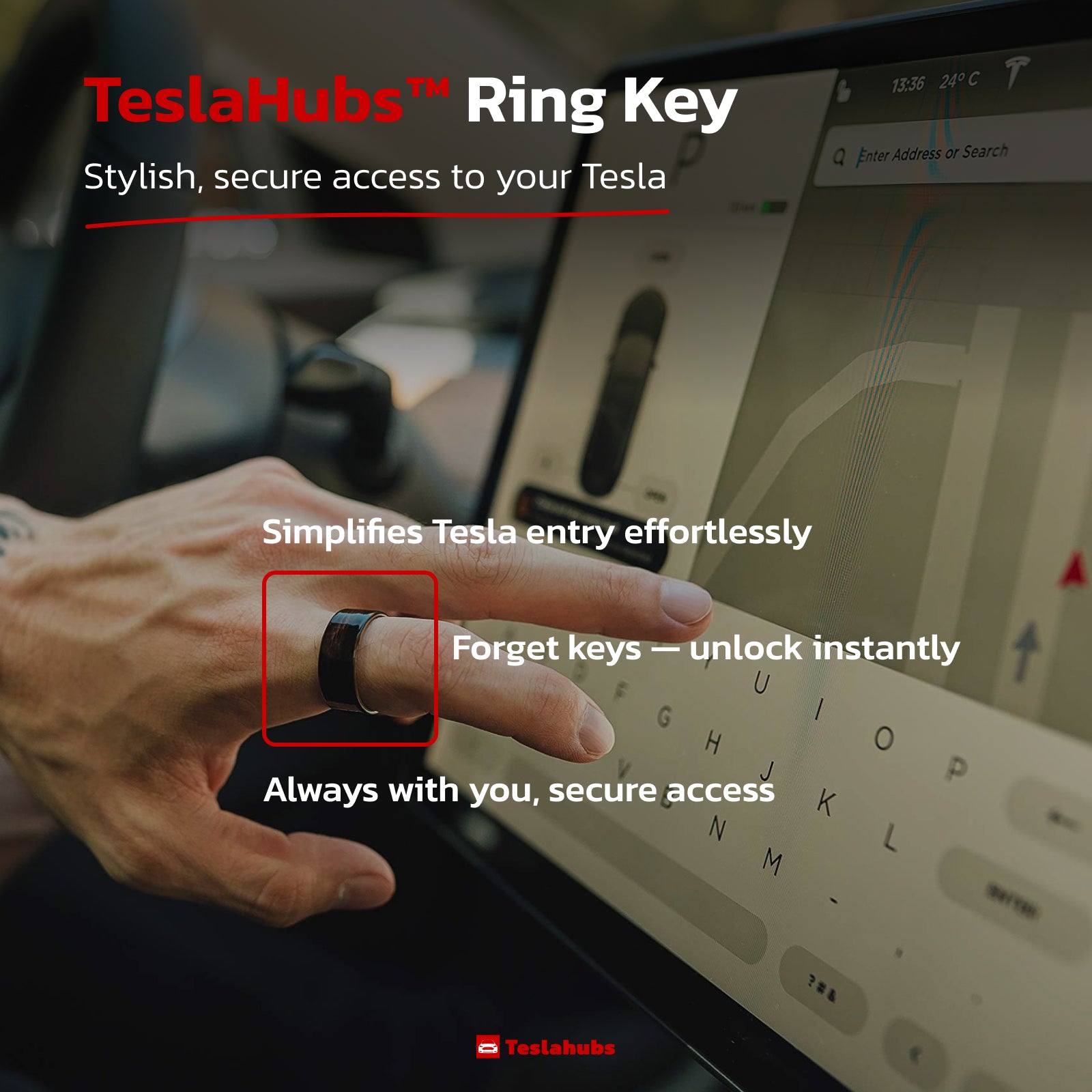
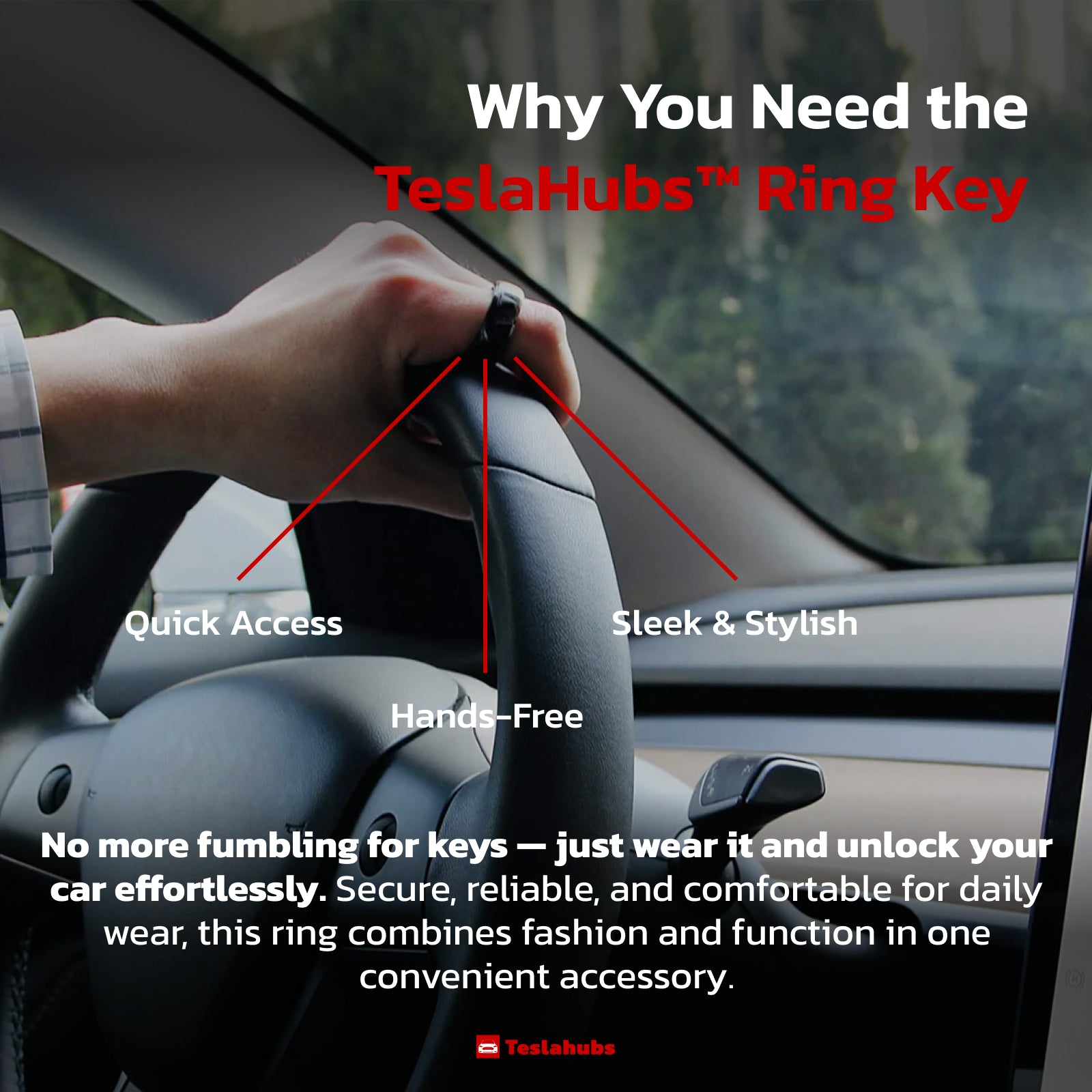
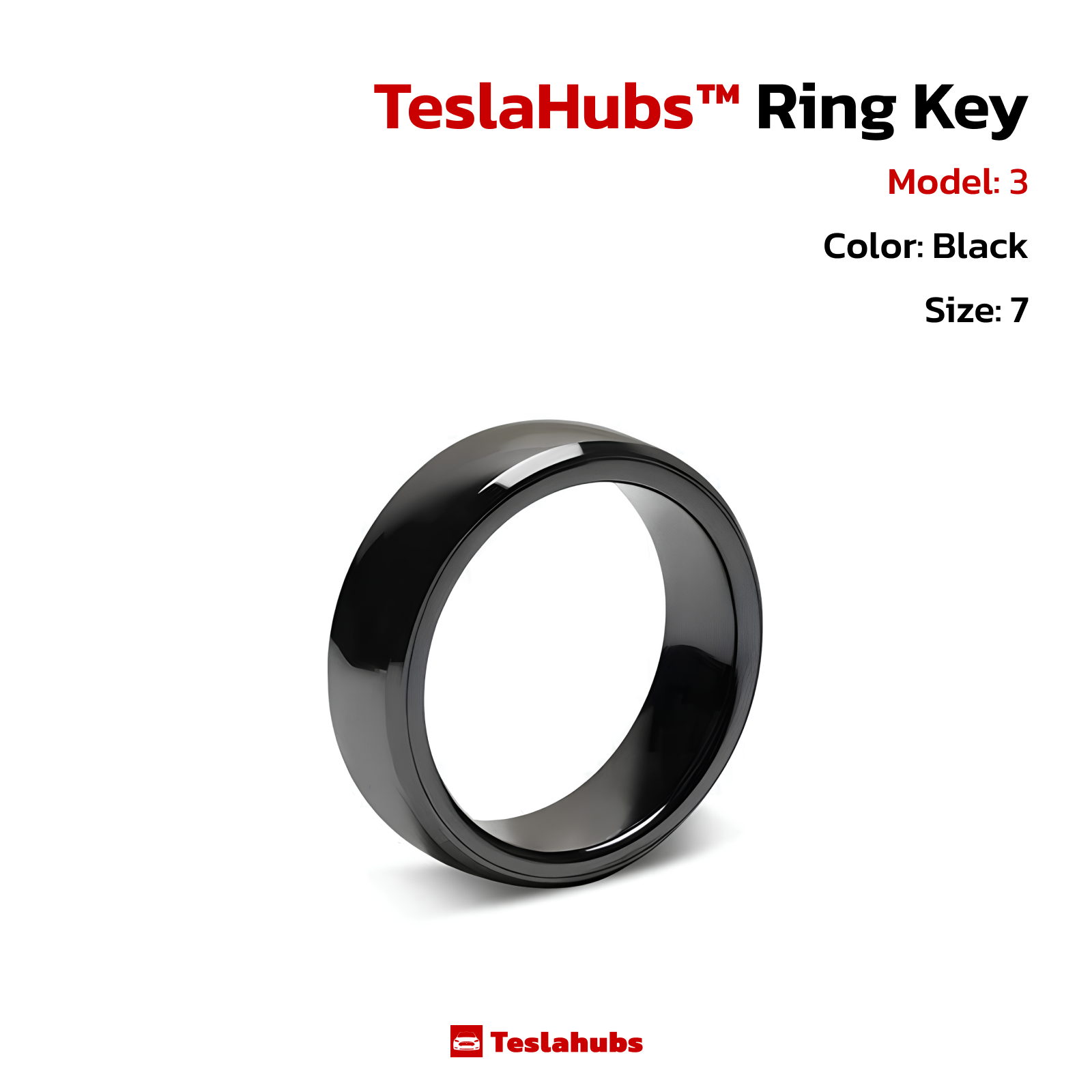
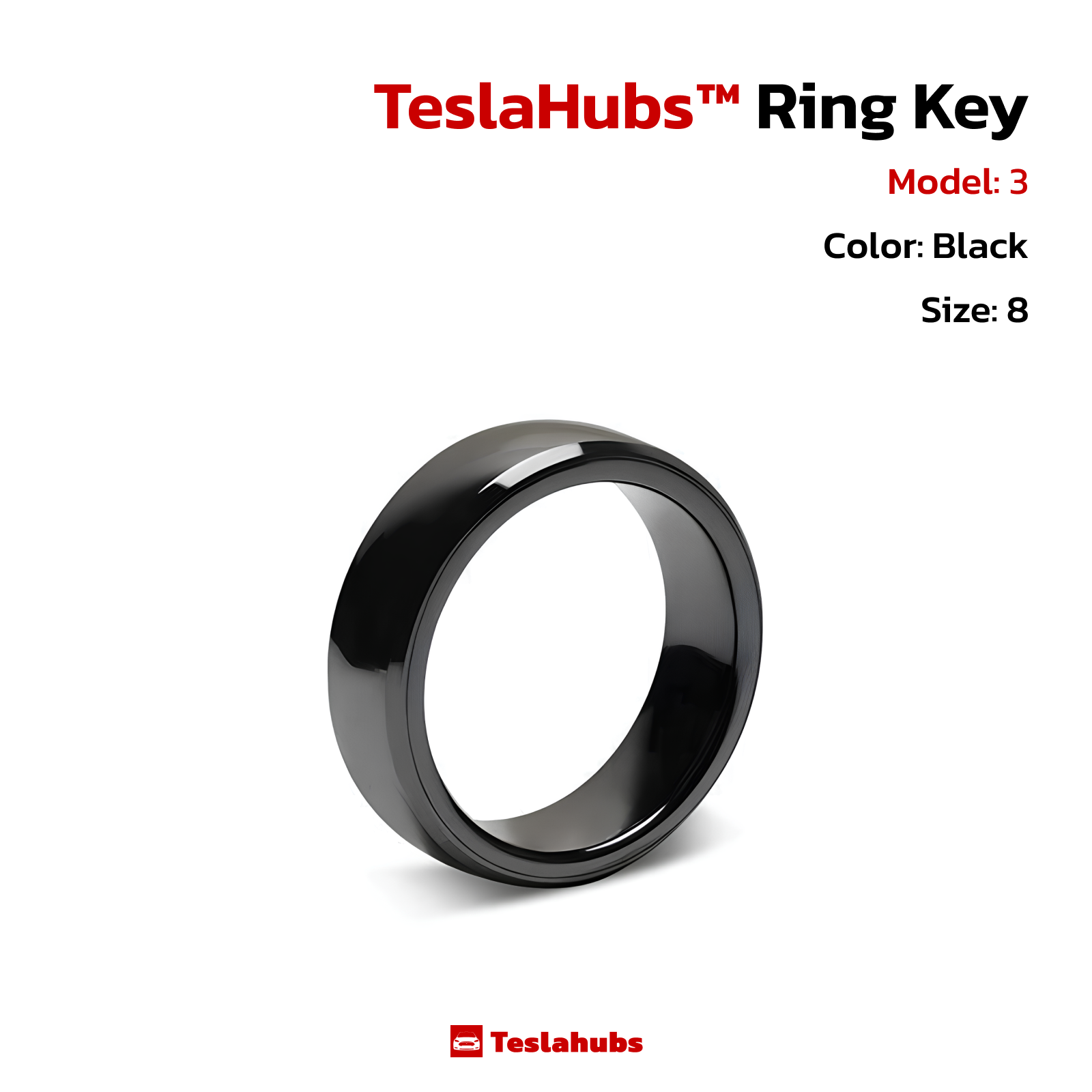
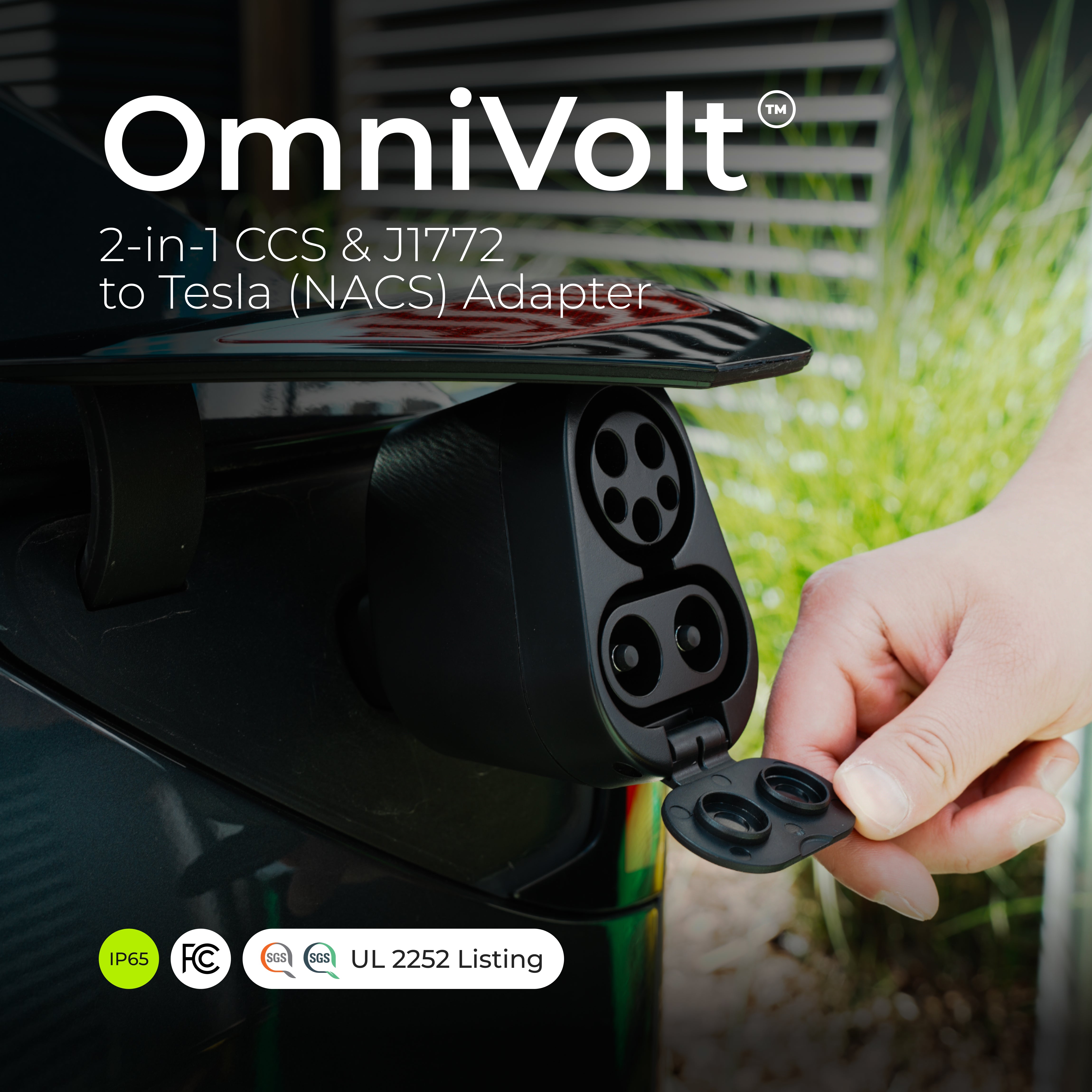
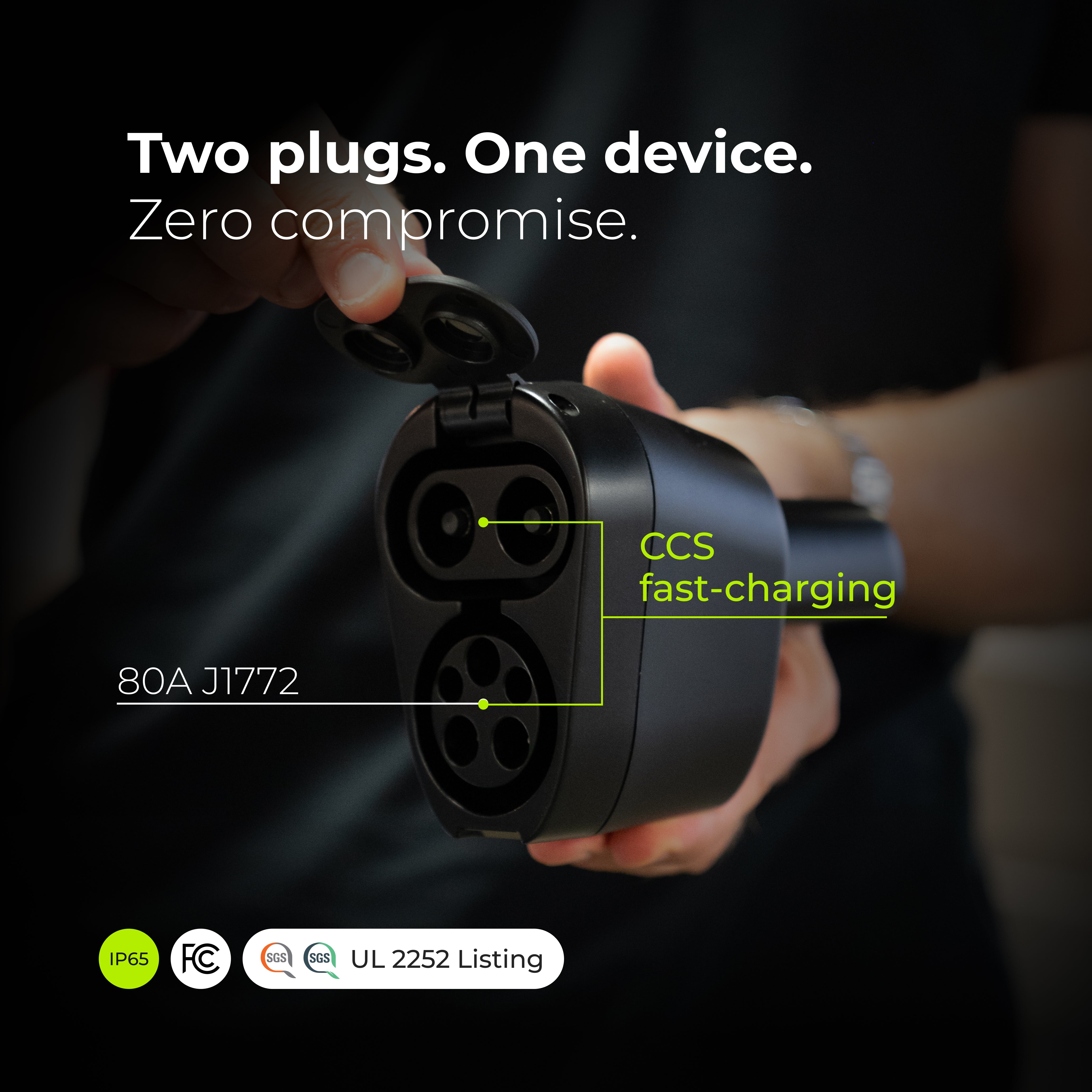

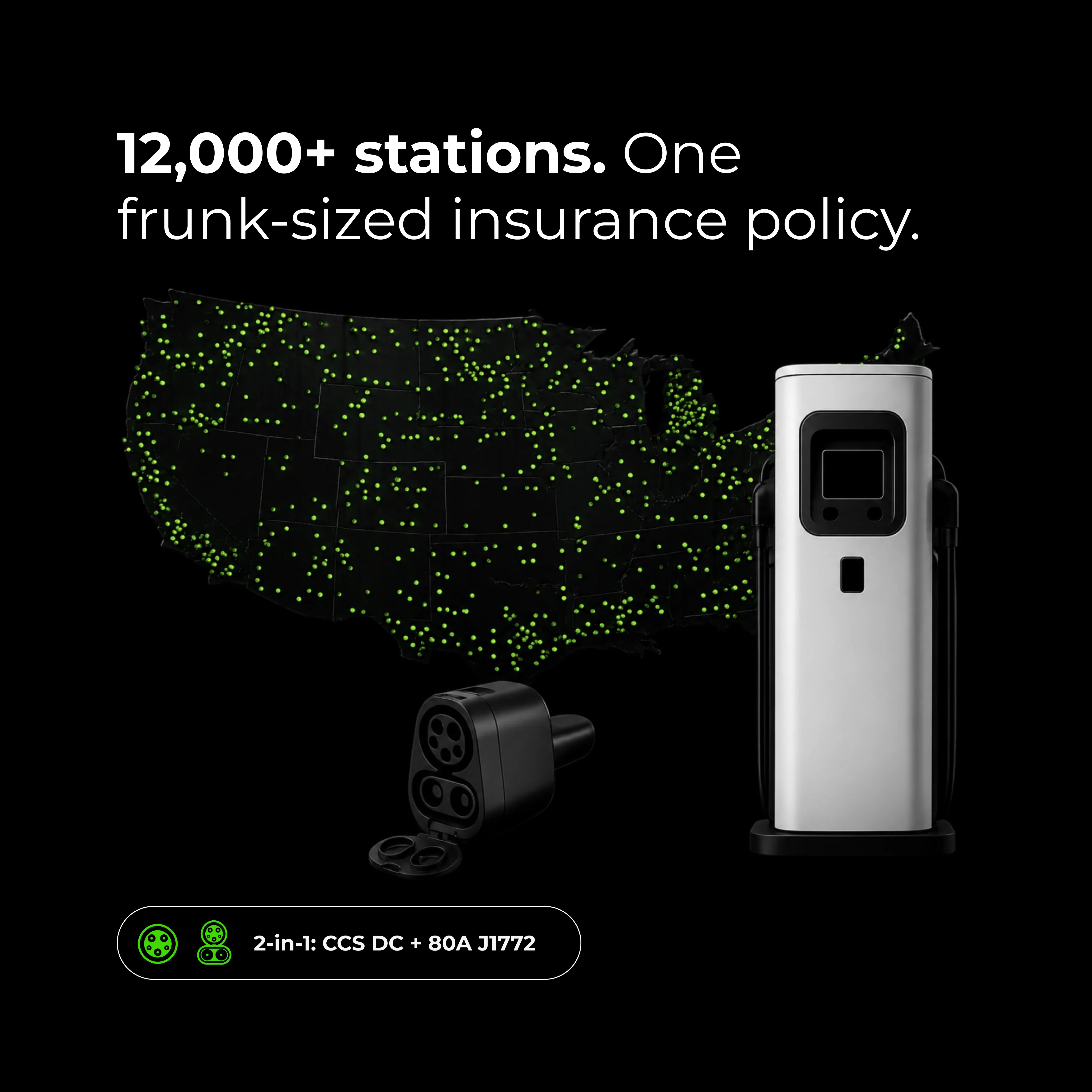
OmniVolt™ 2-in-1 CCS & J1772 auf Tesla (NACS) Adapter