







Sconto extra del 20% · solo per i primi 200 ordini
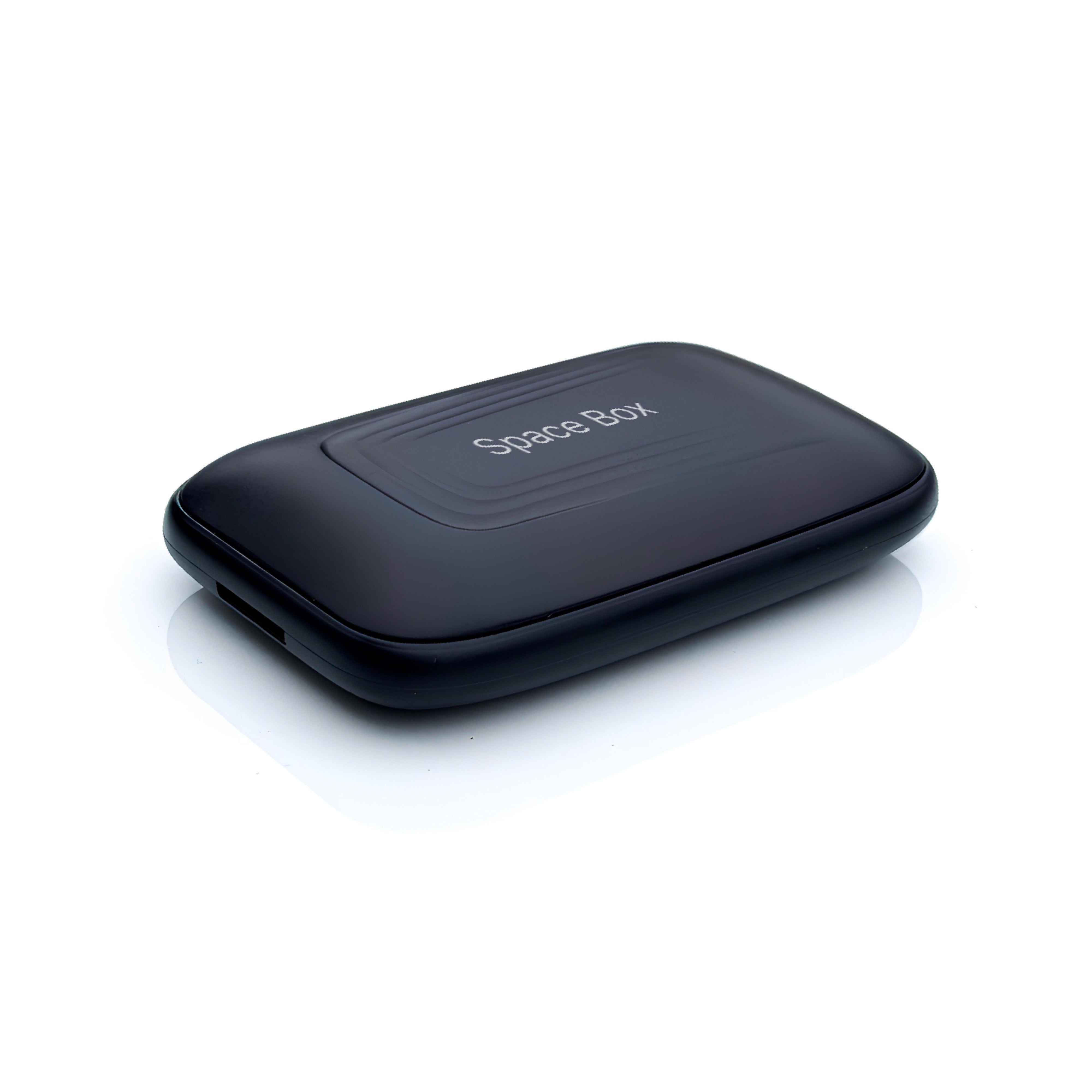
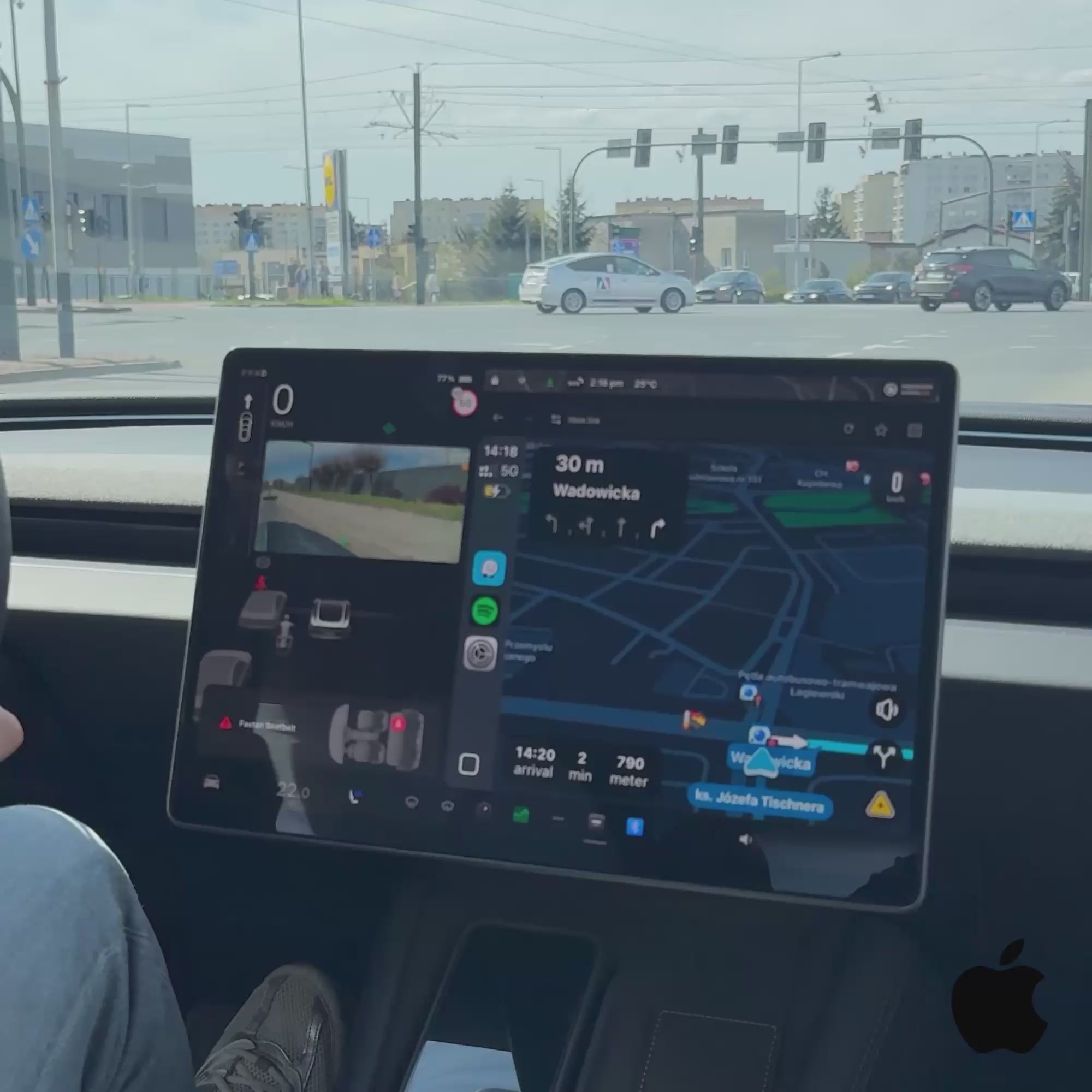
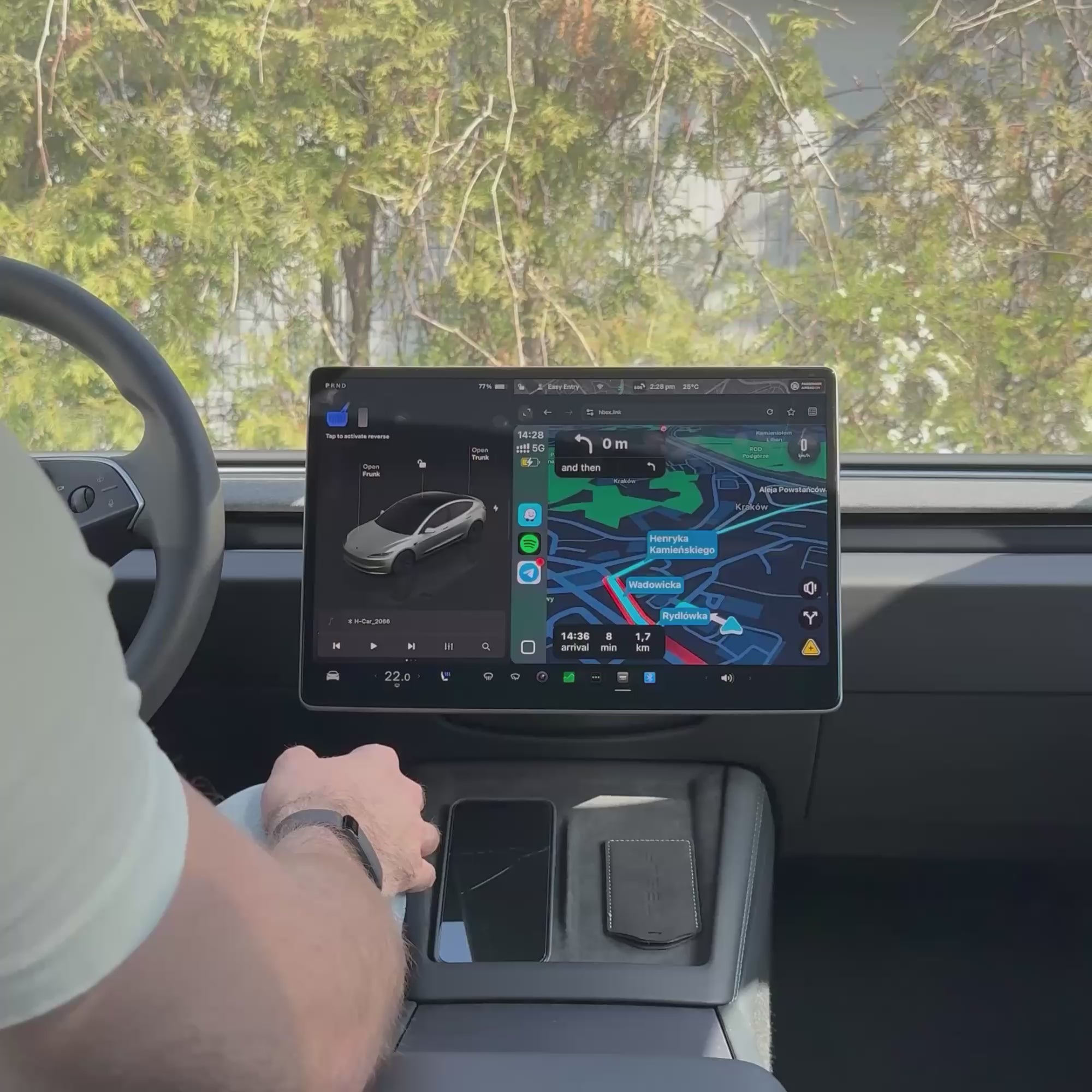
Teslahubs™ Space Box - CarPlay per Y, 3, S, X, Cybertruck, Juniper

Come si collega SpaceBox
-
Collegalo
Collega SpaceBox alla porta USB della tua Tesla con il cavo incluso.
-
Connetti la tua Tesla
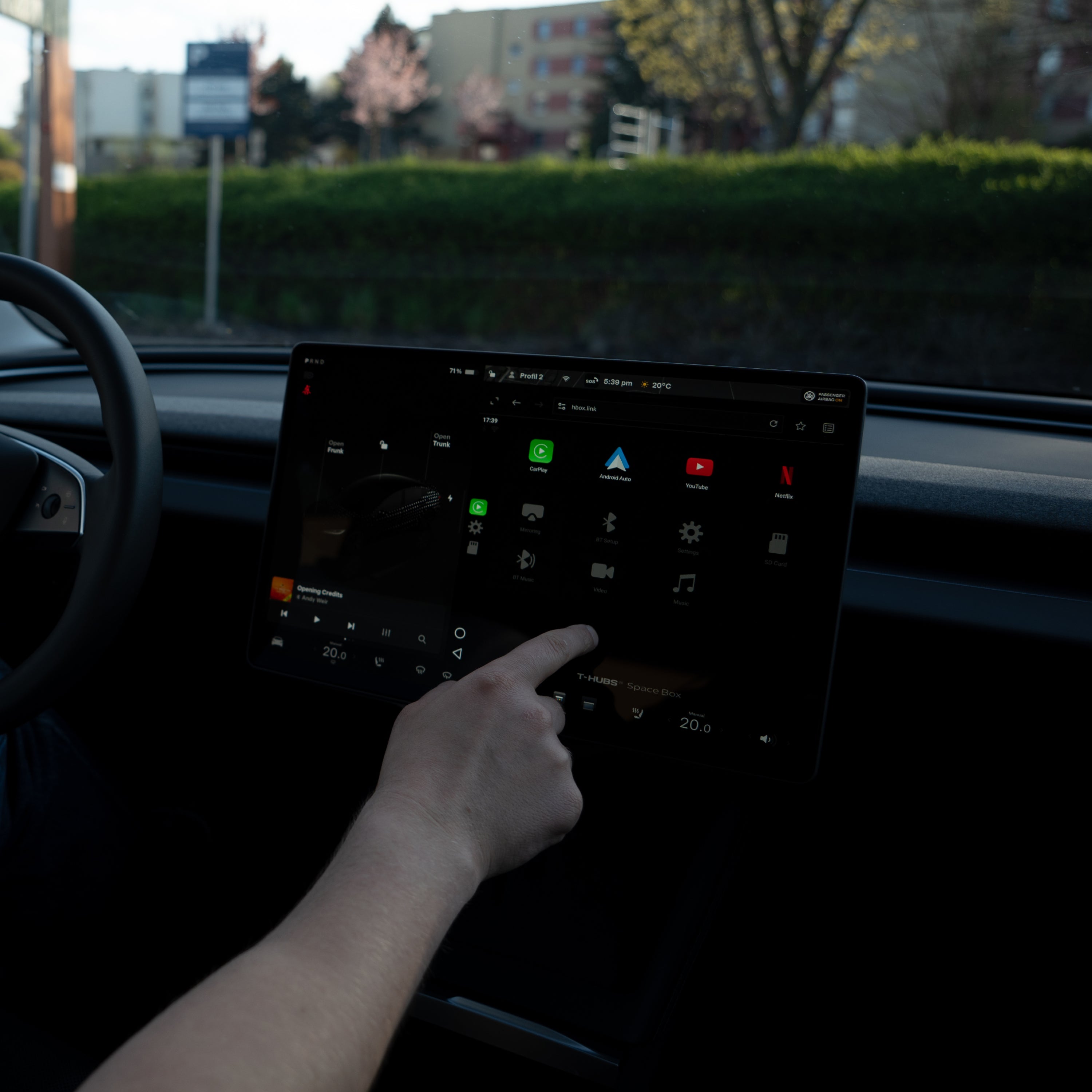
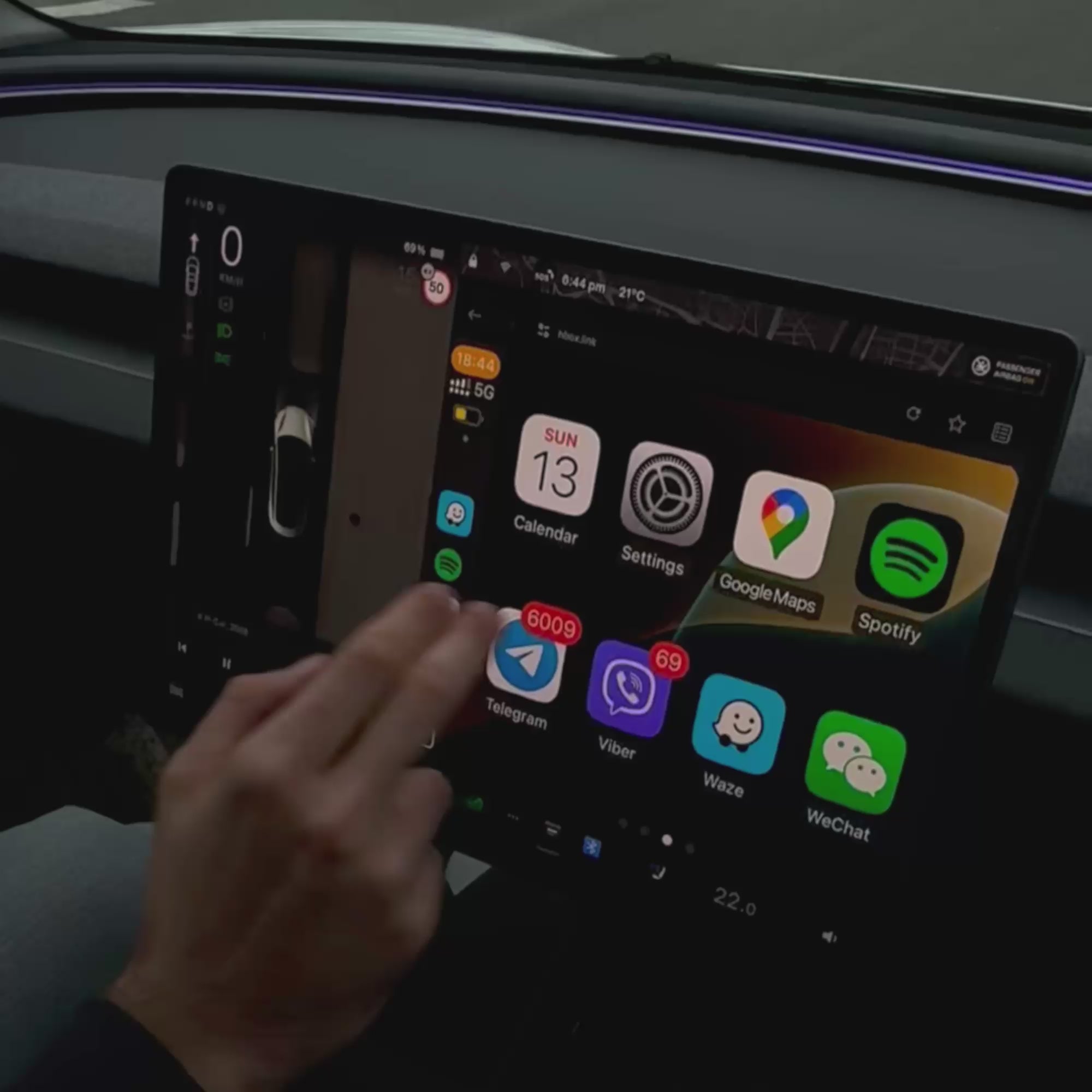
Connettiti alla rete Wi-Fi H-BOX e apri hbox.link nel browser della Tesla.
-
Associa il telefono
Connettiti tramite Bluetooth e avvia Apple CarPlay o Android Auto.
Cosa ti serve
- Un telefono con dati mobili
- Wi-Fi e Bluetooth attivi
- Tesla Premium Connectivity non è necessaria
Mentre usi SpaceBox, il Wi-Fi e il Bluetooth della tua Tesla restano connessi al dispositivo. Le altre funzioni del veicolo continuano a funzionare.


Pairs well with
Teslahubs™ Space Box - CarPlay per Y, 3, S, X, Cybertruck, Juniper
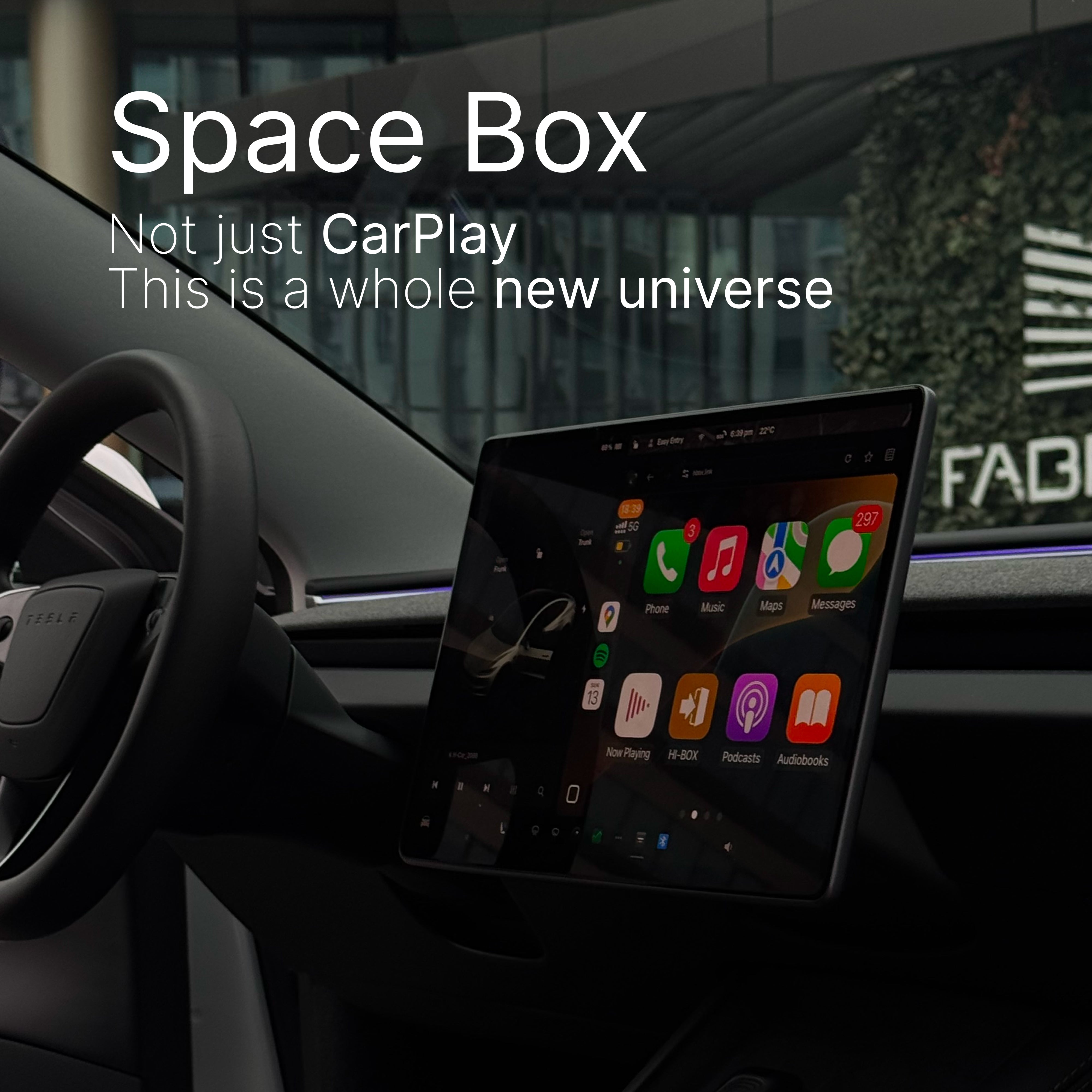
Non solo CarPlay - èè un universo completamente nuovo
L'unico vero CarPlay/Android Auto intelligente sul mercato — Space Box va oltre ciò che qualsiasi altro dispositivo può fare. Non è solo più intelligente, è rivoluzionario.
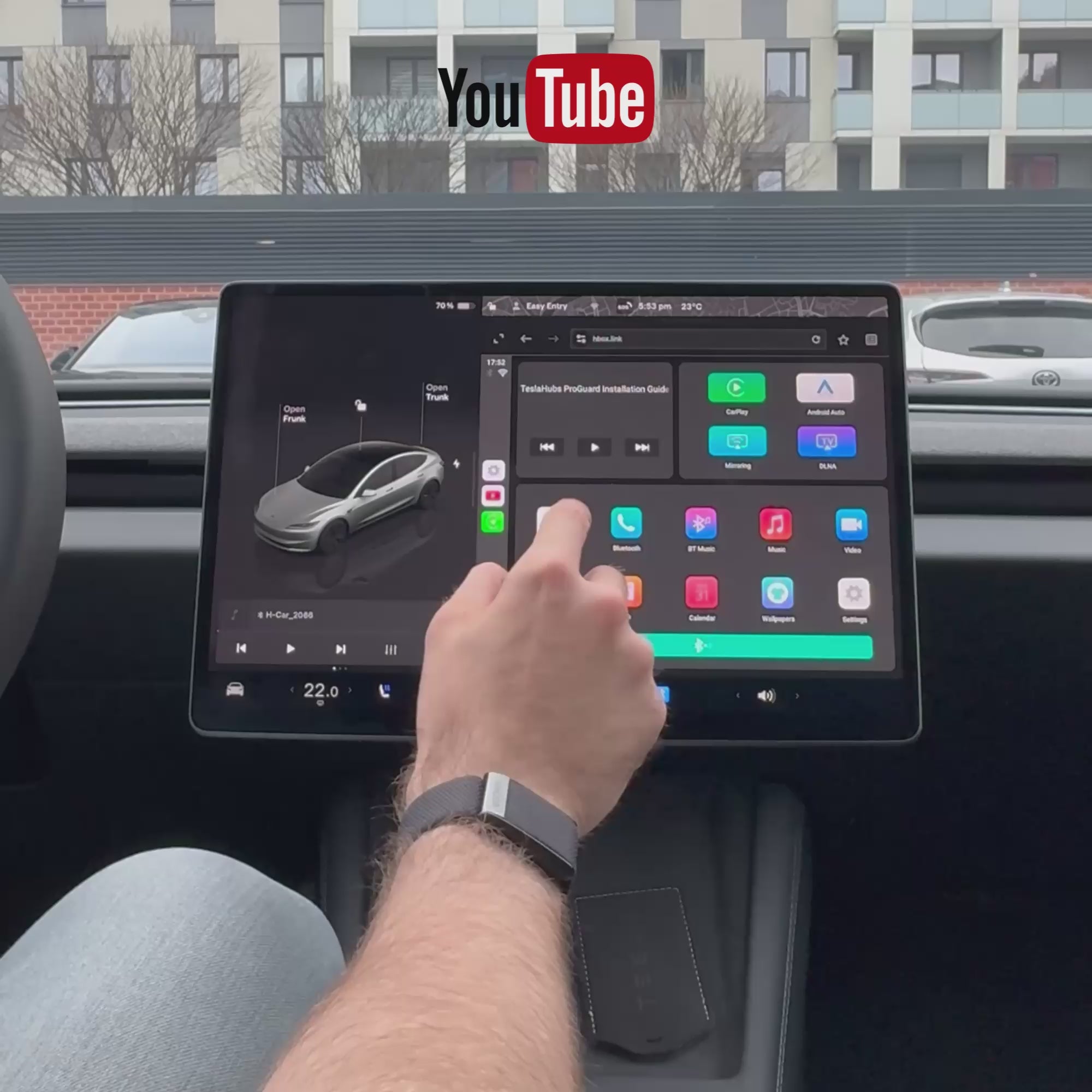
YouTube e Netflix integrati. Niente trucchi, niente soluzioni alternative. Trasmetti in streaming istantaneamente dallo schermo della tua auto.
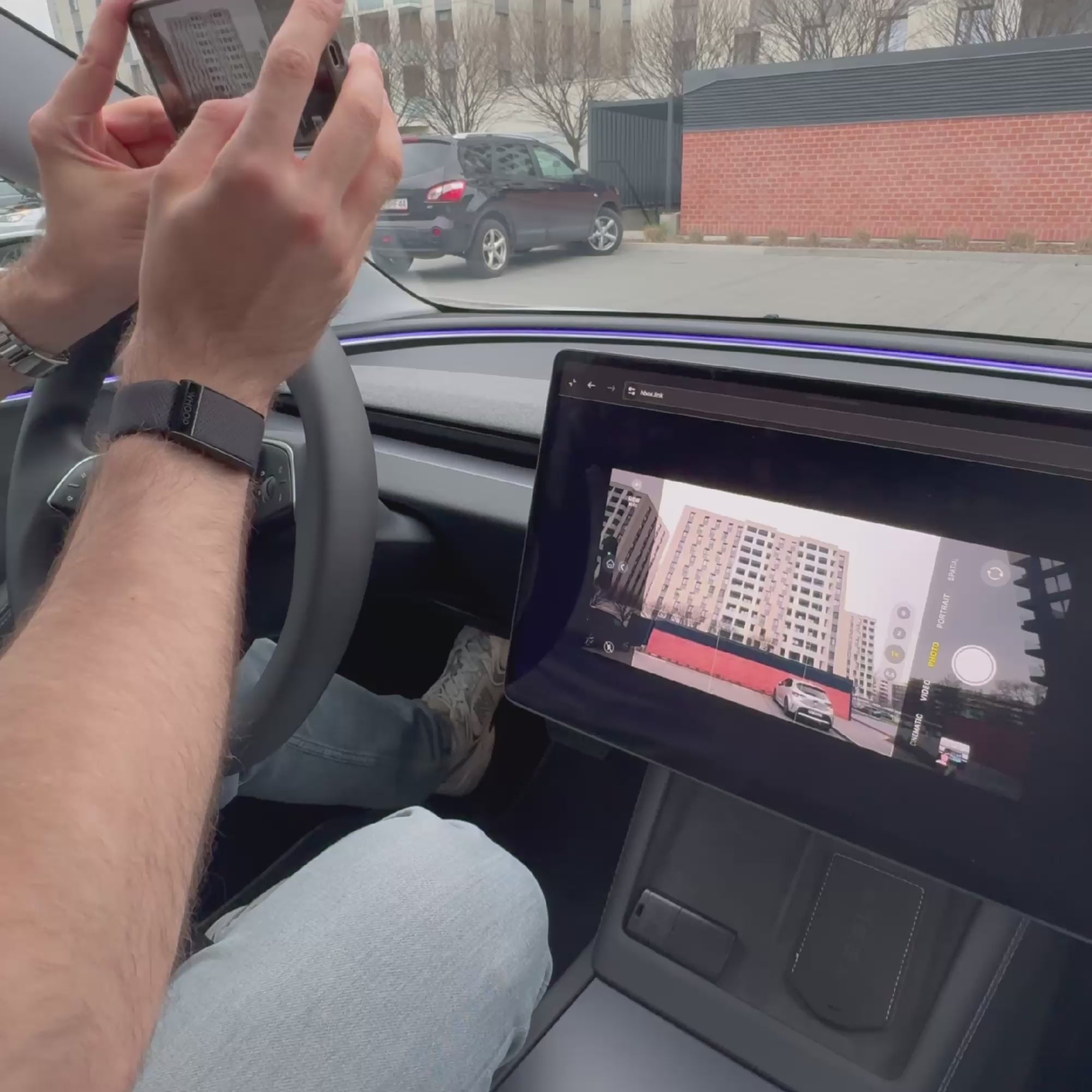
Mirroring a schermo intero senza interruzioni. Trasmetti in modalità wireless il tuo telefono, tablet o laptop. Dai TikTok alle videochiamate Zoom — tutto è sul tuo display.
Collega. Usa. Fatto. Nessuna configurazione, nessuna programmazione. Basta collegare e godersi.
Controllo vocale con Siri o Google Assistant. Riproduci, metti in pausa, naviga — tutto senza mani. Rimani concentrato, mantieni il controllo.
🔊Attiva l'audio per un'esperienza completa!
Non è un aggiornamento. È un nuovo standard per l'uso quotidiano!
La tua Tesla ha appena fatto un salto di qualità. ChatGPT ora funziona all'interno della tua auto. Basta parlare — risponde. Niente trucchi. Niente app. Basta collegare e partire.
🔊 Attiva l'audio per un'esperienza completa!
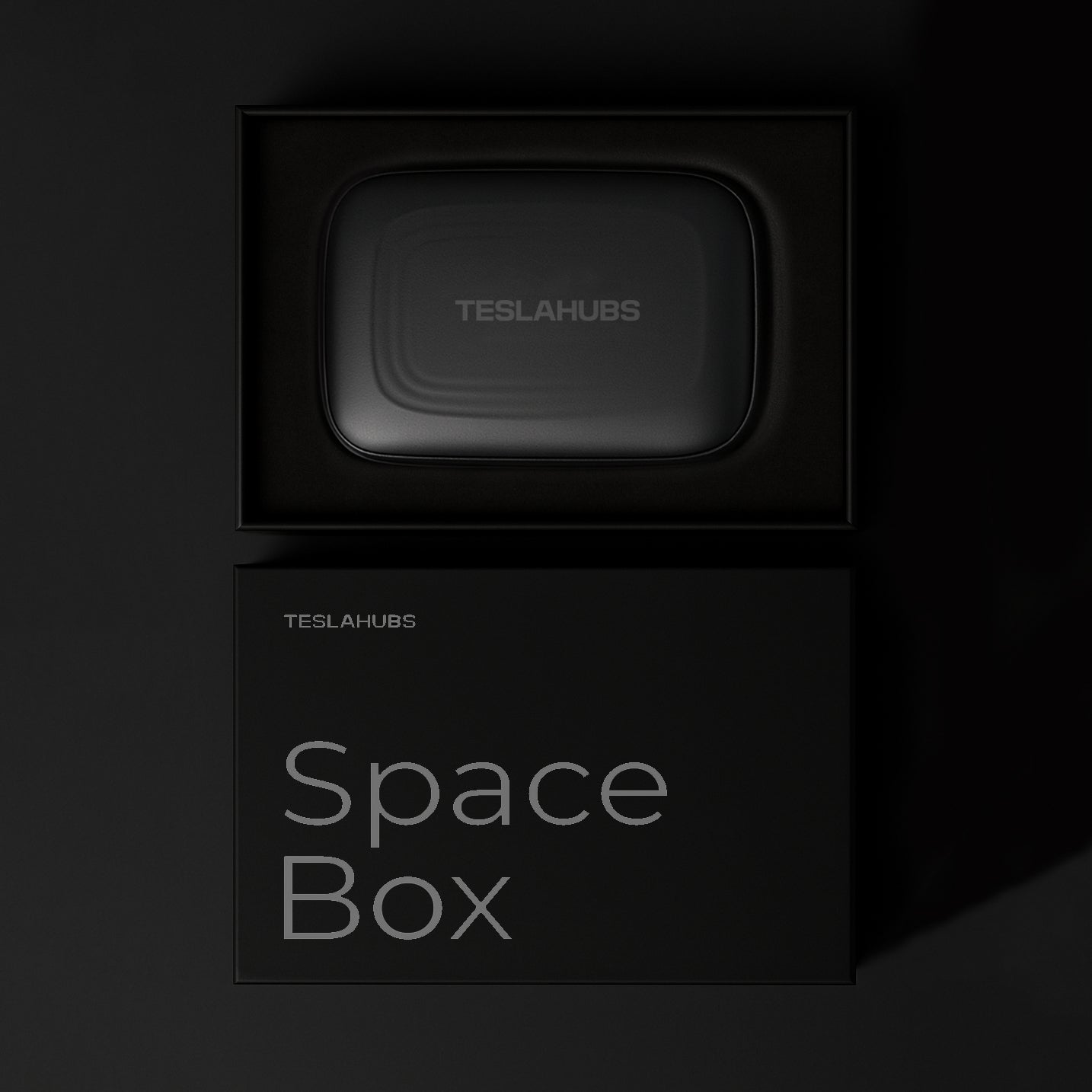
Cosa c'è nella confezione?
- Space Box - Kit CarPlay
- Cavi USB (USB, Type-C)
- 📄 Guida all'installazione di Teslahubs (PDF + Video)
- ⚙️ Aggiornamenti Regolari del Sistema Gratuiti
Modelli Tesla compatibili
- 2021 – 2024
- Juniper 2025 – 2026
- 2021 – 2023
- Settembre 2023 – 2026
- 2021 – 2026
- 2021 – 2026
- Novembre 2023 – 2026
Informazioni importanti sulla compatibilità
Compatibile solo con veicoli dotati di processore AMD Ryzen, inclusi i modelli 2020.
Questo prodotto non è supportato in Australia.
Hai domande? Abbiamo le risposte!
Cos'è il Kit Teslahubs™ Space Box CarPlay?
Il processo di installazione è difficile?
Supporta Apple CarPlay wireless e Android Auto?
Come posso aggiornare il mio dispositivo SpaceBox CarPlay?
La Space Box annullerà la garanzia della mia Tesla?
Posso usare assistenti vocali come Siri o Google Assistant?
Come si installa?

Smetti di danneggiare la batteria della tua Tesla
IN OMAGGIO oggi con ogni ordine: I segreti della batteria Tesla — le scorciatoie che possono farti risparmiare migliaia.
Thanks

😍

This is the best solution I have ever seen.

Awesome 🤩

😍

This is my second set, this time for my wife.
Thank you, teslahub for this wonderful set of carplay and the gift of a protective glass!!!

Delivered in 4 days without problems, connected in 1 minute ❤️

Now my car looks complete!

Works with Android auto Thanks!

Thanks, everything works great!!!

It works like described there. Streams flawlessly Netflix & You tube! Love it it will be awesome for those cross country trips to Florida from the Midwest! I would recommend this to everyone! Simple to set up and use!
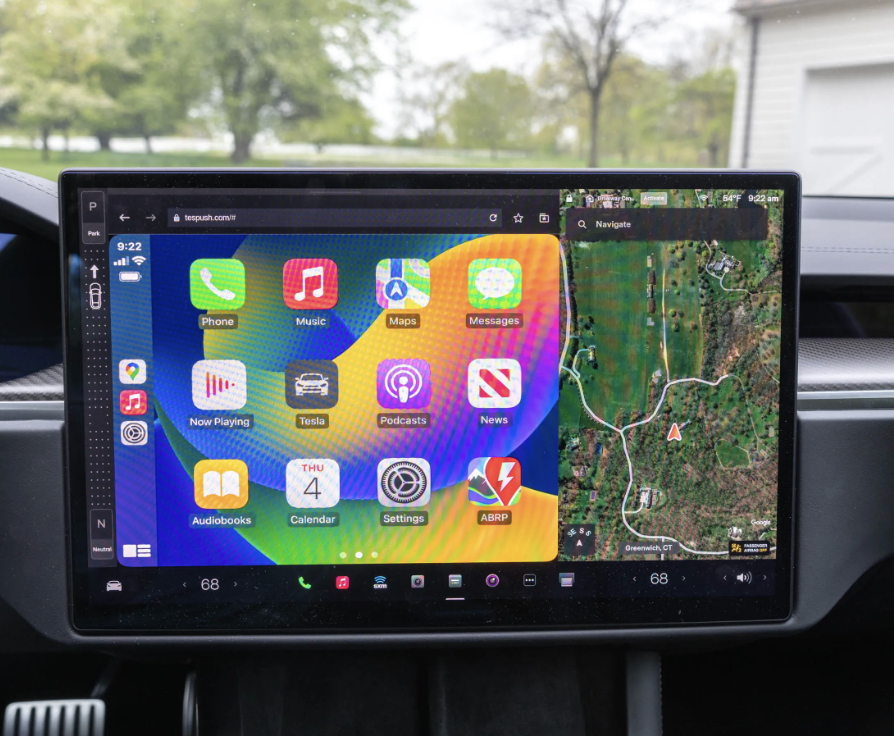
It came pretty quickly and works perfectly on my M3. I've been using it for almost 6 months now, and it functions just like regular CarPlay—surprisingly well!
Overall, this product is solid and worth it!
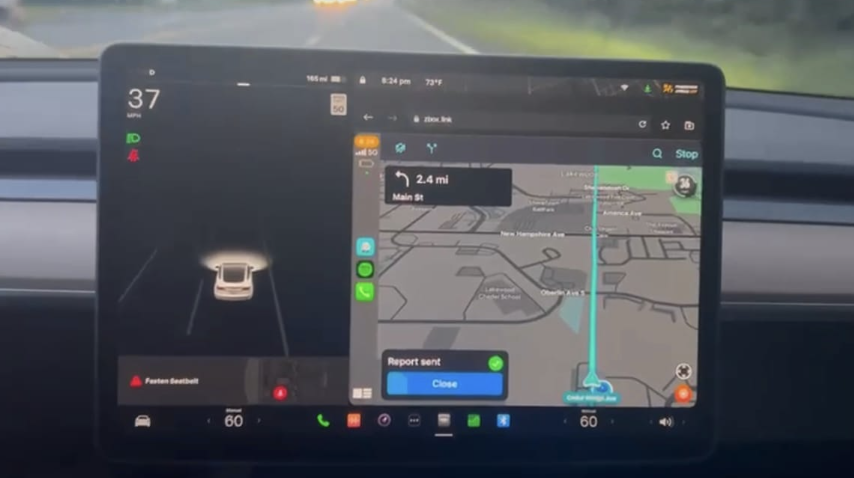
Works with the Cybertruck, now that's a serious flex! 🚀💪
Thanks Teslahubs
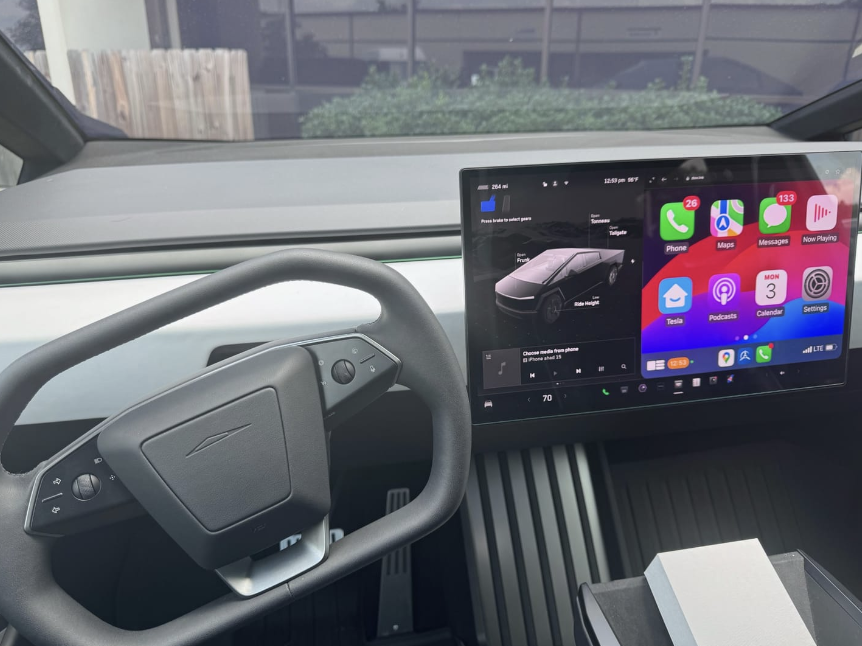
Super quality I recommend


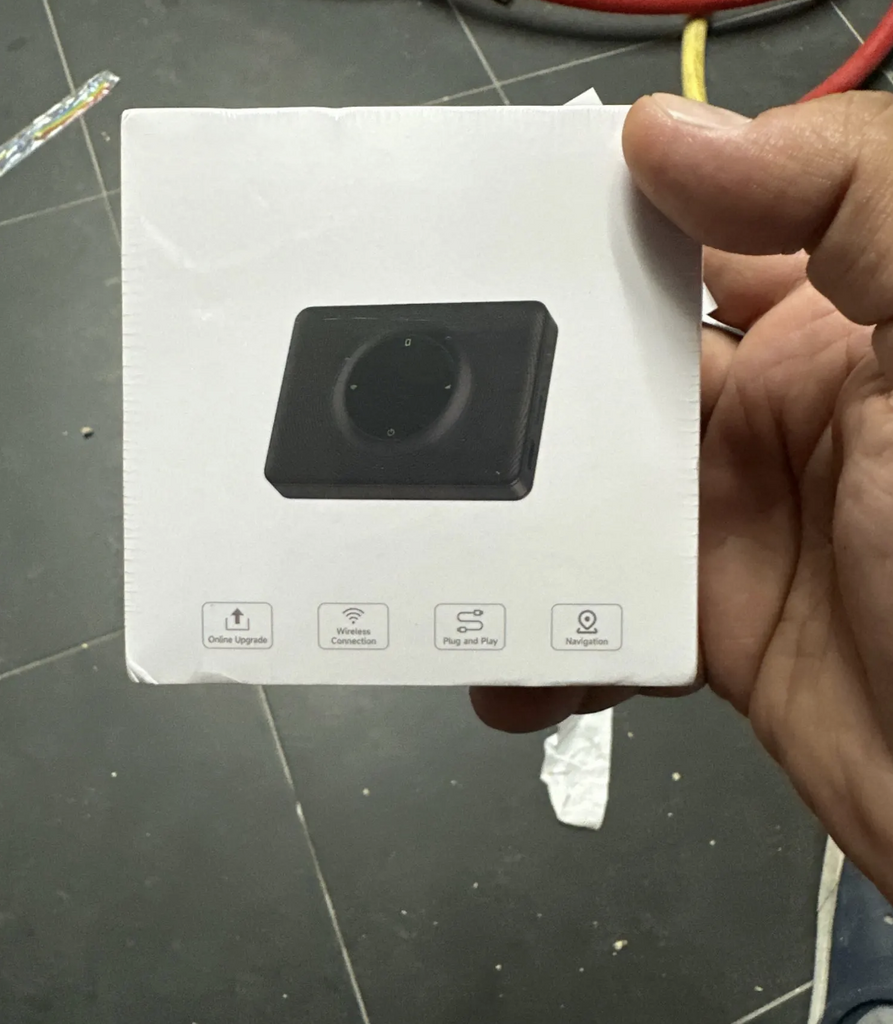
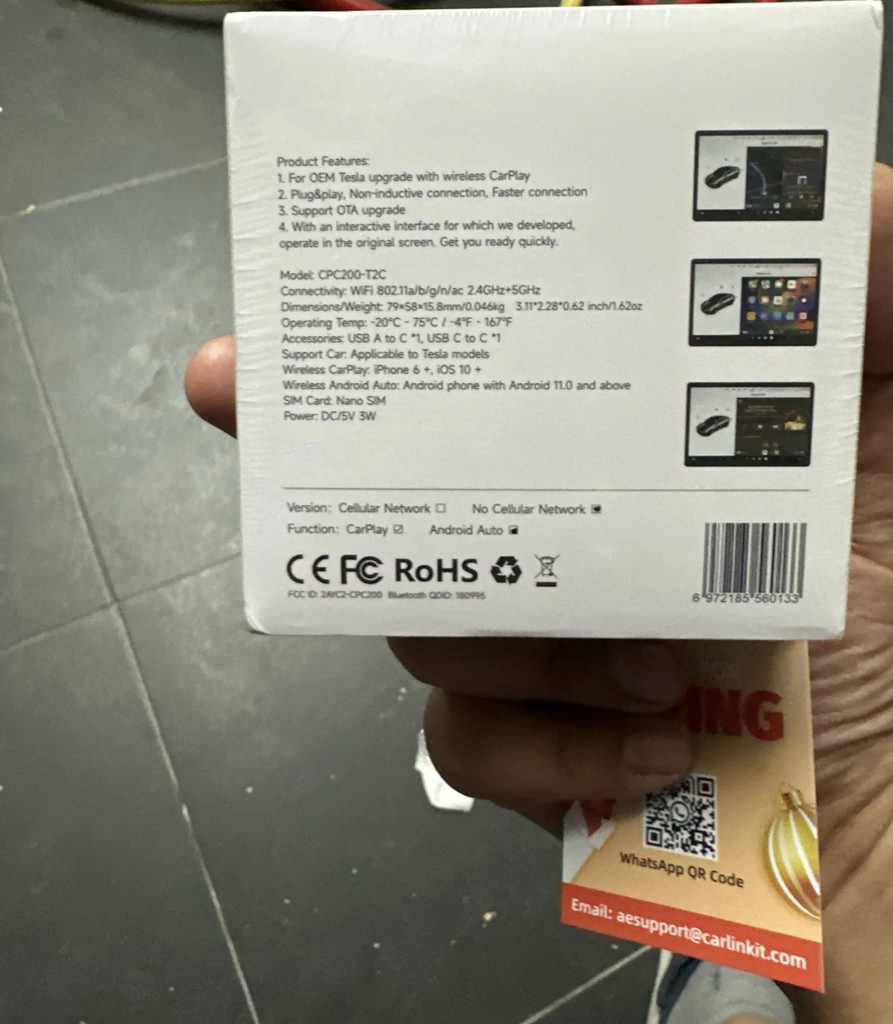
It looks good we are going to prove it and I comment

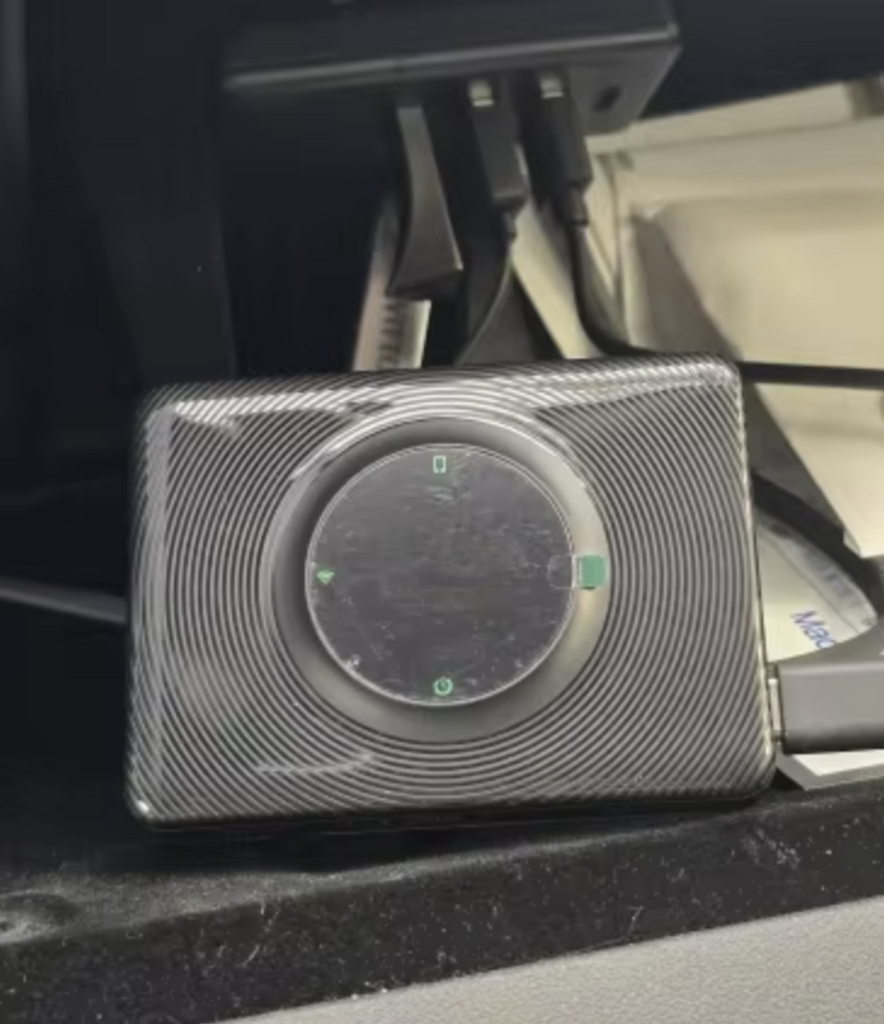
Fast delivery and helpful support

Compliant product and fast delivery, thank you...

Not working with my Tesla Model X. I had another one, not spacebox, but it was working.! Product looks legit but may be i got a bad batch. Sorry
Terrible service. I wasted $149.00. It no longer works with my model y and they will not give me any support. I have had it for two months. Don’t get one if you don’t wasn’t to waste your money!
★☆☆☆☆ — SpaceBox Does Not Work in My 2026 Tesla Model Y Juniper
I purchased the TeslaHubs SpaceBox to add Apple CarPlay to my 2026 Tesla Model Y Juniper. My experience has been extremely frustrating.
Despite repeatedly following the installation instructions and troubleshooting the connection, I have been unable to get Apple CarPlay to work.
I connected to the H-BOX network, worked through the browser setup, and encountered multiple connection and update errors, including a message telling me to check for a NetBox update. After spending considerable time trying to make it work, I still had no functioning CarPlay screen.
I purchased this product because it was advertised as a convenient way to add CarPlay to my Tesla. Instead, I’ve spent my time troubleshooting something that has not performed its basic advertised function.
Based on my experience, I cannot recommend the TeslaHubs SpaceBox, particularly to owners of the refreshed Model Y Juniper.
A very disappointing purchase.
Never received it
Instructions are all different, but if you use the QR code that comes in the box these instructions are best,
connect dongle to car wifi, then connect phne to dongle blue tooth, job done, works well, have to reconnect mine each time i get in car, so will continue to play with it and see if it gets better
does not work .I get a security error that I cannot get passed
waste of money
Very disappointing experience. The product does not connect or work as advertised, and the troubleshooting process is unnecessarily complicated, time-consuming, and frustrating.
Customer support is extremely poor and unhelpful. The company advertises a 30-day money-back guarantee, but when I requested a return, they wanted to deduct $14 from my refund.
Even worse, it has now been over a week, and I still haven’t received a return shipping label or my refund. I’m still waiting, with no meaningful updates or resolution from their support team.
A company should stand behind its products and honor its promises. Unfortunately, TeslaHubs has failed to do either in my experience.
I would not recommend this product or company. Save your money, time, and frustration. Look for a more reliable alternative.
I cannot get the space box to connect to my Tesla. I keep getting an error message that says the time and date are wrong and I cannot fix it. I thought the concept of this device was simple plug and play and connected via Bluetooth but that’s not the case.
I nostri più venduti!
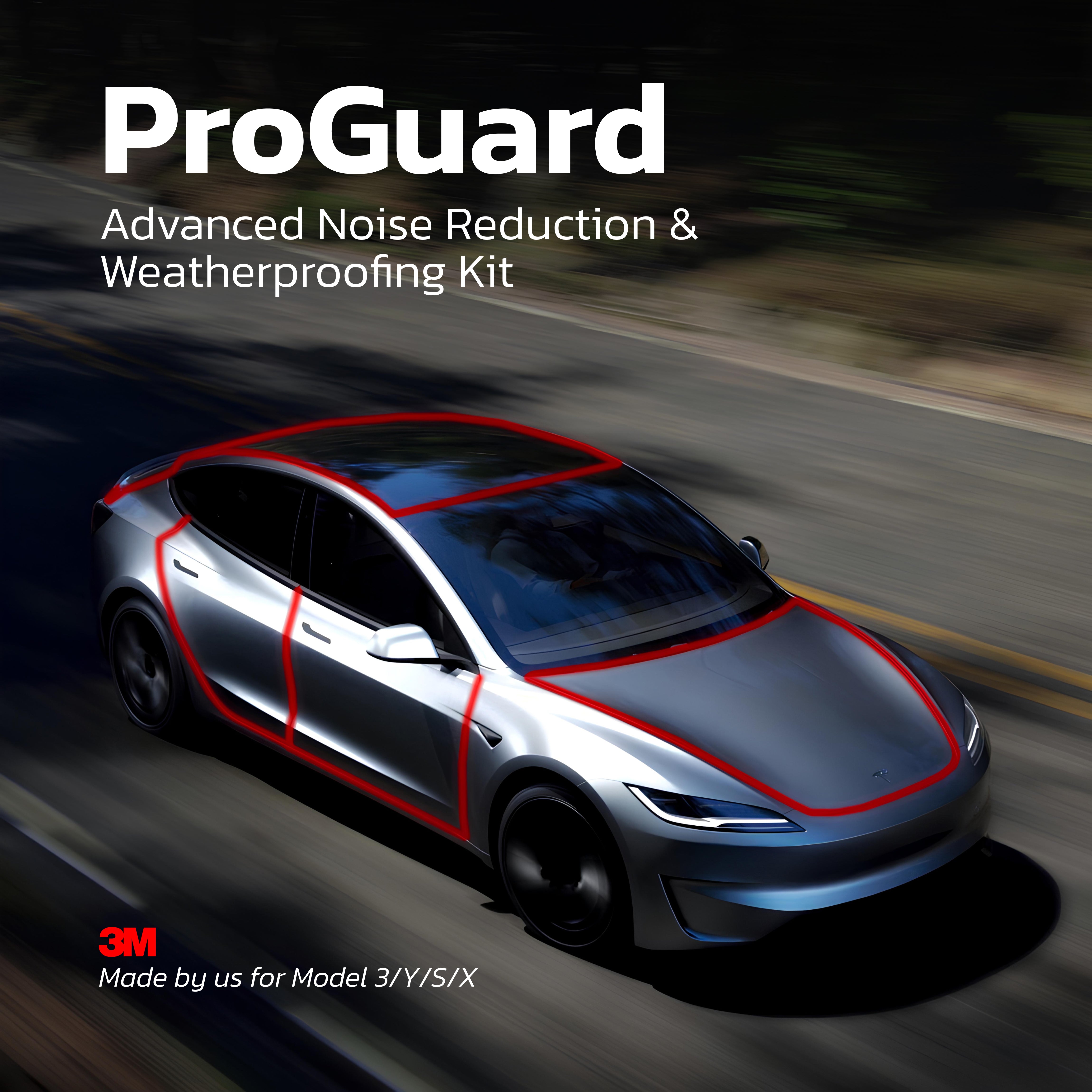
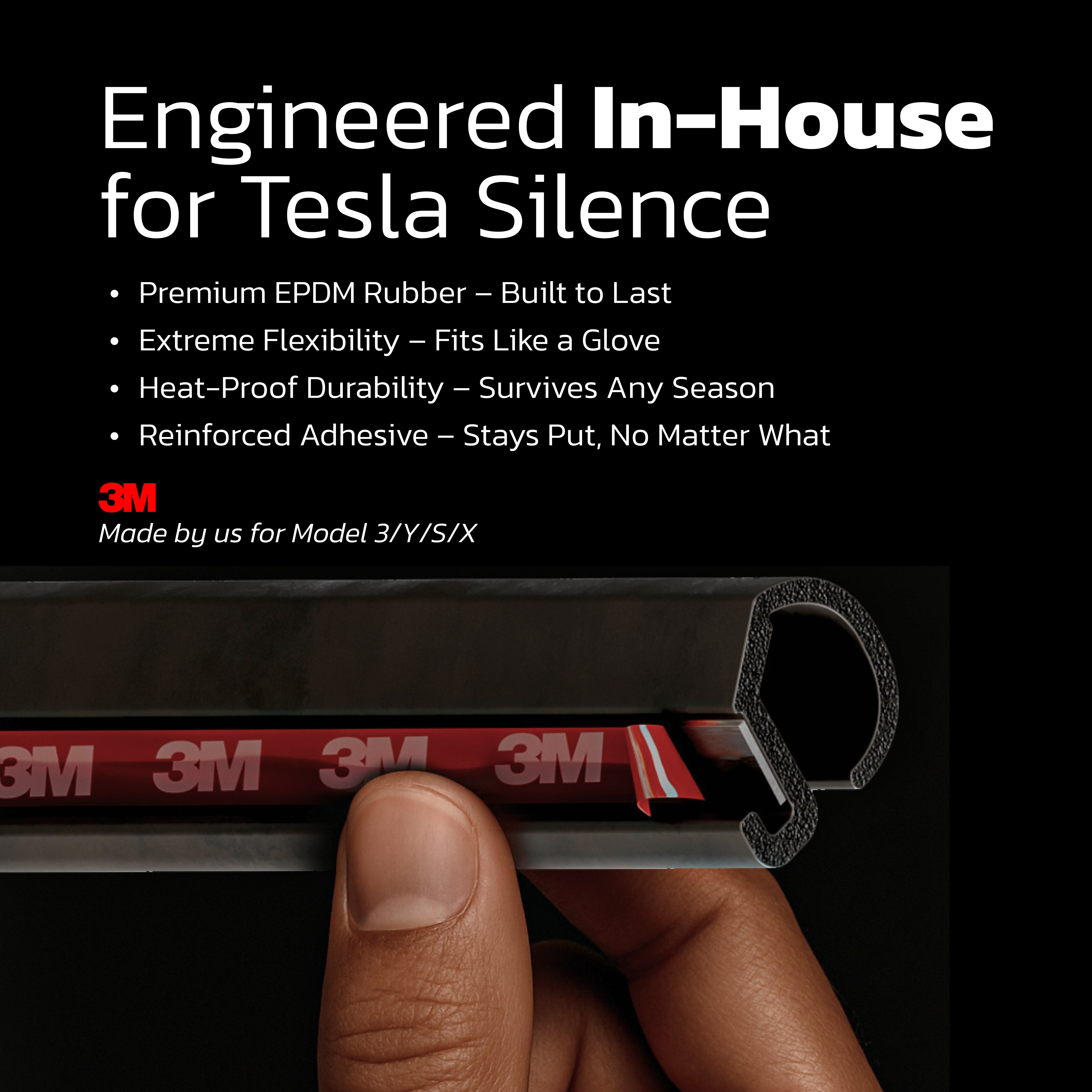
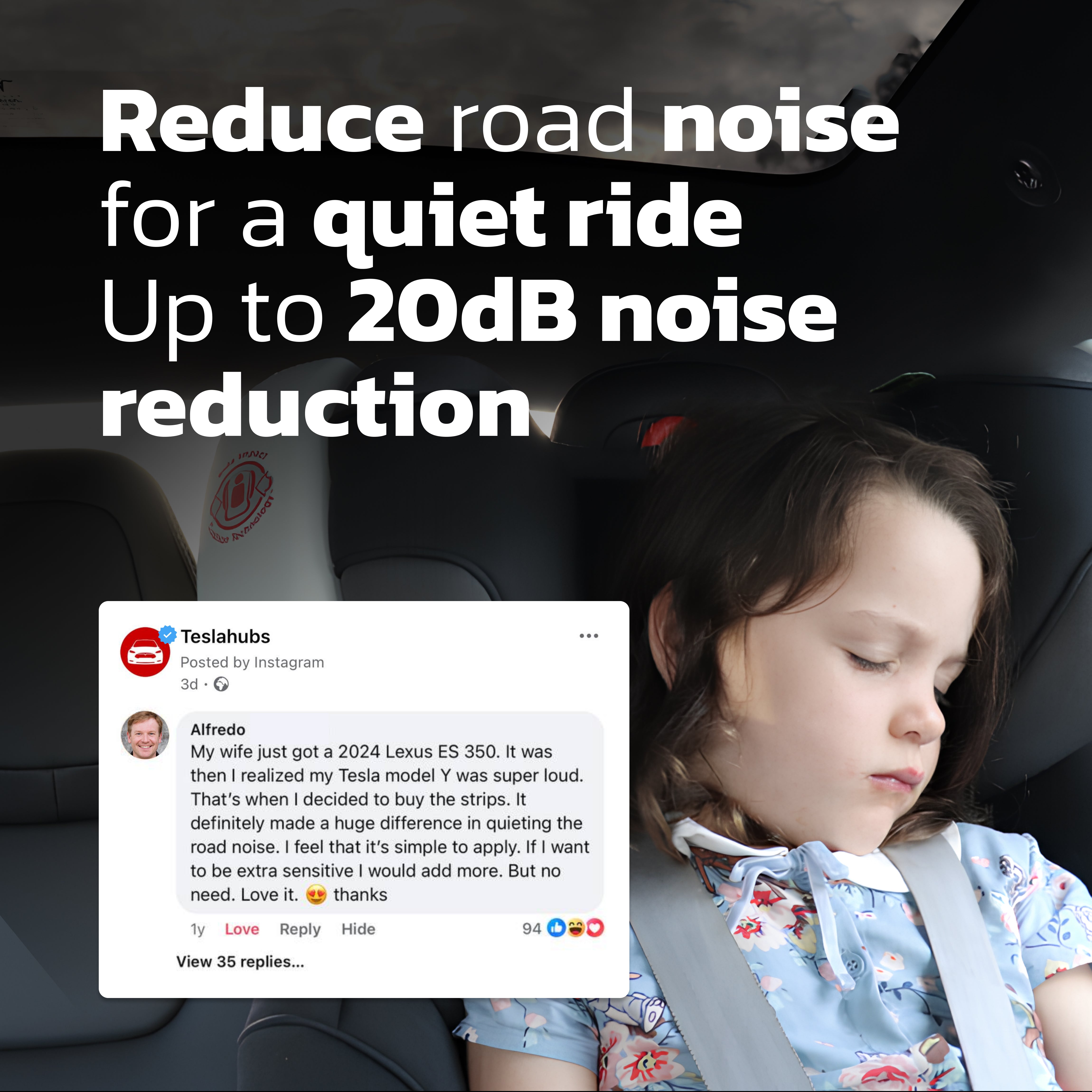
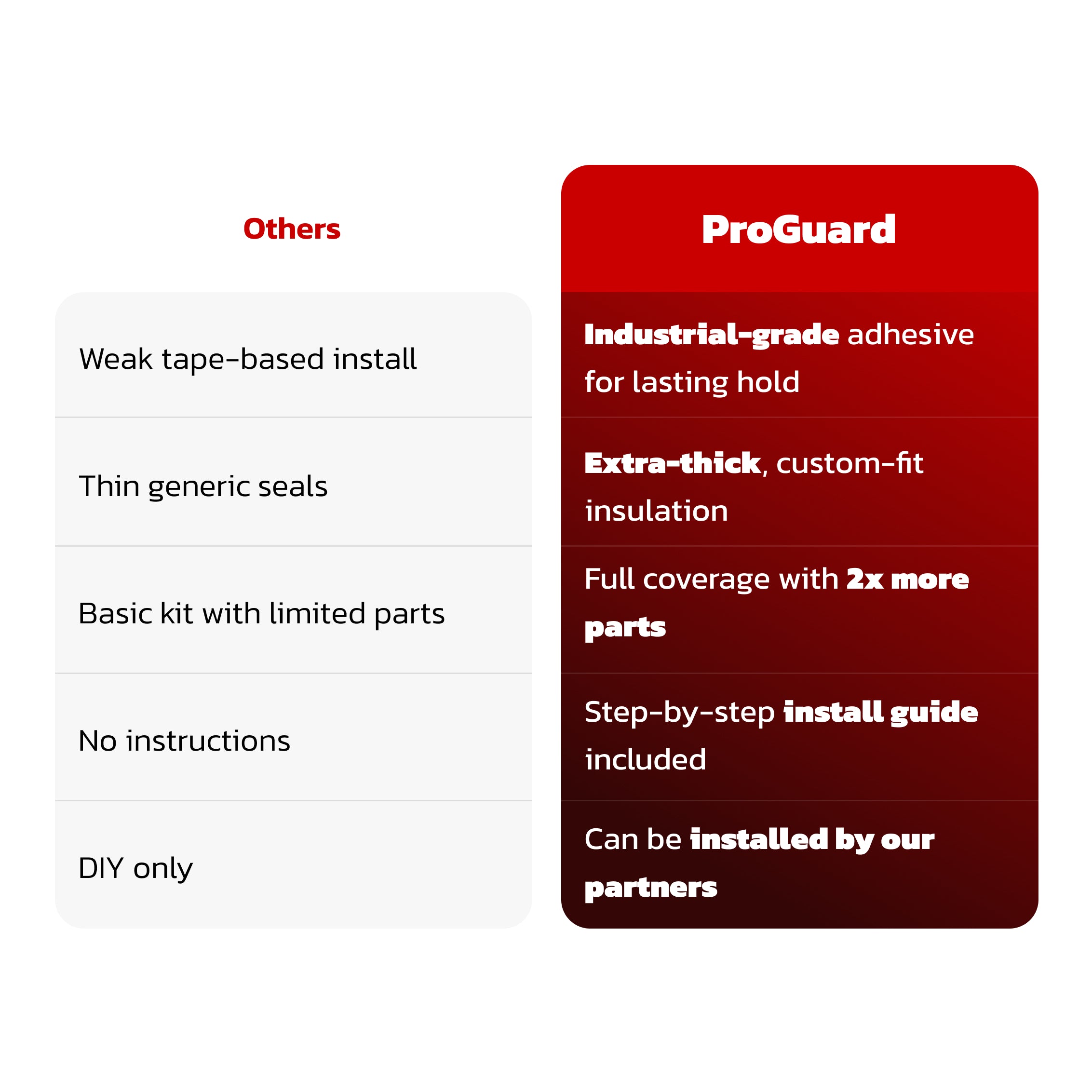
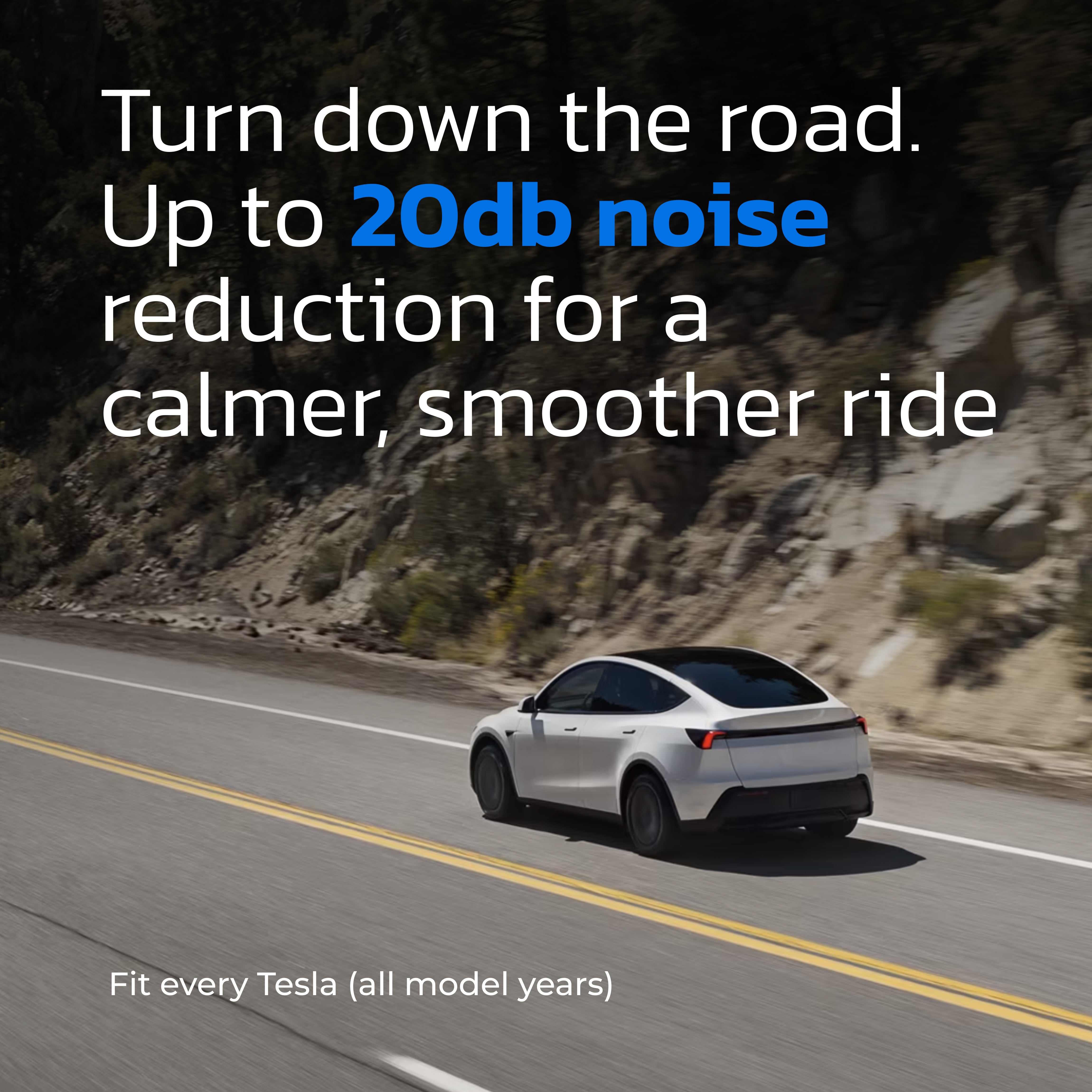
Teslahubs™ ProGuard: Kit avanzato di riduzione del rumore e isolamento dagli agenti atmosferici
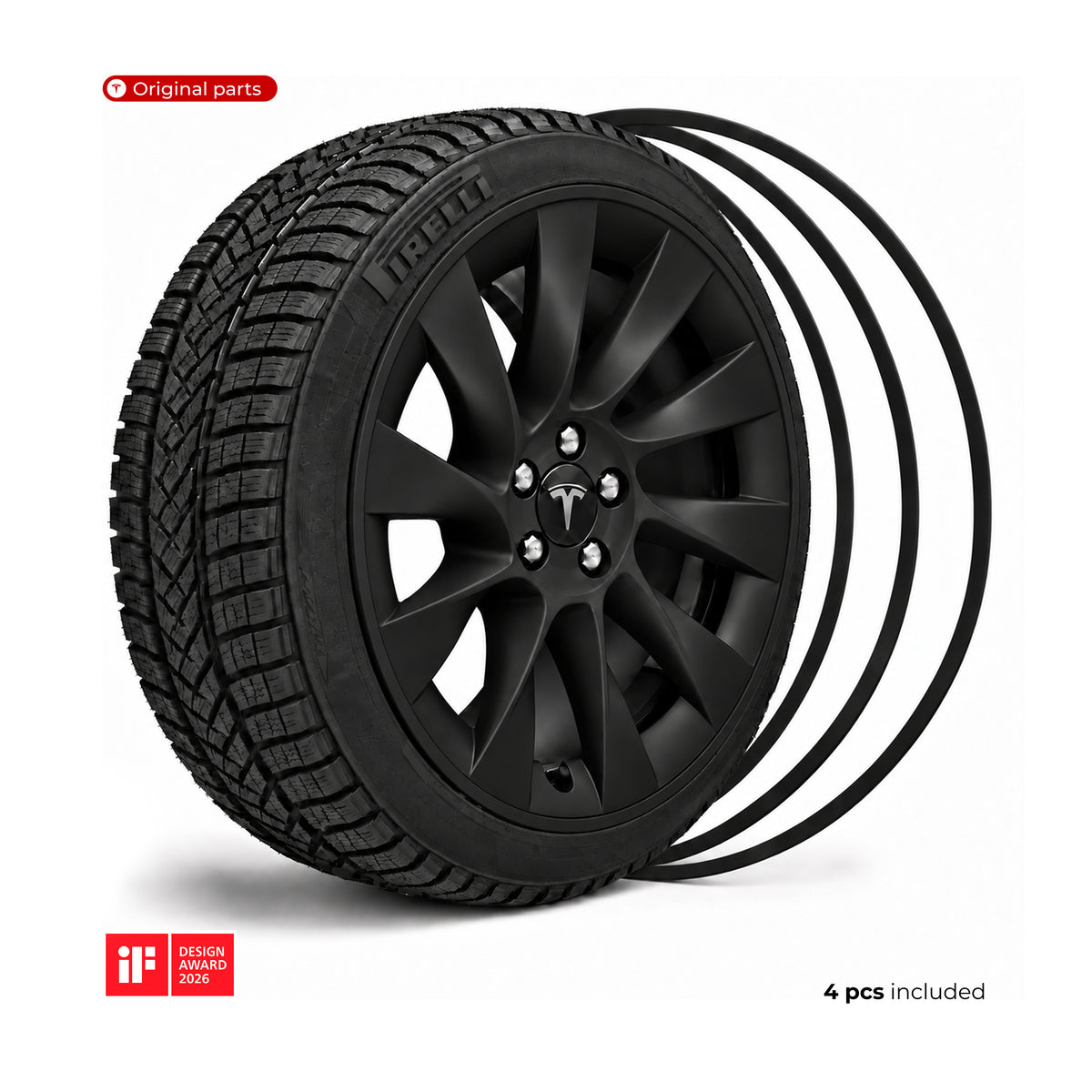
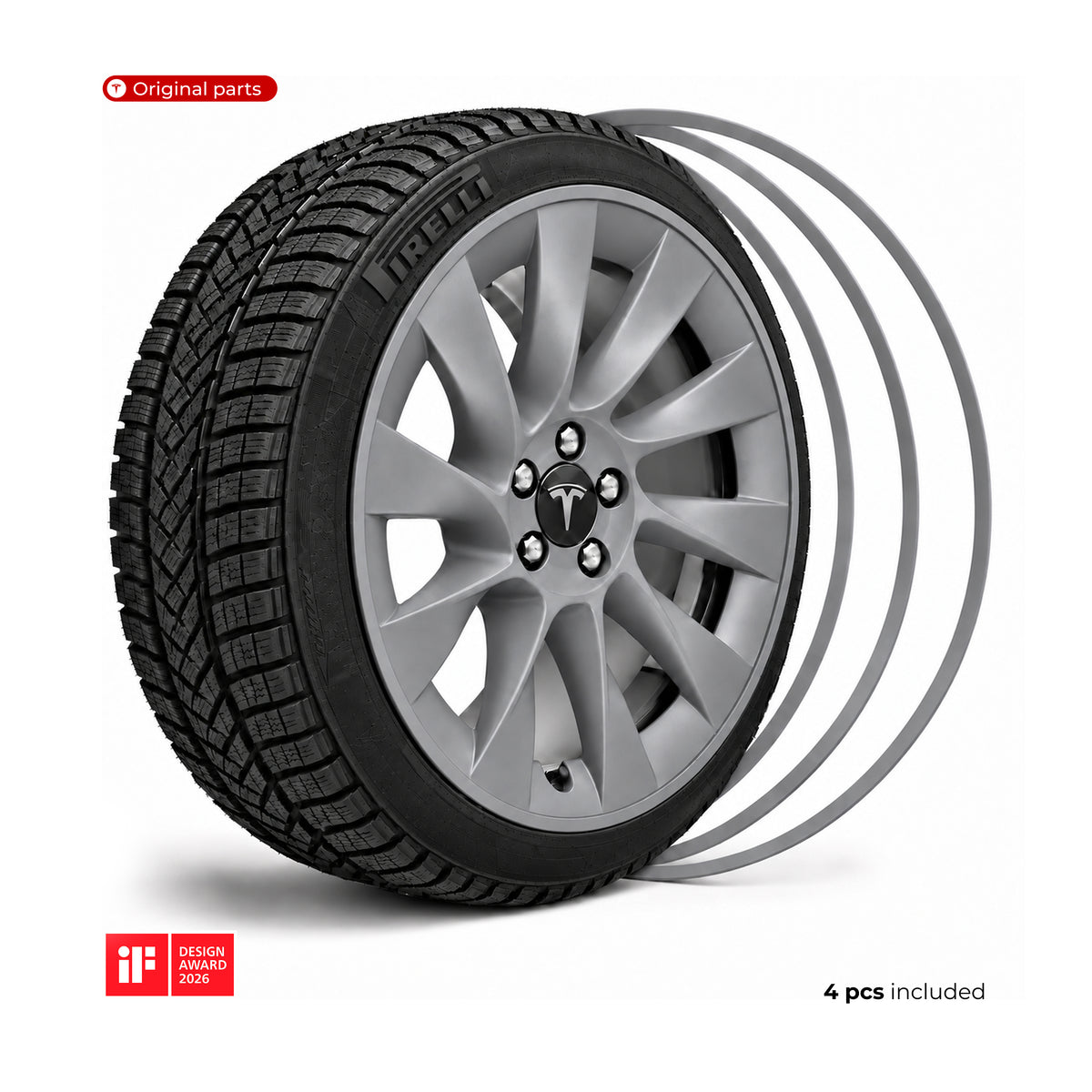
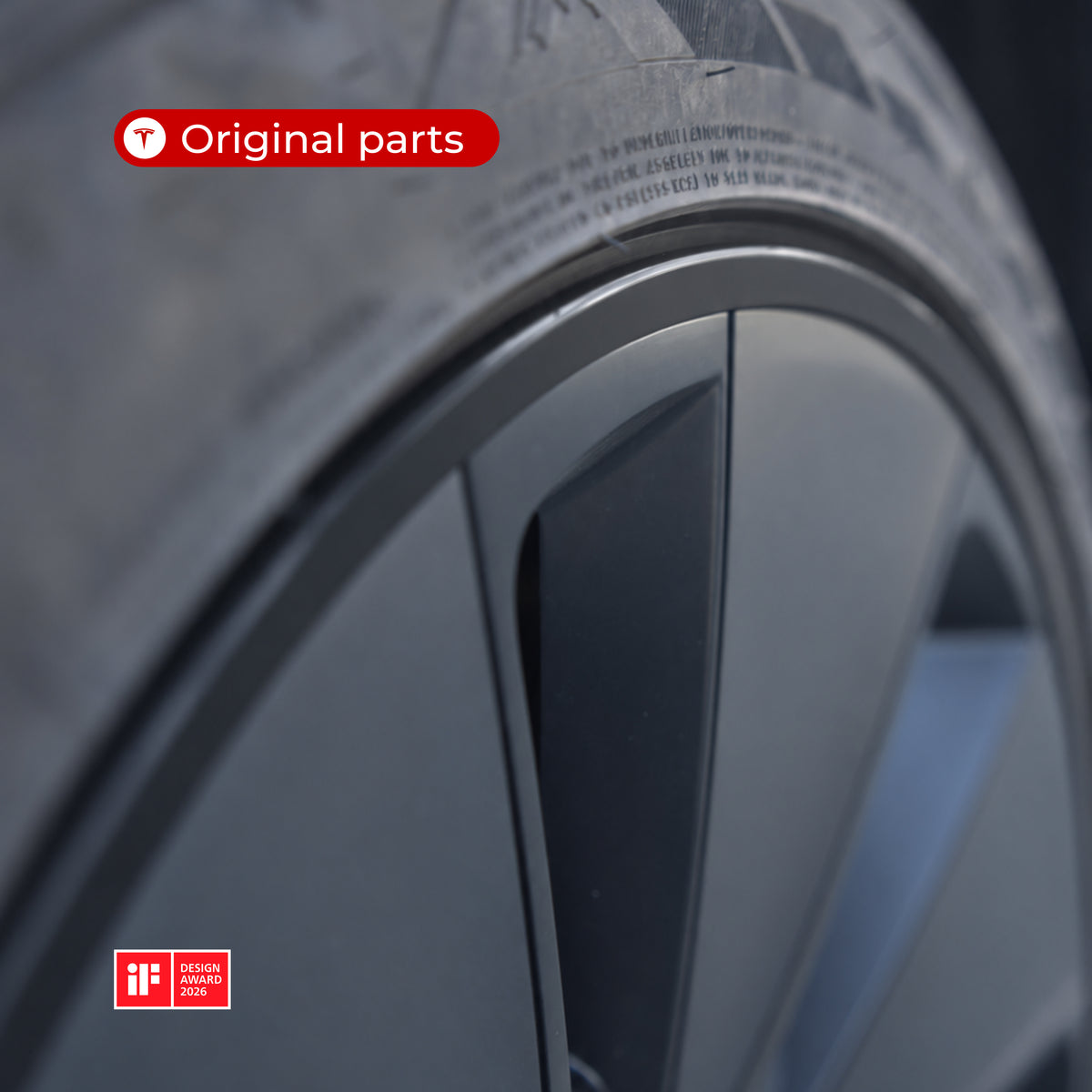
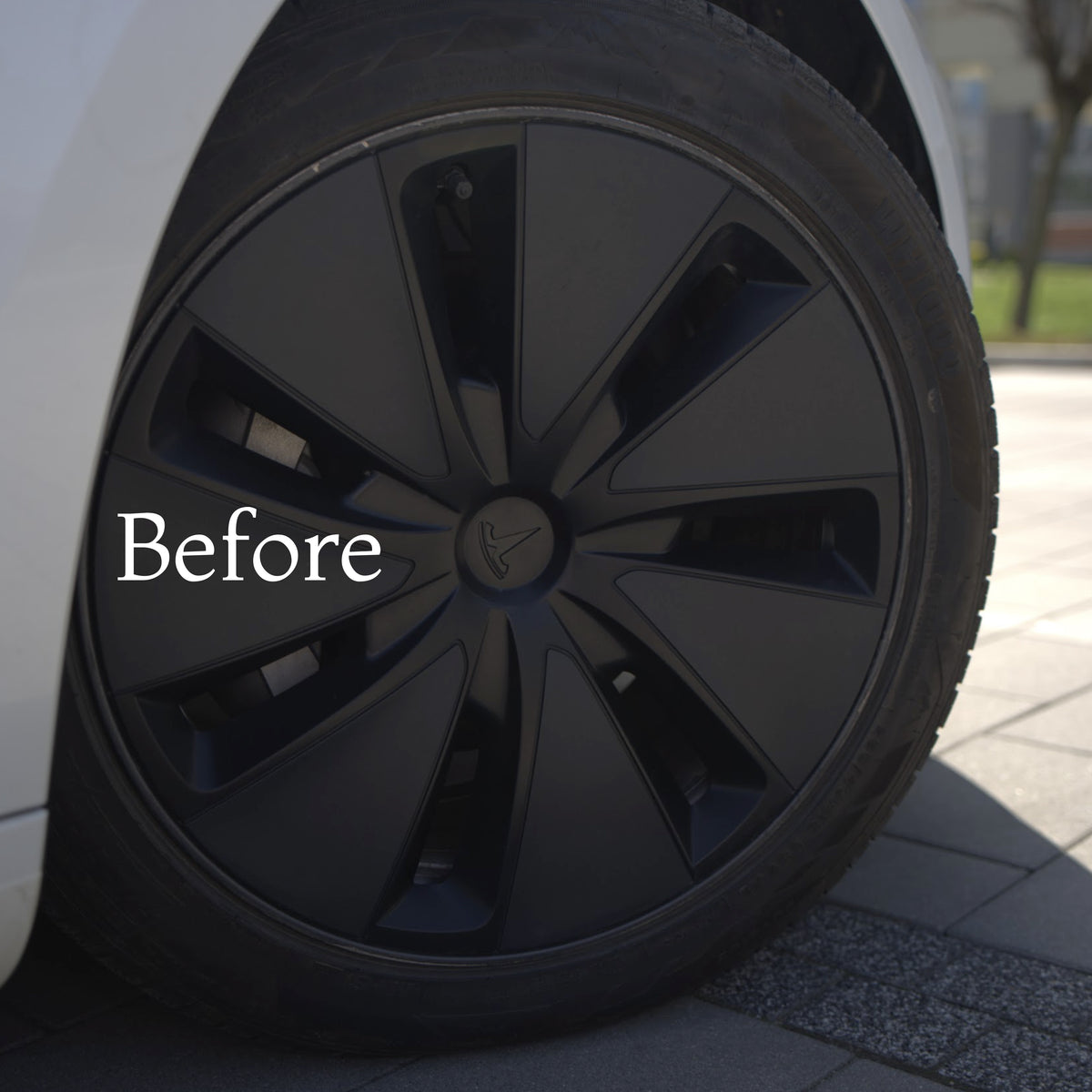
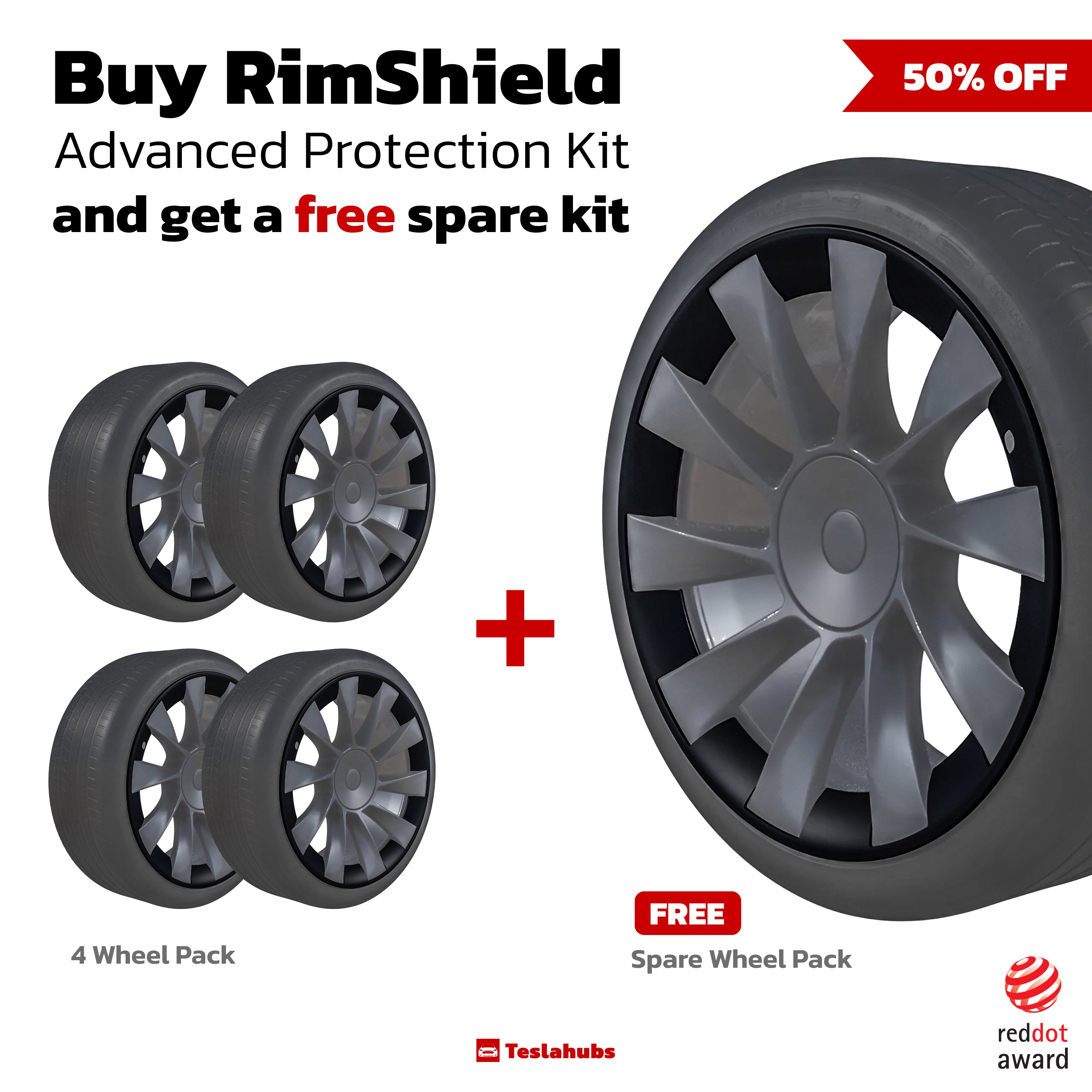
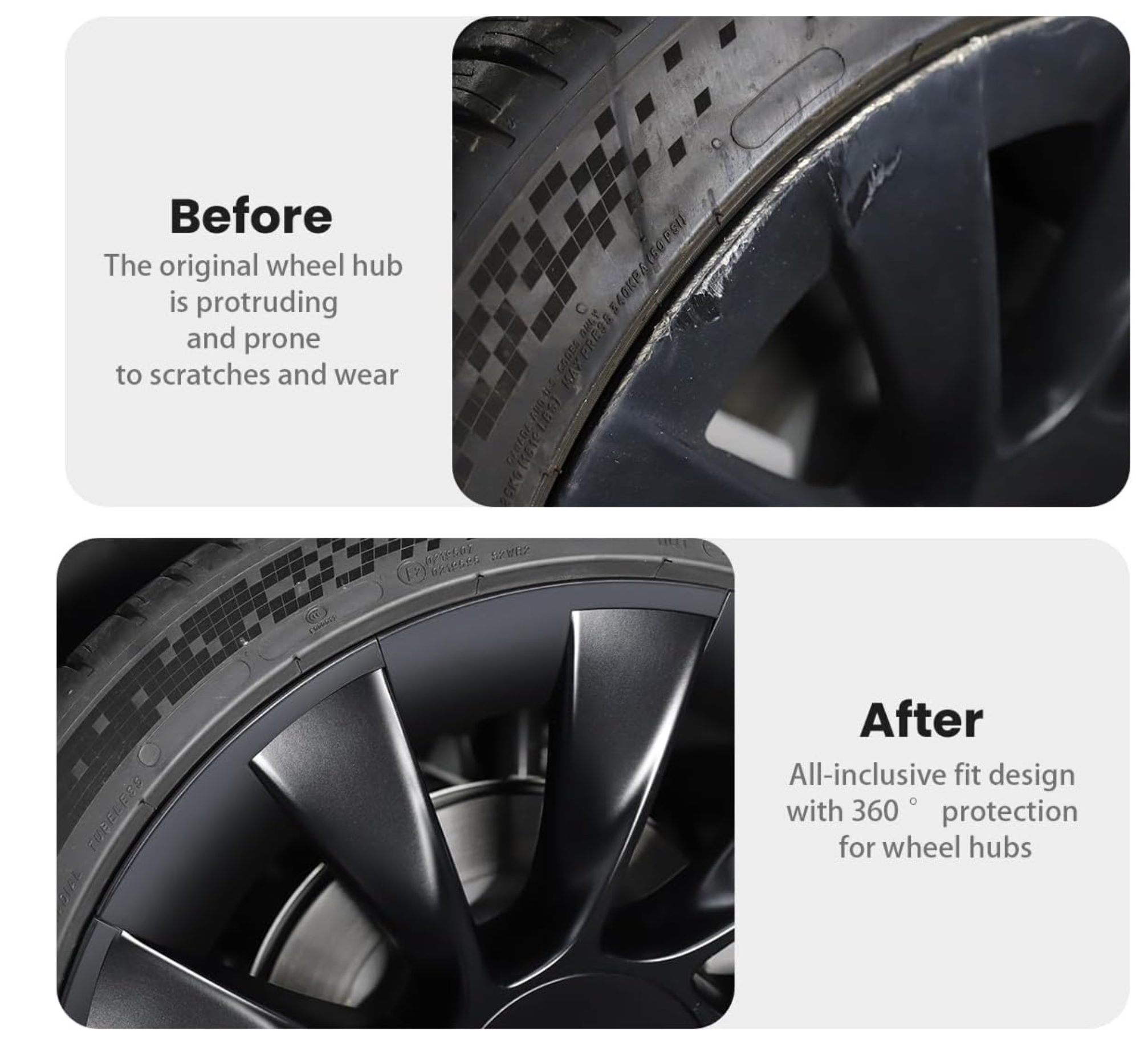
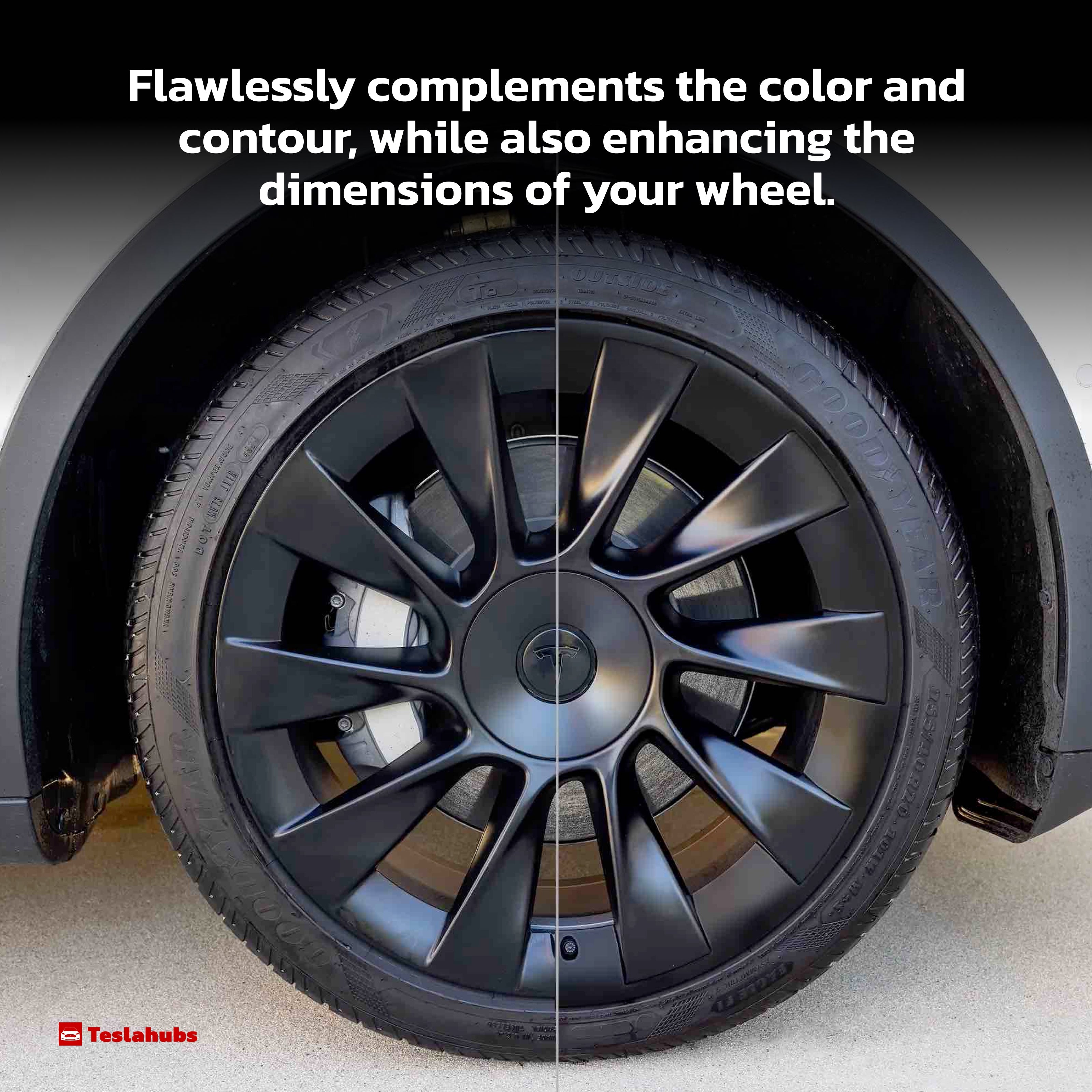
Teslahubs™ Protezioni per cerchi in alluminio
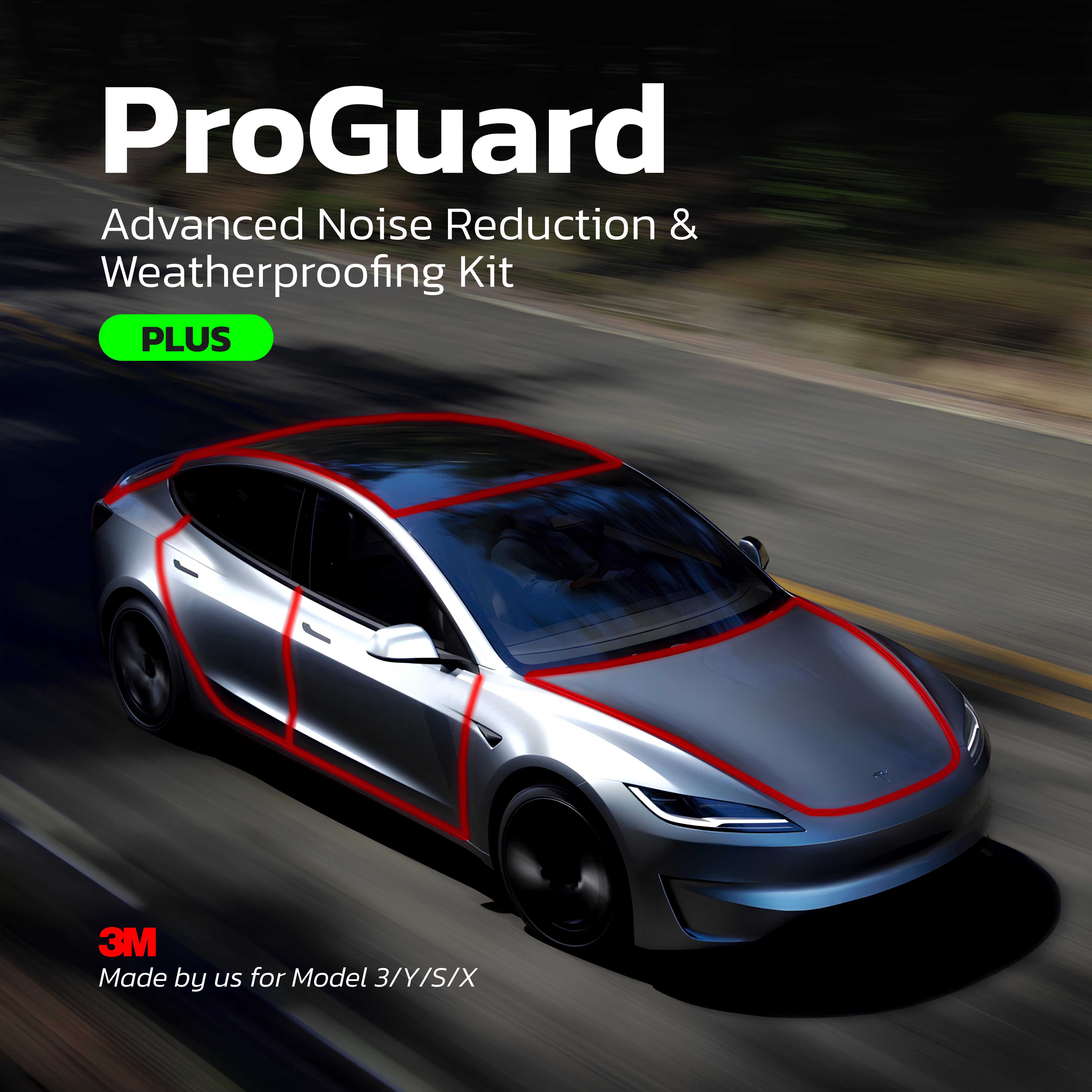
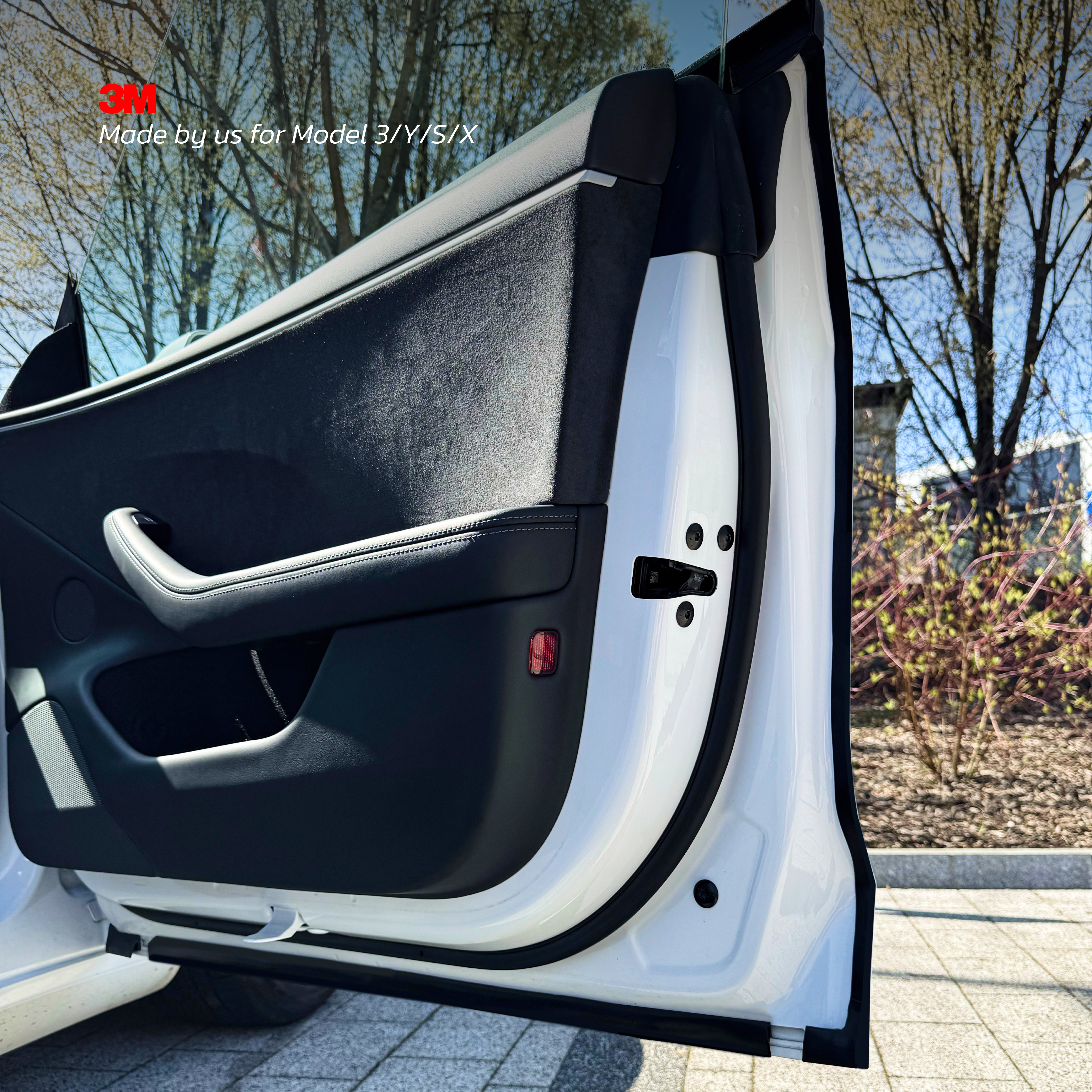
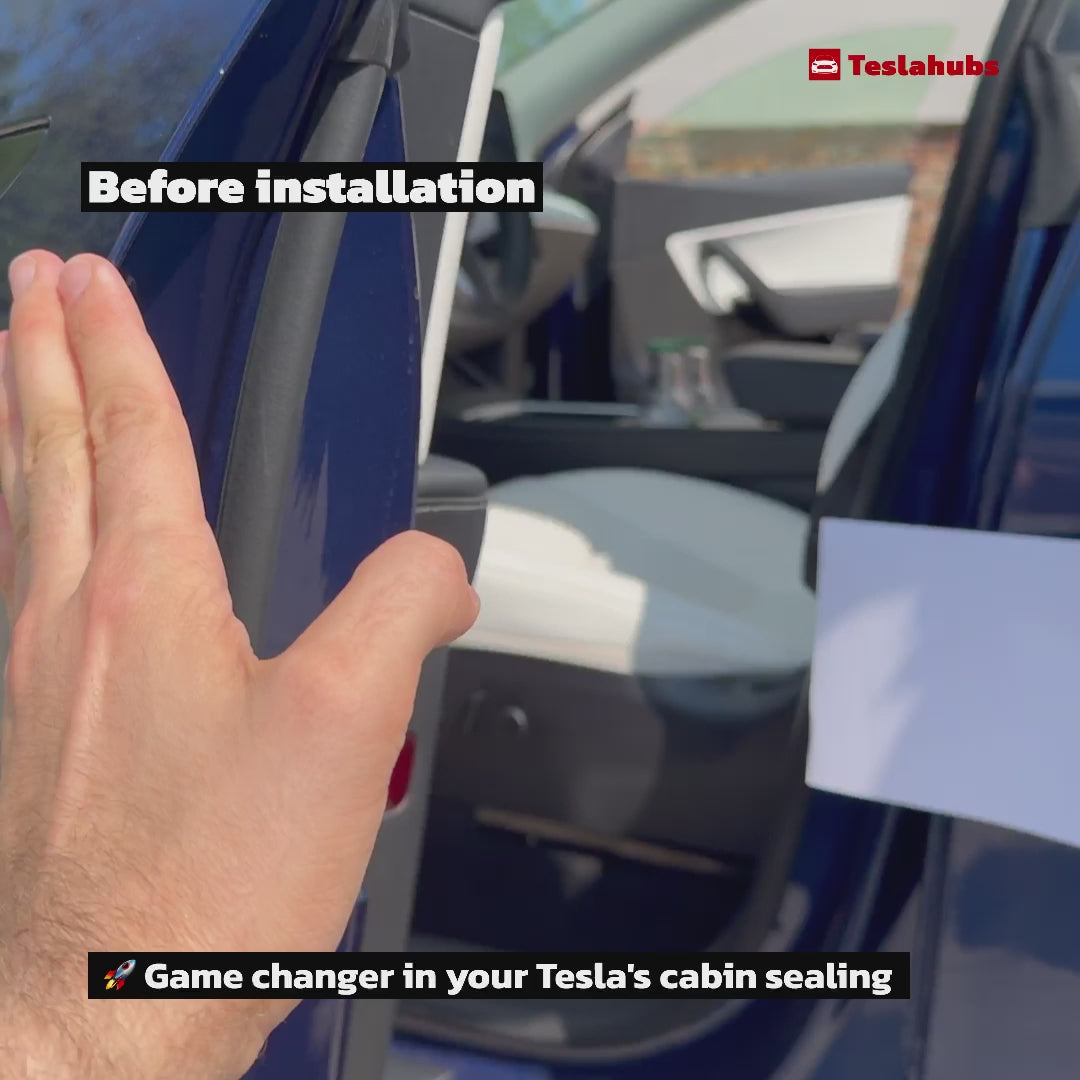
Teslahubs™ ProGuard: Kit Avanzato di Riduzione del Rumore e Impermeabilizzazione VERSIONE PLUS
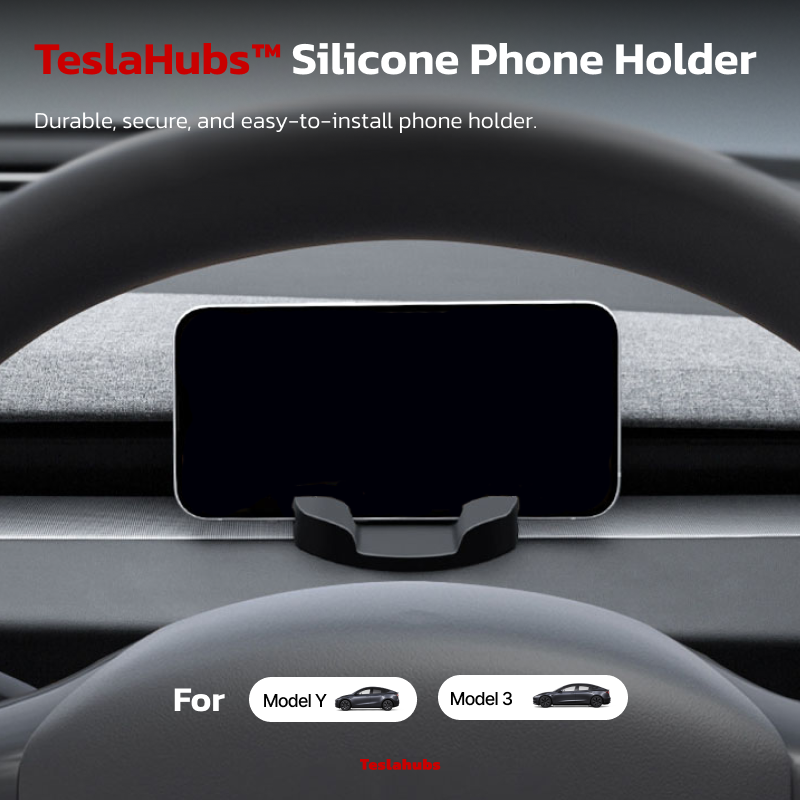
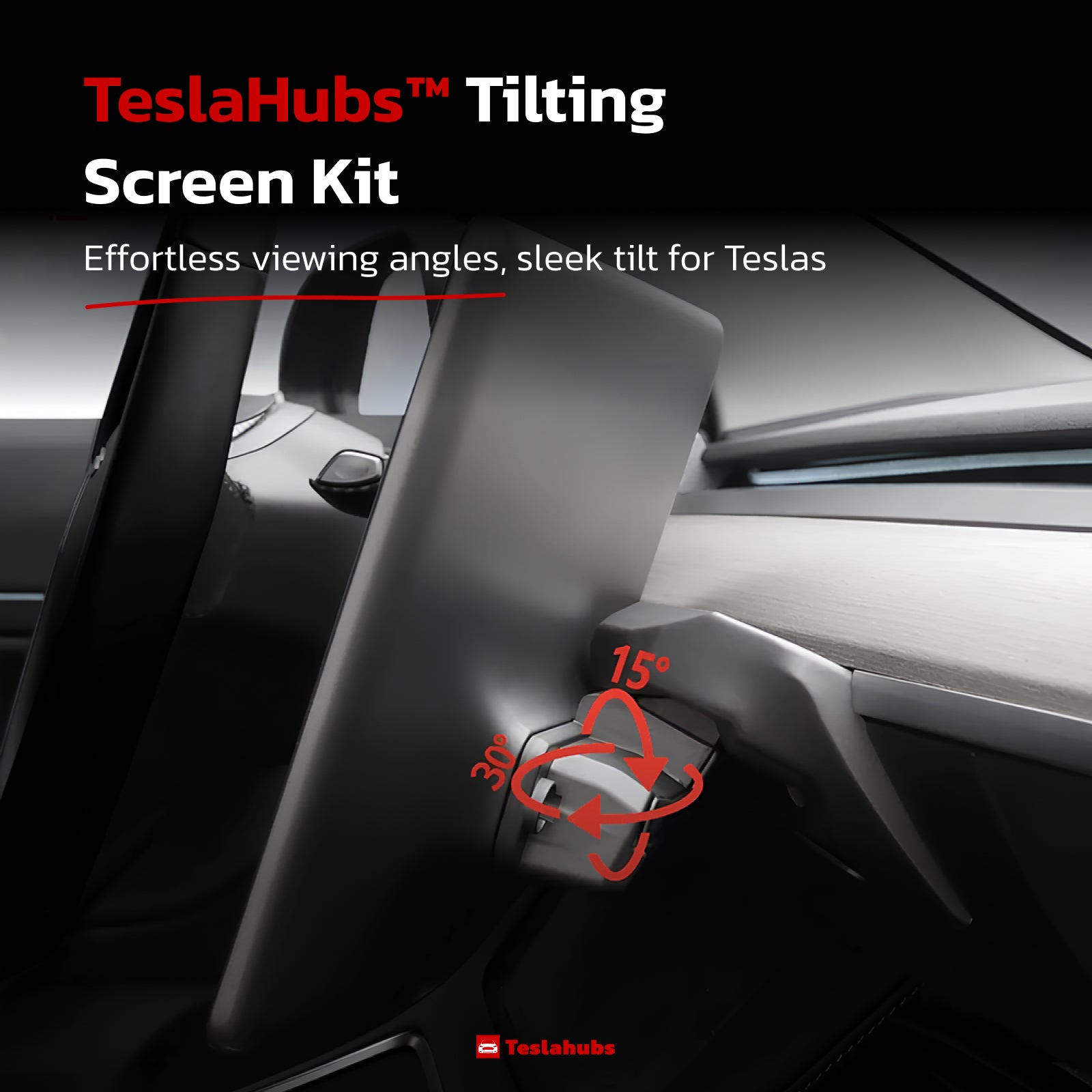
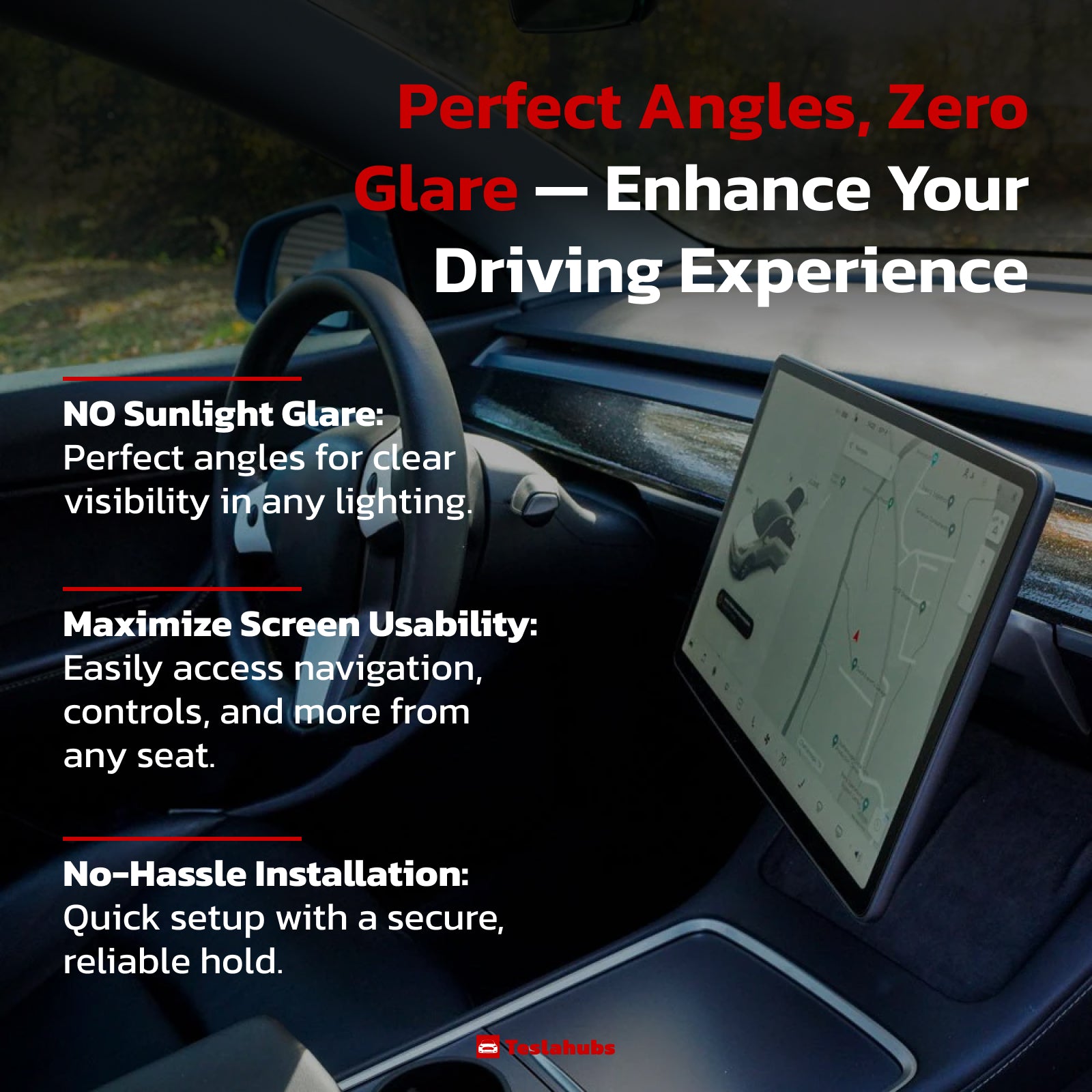
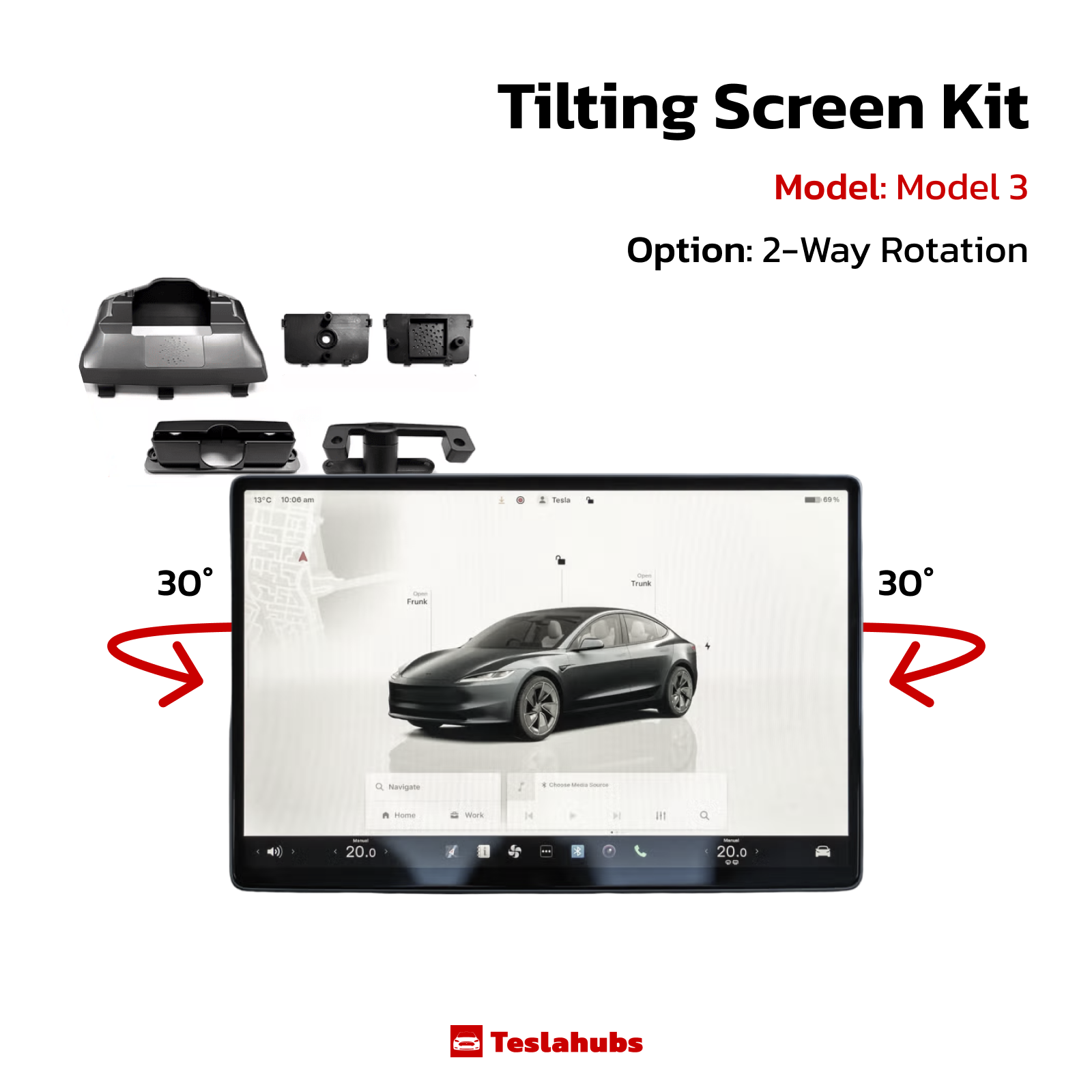
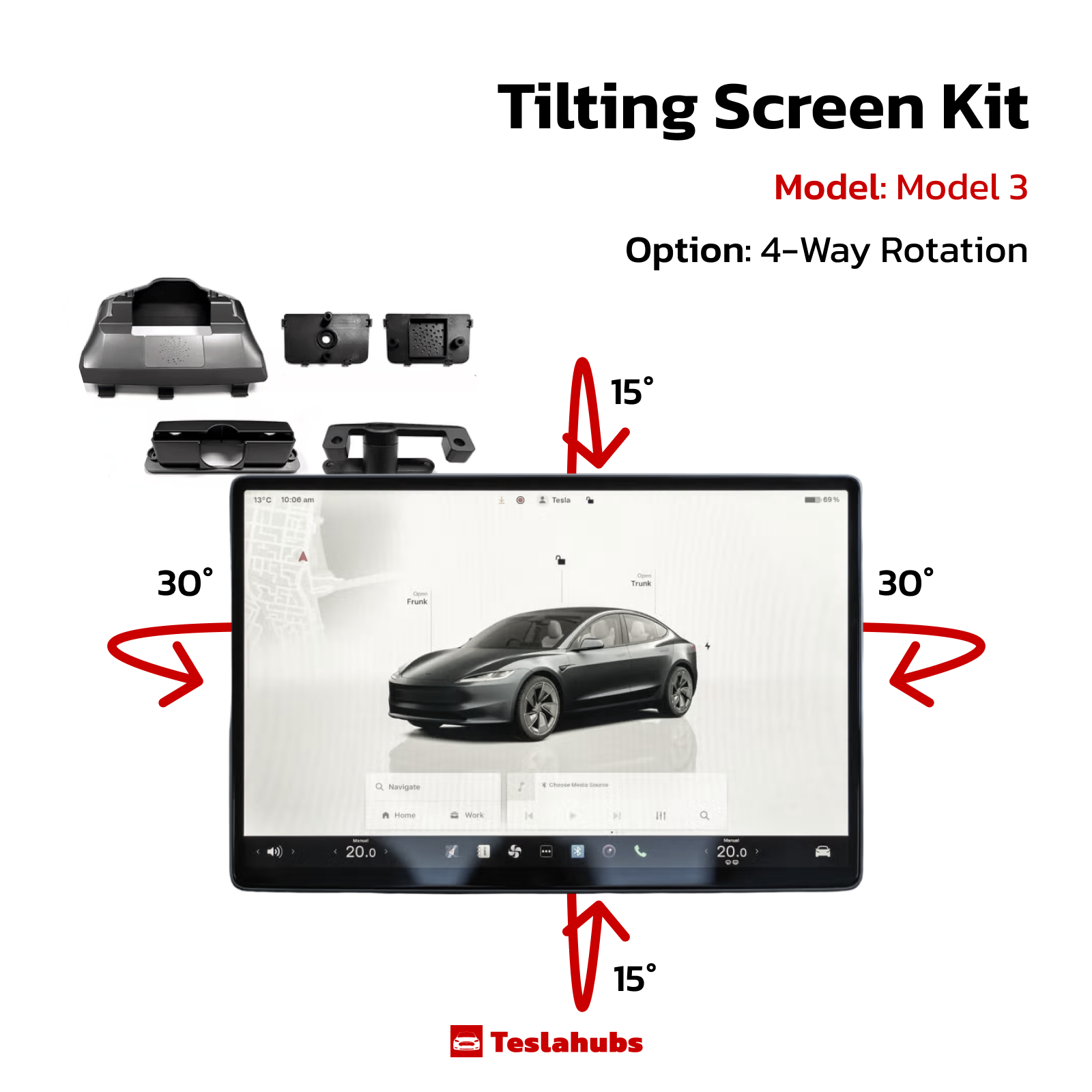
Kit Schermo Inclinabile Teslahubs™

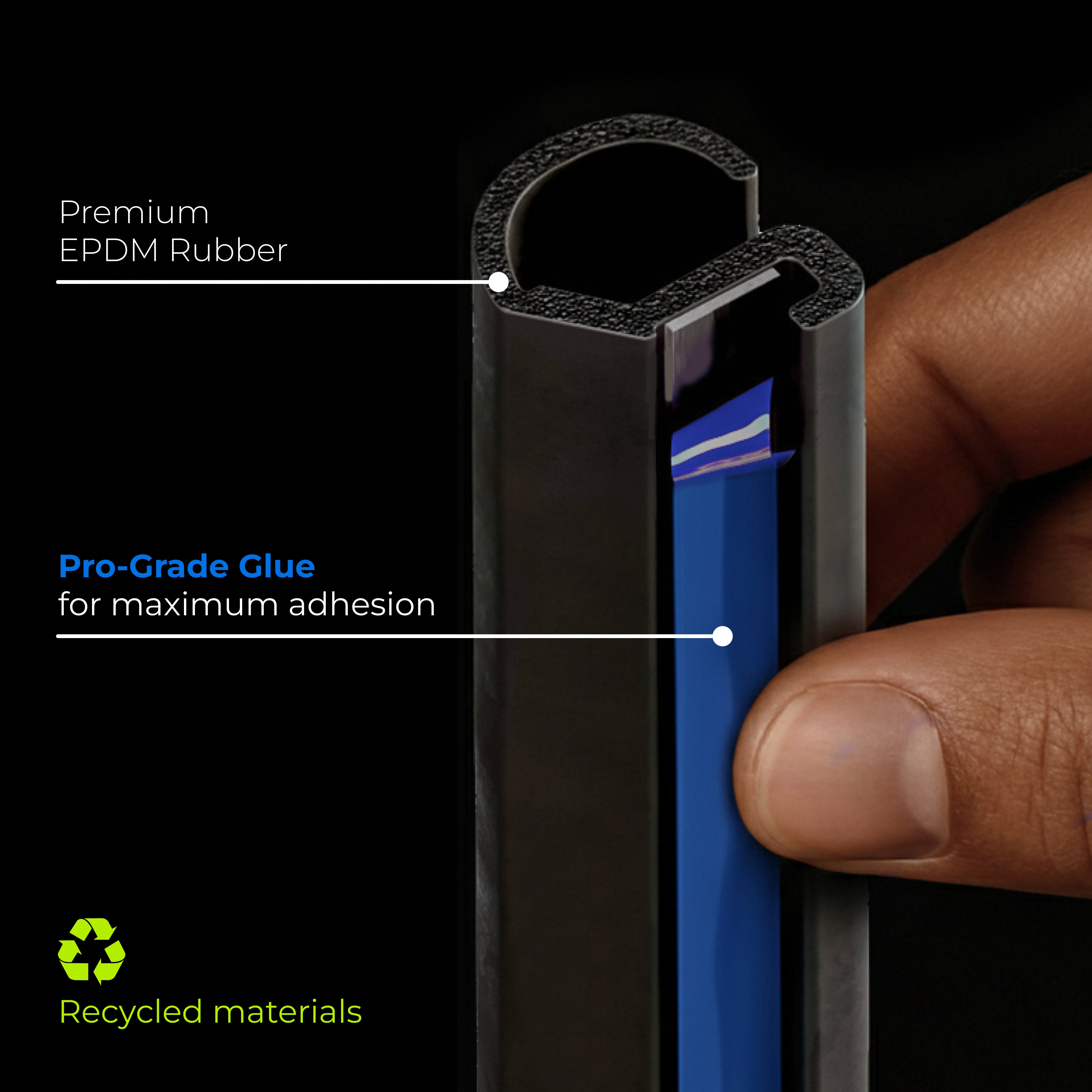

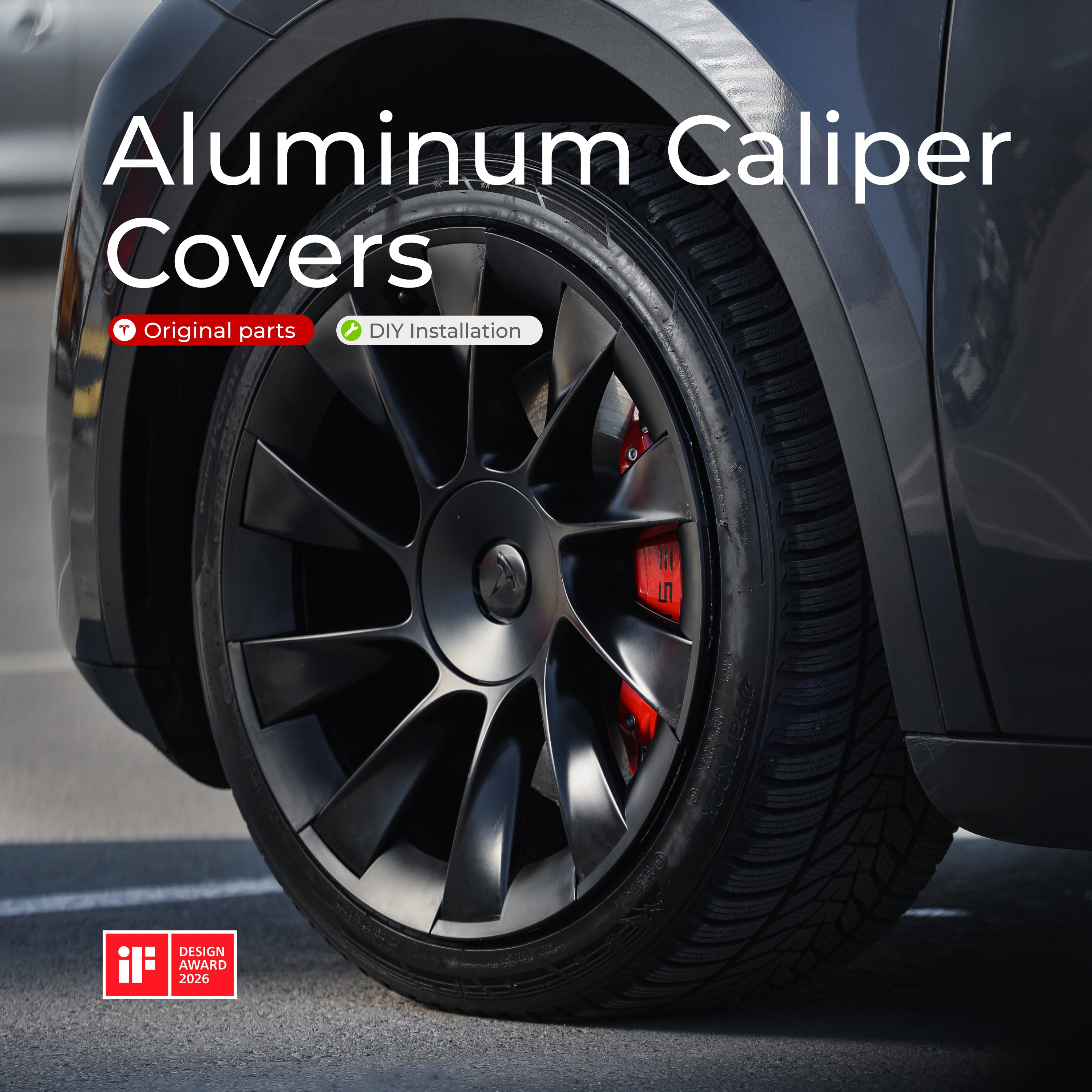
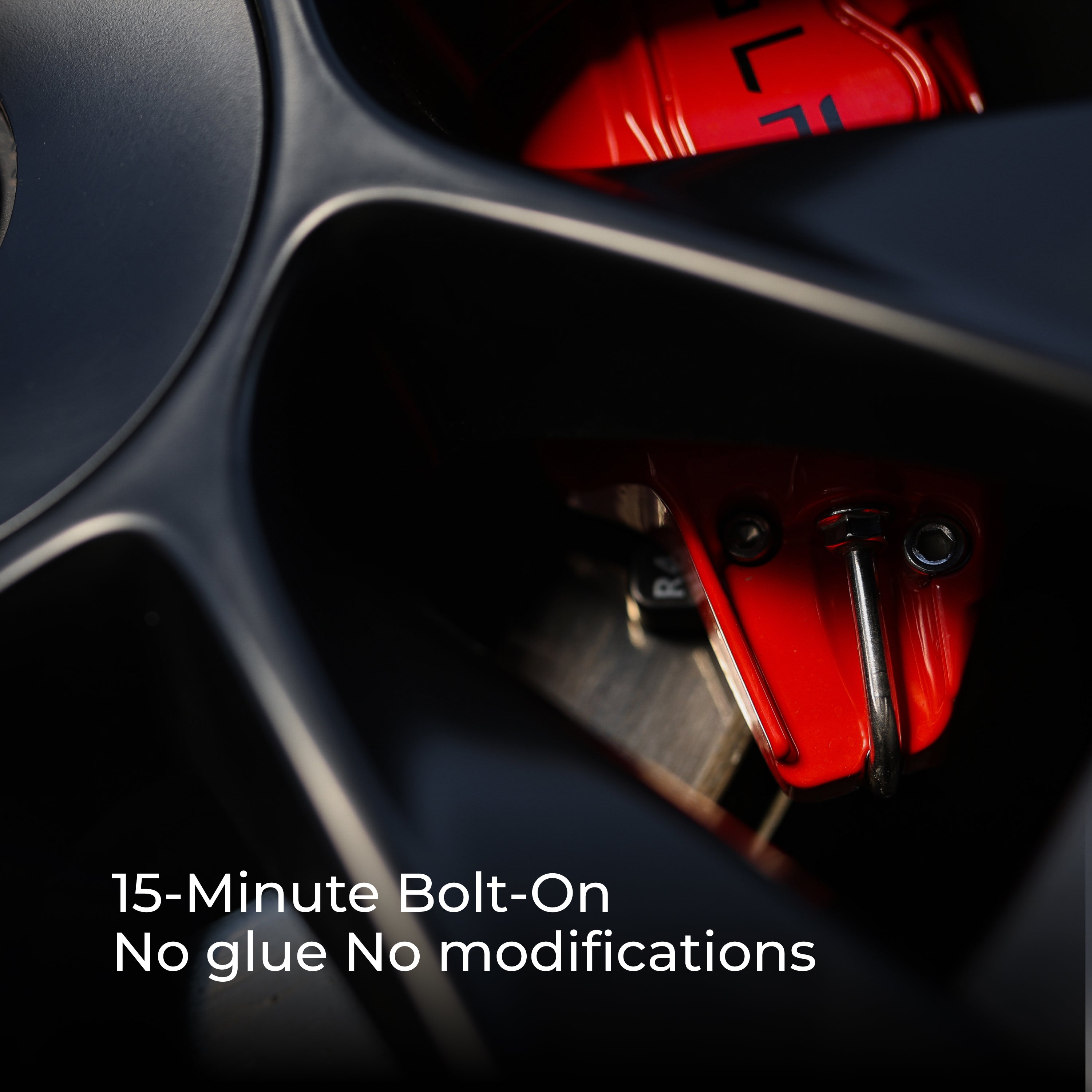
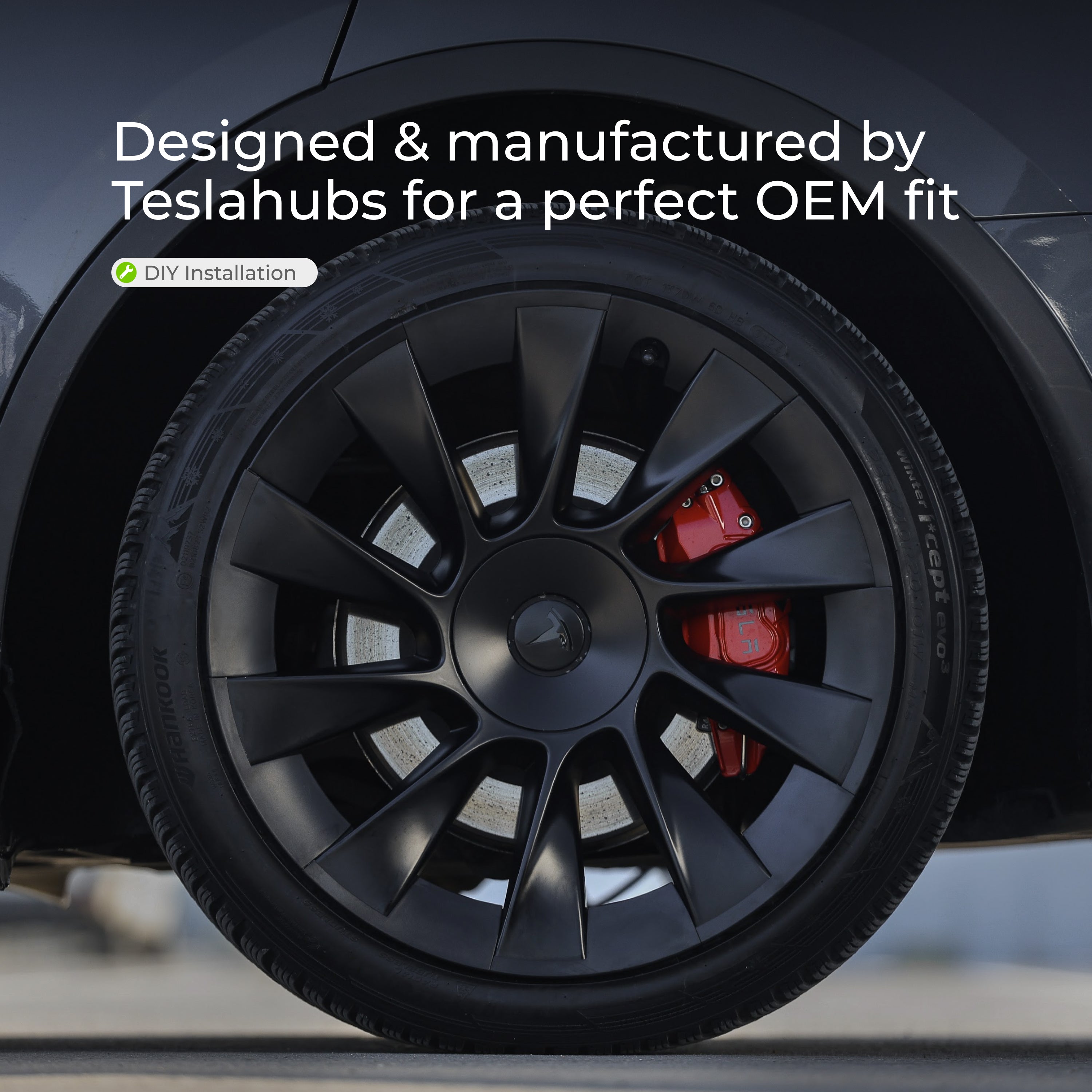
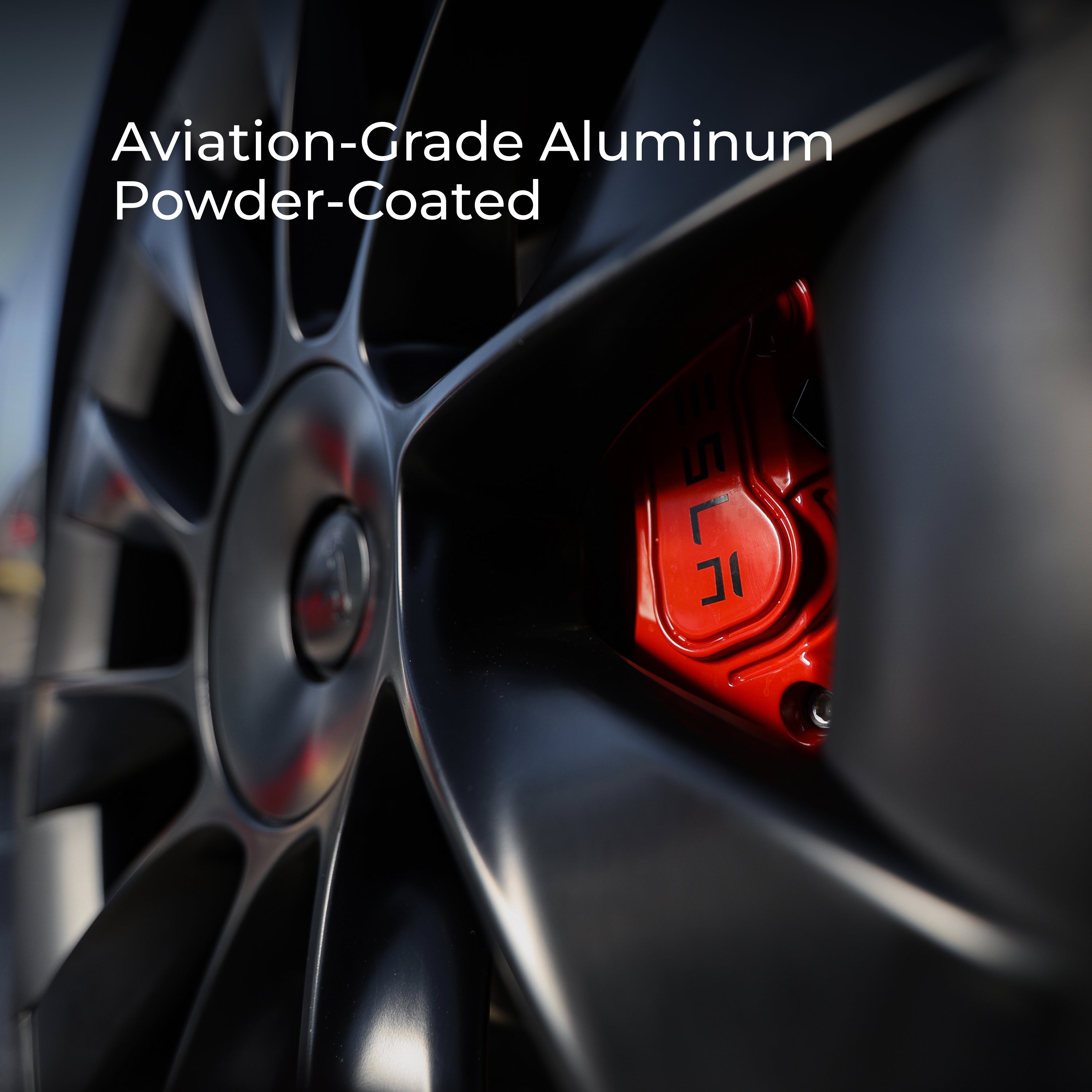
Teslahubs™ Copricaliper in alluminio
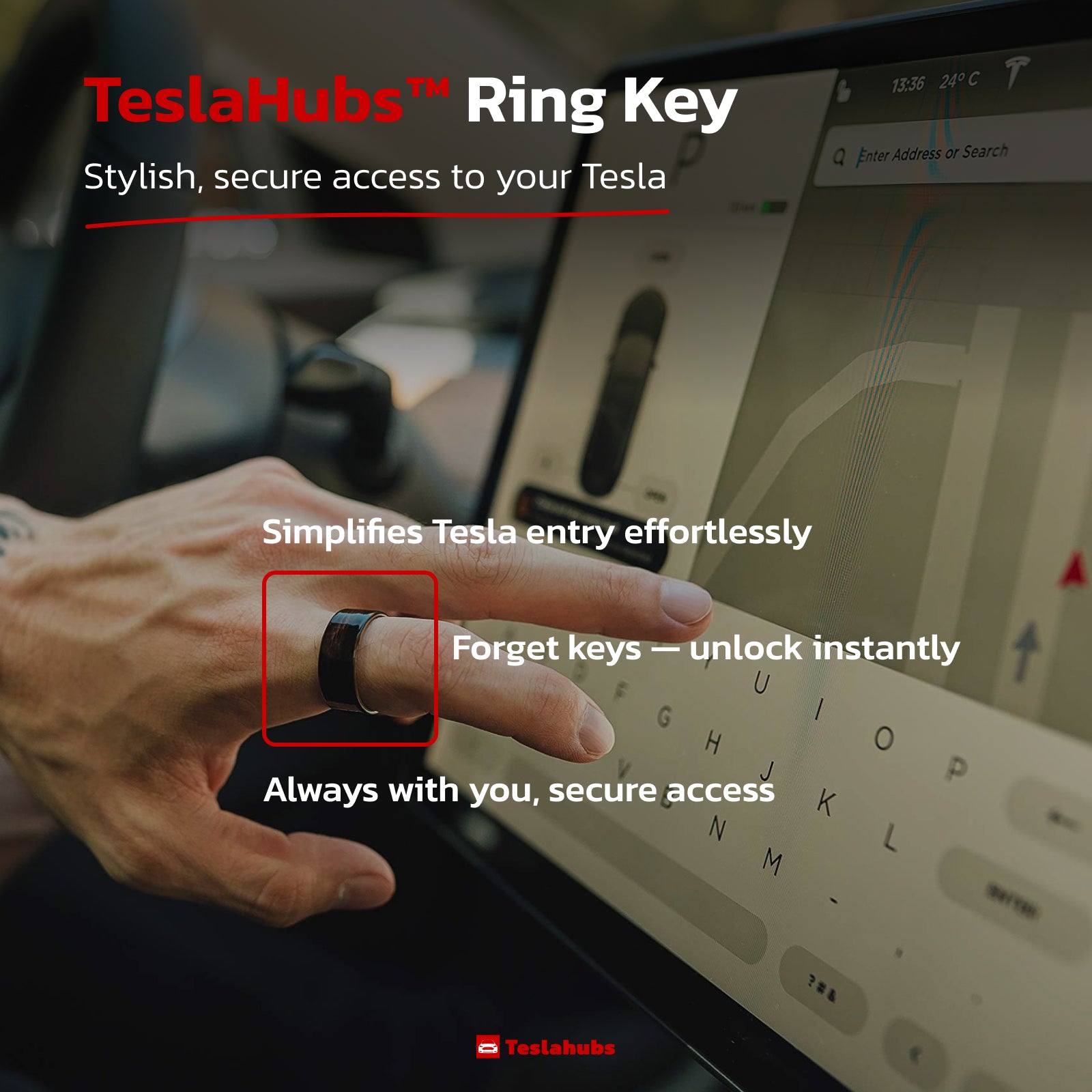
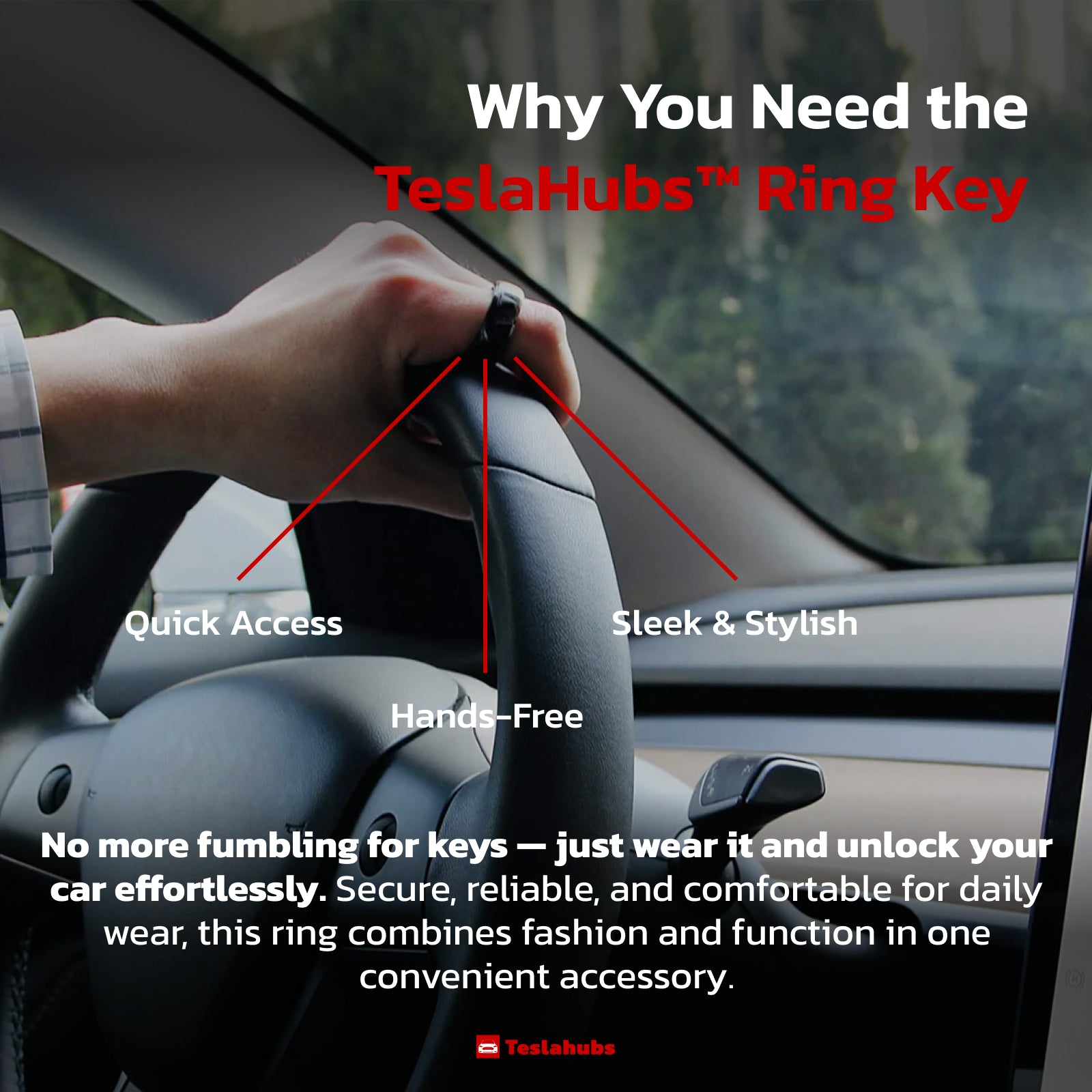
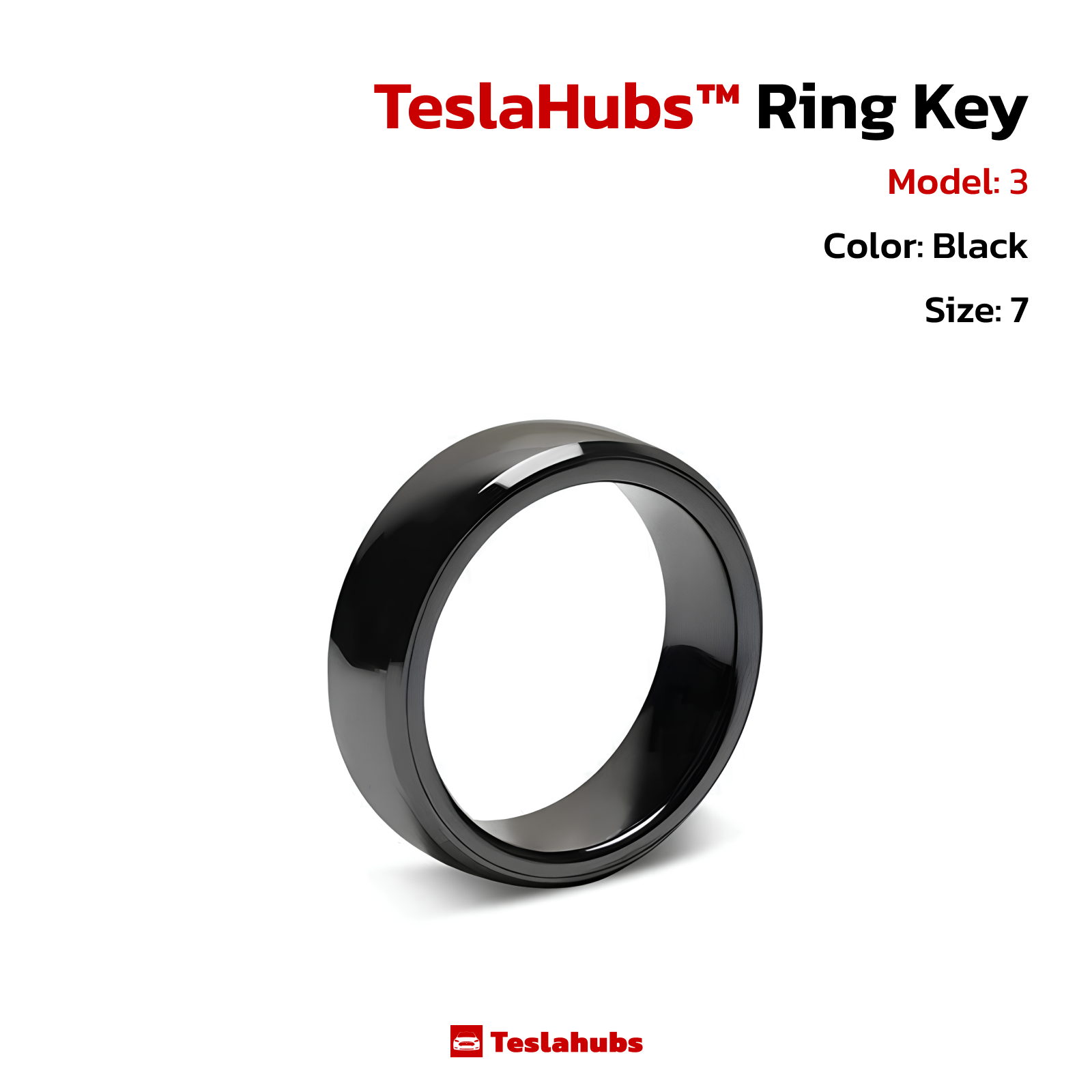
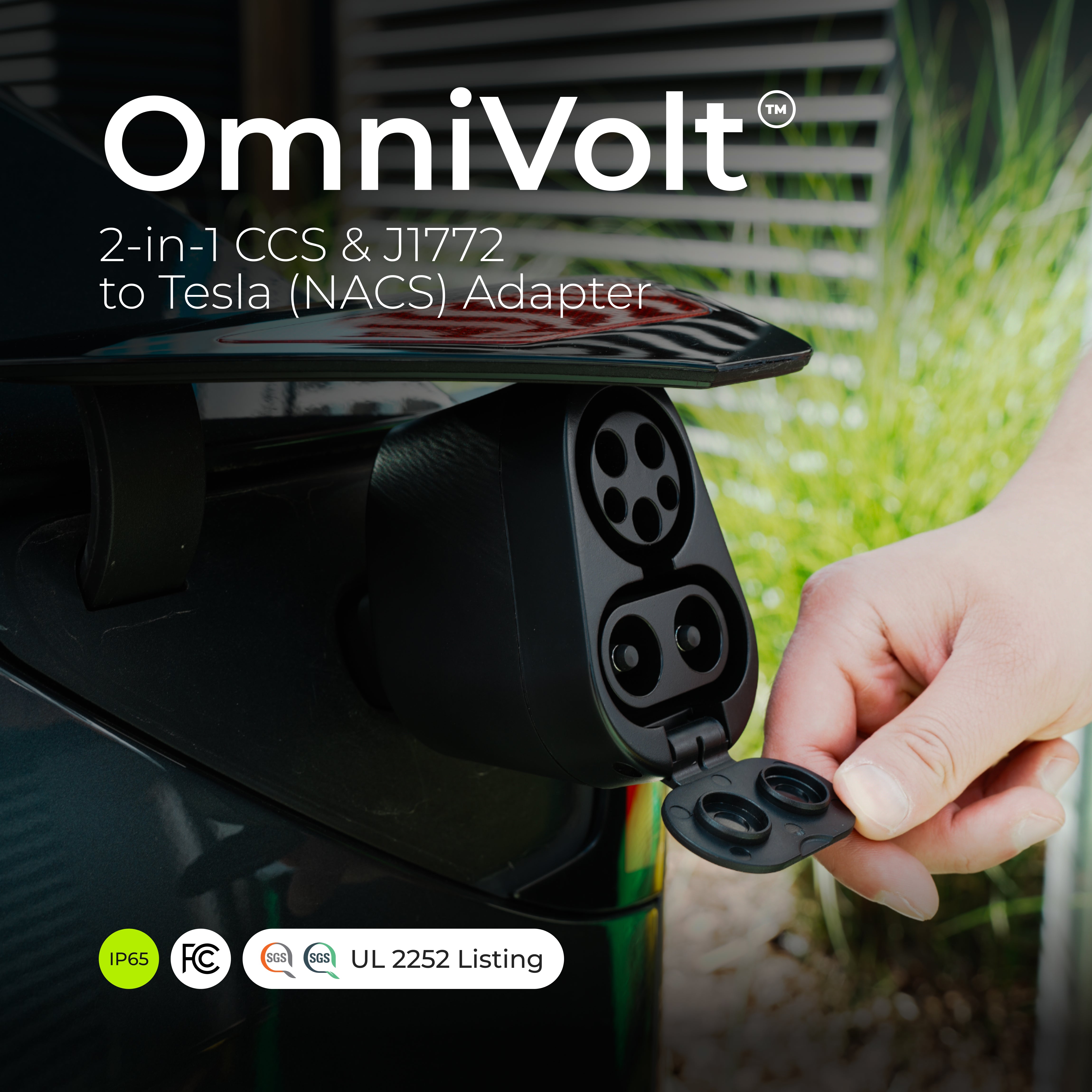
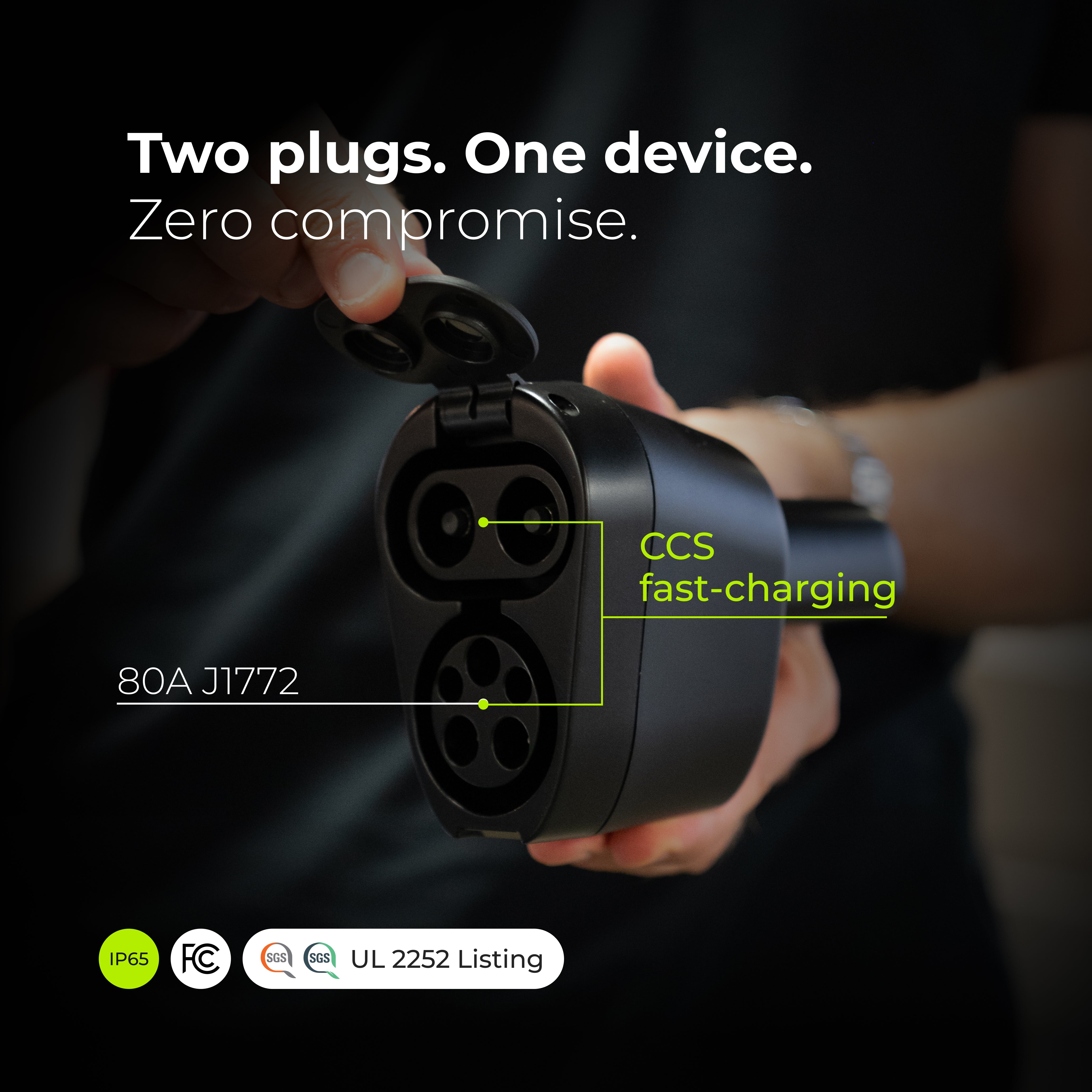

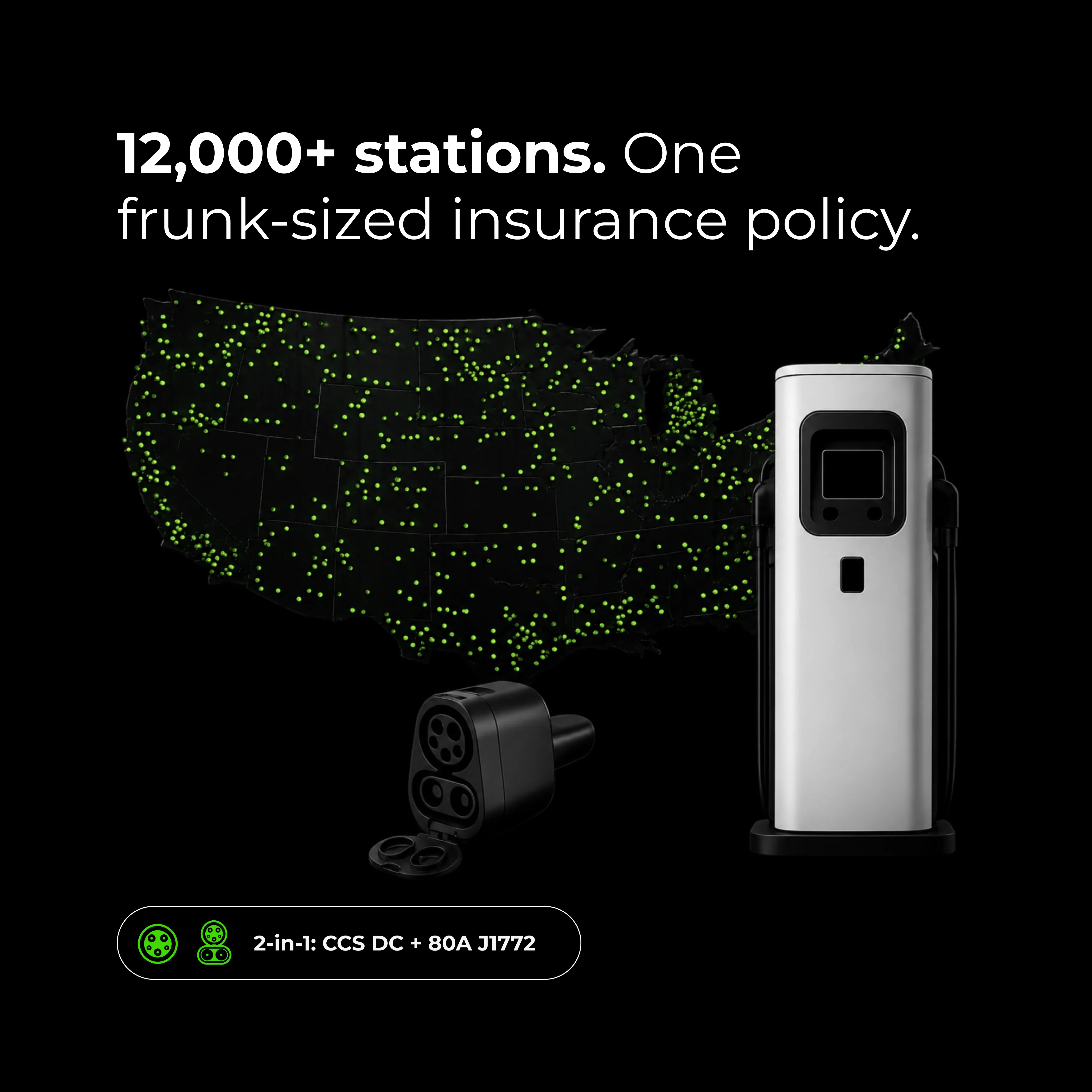
OmniVolt™ Adattatore 2-in-1 CCS & J1772 a Tesla (NACS)