
Tesla’s holiday update includes significant additions such as Grok with Navigation Commands, vehicle telemetry in the Dashcam Viewer, custom vehicle wraps, and more.
The release also contains a large number of undocumented changes — 19 in total — with notable enhancements to the Dashcam Viewer, including zoom and filtering for recorded clips.
Below is a summary of the improvements found in this update.
Car Wash Mode Notification

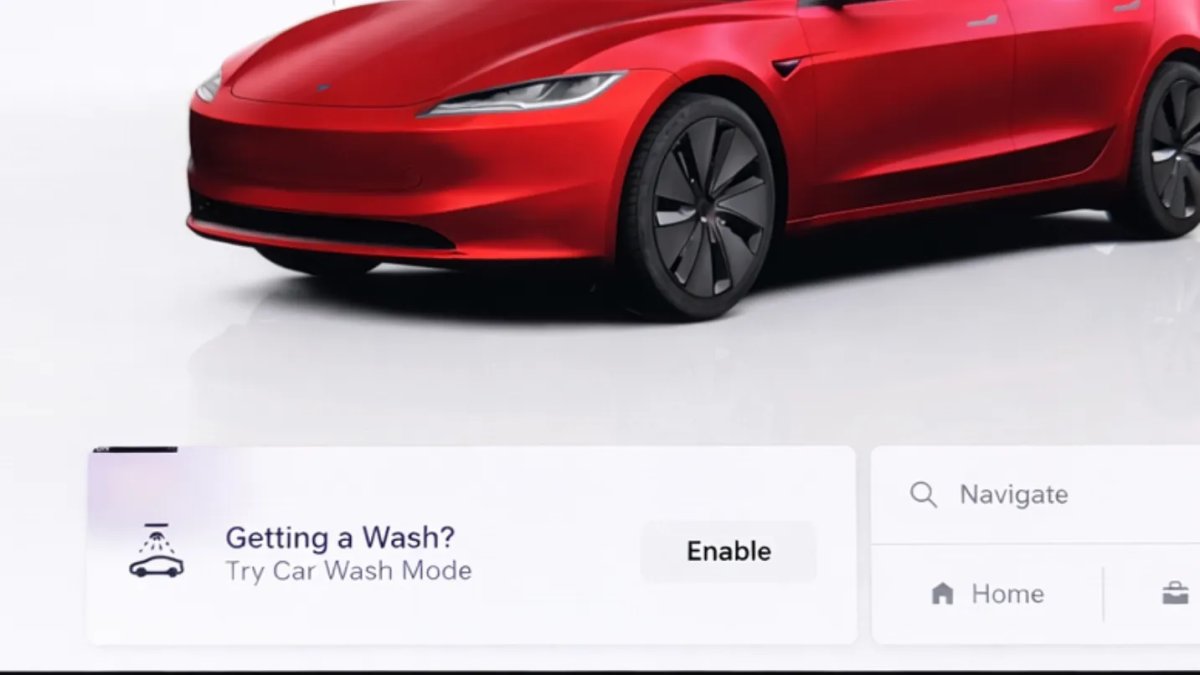
When you approach a car wash, the vehicle now displays a notification prompting you to enable Car Wash Mode. This reminder makes it simple to turn Car Wash Mode on when needed.
V4 Supercharger Visualization

Tesla’s charging visualizations on the vehicle display now include a specific rendering for V4 Superchargers. The system already shows different visualizations for the mobile connector, Wall Connector, v2 and v3 Superchargers, and a generic third-party charger type; the update adds the dedicated V4 view.
Parking Brake

The option to enable the emergency (parking) brake from the touchscreen has been removed from Controls > Safety. Drivers can still engage the emergency brake by using the gear stalk or the Park icon on the touchscreen.
Express Lanes

Support for Express Lanes has been added in some vehicles. Similar to HOV or toll lanes, Express Lanes may adjust access or fees based on occupancy, vehicle type, and time of day. The update introduces a navigation setting that lets users toggle Express Lanes on or off; the feature is not available on every vehicle and appears to be in testing for some users.
Supercharger Live Maps Shows Exact Models

The Supercharger Site Maps offer a real-time 3D rendering of a Supercharger location and now show the actual vehicle models occupying each stall. The map indicates whether a stall is occupied by the original Model Y, the new Model Y, a Cybertruck, or a non-Tesla. The maps also surface which stalls are available, which are handicap accessible, and which are pull-through.
Wrap & License Plate Icons

In Controls > Software, the vehicle visualization now shows a photo of the selected license plate and a wrapping-paper icon that opens the vehicle visualization options for wraps. The wrapping-paper icon replaces the former colored square that previously opened the Colorizer feature.
New Wheel Options

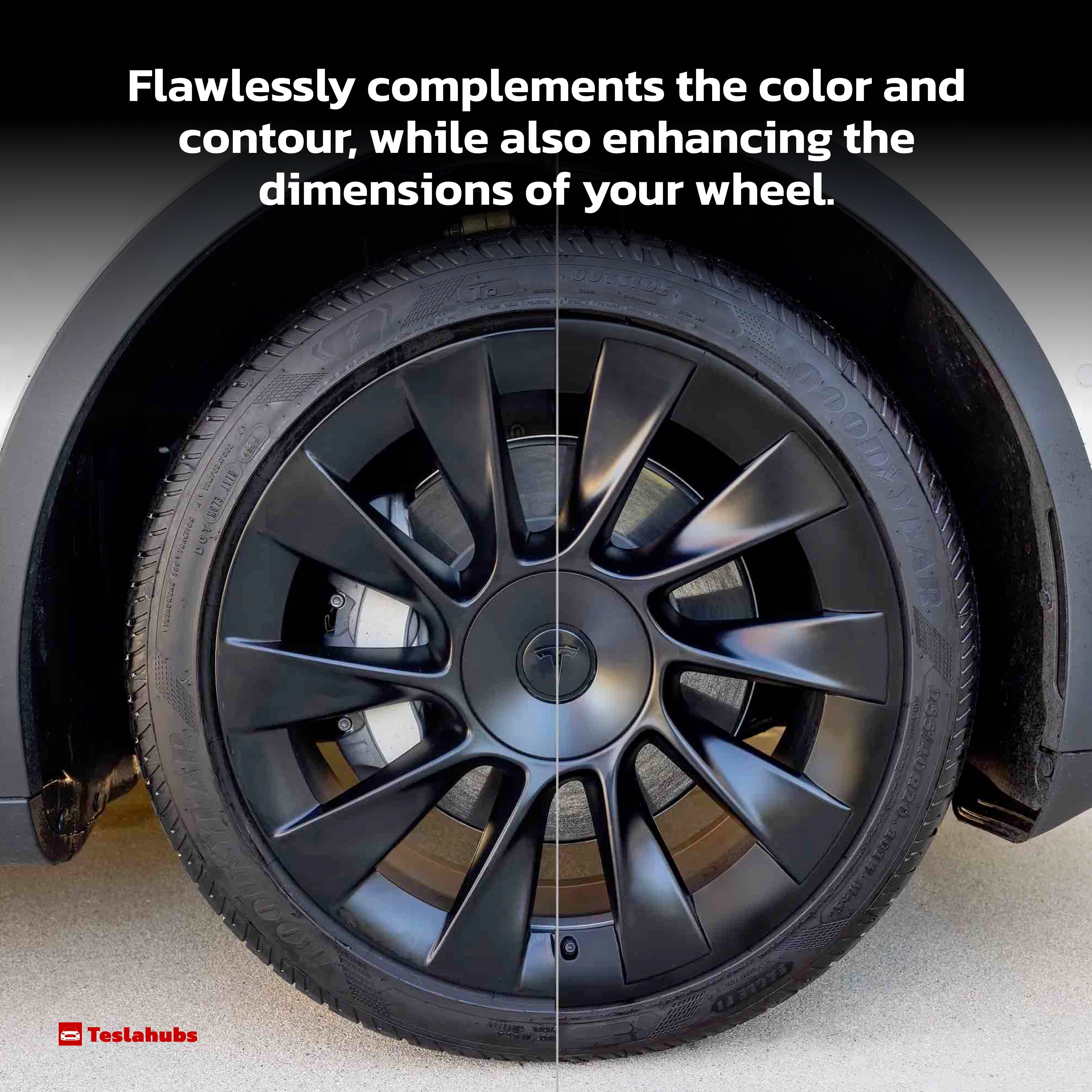
The new wheel designs introduced for the Standard Model 3 and Model Y are now available across vehicle visualizations. The 18” Prismata wheel for the Model 3 and the 18” Aperture wheel are selectable for all models under Controls > Service > Tires and Wheels.
Camera Visibility Warning Improvement

When a camera visibility warning appears, the display now labels the specific camera with an obscured view, so you know which camera to clean. The interface overlays the camera location on a photo from the camera; front cameras are labeled “Front” under the windshield and the bumper camera is labeled “Fascia.”
Dashcam Viewer Zoom Support

The Dashcam Viewer now supports pinch-to-zoom on videos and lets you pan while zoomed. This capability is limited to vehicles equipped with Tesla’s AMD Ryzen infotainment processor.
Switch to Bluetooth

If your phone is connected via Bluetooth and the vehicle detects audio playing on the phone, the system now prompts to switch the audio source to Bluetooth so sound comes through the vehicle’s speakers. This reduces confusion when audio plays on the phone but isn’t routed to the car.
Boomerang Fu Game Removed

The game Boomerang Fu has been removed and replaced with SpaceX Docking Simulator. Boomerang Fu’s license likely expired after it was introduced in last year’s holiday update.
Air Suspension Controls

Air suspension controls for Model S and Model X are now accessible from the main Controls section for all 2021+ vehicles, instead of being tucked into a separate Suspension tab. The simplified Controls layout is already standard on 2026 models; 2025 and older vehicles retain the previous detailed Suspension menu.
New Visualizations With Unreal Engine

The Unreal Engine visualizations that appeared on 2026 Model S and Model X vehicles are now available for all 2021+ Model S and Model X cars. Visuals in the instrument cluster and menus are improved, and the vehicle visualization in Controls can be freely rotated. While parked, the interactive module that opens doors and trunk also supports panning and zooming.
Favorites On Map

Favorites, Home, and Work locations are now pinned directly on the map. The Navigate box shows home/work icons and two top suggestions underneath, while all saved favorites display as pins, making it easier to orient the map as you move it and to see when you are near a saved place.
Car Wash Mode Redesign

Car Wash Mode has been redesigned to show a vehicle visualization on the right with a checklist on the left. Items that are not in the proper state (for example, a window or trunk being open) are indicated by a red dot. The “Enable Free Roll” option is now more prominent, simplifying the process of placing the vehicle into neutral.
Dashcam Filters

The Dashcam Viewer now organizes recordings into additional categories. Clips captured by Dashcam and Sentry Mode are automatically sorted into categories based on what triggered the recording, such as Honk, Manual Save, or Handle Pull. A tool also exists that displays the exact telemetry data associated with each video clip.
View Dashcam Storage

The update adds a view of Dashcam USB drive storage, showing both the amount of space used by Dashcam recordings and the total drive capacity. To check Dashcam storage, go to Controls > Safety and scroll down to Dashcam.
Hebrew Language Added

Hebrew is now available as a touchscreen language. To change it, shift into Park and navigate to Controls > Display > Touchscreen Language.
Service Mode Improvements

Thermal Control Components Panel Added to Service Mode
A Thermal Control Components panel now appears in Service Mode to assist with thermal NVH diagnosis. It allows individual control of thermal components, setting specific targets, and sweeping across operating ranges with real-time feedback. A 3D static view of the heat pump and related elements (radiator, blower motor, louver, pumps) is included.
Models: Model S (2021+), Model 3 (Heat Pump), Model X (2021+), Model Y, Cybertruck
Airbag Panel Update - New Disarm Airbag and Resistance Check Routines
The Airbags panel includes a routine to disarm airbags, removing the need to disconnect the Low Voltage (LV) battery when diagnosing the Safety and Restraints system. After disarming, individual components such as an airbag or pretensioner can be tapped to view resistance readings.
Models: Model S (2021+), Model 3, Model X (2021+), Model Y, Cybertruck
Tesla is expected to issue the first update of 2026 within the next couple of weeks.







Condividi:
Congress to Vote on Law that Could Launch Tesla’s Cybercab
NVIDIA Unveils Autonomous Vehicle Platform to Compete with Tesla's FSD; Musk & Elluswamy Weigh In