
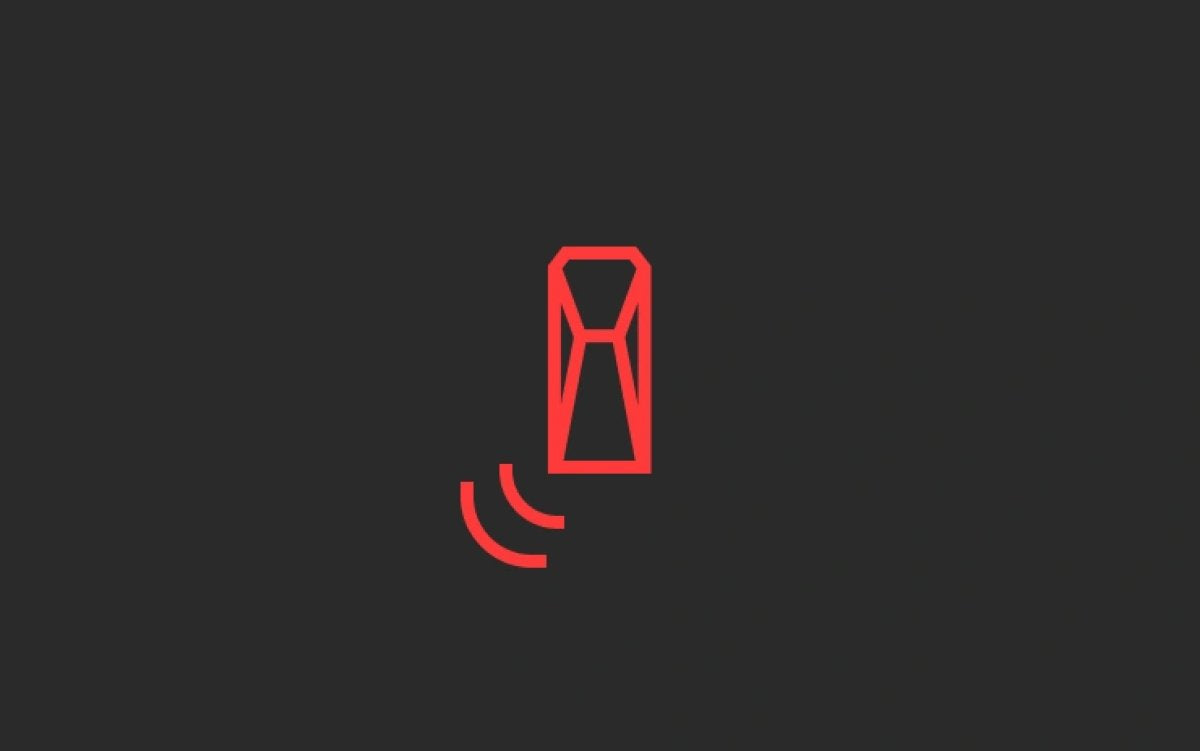

Tesla is expanding its Blind Spot Warning While Parked safety feature to additional vehicles. The capability is designed to stop occupants from opening a door when something is approaching in the blind spot, helping protect people inside the car and those nearby.
Expanding Across the Fleet
The feature first began rolling out on the new “Highland” Model 3 with software update 2024.44.3 in 2024. It then remained exclusive to the refreshed Model 3 for more than a year before Tesla added it to the Cybertruck earlier this spring with software update 2026.8.
According to the official release notes for software update 2026.20.3, which started rolling out last week, Blind Spot Warning While Parked is now coming to the “Juniper” refresh Model Y, 2021 or newer Model S, and 2021 or newer Model X. This broadens access to active blind spot monitoring even when the vehicle is stationary.
Putting an End to “Dooring”
The primary goal is to reduce “dooring” incidents, where a door is opened into the path of an approaching cyclist, pedestrian, or vehicle.
The system uses external cameras and vision-based neural networks to watch the surroundings. If you press the door release button while an approaching object — such as a car, cyclist, or pedestrian — is detected in the blind spot, the vehicle intervenes: the electronic door latch locks to prevent the door from opening, a warning message appears on the center display, and an audible chime sounds. If necessary, you can override the lock by pressing the door button a second time to open it manually.

Visual alerts vary by hardware. The refreshed Model 3 and Cybertruck include a small red LED built into the front A-pillar speaker grills that illuminates with the audio chime. On vehicles with cabin ambient lighting — including the new Model 3, refreshed Model Y, latest (2026) Model S/X, and Cybertruck — the door section of the wrap-around LED strips turns red as an additional indicator.
Blindspot Warning Accent Lights in action 🚨 https://t.co/WJZY5wRGIk pic.twitter.com/9xgAQknY3Q
— TeslaStars✨ (@TeslaStars) April 20, 2026
This protection currently applies to the front two doors. It is enabled by default, and you can turn it off by going to Controls and then the Safety tab.
















Condividi:
Tesla Claims Top Two Spots in 2026 American-Made Index
First look at Tesla's New Charge Stats in the Tesla App