
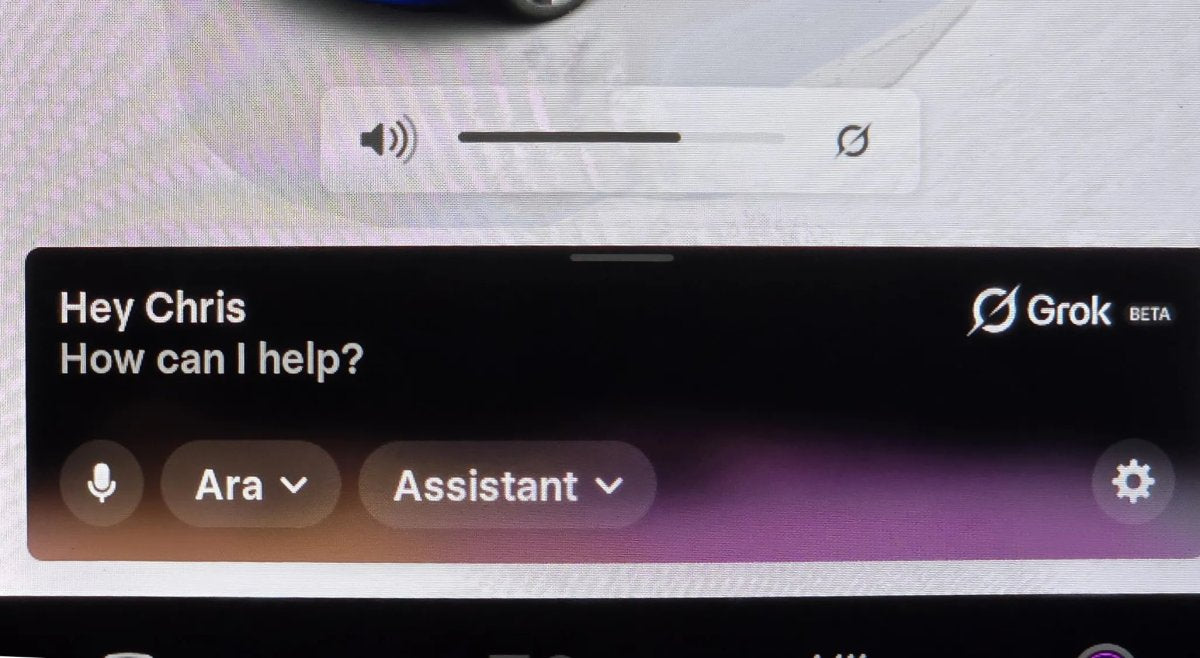

Tesla continues to narrow the gap between conversational speech and actionable in-car commands. XAI’s Grok is becoming a larger part of the driving experience, especially for drivers who prefer natural language over rigid voice prompts.
Grok first arrived in North America last summer with software version 2025.26. Since then, Tesla has added Navigation Commands, letting the AI set up trip details even though it can't yet operate the physical stalks or modify climate settings. With software update 2026.2.6, Grok with Navigation Commands is expanding to Europe, bringing these "superpowers" to a new group of drivers.
Tesla has also refined Grok behind the scenes. Below are tips to get the most out of it in your vehicle.
Better Ways to Navigate
A key advantage of Grok’s integration is contextual understanding. You don't need to memorize a strict phrase—you can speak naturally.
- Conditional Routing: You can now give Grok complex instructions like, "Route to the airport via a Dunkin’ Donuts if it doesn't add more than 15 minutes". Because the AI parses natural language, it can infer your intent from a casual sentence instead of requiring a rigid command.
- Route via Specific Roads: If there’s a preferred path, simply say, "Route to the office via [Road Name]," and the system will add that street as a waypoint.
- Optimized Errands: Chain stops and let Grok order them efficiently. For example: "I need to go to Best Buy, CVS Pharmacy, Starbucks, and then back home. Navigate to these in the most efficient order.”
New "Turn Off" Commands
You can now end a Grok session entirely by voice. When you’re done or want to dismiss the overlay, natural sign-offs work. Say "see ya," "turn off," or "bye" to close the Grok interface using only your voice.
More Than Just a Map
Beyond navigation, Grok can serve as a digital owner’s manual and entertainment assistant.
- Manual Search: Ask vehicle questions such as "What does this dashboard light mean?" or "How do I adjust the mirrors?" and Grok will draw from the car’s documentation.
Vehicle Data
While Grok doesn’t yet control other vehicle functions, this capability is expected in a future update. Commands like “turn on my seat heater” or “blast the AC” are planned for the future.
Today, Grok already knows a couple of details about your vehicle, including its exact location and your range, in miles and percentage. Over time, it should be possible to ask about things like cabin temperature, fan speed, and more.
Tesla is also adding a wake word for Grok to make it easier to use, and spatial awareness is expected so the vehicle knows who activated Grok. That will enable more seamless commands—for example, when someone says to activate a seat heater, the system will know which one to turn on.
Requirements and Limitations
To use these features, the vehicle must have an AMD Ryzen processor. An active Premium Connectivity subscription or a stable Wi‑Fi connection is also required. Owners of older vehicles with Intel Atom chips are still waiting on support, but the expansion to Europe indicates a push toward a broader rollout.
As Grok moves beyond its early beta phase, deeper ties to vehicle hardware are anticipated, potentially allowing the AI to adjust cabin temperature or media settings as readily as it can find a place to eat.
















Share:
Exclusive First Look at FSD Stats in the Tesla App
Tesla’s Megacharger Network Coming to Europe