
Tesla App 4.63.0: Google Maps And Upcoming Battery Preconditioning
In app update 4.63.0, Tesla highlights several changes and upcoming capabilities across charging, maps, vehicle visuals, and account sign-in.
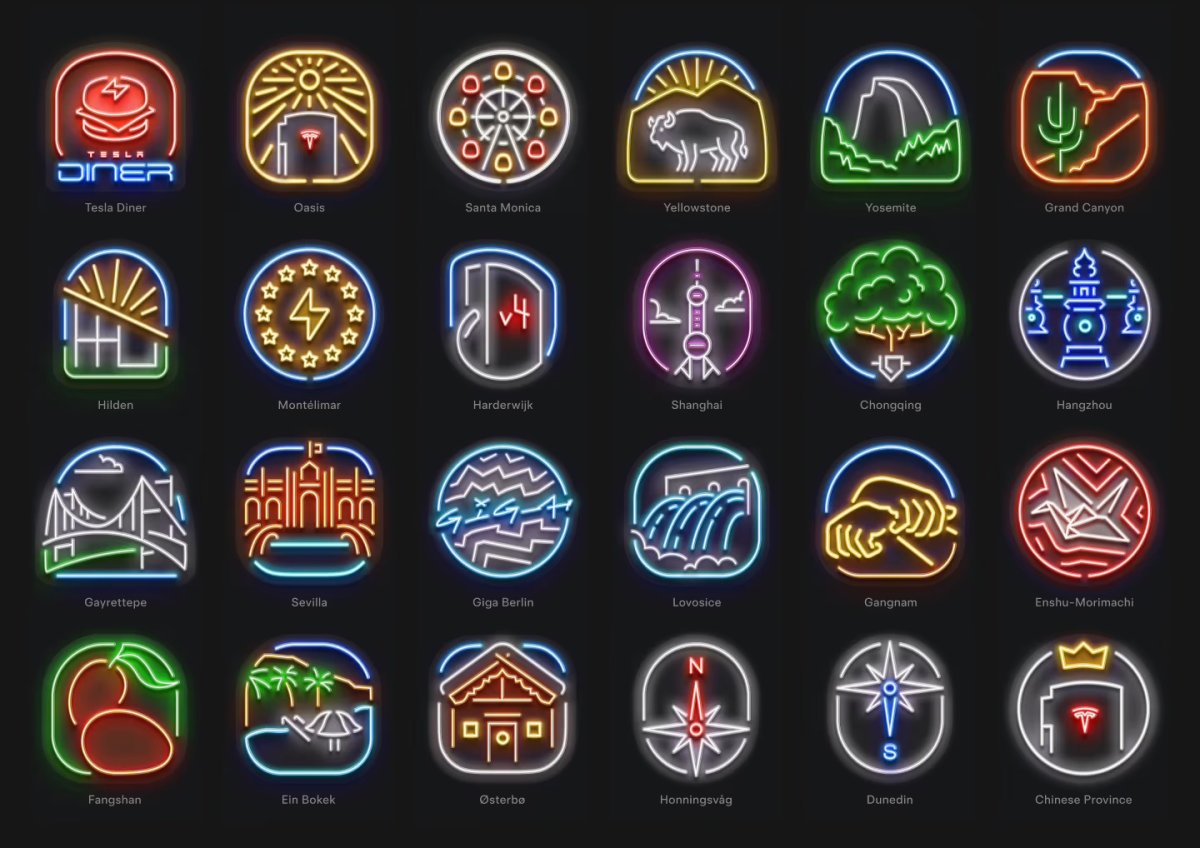
Thanksgiving Badge
Tesla will add a Thanksgiving badge to its list of charging badges that you can earn. You’ll likely earn this badge by charging on Thanksgiving in the U.S., which is on Thursday, November 26th, 2026.
Supercharger Voting
Tesla lets users vote on some of its next Supercharger locations. Currently, voting is done in a browser, but this popular feature will soon be available in the Tesla app via a webview. Using a webview allows reuse of existing web code, enabling faster integration.
Phrases in the app that point to this upcoming feature include:
- VehicleChargingBadgesSuperchargerVotingWebviewScreen
- getShowSuperchargerVotingBreadcrumb
- SUPERCHARGER_VOTING_WEB_URL
- VehicleChargingBadgesSuperchargerVotingWebviewScreen
This feature will likely be tucked under the Charging section of the Tesla app.
Google Maps
Tesla has switched to Google Maps, replacing Apple Maps for iOS users in several regions. Google Maps now powers both the regular and satellite views and, importantly, provides a smooth transition when zooming in on Supercharger Site Maps.
Since their introduction, Site Maps have used Google Maps, which previously caused a short delay when zooming as the app swapped Apple Maps for Google Maps. Routing and destinations remain the same.
Santa Mode
Tesla may soon add support for Santa Mode in the app, bringing some vehicle visuals into the experience. Phrases in the app that hint at this include “OptionalSantaModeCase,” “setSantaMode,” and “hasSantaMode.” If this feature materializes, expect it in this year’s holiday update.
Tesla has been putting more focus on its app, recently adding iPad and iPhone Duo support. Its development lead has also said more vehicle controls are coming, along with a Mac app.
Precondition Battery Button
While this feature isn’t live yet, Tesla is laying the groundwork to let users manually precondition their vehicle’s battery for fast charging. Preconditioning warms the battery so it can charge faster at DC chargers. Although the vehicle automatically preconditions when navigating to a Supercharger, it may not always allow enough time if the Supercharger is nearby or if it’s a third-party charger. Users will soon be able to start preconditioning manually.
“Your Tesla will automatically precondition when navigating to Tesla Superchargers or other known fast chargers. You can also start preconditioning manually to maximize your charging performance. Begin one hour before you plan to charge. Once optimal pack temperature is reached, it will be maintained for thirty minutes.”
Improved Vehicle Badges
For special or performance vehicles, Tesla recently added animated vehicle badges at the bottom of the app. Tapping these images plays an animation of the badge. These animations were previously built from individual images but have now been replaced with video assets, making them smoother and smaller.
Use Tesla Login
Tesla now lets you authorize the Tesla app to share its login information with the Robotaxi app. This allows users already signed in to the Tesla app to log in to the Robotaxi app without manually entering their Tesla account information.
While the buttons are a little confusing, the “Sign in with Tesla” button gives the Tesla app permission to share login details with the Robotaxi app, while the “Sign in” button allows you to manually sign in to the Robotaxi app using your Tesla account, without having the Tesla app share any information.

Share:
Tesla App 4.63.0 Points to Manual Battery Preconditioning
Tesla Adds Grok Button to Navigation Search in 2026.44.1