Debi Y.
“I love the extra touches! My Tesla expresses my style. I love it!!”
Verified Customer“I love the extra touches! My Tesla expresses my style. I love it!!”
Verified Customer“A great experience from start to finish.”
Verified Customer“Excellent product and great quality. Well made, fits the model Y perfectly.”
Verified Customer“Product arrived as ordered. Definitely works as intended.”
Verified Customer“Great service and timely delivery”
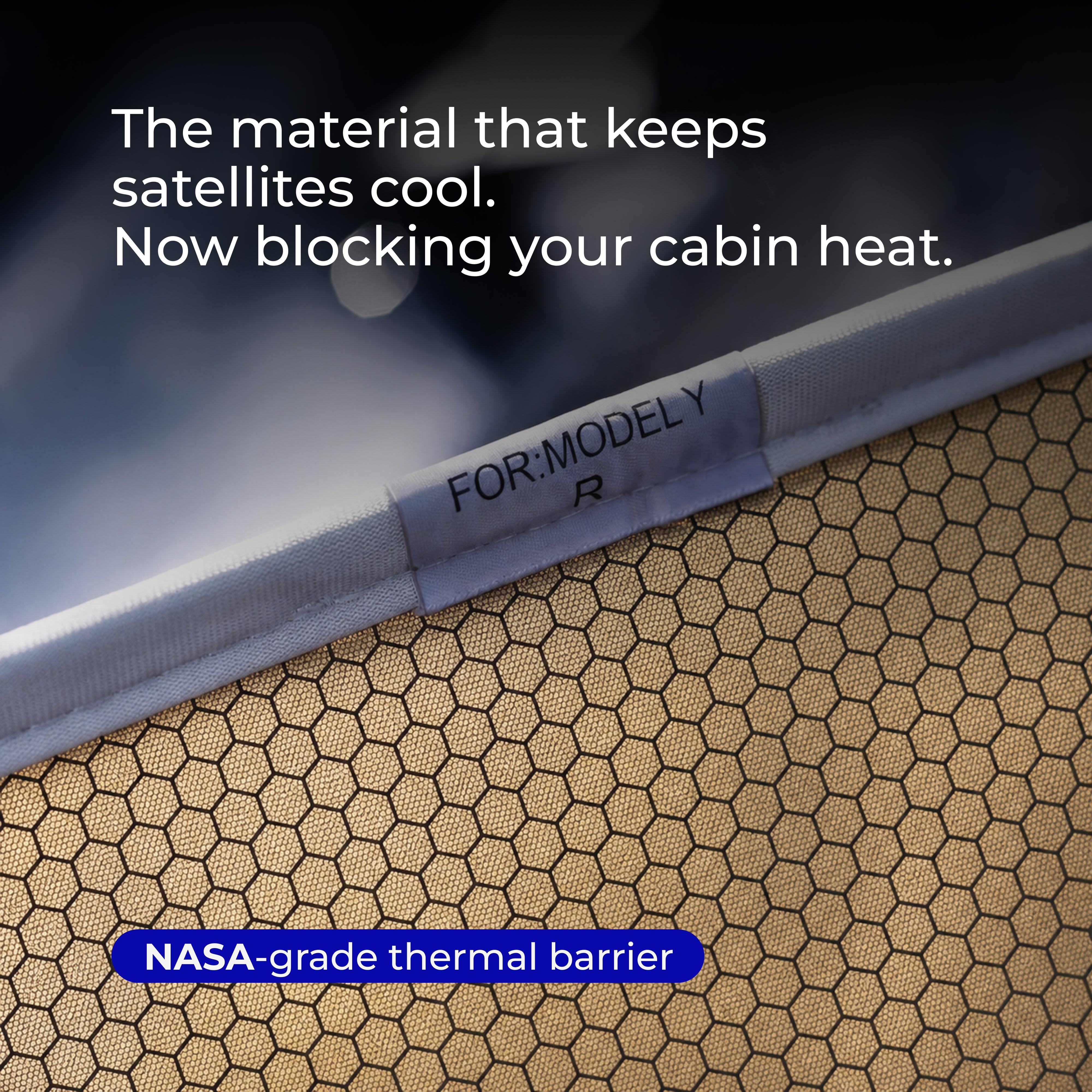
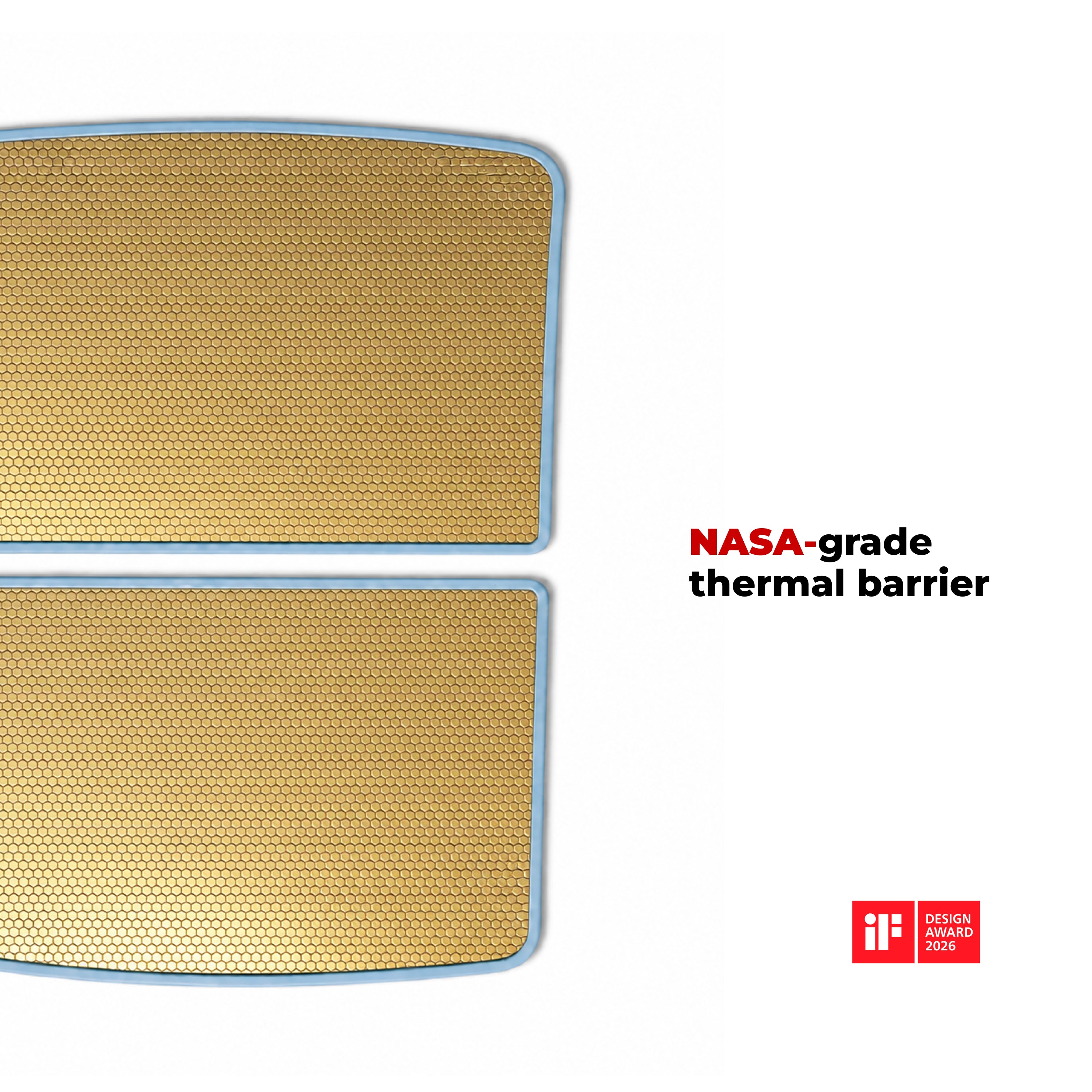
Verified Customer“The product (insulated roof liner) for my Model Y works as advertised. It makes a world of difference in the hot summer sun in Florida.”
Verified Customer“My order was processed efficiently and quickly, with the goods receiving well ahead of the expected arrival date.”
Verified Customer“seamless experience. easy to order”
Verified Customer“watched the video and fitted the sola shields took about 15 minutes fitted very well front fitted perfectly”
Verified Customer“Wind guards look great and are very functional at deflecting wind from coming in car”
Verified Customer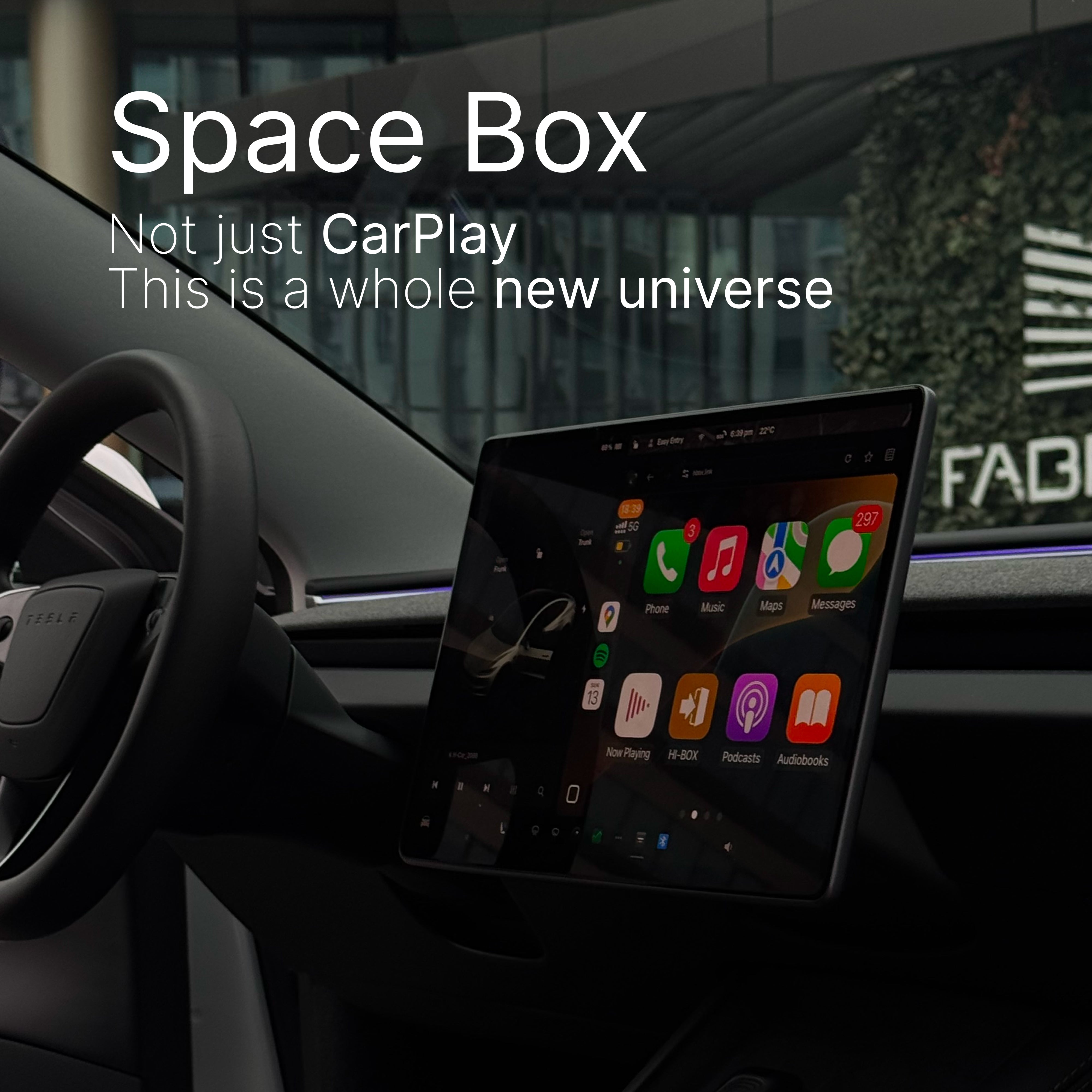
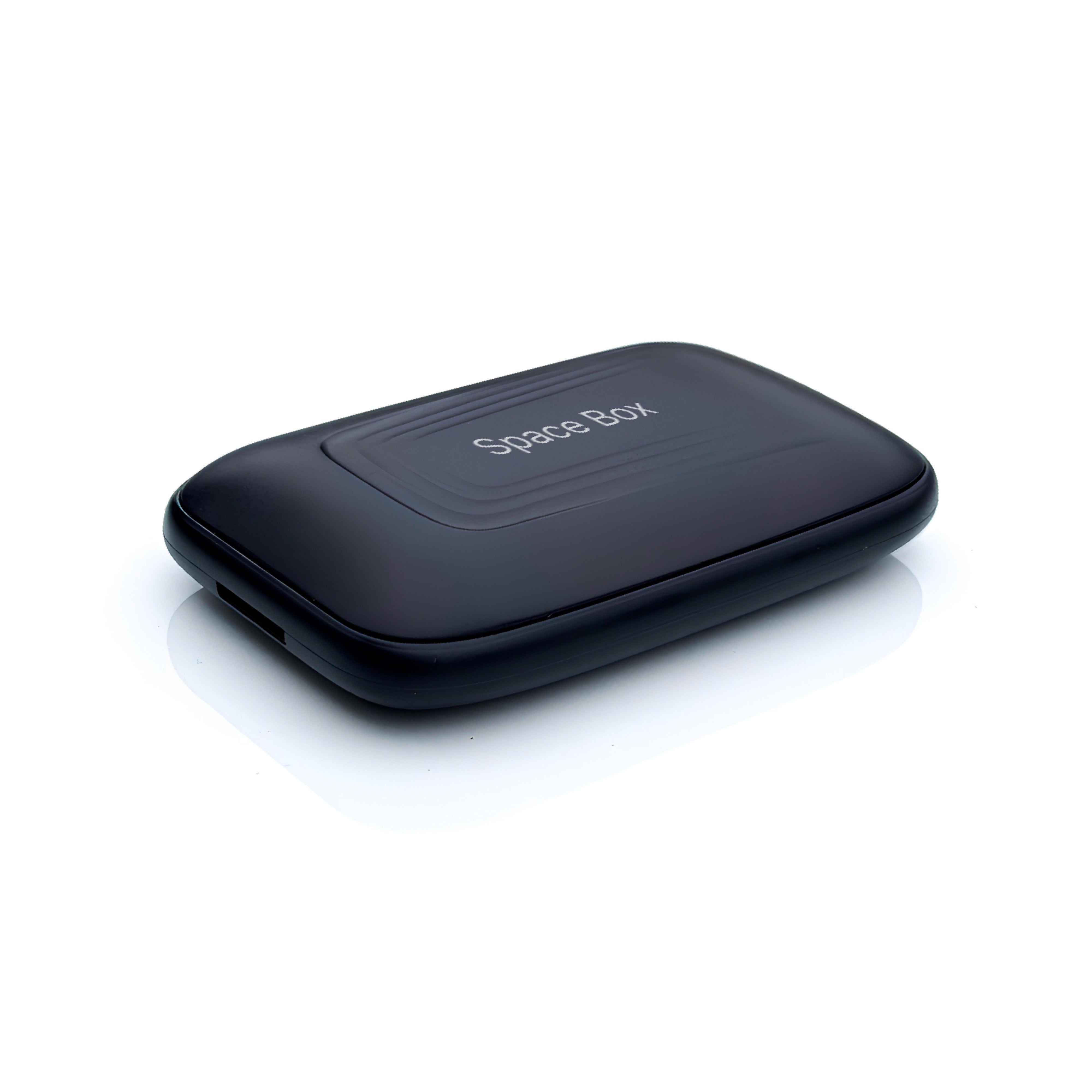
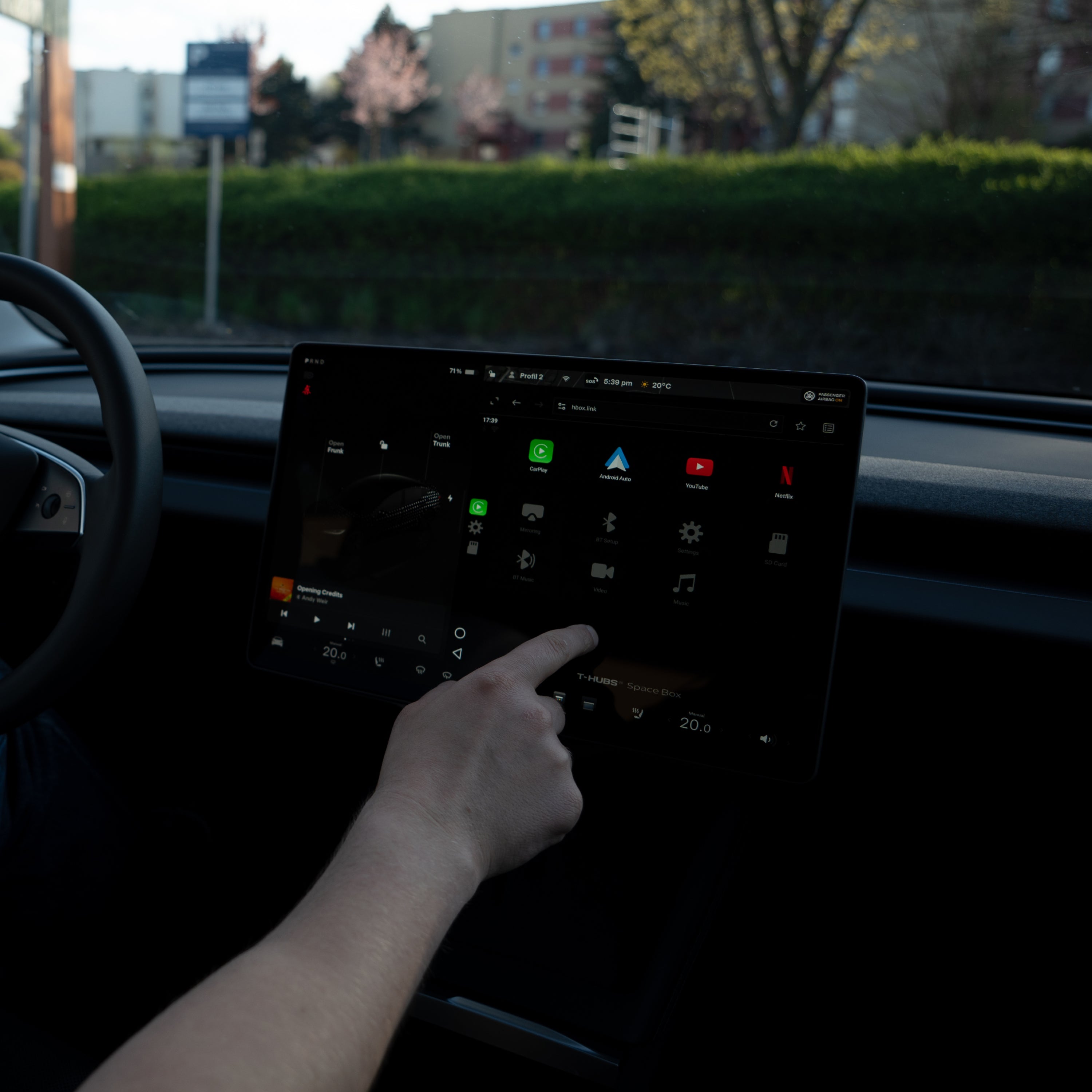
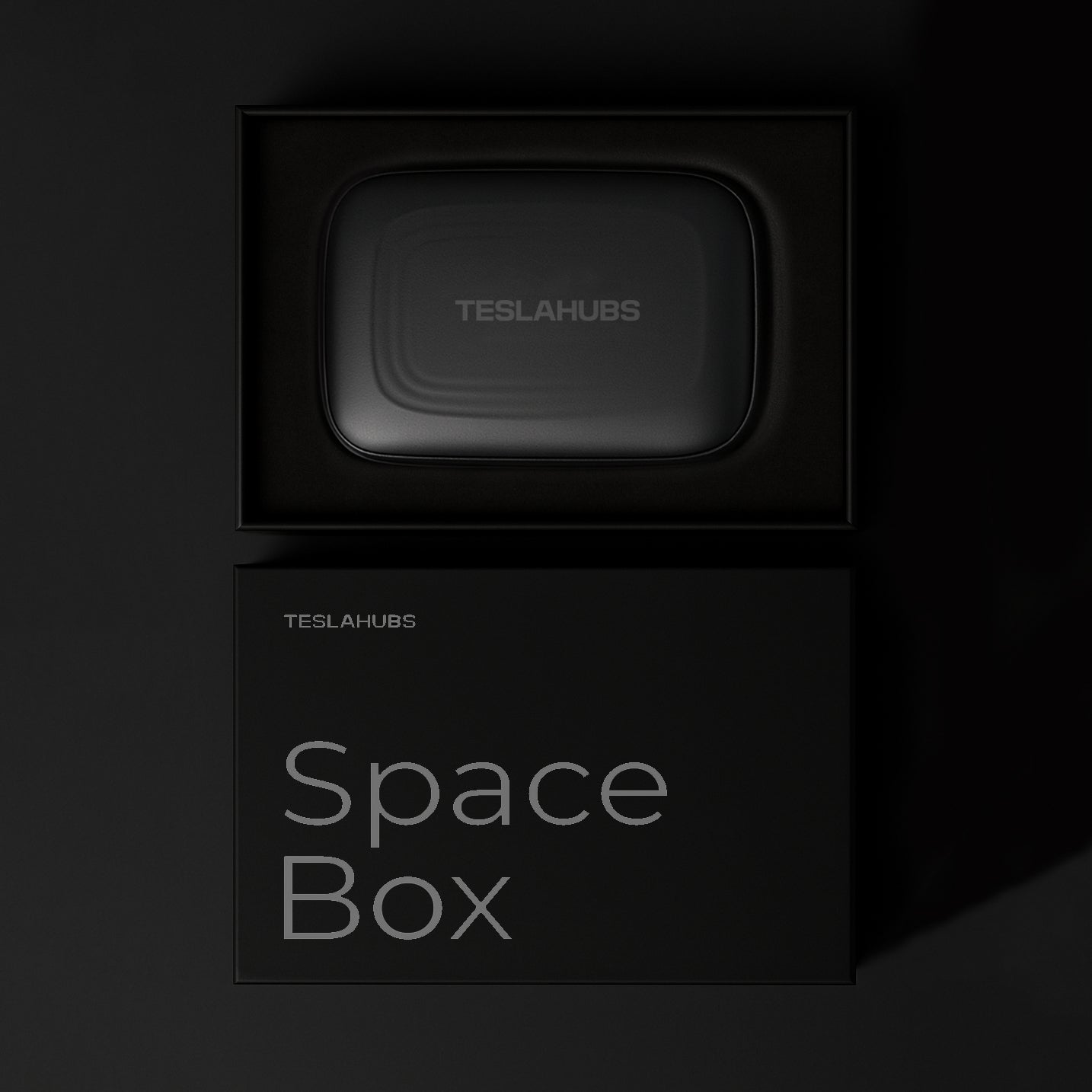


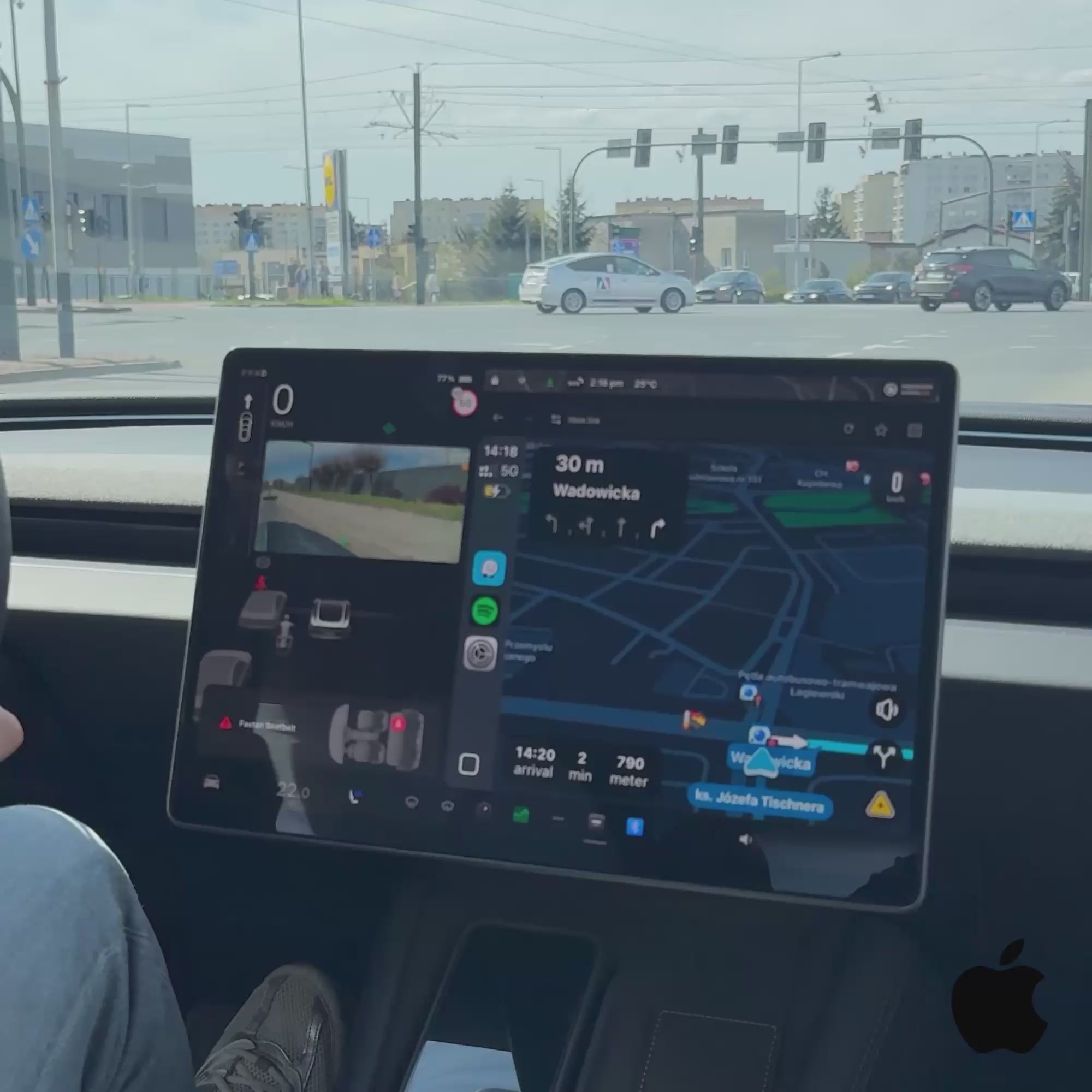


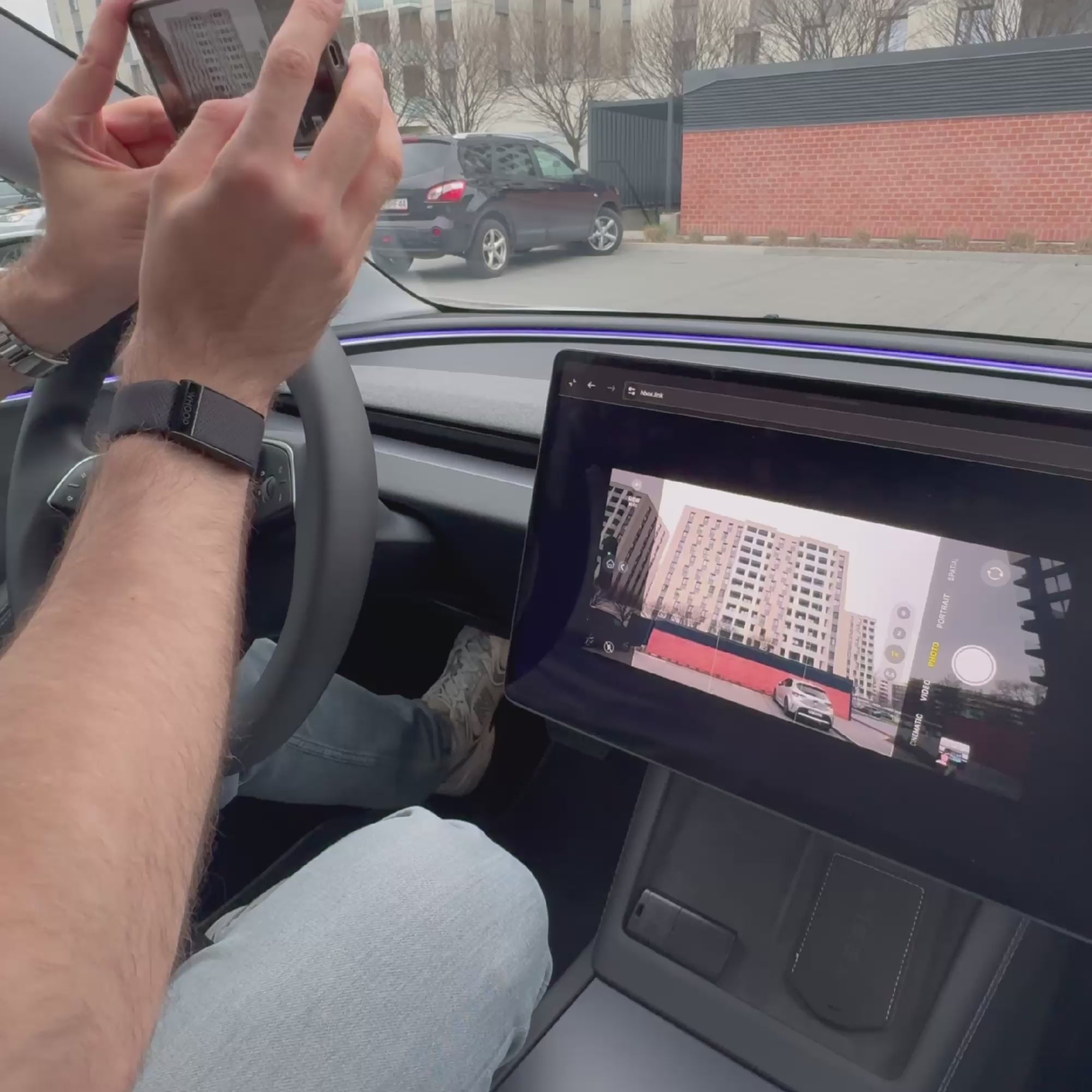
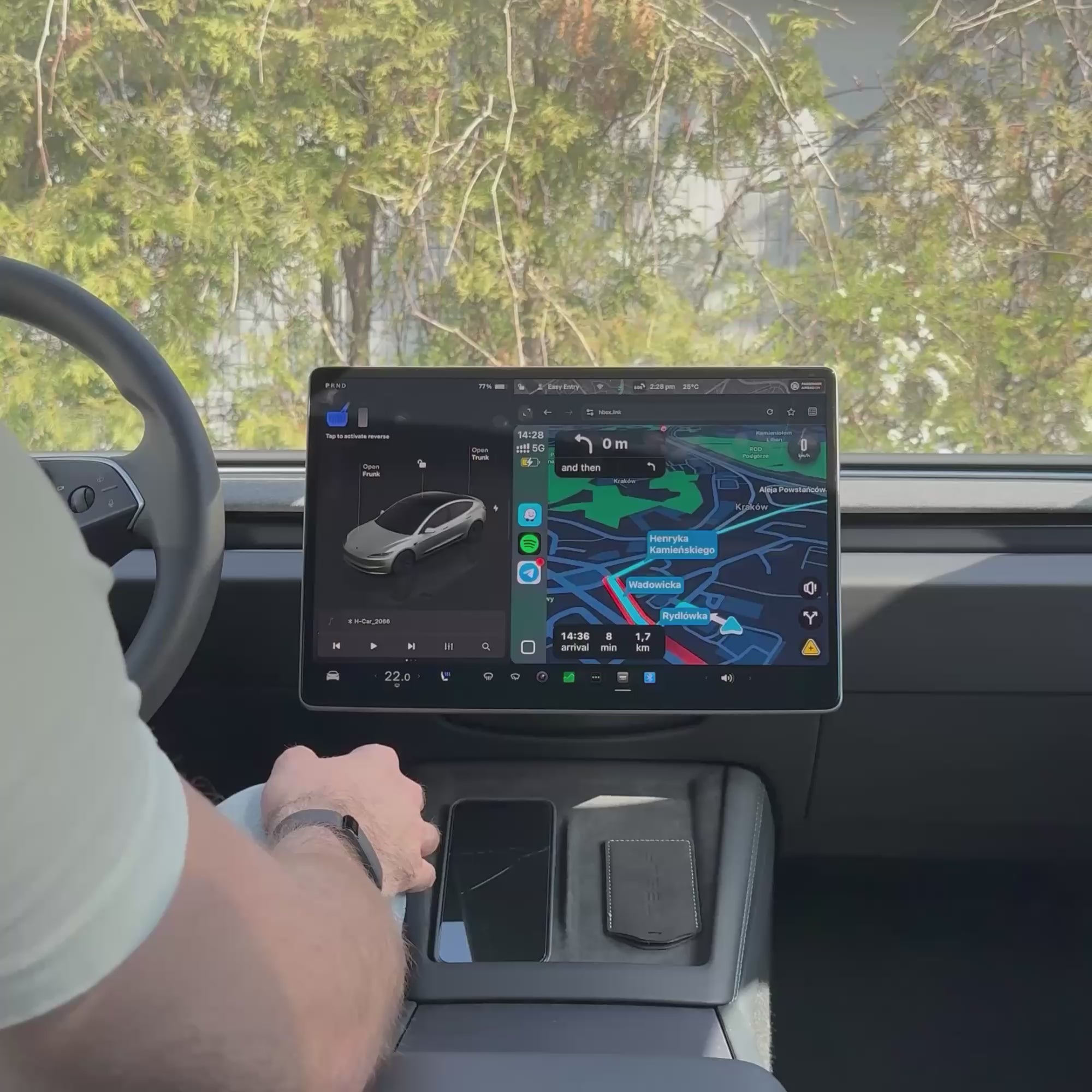

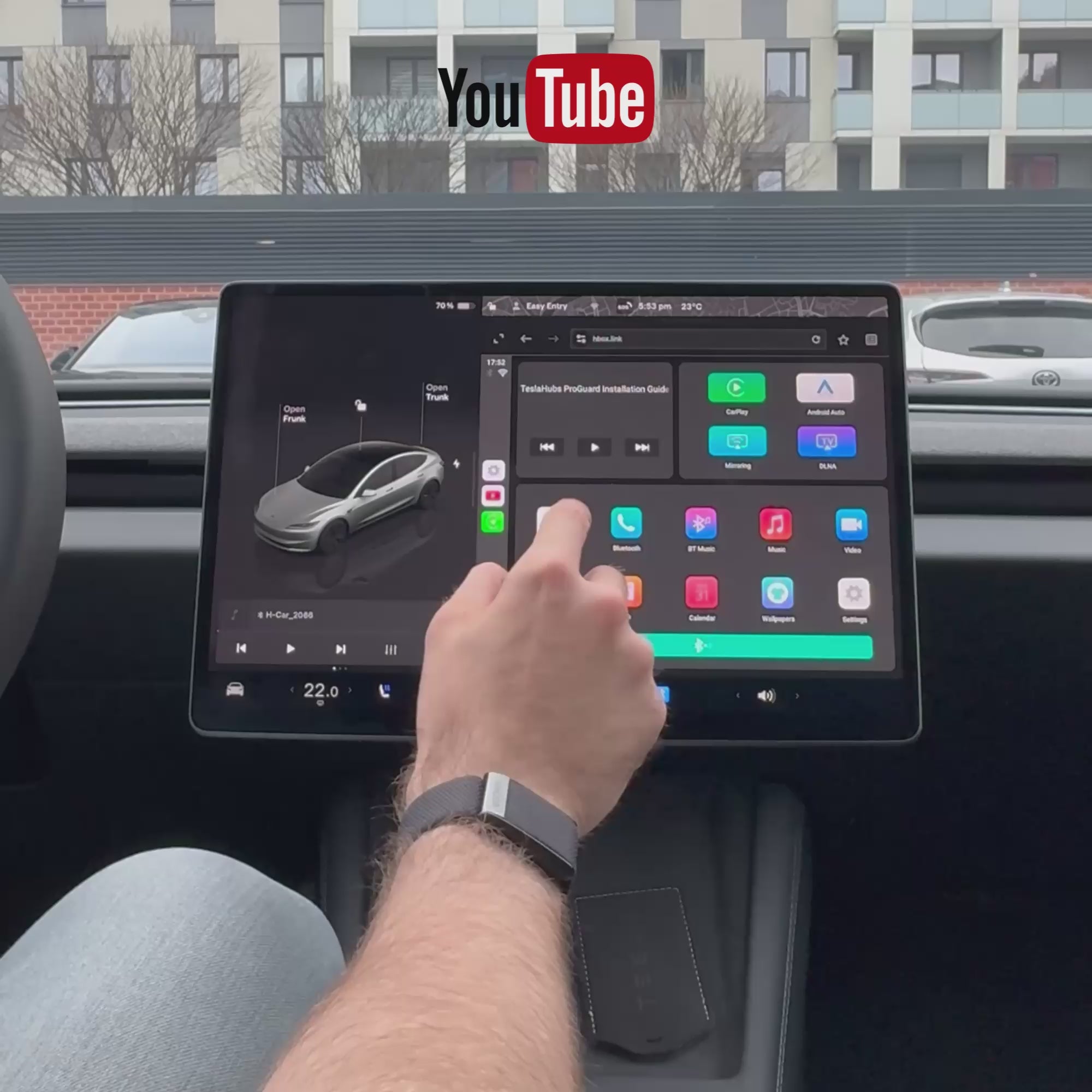
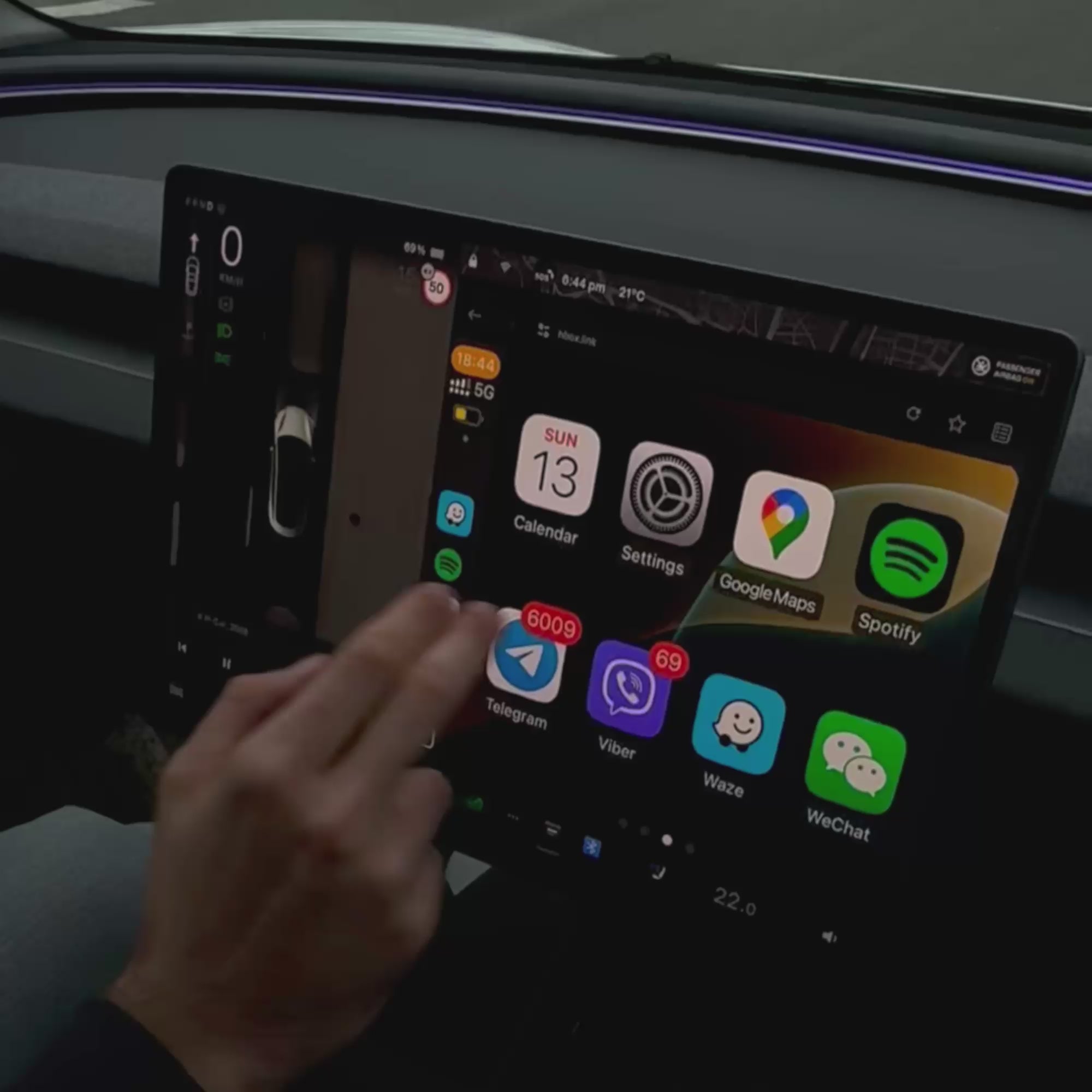



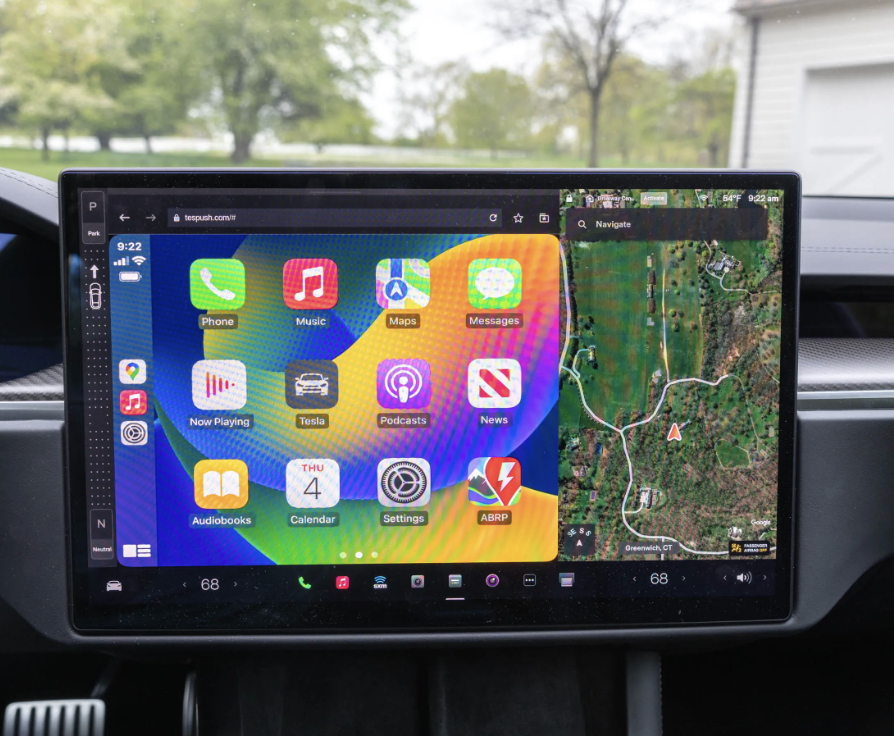
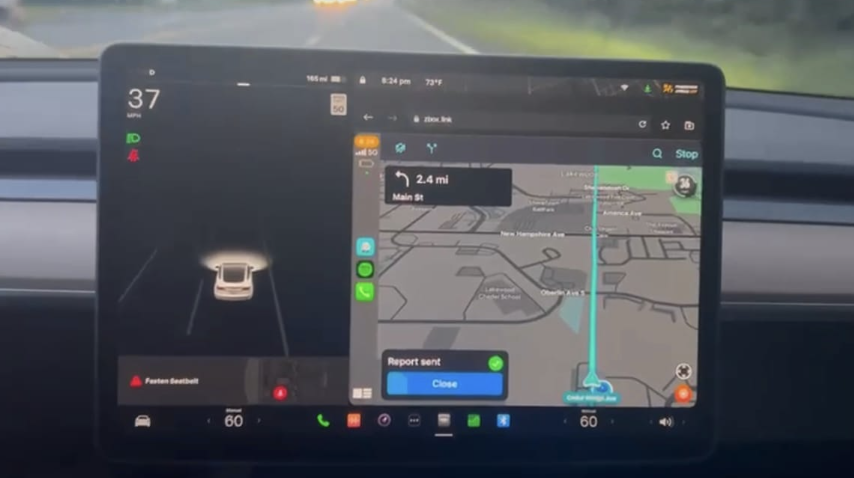
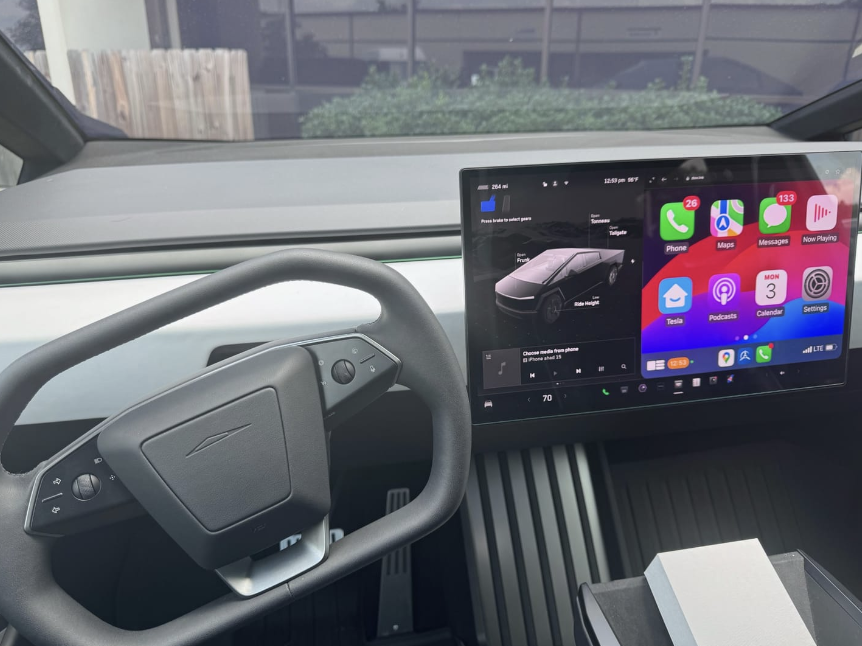
How SpaceBox connects
Plug it in
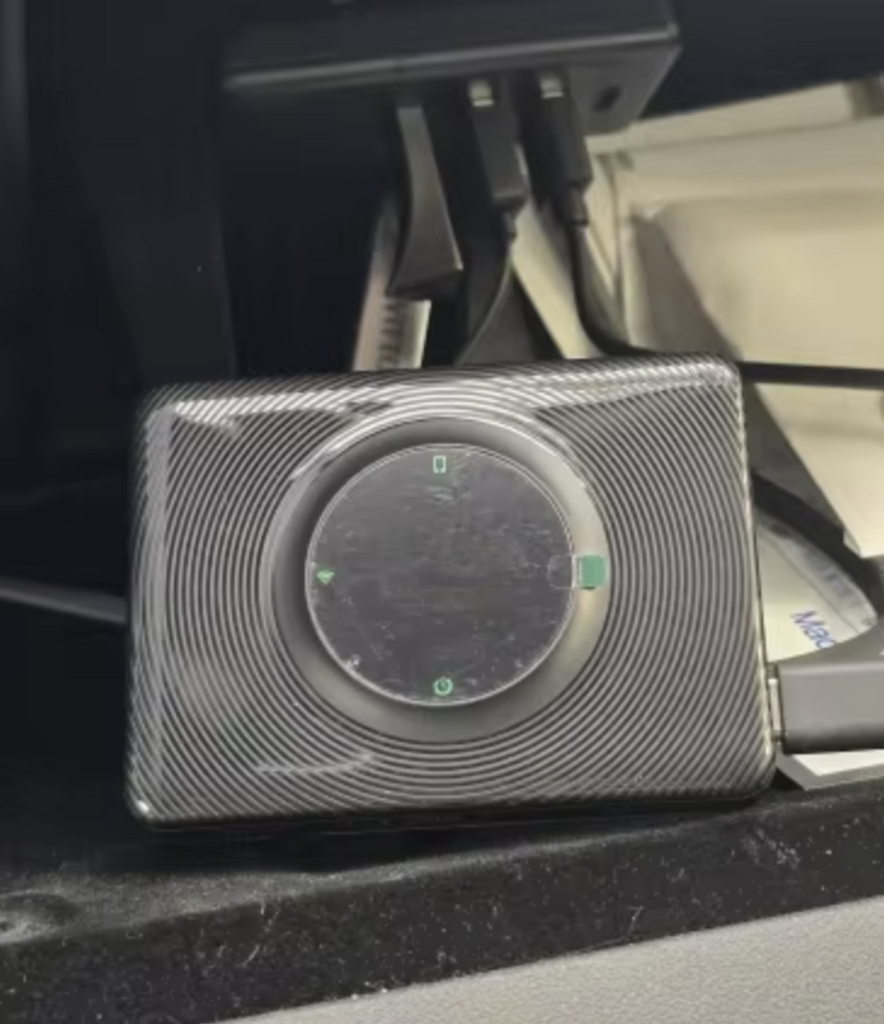
Connect SpaceBox to your Tesla’s USB port with the included cable.
Connect your Tesla
Join the H-BOX Wi-Fi network and open hbox.link in the Tesla browser.
Pair your phone
Connect through Bluetooth and launch Apple CarPlay or Android Auto.
What you need
While SpaceBox is in use, your Tesla’s Wi-Fi and Bluetooth remain connected to it. Other vehicle functions continue to work.


Pairs well with
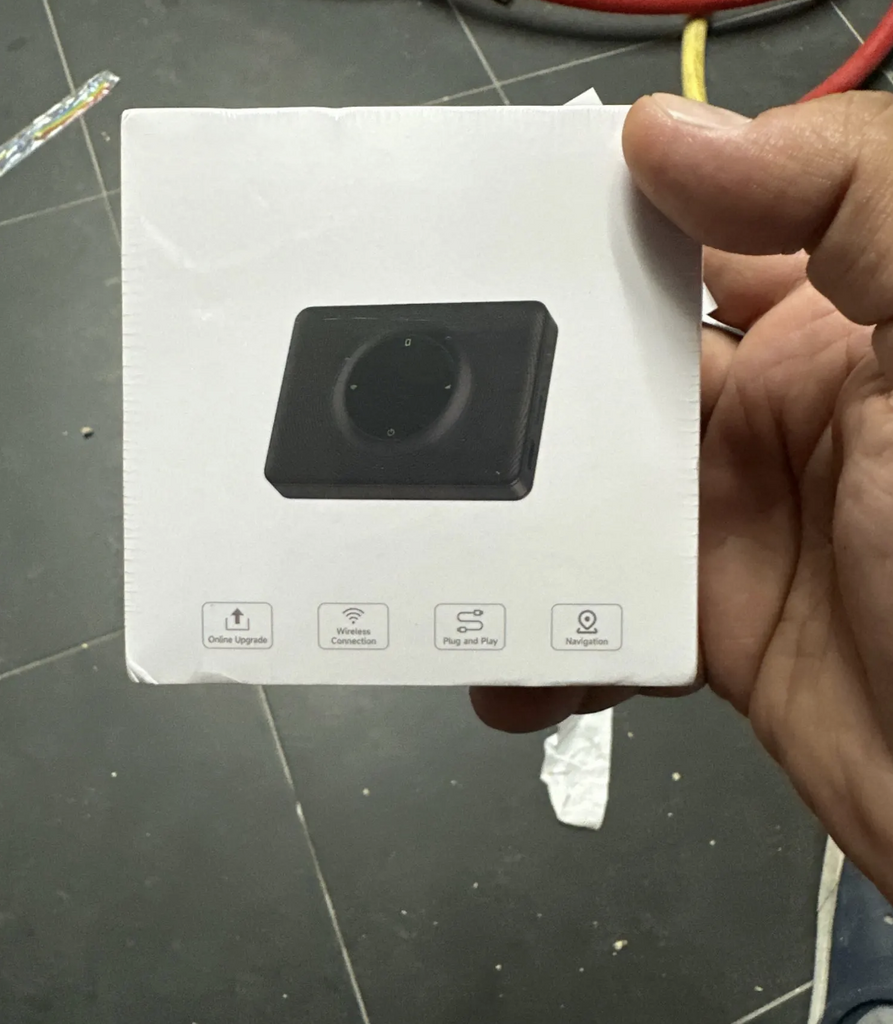
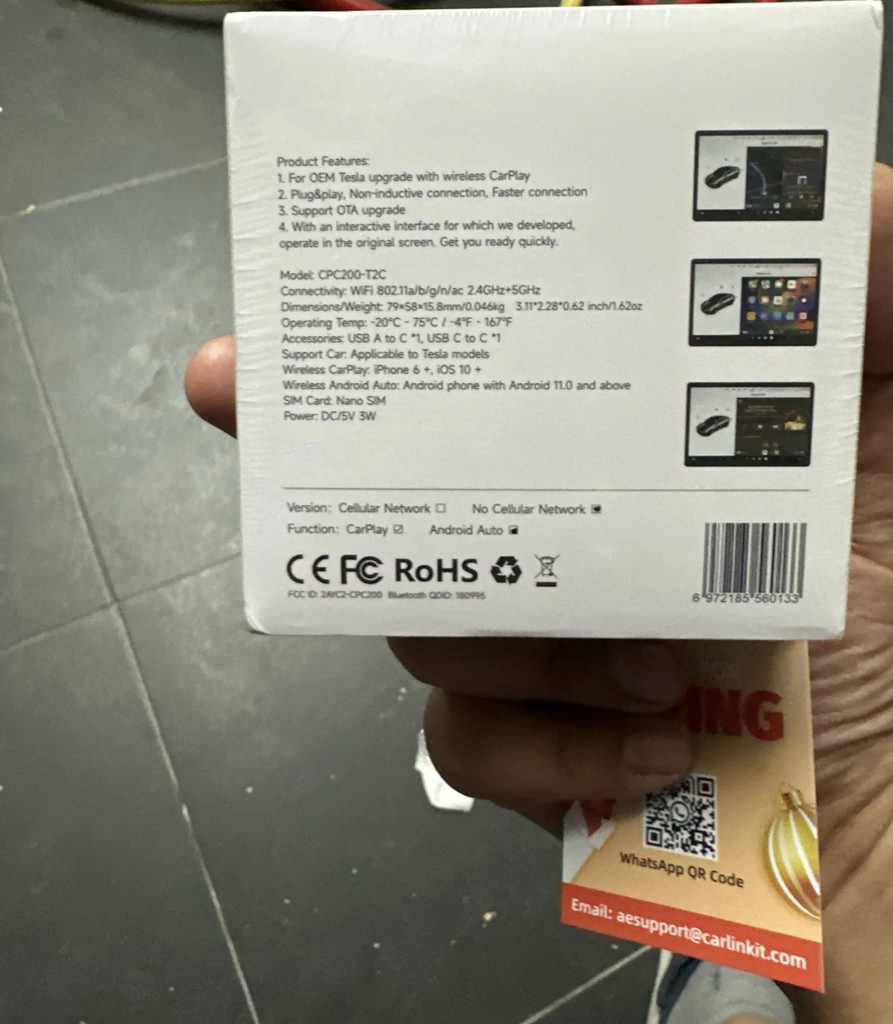
Teslahubs™ Space Box - CarPlay for Y, 3, S, X, Cybertruck, Juniper
🔊 Sound on for the full experience!
🔊 Sound on for the full experience!
Compatible Tesla models
Important compatibility information
Compatible only with vehicles equipped with an AMD Ryzen processor, including 2020 models.
This product is not supported in Australia.

FREE today with every order: Tesla Battery Secrets — the shortcuts that can save you thousands.
Thanks
😍
This is the best solution I have ever seen.
Awesome 🤩
😍
This is my second set, this time for my wife.
Thank you, teslahub for this wonderful set of carplay and the gift of a protective glass!!!
Delivered in 4 days without problems, connected in 1 minute ❤️
Now my car looks complete!
Works with Android auto Thanks!
Thanks, everything works great!!!
It works like described there. Streams flawlessly Netflix & You tube! Love it it will be awesome for those cross country trips to Florida from the Midwest! I would recommend this to everyone! Simple to set up and use!
It came pretty quickly and works perfectly on my M3. I've been using it for almost 6 months now, and it functions just like regular CarPlay—surprisingly well!
Overall, this product is solid and worth it!
Works with the Cybertruck, now that's a serious flex! 🚀💪
Thanks Teslahubs
Super quality I recommend
It looks good we are going to prove it and I comment
Fast delivery and helpful support
Compliant product and fast delivery, thank you...
The unit doesn’t work. You can’t load the link as the car browser blocks it.
Trying to return the unit is awful. Feels like a complete scam.
Do not buy.
Vendor refuses return.
Doesn’t work I want a refund and they are trying to make me pay for shipping the item back
Doesn’t work for my Tesla 3 .. they take forever to answer and when I try to return it they send me the address like I have to pay to send an item back that DOESNT WORK?
Not working with my Tesla Model X. I had another one, not spacebox, but it was working.! Product looks legit but may be i got a bad batch. Sorry
Terrible service. I wasted $149.00. It no longer works with my model y and they will not give me any support. I have had it for two months. Don’t get one if you don’t wasn’t to waste your money!
★☆☆☆☆ — SpaceBox Does Not Work in My 2026 Tesla Model Y Juniper
I purchased the TeslaHubs SpaceBox to add Apple CarPlay to my 2026 Tesla Model Y Juniper. My experience has been extremely frustrating.
Despite repeatedly following the installation instructions and troubleshooting the connection, I have been unable to get Apple CarPlay to work.
I connected to the H-BOX network, worked through the browser setup, and encountered multiple connection and update errors, including a message telling me to check for a NetBox update. After spending considerable time trying to make it work, I still had no functioning CarPlay screen.
I purchased this product because it was advertised as a convenient way to add CarPlay to my Tesla. Instead, I’ve spent my time troubleshooting something that has not performed its basic advertised function.
Based on my experience, I cannot recommend the TeslaHubs SpaceBox, particularly to owners of the refreshed Model Y Juniper.
A very disappointing purchase.
Never received it
Instructions are all different, but if you use the QR code that comes in the box these instructions are best,
connect dongle to car wifi, then connect phne to dongle blue tooth, job done, works well, have to reconnect mine each time i get in car, so will continue to play with it and see if it gets better
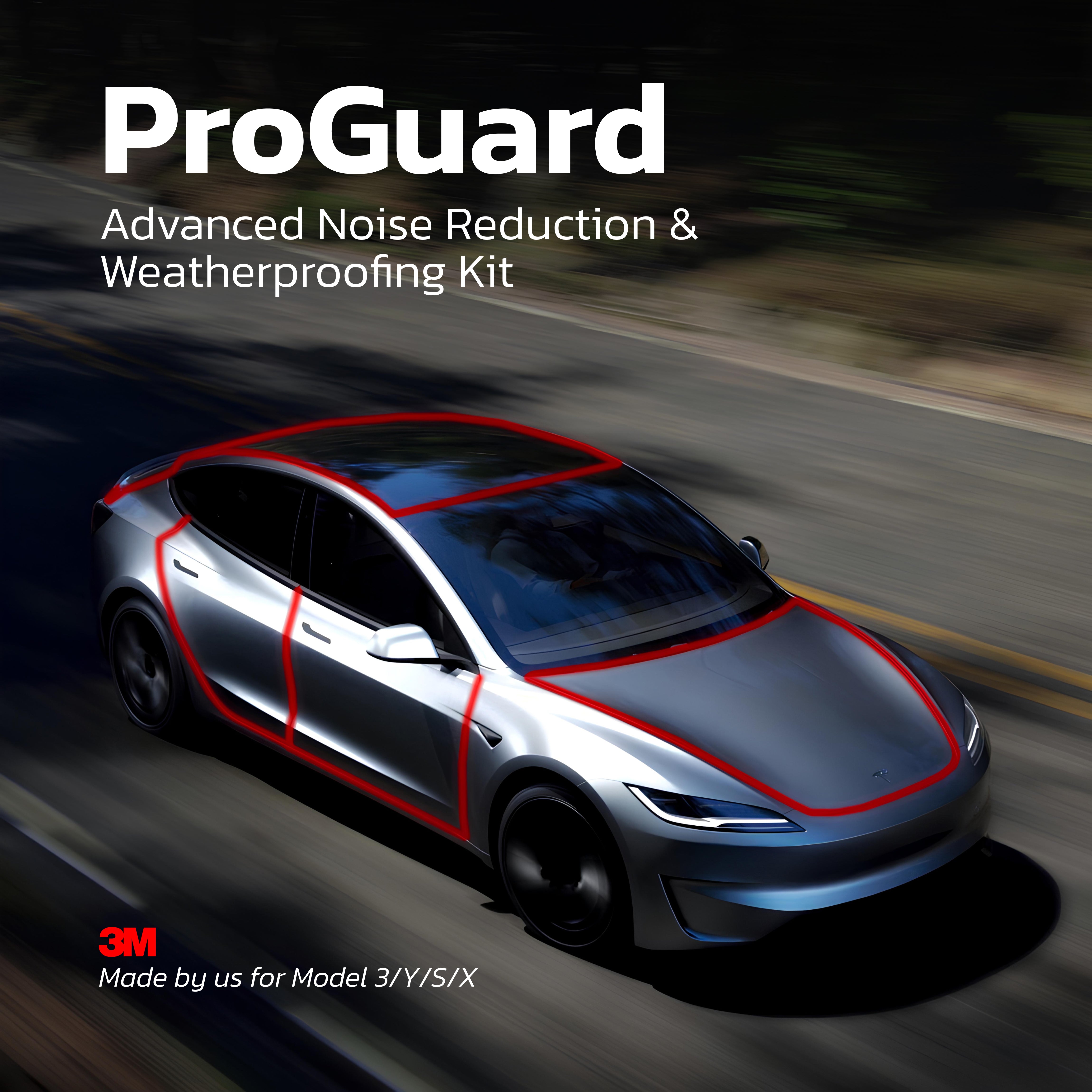
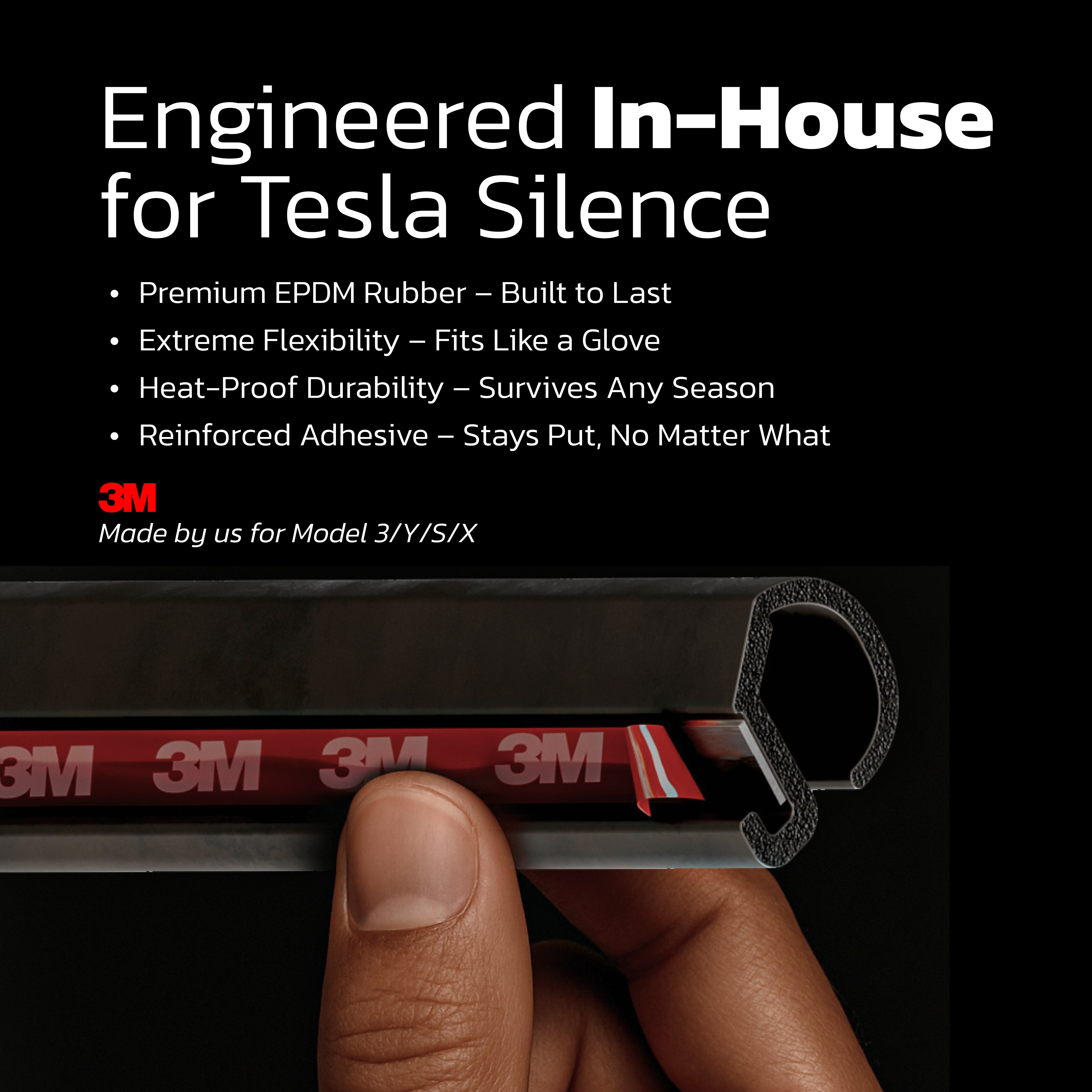
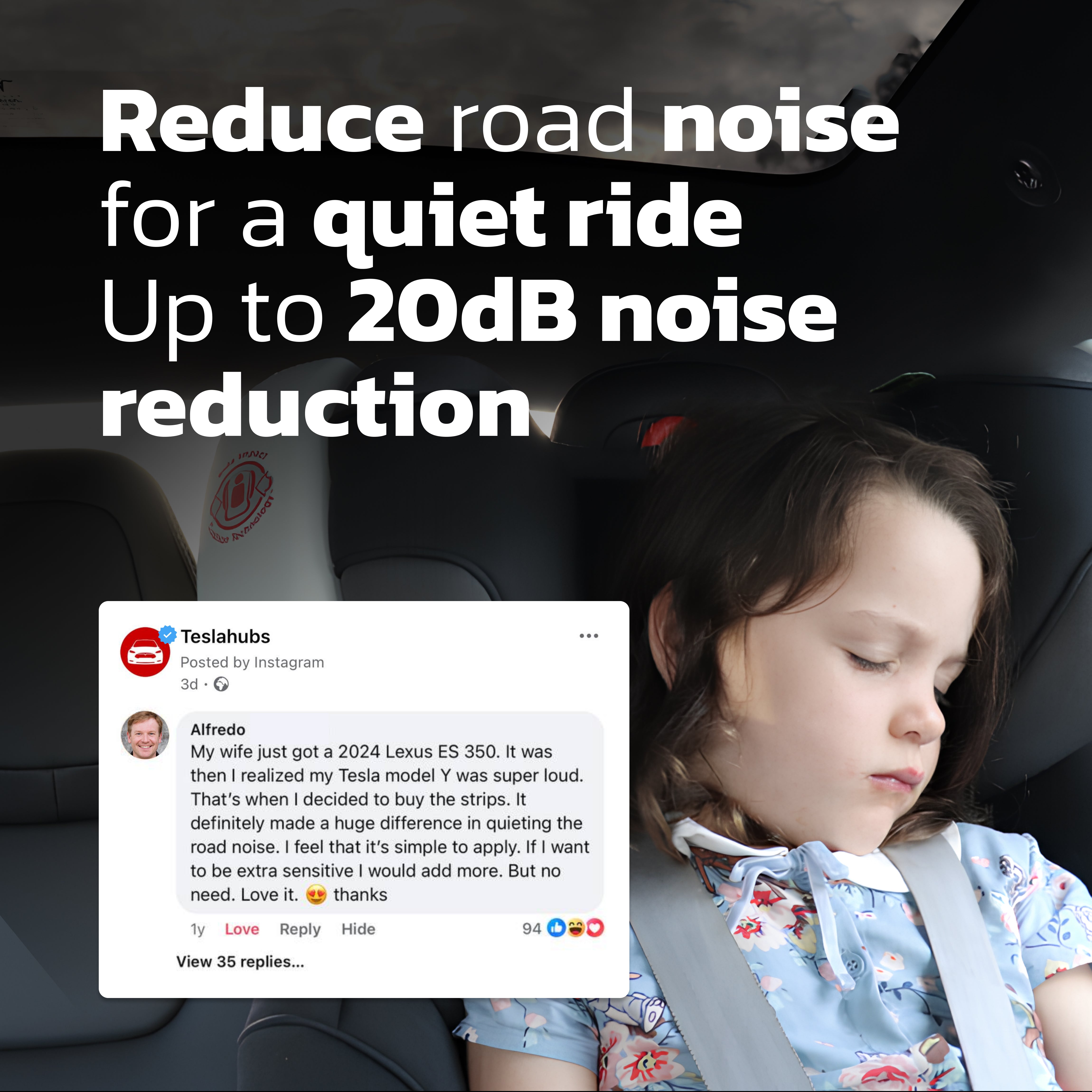
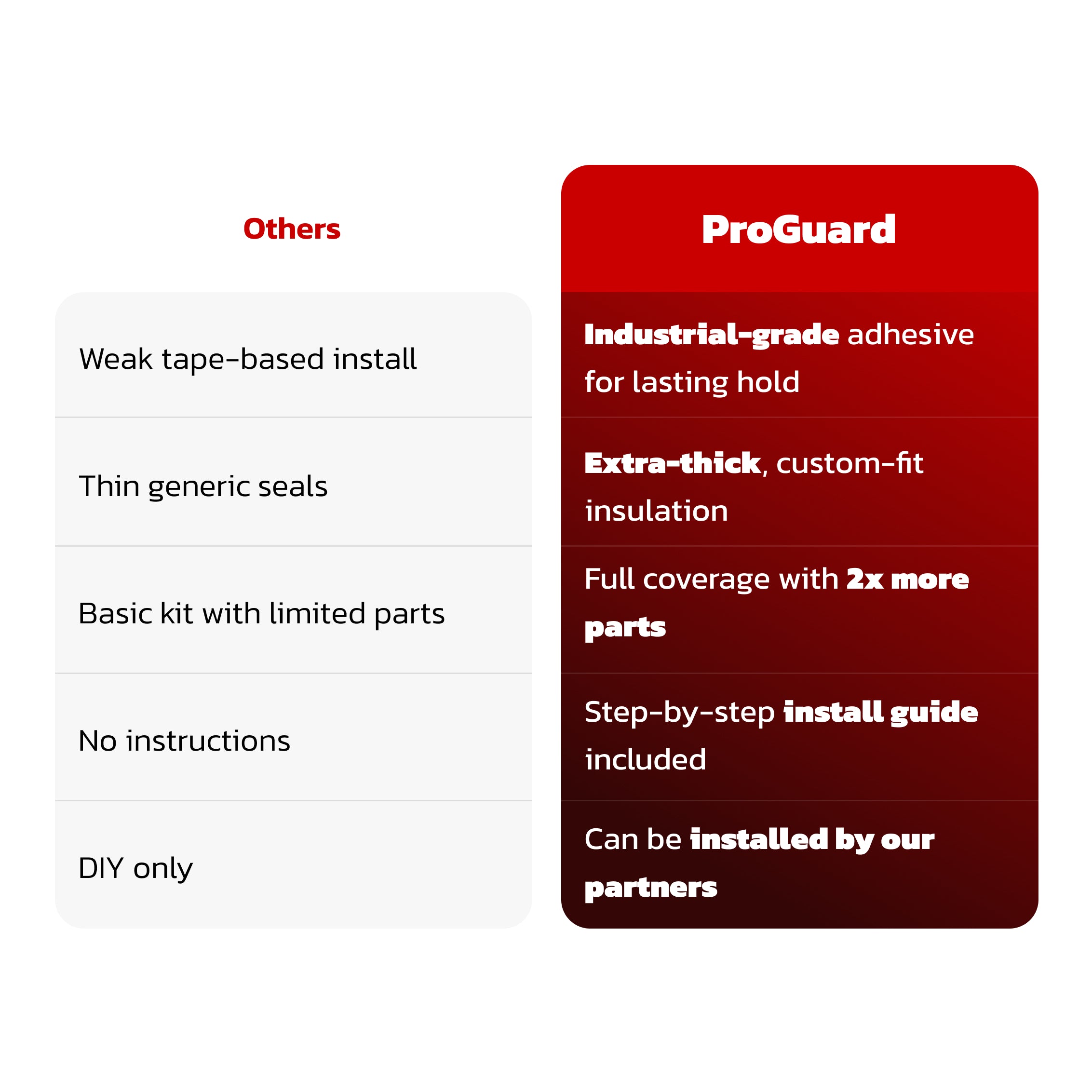
Teslahubs™ ProGuard: Advanced Noise Reduction & Weatherproofing Kit
Teslahubs™ Space Box - CarPlay for Y, 3, S, X, Cybertruck, Juniper
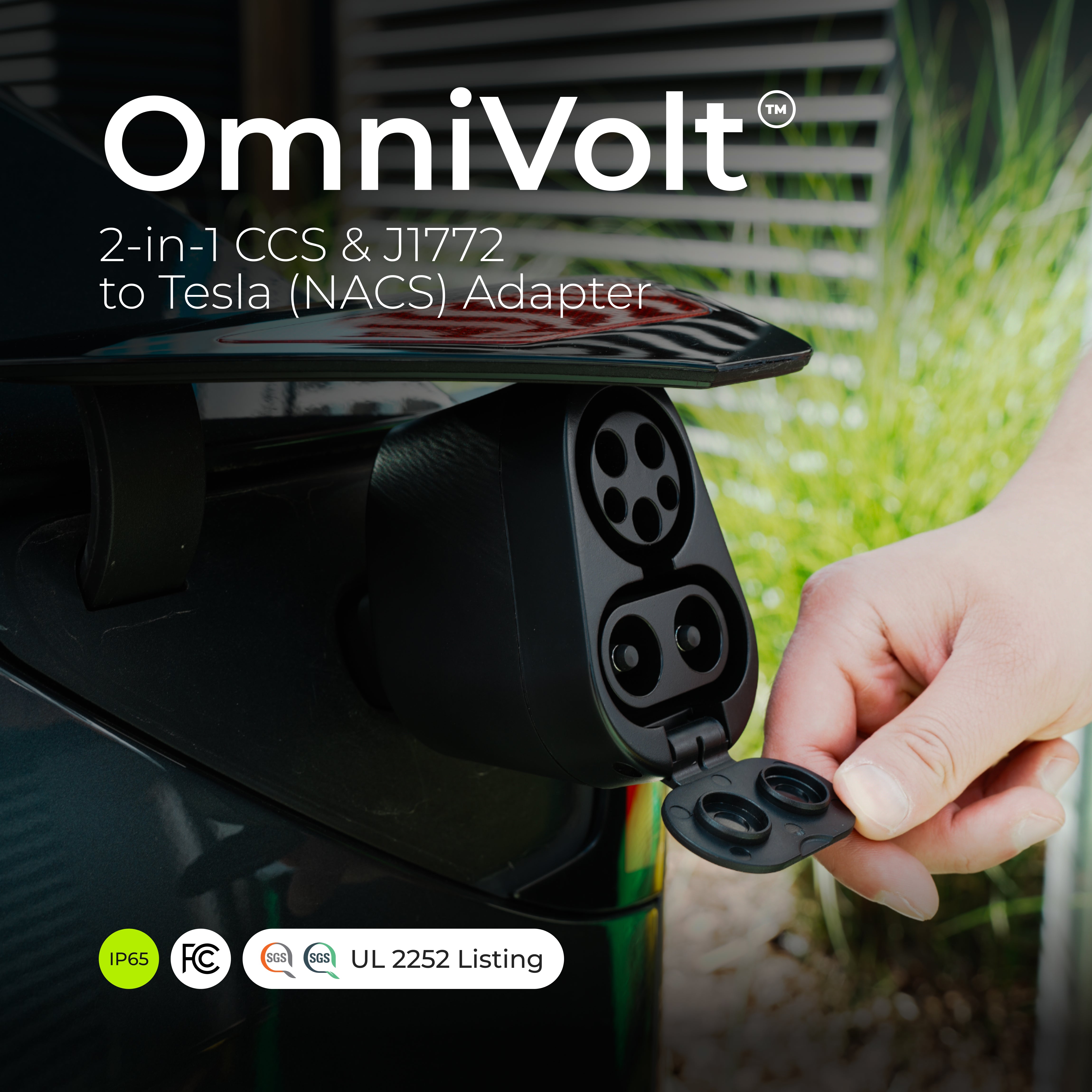
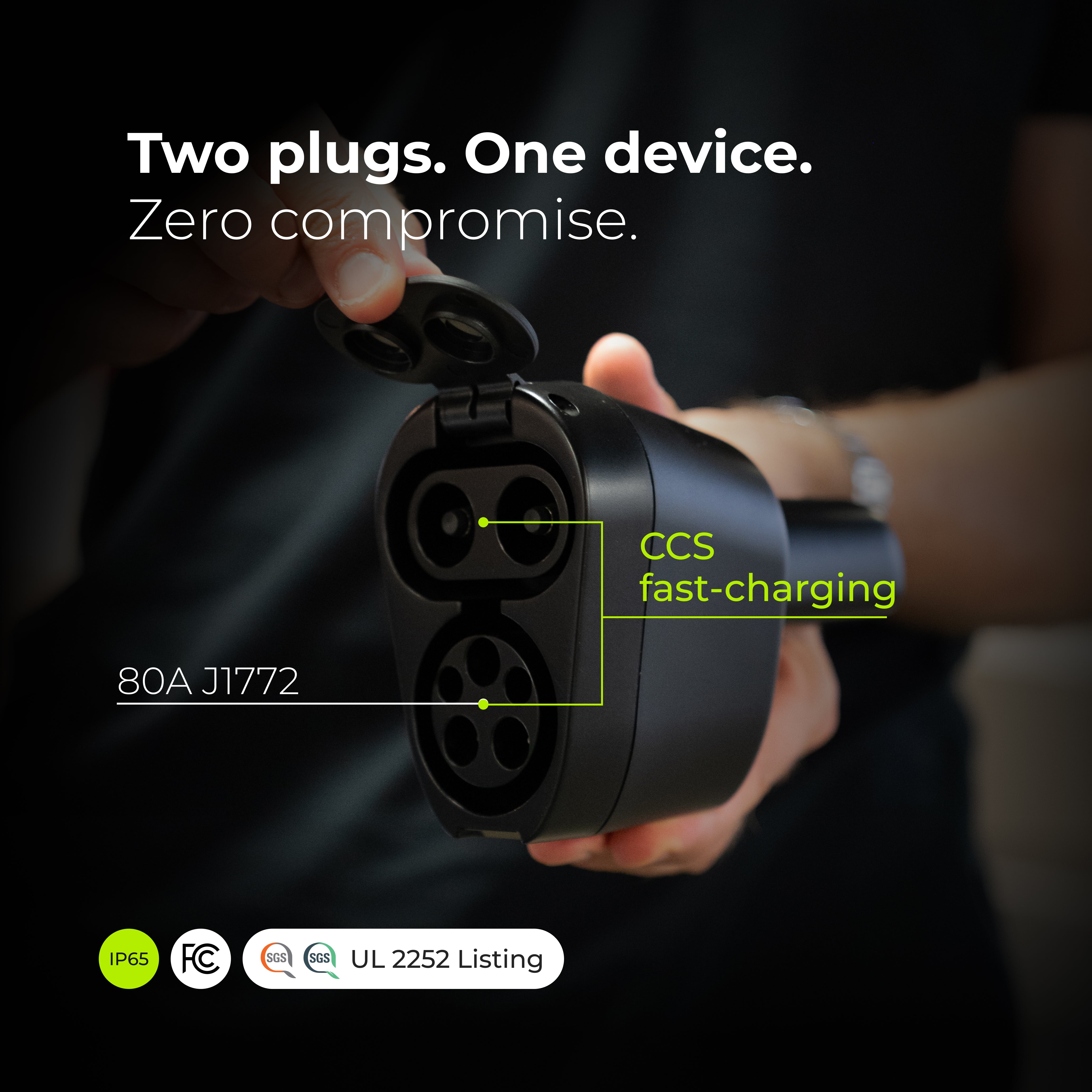

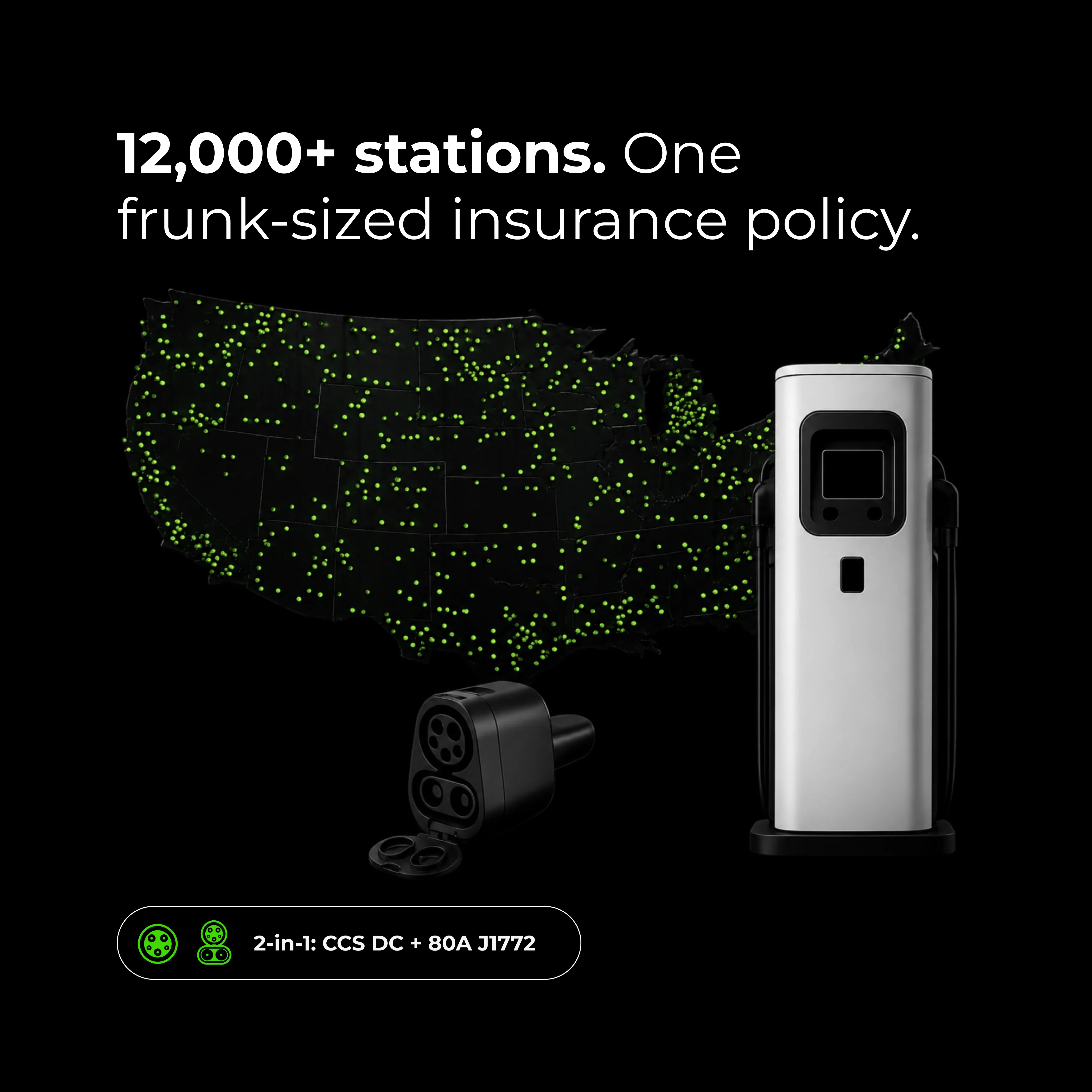
OmniVolt™ 2-in-1 CCS & J1772 to Tesla (NACS) Adapter
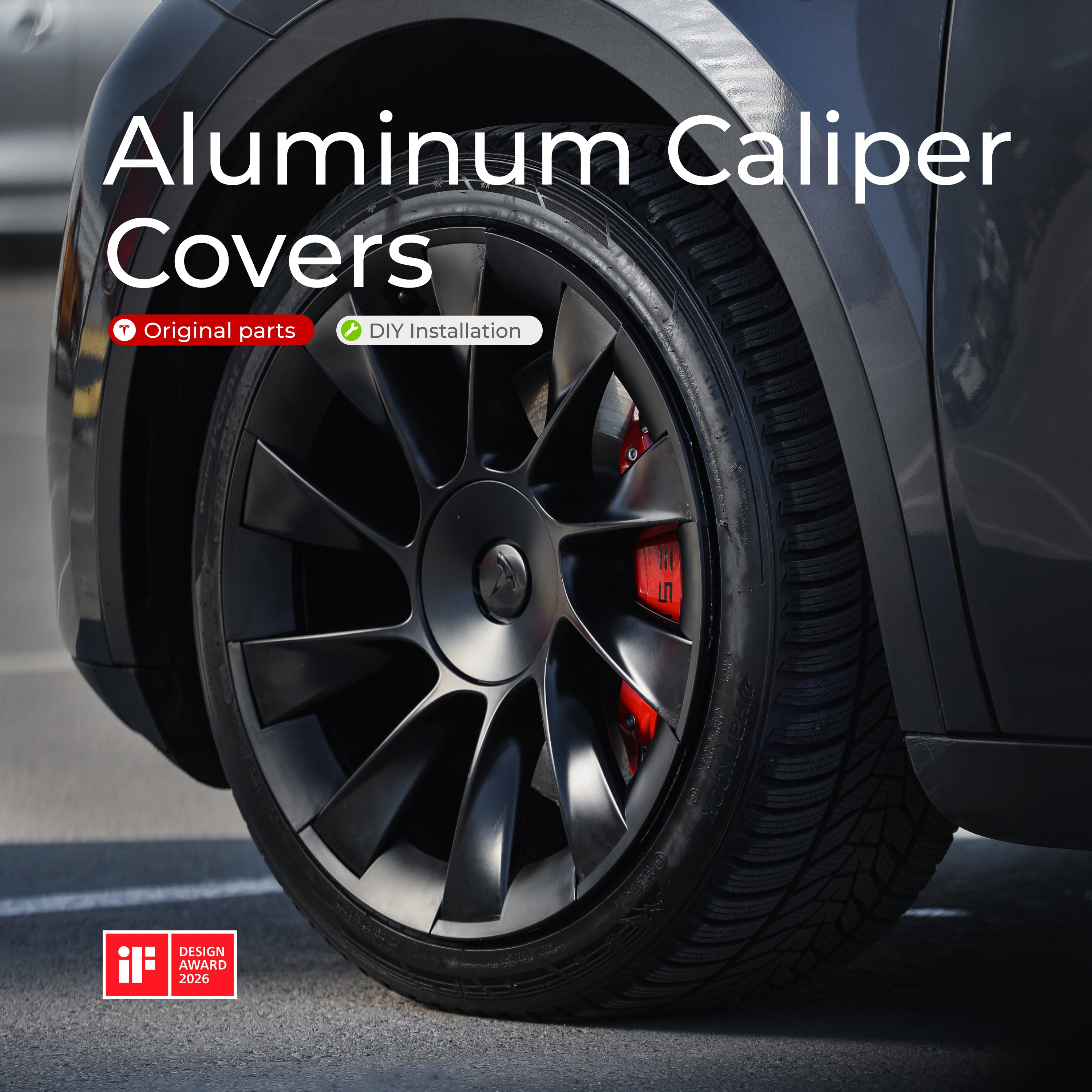
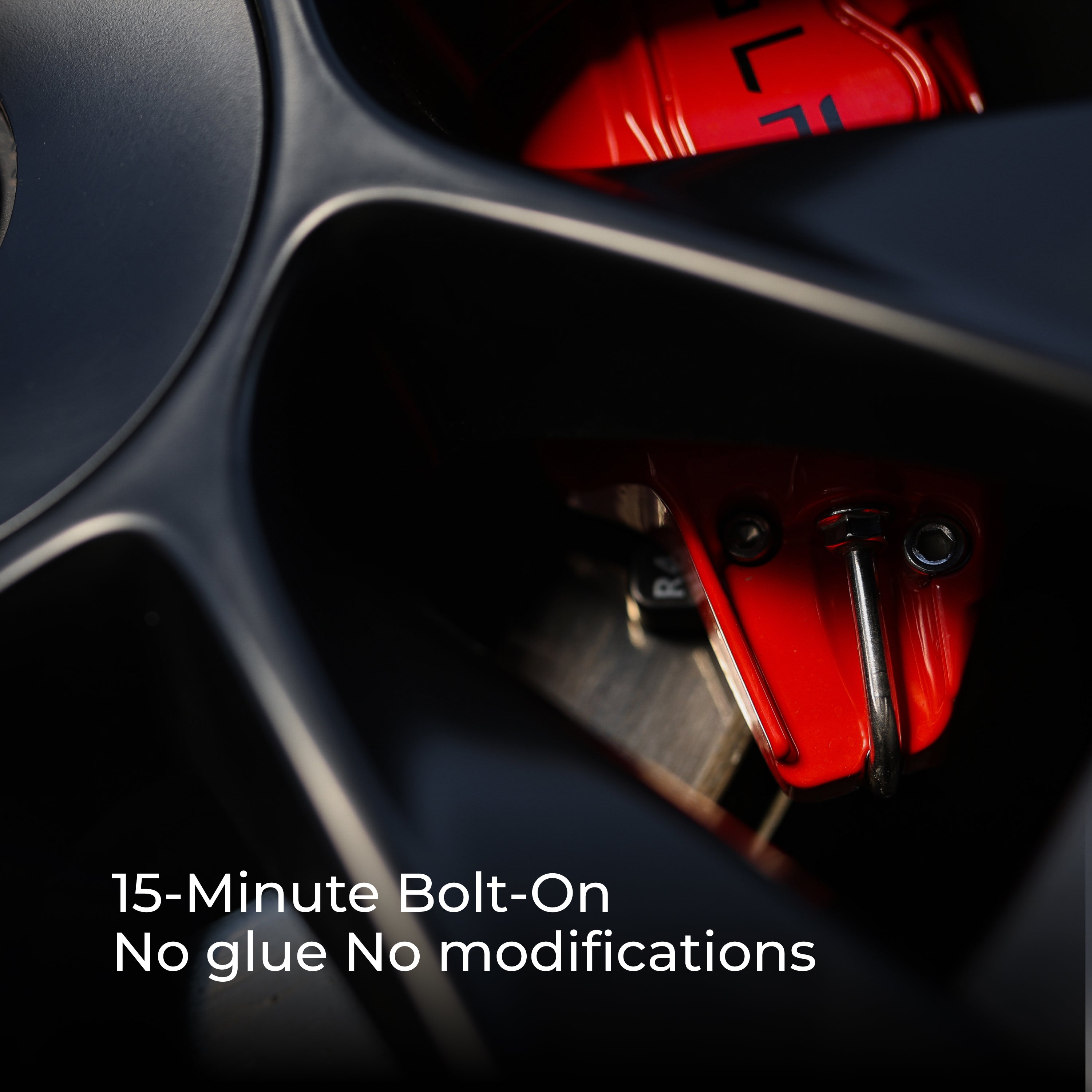
Teslahubs™ Aluminium Caliper Covers
Teslahubs™ Aluminium Rim Protectors
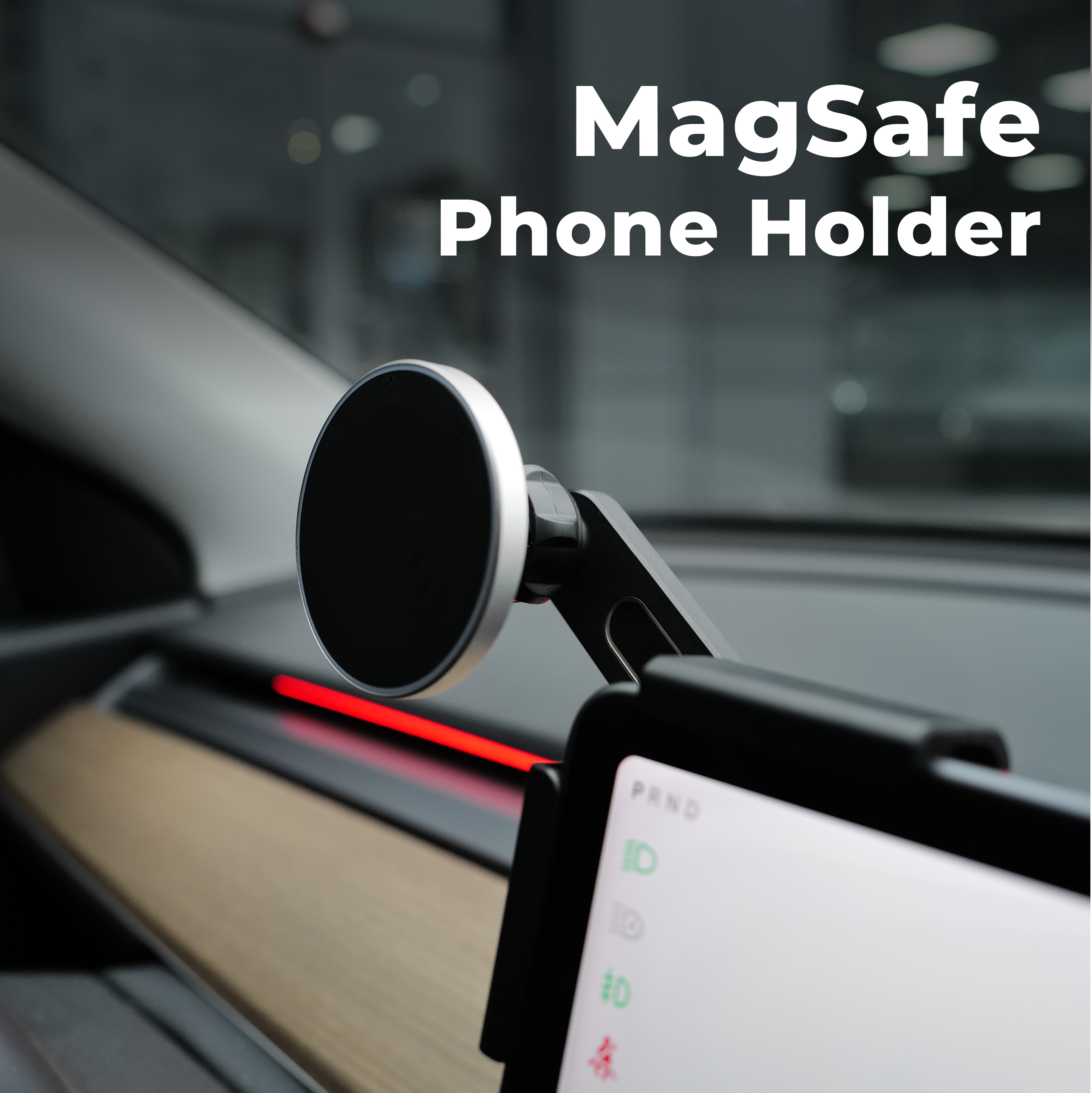
Teslahubs™ MagSafe Phone Holder
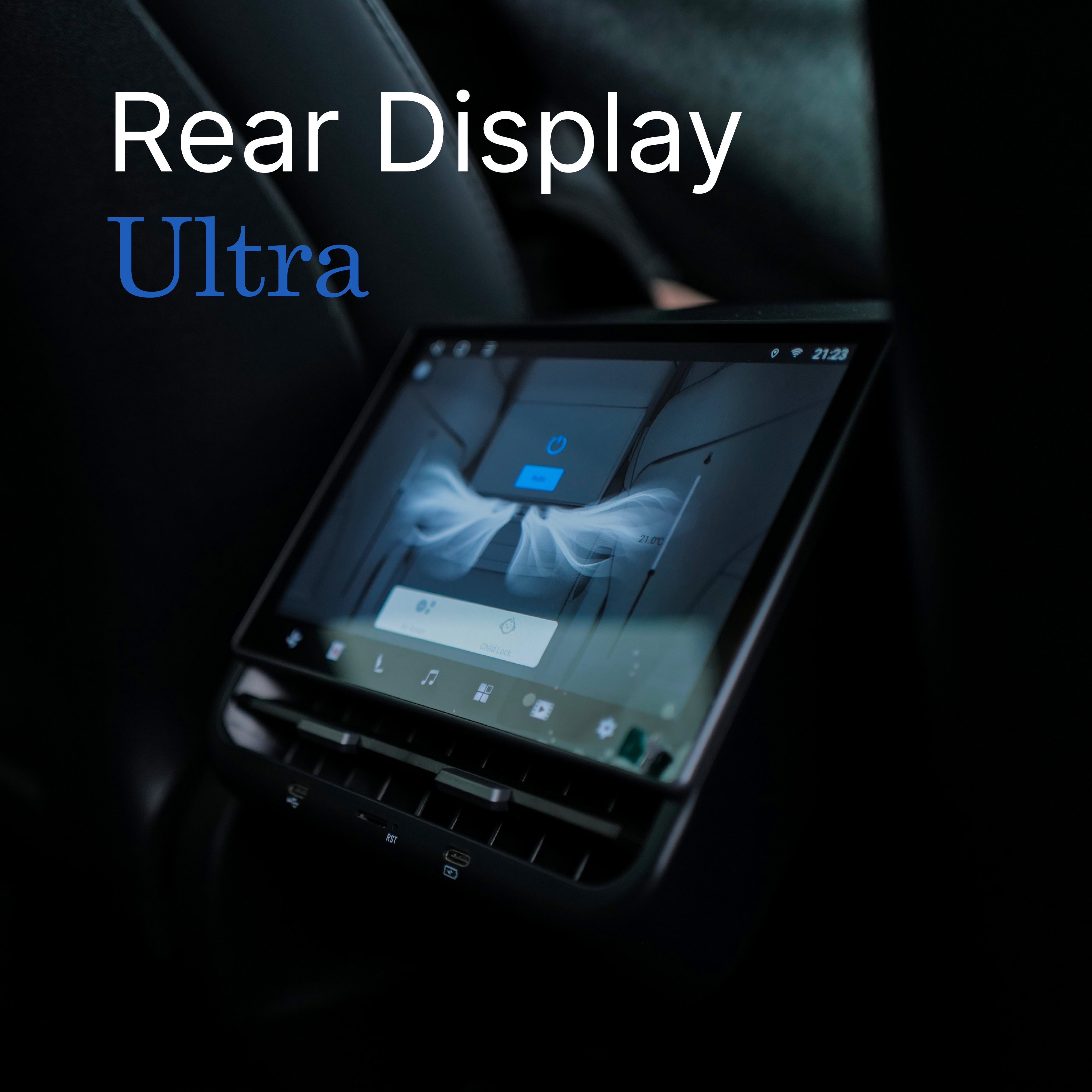
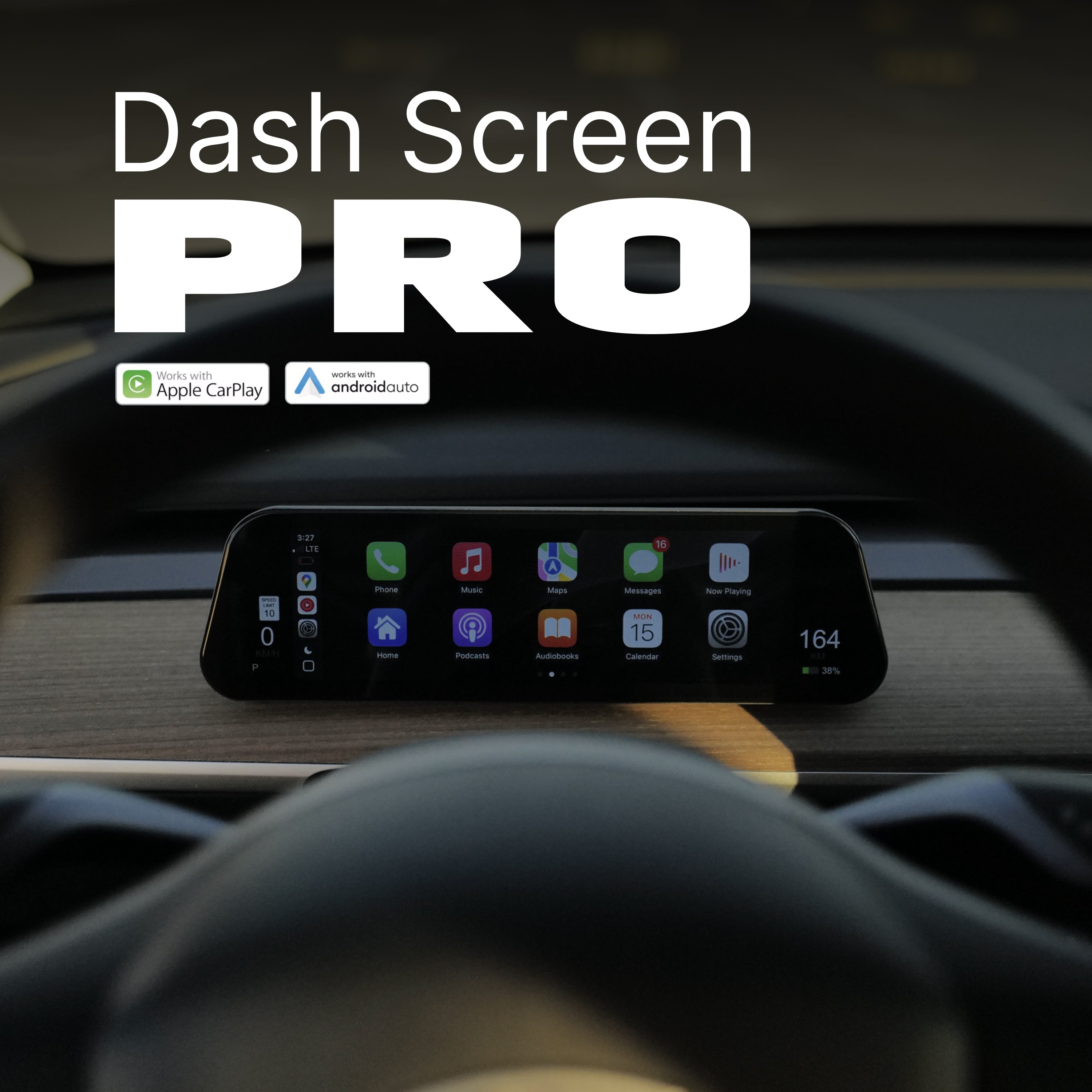
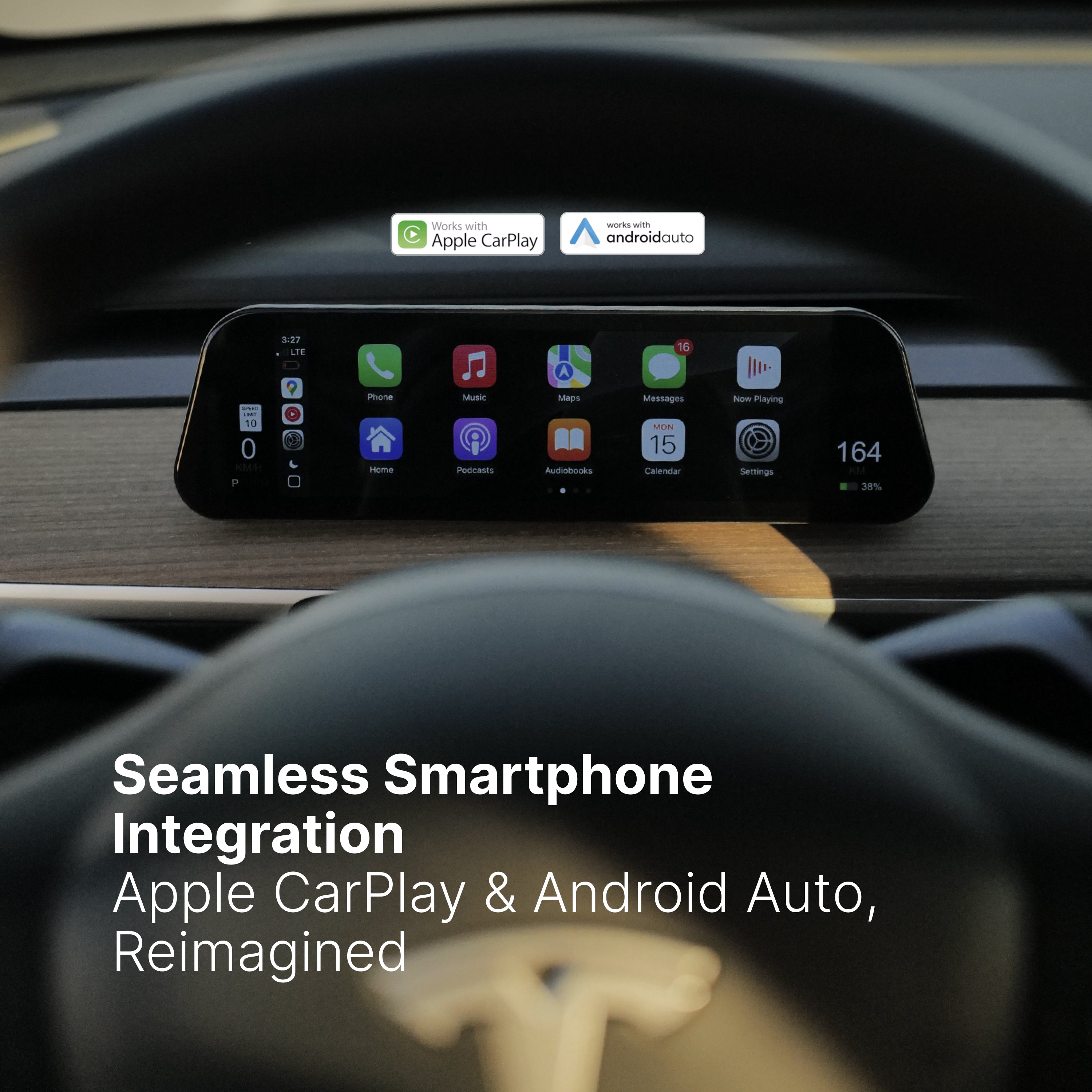
Dash Screen PRO, CarPlay Ultra
Solar Shield® Roof Sunshade Pro Kit