
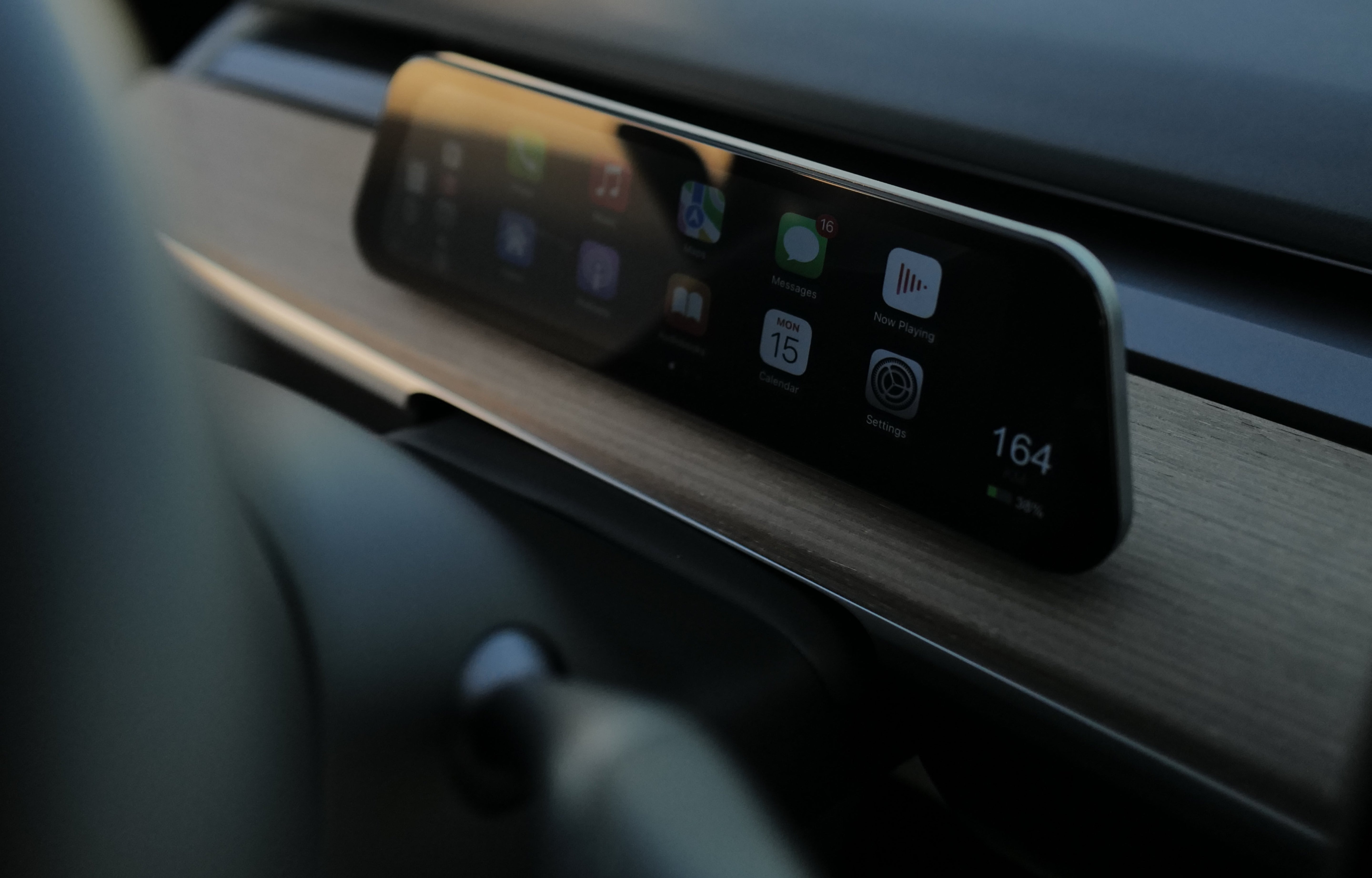

The Feature Tesla Owners Have Been Asking For—And How It Actually Works
The Problem Nobody Talks About
You're driving your Tesla. You need to navigate somewhere, but Tesla's navigation isn't great. You want to use Google Maps or Waze like you do in every other car.
You can't.
Tesla's main screen is locked down. It's beautiful, it's fast, but it's a walled garden. You're stuck using Tesla's apps, Tesla's way, Tesla's terms.
This has been the biggest complaint from Tesla owners for years.
What Changed
CarPlay Ultra brings full Apple CarPlay and Android Auto to your Tesla dashboard.
This means:
🗺️ Use Any Navigation App Google Maps, Waze, Apple Maps—whatever you prefer. No more settling for Tesla's navigation.
🎵 Use Any Music App Spotify, YouTube Music, Apple Music—full integration, not just audio. Your playlists, your interface, your way.
📱 Use Any App You Want Phone calls, messages, podcasts, audiobooks—everything works seamlessly, just like in your phone.
👁️ Keep Your Eyes on the Road The screen is positioned perfectly so you can see navigation and vehicle data without looking away from the road.

Why This Matters for Safety
When you're using Tesla's navigation, you have to glance at the main screen. That's a distraction.
With CarPlay Ultra, everything you need is right there—navigation, vehicle data, alerts—all in your natural line of sight.
You drive safer. You're more aware. You're less distracted.
Why This Matters for Convenience
Imagine never having to compromise on apps again.
Your favorite navigation app? Use it. Your preferred music service? Use it. The podcast app you love? Use it.
You're not adapting to Tesla anymore. Tesla is adapting to you.

Why This Matters for Resale Value
When you sell your Tesla, the buyer will see this feature.
"Oh, this Tesla has CarPlay Ultra? That's a huge upgrade."
It's not just a nice-to-have. It's a real value add.
The Real Question
Why didn't Tesla do this?
Tesla could have integrated CarPlay into the main screen years ago. But that would mean:
•Admitting third-party apps are better
•Losing control of the user experience
•Reducing data collection from user interactions
So Tesla didn't do it. Tesla pretended the problem didn't exist.
But the problem was always real.
What People Are Saying

The Bottom Line
CarPlay Ultra solves a problem Tesla created and refused to fix.
It's not about the product. It's about having choice. It's about using the apps you prefer. It's about driving the way you want to drive.
That's why it matters.
The feature Tesla owners have been asking for is finally here. And it works.

















Share:
A Look at Tesla's Photobooth Feature
Tesla Introduces Safety Score Disputes for Tesla Insurance