
Tesla Cybertruck: Slippery Surface Mode
The Cybertruck offers a variety of tools for different terrains, and one standout is Slippery Surface Mode.
Where traditional trucks often depend on mechanical locking differentials and engine weight over the front axle for winter traction, the Cybertruck relies on a software-defined traction control suite. Slippery Surface Mode is a user-facing feature within that system.
Normalizing Torque Distribution
On black ice, packed snow, or in torrential rain, many traction systems struggle to balance power delivery, which can lead to wheel spin and a loss of directional stability. Slippery Surface Mode adjusts the Cybertruck’s torque delivery to counter this.
When enabled, the traction control actively monitors grip at all four tires at the same time and aims to maintain an even distribution across every wheel, instead of waiting to respond only after a slip occurs.
By synchronizing torque, it helps prevent sudden surges to any single wheel and keeps the vehicle more stable.
Differences with Off-Road and Slip Start
Owners sometimes wonder when to use Slippery Surface Mode versus the vehicle’s Off-Road or Slip Start settings. The key difference is whether wheel spin is needed.
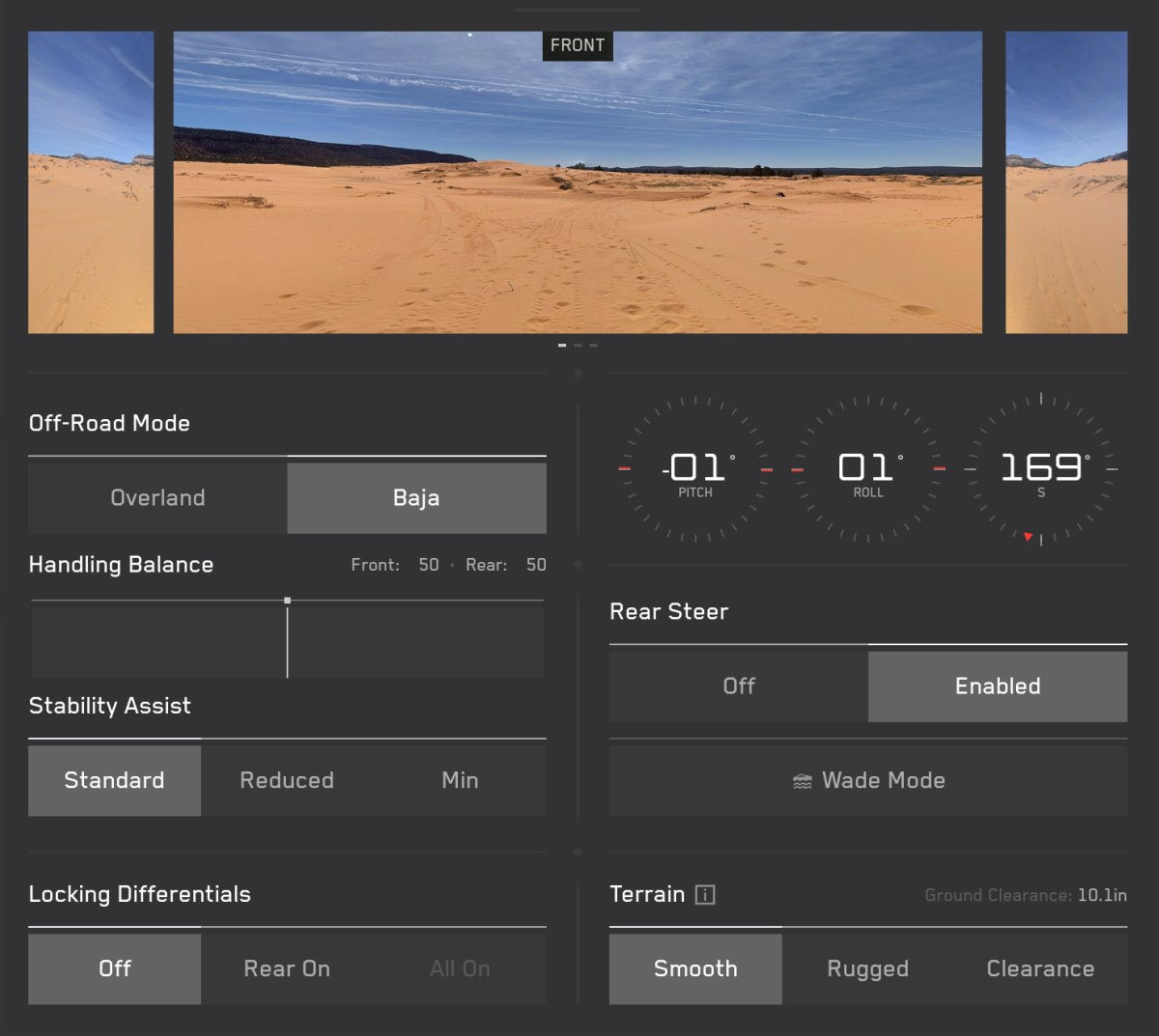
Off-Road Modes and Slip Start are designed to reduce traction control intervention. They deliberately allow the wheels to spin freely, which is useful to dig out of deep, deformable terrain such as mud, sand, or heavy snow.
Slippery Surface Mode, on the other hand, is intended for driving on paved roads affected by weather. It tightly restricts erratic wheel spin to prioritize lateral stability and reduce sliding.


How to Activate
To turn it on, navigate to Controls > Dynamics > Slippery Surface Mode.
Always On Traction Control
The traction control suite is always active. If sensors detect tire slip, heavy rain, or other adverse conditions, it may automatically enable the Slippery Surface toggle.
For additional details about the vehicle’s capabilities, see the Off-Road Mode Guide.
















Share:
Top Alternate USB Drives for Tesla's Dashcam and Sentry Mode Features
Tesla Model Y L Launch Series Now on Display in Stores