
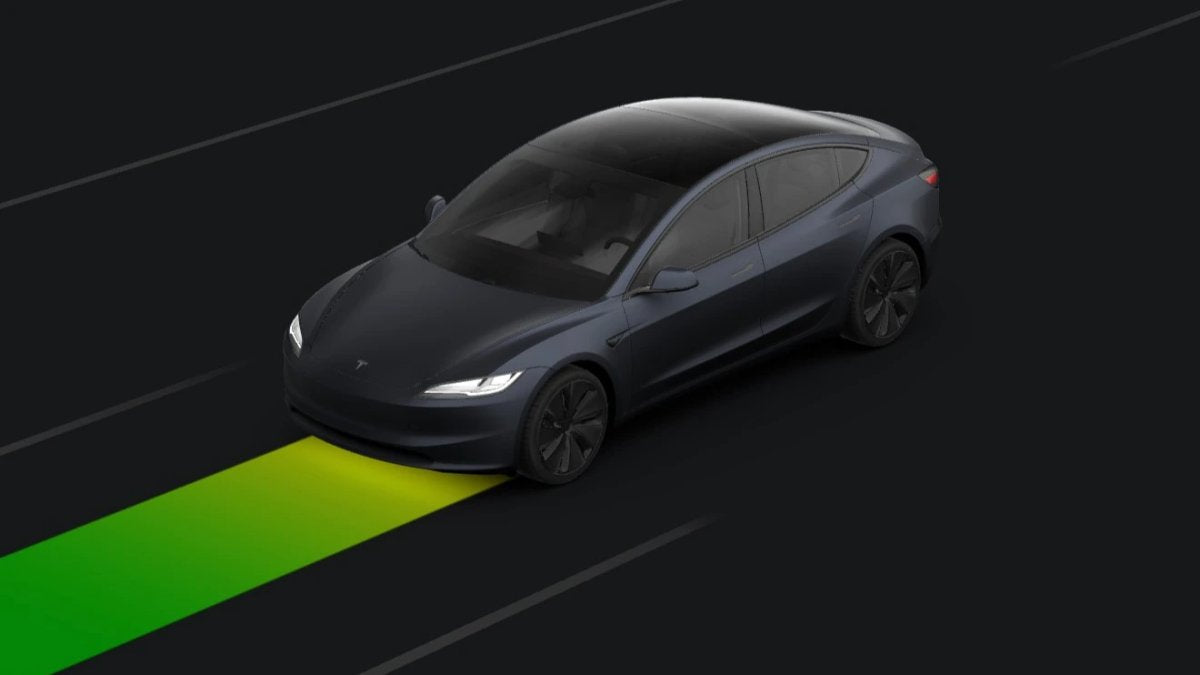

The Rainbow Road easter egg is now visible in the Tesla mobile app’s driving visualization. Confirmation comes via a post from @Tslachan. The change is tied to software version 2026.20.6.1 and Tesla app version 4.58.5, which began rolling out earlier this month and added the blue Full Self-Driving path visualization and a new Self-Driving indicator in the app. The feature is also present in software update 2026.20.6.6, which started reaching vehicles this week and includes FSD v14.3.5.
$TSLA
— Tsla Chan (@Tslachan) July 11, 2026
The Tesla app lets you know if FSD is working. Is this the first time in Korea for this update? pic.twitter.com/D6FFNiv1O0
Check Whether FSD Is Active
The Tesla app recently gained the ability to indicate when FSD is active. When FSD is enabled, the app shows a blue FSD path that mirrors what appears on the vehicle’s display.
If the Mario Kart tribute is enabled in the car, the FSD path shown in the app switches from blue to a bright, scrolling rainbow lane. To enable it, use the vehicle’s touchscreen and go to Apps > ToyBox > Rainbow Road, then turn on Always Rainbows.

Even More Rainbows With Ambient Lighting
Vehicles equipped with ambient cabin light strips can also enable Gotta Have More Rainbows, which makes the ambient lighting flash a rainbow pattern in sync with the road visualization.
The easter egg is not new, but it now appears in the mobile app as well, mirroring the in-vehicle visualization on the phone.
















Share:
Tesla Tears Down Model S/X Lines for Optimus Production
Tesla FSD Inches Closer to Regulatory Approval in Italy