

TeslaHubs product and setup guide
New Tesla, familiar phone, no CarPlay button: here are your options.
Use the display you have, add a separate screen or keep using your phone. This guide explains the difference, starting with the USB adapter route that brings supported CarPlay and Android Auto to the existing Tesla screen.

The practical choice
If you are concerned about warranty implications, start with what physically changes: the SpaceBox adapter connects through USB. No drilling into the dashboard or splicing factory wiring. The box is removable; Tesla vehicle-warranty coverage remains a separate question for your service advisor.
Worried about installation difficulty? The steps are hardware connection, phone pairing and opening the Tesla browser/interface as shown in the guide. Published reviewer emma wrote: Delivered in 4 days without problems, connected in 1 minute
. Her experience makes the appeal tangible; allow time for your own setup and parked test.
Check the current vehicle and accessory requirements
SpaceBox is the wireless bridge between your compatible phone and the display. The USB box stays with the car while supported maps, music and call controls appear on the existing screen. Mark’s Now my car looks complete!
captures the payoff: the phone interface you wanted, in the cabin you chose. Confirm AMD Ryzen and your exact build before ordering; Australia is excluded.
If the $139.99 offer seemed too good to be true at this price, there is more to inspect than a discount badge: the adapter, included cables, installation guidance and 2-year product warranty, plus free shipping. David Mercer wrote, This is my second set, this time for my wife.
That is one customer choosing again. Read the current terms and contact TeslaHubs with any setup question before purchase.
Separate factory information from future reporting
Evaluate confirmed factory features using official information for your car.
A rumor or screenshot does not establish a release date, supported hardware or final interface.
You can assess an accessory for what it supports today without forecasting future Tesla software.
Questions to test in your own setup
Use these as questions to check during setup, not a claimed measured failure rate across every device.
Interface response
Interface response can depend on the device, phone and software. Test the functions you actually use while parked.
Reconnection
Follow the current pairing and reconnect instructions for the exact product.
Phone data requirements
Some adapters use the phone hotspot. Carlinkit T2C's current phone-hotspot version does not need a SIM card; check your phone-data requirements.
App and vehicle information
Check how the chosen navigation app behaves on your supported setup. Do not assume every projected function uses the same vehicle data as the native interface.
Connection roles
The adapter and native vehicle connection have different roles. Follow the current guide if you need to move between them or troubleshoot connectivity.
DIY maintenance
A DIY project requires its own hardware, software and testing. Use the project's current documentation rather than a fixed parts-price or feature guarantee.
Compare the five routes
| Route | Hardware cost | Setup | CarPlay | Android Auto | Media/mirroring | Guidance | Decision |
|---|---|---|---|---|---|---|---|
| Current phone interface | Existing vehicle functions | Use vehicle guidance | Not a projection route | Not a projection route | Check current functions | Vehicle guidance | May already meet your needs |
| DIY project | Read current parts list | Build and maintain it | Project-dependent | Project-dependent | Project-dependent | Project documentation | Requires your own setup/testing |
| Named packaged adapters | Tesery $76.99 / T2C $69.99 at check | Follow exact guide | Both advertised | Both advertised | Check exact device | Published seller guidance | Check exact requirements/availability |
| SpaceBox | $139.99 current hardware | USB, pairing, parked test | Supported | Supported | Parked use only | Product guidance; terms apply | AMD Ryzen/build check required |
| Separate display | Check actual product | Read exact installation | Device-dependent | Device-dependent | Device-dependent | Seller guidance | Adds a viewing position |
Scroll the table sideways to compare the routes.

Route 1: Current Bluetooth phone functions
Use the vehicle's current Bluetooth phone guidance for the functions it supports.
Bluetooth alone does not project a CarPlay dashboard. It may still be sufficient if you only need the phone functions already supported by the car.
Choose the current interface if it already meets your needs.
Route 2: DIY project
The Tesla Android project is a separate DIY route to investigate through its current documentation. It is not the same purchase as a packaged adapter.
Read the current hardware list, software installation process and supported functions before buying parts.
Choose DIY when you want to build and maintain the setup yourself.
Route 3: Named packaged adapters
Compare exact packaged devices: the checked Tesery listing showed $76.99, and Carlinkit T2C $69.99. Both advertise CarPlay and Android Auto.
Their setup guidance includes a Tesla-browser connection. Use the exact device and version, not a generic brand name.
A wired-to-wireless CarPlay adapter for a car that already has wired CarPlay is a different product from a Tesla-specific connection. Check the intended input system.
Compare price, current availability, the actual guide and warranty terms.
Route 4: SpaceBox existing-screen adapter
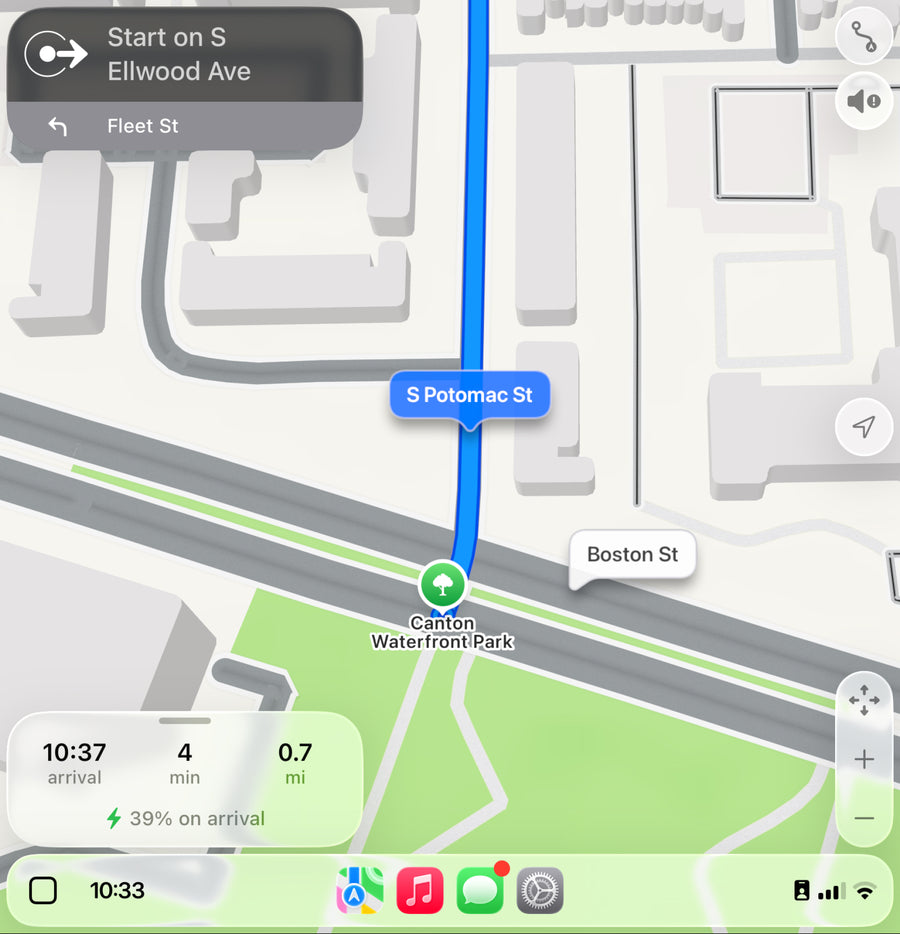
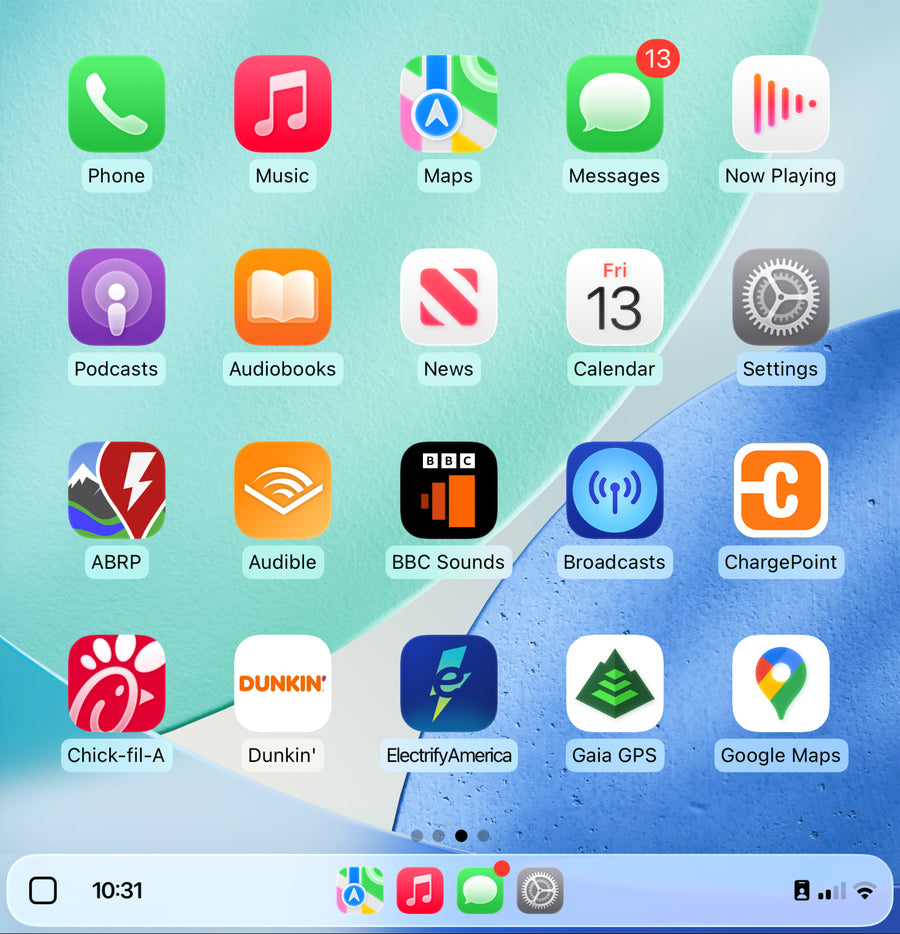
SpaceBox supports CarPlay and Android Auto on compatible setups, with wireless and wired phone connections, using the existing display.
The hardware is $139.99. SpaceBox requires an AMD Ryzen processor and an exact model/build check. Australia is excluded.

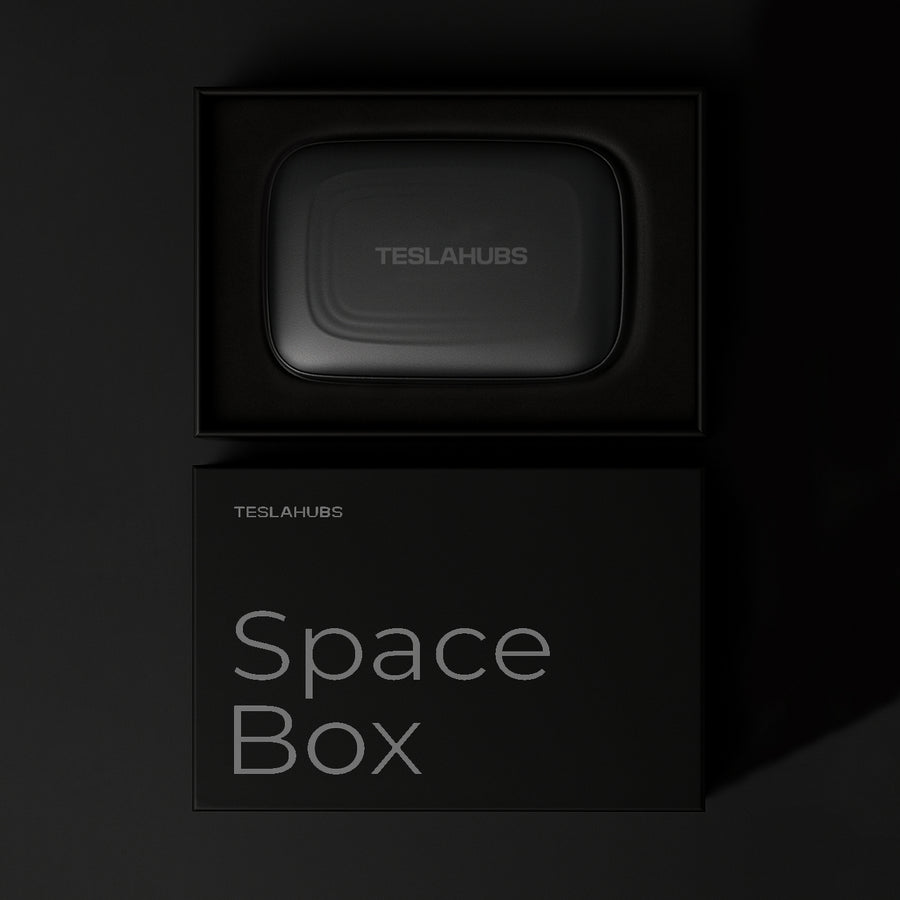
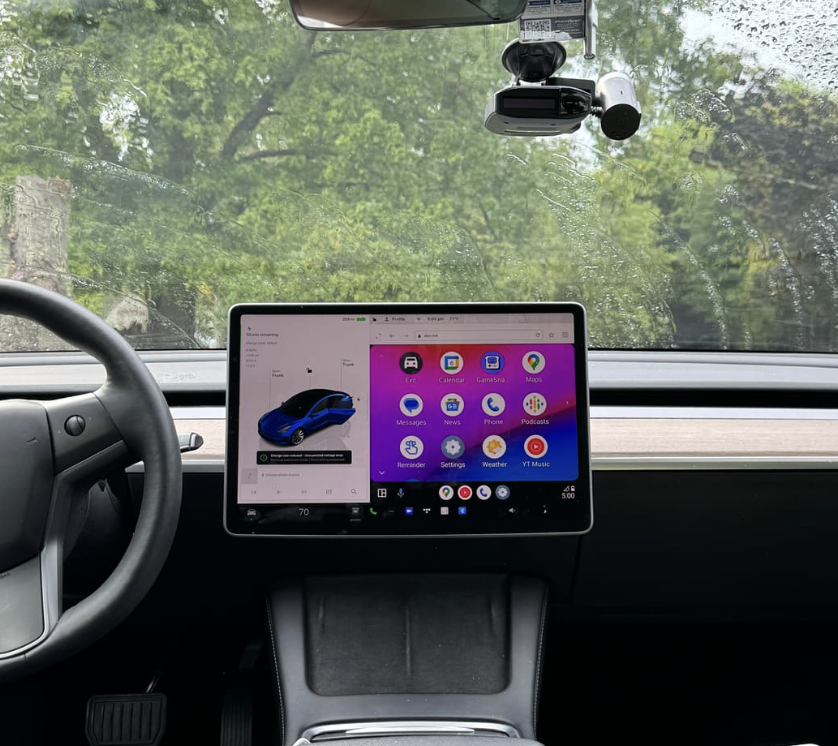
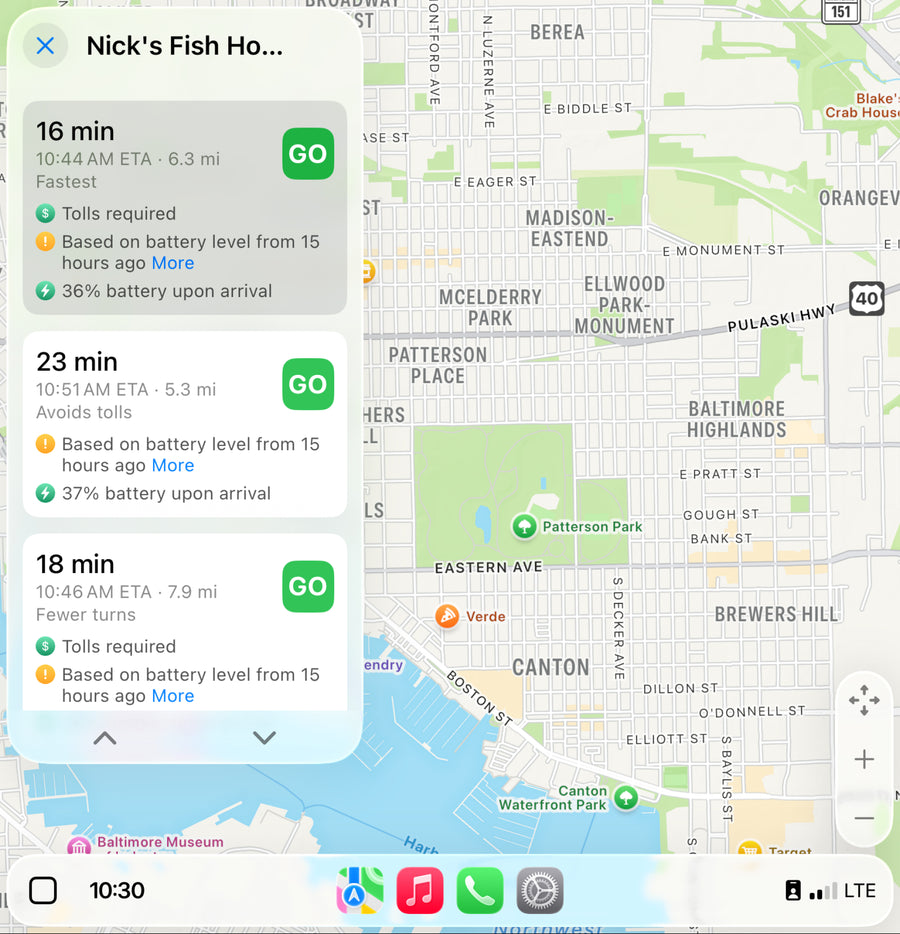
Follow the current connection instructions and check how the native vehicle functions and adapter interface behave in your setup.
Test call audio while parked. If pairing is not behaving as described, use the guide and contact TeslaHubs with the exact setup details.
Manual adapter firmware updates may be needed after software changes. Keep the current instructions available.
Allow time to confirm the car, connect USB, pair the phone and test. No fixed installation time is promised.
SpaceBox's 2-year product warranty differs from the checked 1-year Tesery and T2C terms. Decide whether that and the seller guidance justify the price premium to you.
Check current delivery and return eligibility.
Route 5: Separate display
A separate display changes the viewing position. Read the exact installation, phone support and power requirements before choosing one.
Choose a separate screen if its position or features are the reason to buy. It is not automatically an invasive head-unit replacement.
Check exact hardware compatibility
Confirm the processor and build before choosing SpaceBox. Use the vehicle's information screen or ask TeslaHubs if you are unsure.
Hardware requirements
Choose after the hardware check, not only the model-name selector.
| Tesla model | Hardware requirement |
|---|---|
| Model Y | SpaceBox requires an AMD Ryzen processor and an exact model/build check. Australia is excluded. |
| Model 3 | SpaceBox requires an AMD Ryzen processor and an exact model/build check. Australia is excluded. |
| Model S | SpaceBox requires an AMD Ryzen processor and an exact model/build check. Australia is excluded. |
| Model X | SpaceBox requires an AMD Ryzen processor and an exact model/build check. Australia is excluded. |
| Cybertruck | SpaceBox requires an AMD Ryzen processor and an exact model/build check. Australia is excluded. |
Not supported in Australia.
Connect and test while parked
The adapter uses removable USB hardware without drilling or permanent wiring. Follow the installation guide for your exact setup.
- 01 Confirm the car, build and processor against the current product requirements.
- 02 Park before first-time setup and testing.
- 03 Connect USB hardware as shown in the current guide.
- 04 Follow the phone-pairing and browser/interface instructions.
- 05 Use the supported phone connection for CarPlay or Android Auto.
- 06 Follow the guide for convenient access to the interface.
- 07 Test navigation and call audio before driving.
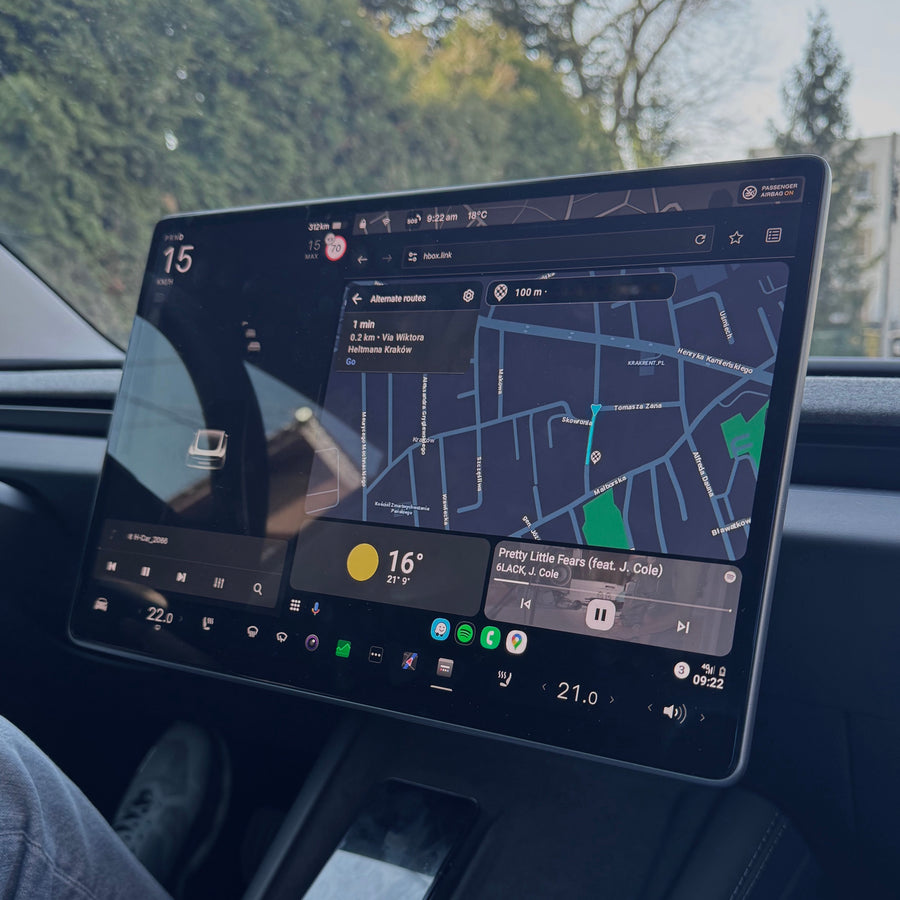
Read the product's installation and manual-update guidance before ordering.
Contact TeslaHubs with the model, build and phone details if a step is unclear.
For individual product experiences, read the SpaceBox review guide. Read five published SpaceBox review excerpts
Published product-review excerpts
The short excerpts below match published product reviews and describe individual experiences.
This is the best solution I have ever seen.
Hartman · Published SpaceBox product-review excerpt
This is my second set, this time for my wife.
David Mercer · Published SpaceBox product-review excerpt
Works with Android auto
Lonnie Thomas · Published SpaceBox product-review excerpt
Screen mirroring is a great feature
Larry Hockman · Published SpaceBox product-review excerpt
Now my car looks complete!
Mark · Published SpaceBox product-review excerpt
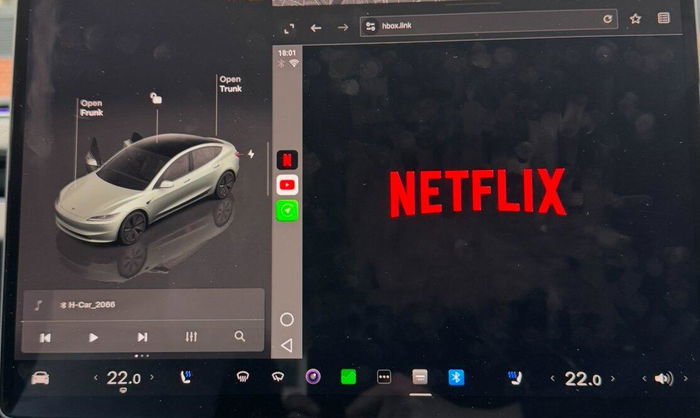
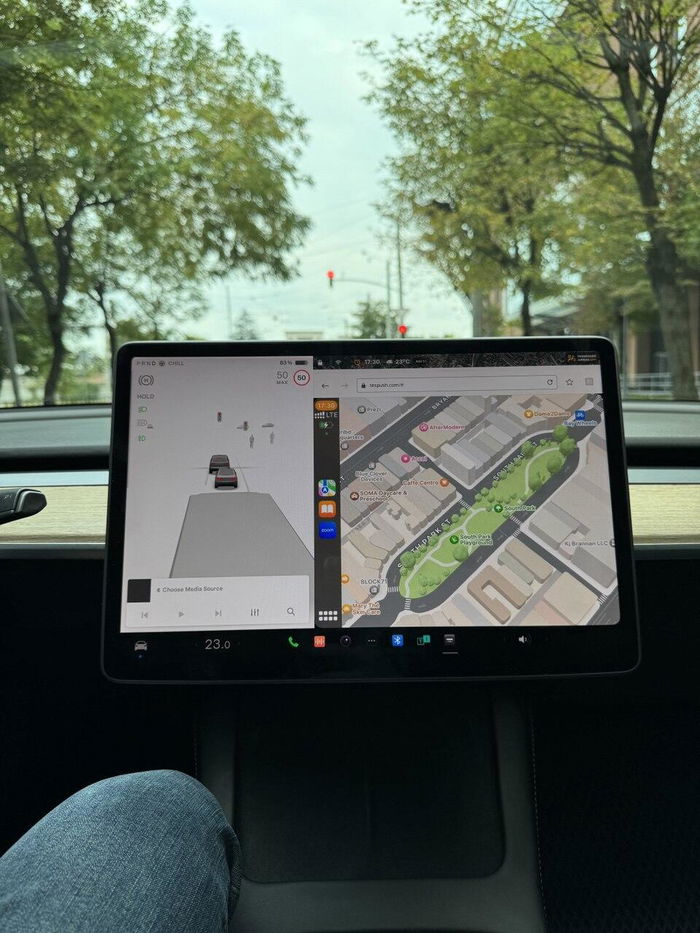
Read the 250+ published reviews on the current product listing. Reviews are not all purchase-verified, and setup context matters.
Decide whether to wait or buy hardware
You can wait if the current interface already meets your needs.
The purchase is straightforward: $139.99 for an adapter that brings a supported phone interface to the existing display, with pairing and occasional manual firmware upkeep.
Waiting can be a reasonable choice. No accessory is necessary just because a feature might appear later.
A future factory release should be evaluated on confirmed capabilities for your car when available.
Check your exact Tesla hardware
Check compatibility and the purchase terms before installing. Request a return within 30 days of delivery for unused items in original packaging. Read the full policy before installation.
See the Space Box →Setup and purchase questions
Where do I check factory features?
Use official release information for factory features. This guide does not guarantee a future Tesla feature or release date.
What about my vehicle warranty?
Product warranty and vehicle coverage are separate. Ask your Tesla service advisor about your circumstances.
Are all wireless adapters interchangeable?
Identify the exact intended system. A wired-to-wireless dongle and a Tesla-specific adapter connection are not interchangeable categories.
Does SpaceBox support both phone platforms?
SpaceBox supports CarPlay and Android Auto on compatible setups. Follow the phone-specific instructions.
What about video and screen mirroring?
Use supported media and mirroring only while parked. Do not watch video while driving.
What about native vehicle functions?
Follow the product guide to switch or troubleshoot connections; do not assume every native vehicle feature is reproduced in the phone interface.
What if a factory feature arrives later?
A future factory update does not create a special refund right. Request a return within 30 days of delivery for unused items in original packaging. Read the full policy before installation.
How do I confirm my processor?
Check the vehicle's computer information and the current SpaceBox listing, or ask TeslaHubs to confirm the exact build.
Still unsure? Check compatibility on the product page.